
Process Explainer Video Maker
Turn any process into a vertical explainer
Process Explainer Video Maker
Turn any process into a vertical explainer
Showcase
Description
Turn a “making process”—cooking, crafts, painting, software操作, and more—into a 45–90-second vertical explainer course video. The Skill first analyzes the topic and creates a six-part storyboard script, then generates or uses a presenter character, animated visuals and subtitles for each segment, and finally records the voiceover, assembles the timeline, and performs quality checks before delivery. Uploaded user audio is preferred for the voiceover. If no audio is uploaded, the Skill automatically selects a suitable, natural-sounding voice and does not use any personal cloned voice. Suitable for process explainers, workflow training, tutorial shorts, and similar use cases.
Related Skills
View all
Talking-Head Video Maker
Save and reuse user-uploaded digital human assets (avatar/voice) to generate talking-head explainer videos. Use this skill when users want to keep a specific digital human appearance or voice, turn a script, URL, or PPT into a talking-head explainer video, or need reusable prompts/templates for generating talking-head videos. This skill only handles generation; if users need final editing, burned-in subtitles, or MP4 compositing, hand off to “Talking-Head Final Cut,” “Talking-Head Editing,” or talking-head-remotion.
 Video
VideoSpark | Video Diagram Maker
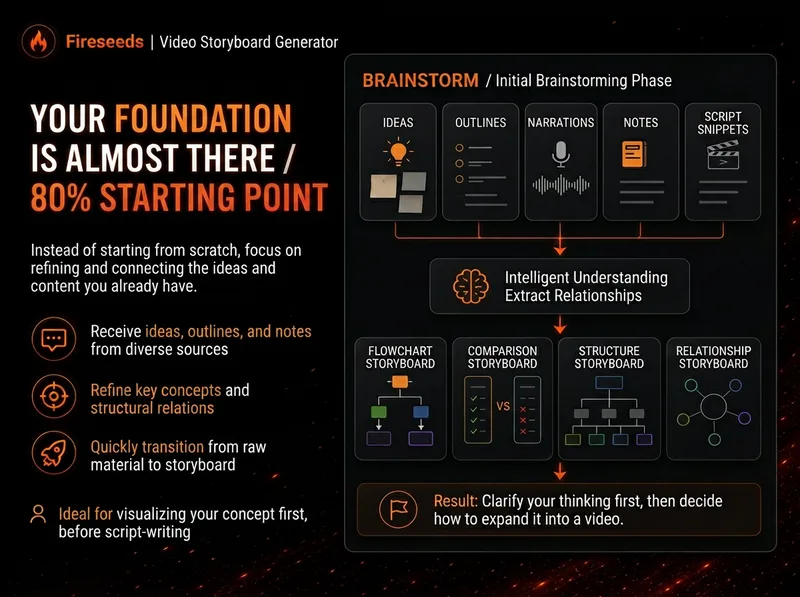
Many videos don’t lack content—the content is simply too abstract or dense. Viewers understand one sentence, then forget it by the next. “Spark | Video Diagram Maker” takes your ideas, brainstorms, outlines, scripts, transcripts, or articles and first breaks them down into concepts that are genuinely worth visualizing. It then determines whether they are best expressed as a process, comparison, architecture, hierarchy, cycle, branch, decision tree, or another diagram structure. It won’t draw just to hit a quota, or cram complex content into one cluttered infographic. Multiple diagrams maintain the same visual language, naming, and semantic color system, making them easy to insert into videos as an explanatory framework. Especially useful for: Explaining complex concepts Breaking down workflows Comparing two methods Showing system structures Clarifying cause-and-effect relationships Turning a long brainstorm into a set of visual nodes for a video The default output is a 16:9 static diagram. If the runtime environment cannot provide an editable Excalidraw source file, this will be stated clearly; static images will never be presented as .excalidraw files. Use cases Use case 1 | Turn a brainstorm into diagrams You only have a long stream of spoken ideas, without a complete script. The Skill identifies the points most worth drawing and organizes them into a set of diagrams with a clear presentation order. Use case 2 | Turn a script into visual nodes for a video You already have a complete script but don’t know where to add visuals. The Skill determines which sections are worth visualizing and selects suitable diagram types. Use case 3 | Explain complex concepts For example: how an AI Agent works, why a workflow matters more than a one-off demonstration, how a business model operates, or which layers make up a product architecture. Use case 4 | Break down a workflow or process For example: topic pool → research → Hook → script → production → review. Use case 5 | Make comparisons For example: no workflow vs. a workflow; traditional methods vs. AI methods; one-time success vs. stable, repeatable results.
Paper Craft Science Videos
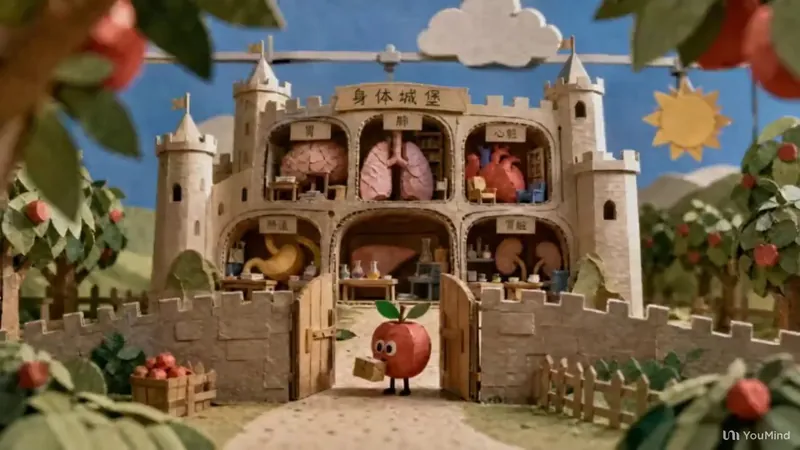
Turn any science topic into a short-video production plan in a paper-craft stop-motion style: from understanding the brief, creative direction, and character, scene, and set design to visual previews, prompts for single images, image series, and image-to-video generation, storyboard pacing, camera moves, transitions, sound, and narration, followed by a final review. The entire process uses miniature paper-sculpture scenes with a handmade stop-motion feel, with each stage confirmed step by step through selection cards. —An iterative upgrade of a non-original Skill.
Information
- Version
- v2
- Last updated
- Runtime credits
- Usage-based
- Models
- Auto
