Pixel Specimen | xiaoxiaodong
By xiaoxiaodong
Pixel Specimen | xiaoxiaodong
By xiaoxiaodong
Showcase
Description
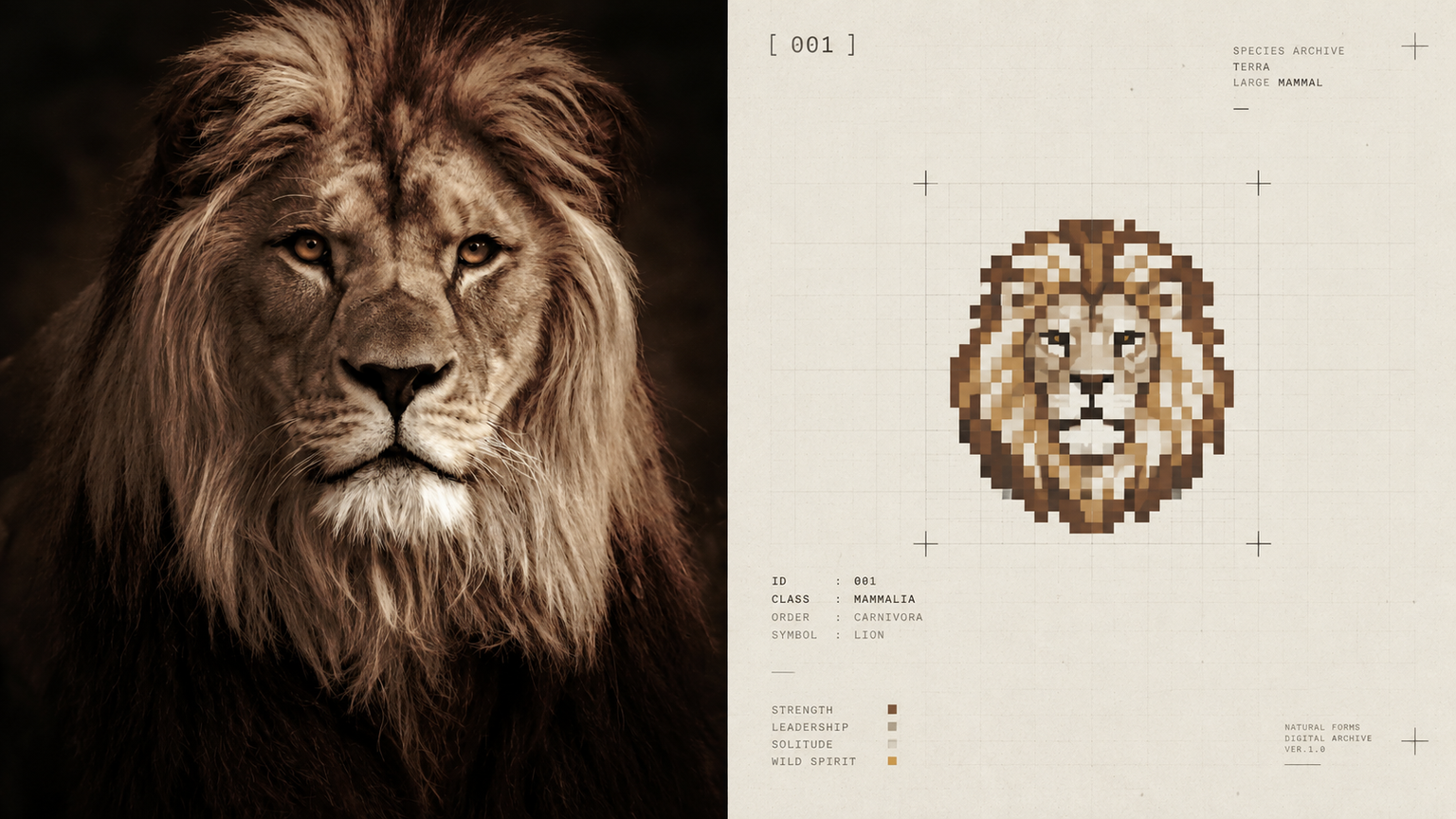
Ideal for turning an ordinary photo into a small signal on an archival page. The original image appears on top; below it, the subject is distilled into an abstract pixel badge with a hard grid, minimal tonal levels, and almost no dithering—like a pixel specimen preserved in a collection book. The badge is very small, set in generous warm-white or light-gray negative space, with an optional tiny monospaced number beside it. The overall design uses low-saturation industrial neutrals, retaining only one sparse signal color derived from the original image. Avoid complete scenes, pixel illustrations, game interfaces, icon collections, nine-grid templates, noisy retro effects, and cheap tech aesthetics.
Recommended by
淡苍
Why we love this skill
Transforms a photo into a precise, restrained pixel specimen with a hard grid, sparse color, and one rare accent—eschewing noisy retro filters and templated UI for the order and distinctiveness of a small-format work.
Best for
Creators who want to turn ordinary photos into restrained, archival-feeling pixel specimen artworks.
How to use this Skill
Provide your input
Provide one photo or an image directory containing photos.
Run the Skill
Reduce the photo’s subject to a small pixel specimen badge and place it in a spacious, restrained archival-page layout.
Review your result
Generate a finished PNG featuring the original photo and an abstract pixel badge, using a hard grid, few tonal levels, and a rare signal color.
Related Skills
View all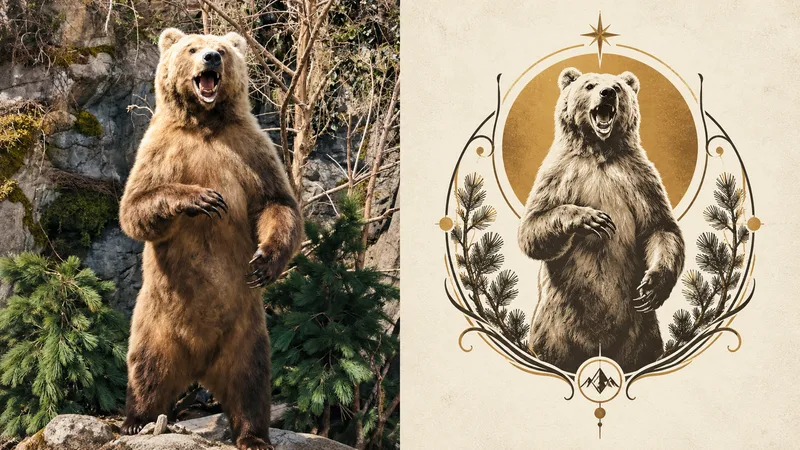 Image
ImageNouveau Badge · xiaoxiaodong
Ideal for turning an ordinary photo into a visual badge in the Art Nouveau style. The top half shows the original photo; the bottom compresses the subject into a sophisticated visual symbol, totem-like logo, or artistic badge with symbolic meaning. A standalone symbol is reconstructed using minimal lines, decorative curves, geometric structures, and symbolic elements. The subject resembles a carefully designed brand mark, with a small scale, generous negative space, and a strong visual focal point. The result is stable, balanced, and restrained. Use black, gray, warm white, or a low-saturation background, extracting just one of the original image’s most vibrant colors as the sole accent. Preserve delicate linework, a subtle printmaking feel, and paper texture. Avoid complete scenes, excessive botanical detail, generic logo templates, commercial icon styling, and cheap decoration.
 Image
ImageGeo Mark | xiaoxiaodong P277
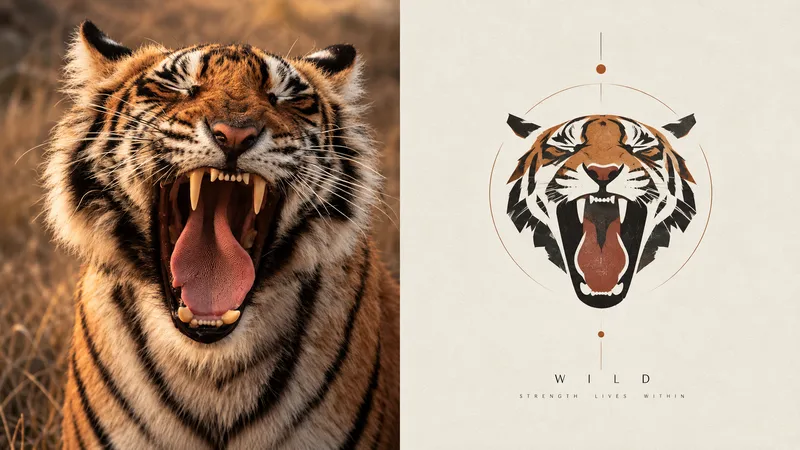
Turn an ordinary photo into a small, modernist visual mark. The original image appears above; below, the subject is distilled into a geometric symbol with a distinct brand identity, retaining only one contour, one set of proportions, one pose, and one memorable detail. The subject resembles a small visual mark from an art book, architectural brand manual, or exhibition identity, floating in generous white space. A few fine lines, supporting geometric relationships, or abstract structures may be added. It uses the language of modernist graphic design—geometric contours, flat color blocks, simple proportions, and clear boundaries. Facial features are minimized for people, and details are reduced for buildings, leaving only the most symbolic forms. Avoid complex illustrations, complete scenes, cartoon styling, generic app icons, and the feel of a commercial logo template.
Cultural Silhouette|xiaoxiaodong P278
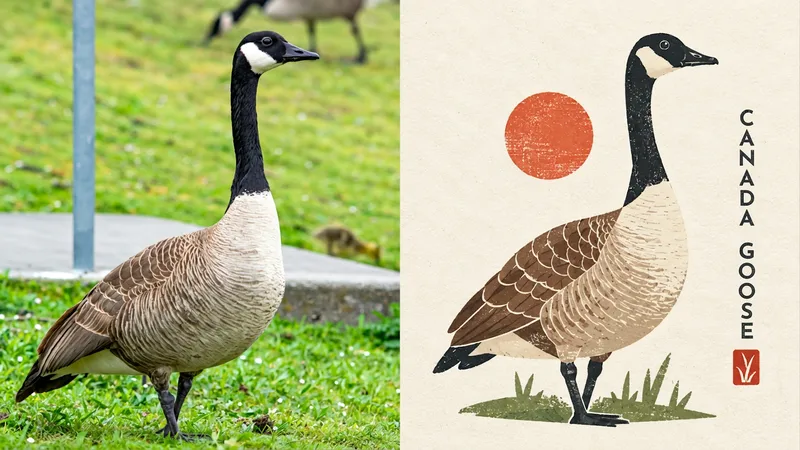
Turn an ordinary photo into a cultural emblem with a collectible feel. The upper half shows the original photo; the lower half compresses the subject into a memorable miniature identity system. Geometric simplification, paper-cut collage, flat color blocks, and symbolic forms create an abstract graphic reminiscent of a cultural institution mark, art badge, or design studio logo. The subject resembles a carefully designed miniature cultural seal, centered or slightly offset with clean space around it. Large areas of solid color, clear contours, and a few internal structure lines preserve a simulated print texture inspired by screen printing, Riso overprint misalignment, and uneven ink coverage. The palette uses warm ivory and beige paper as the background, with forest green, cobalt blue, soft yellow, and coral red shaping the subject. Avoid complex scenes, cartoon characters, commercial logo templates, and sleek corporate vector styling.
Information
- Version
- v3
- Last updated
- Runtime credits
- Usage-based
- Models
- Auto
- Use cases
- Images & design
- What you get
- Image
- Visual styles
- MinimalistPixel art
