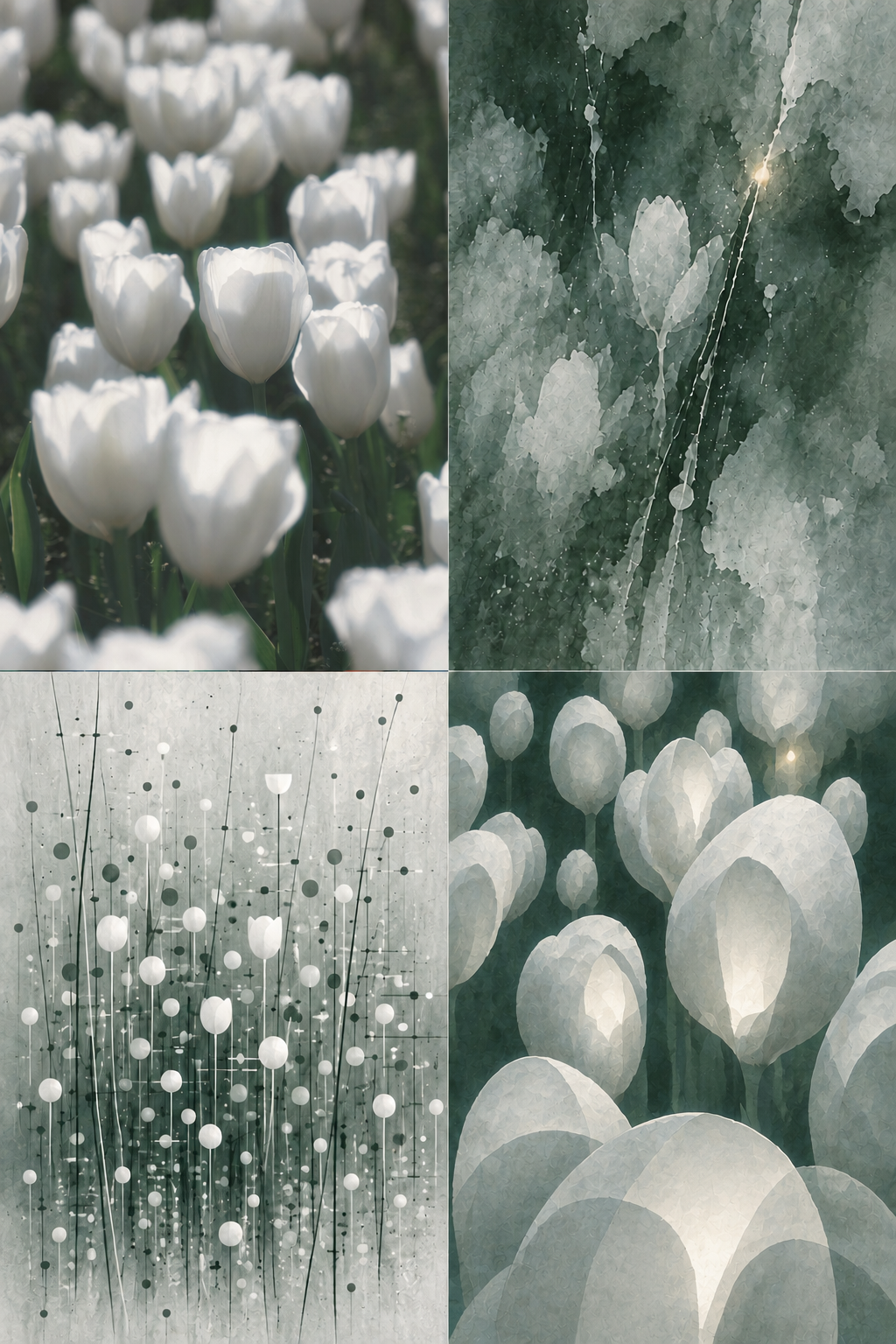
【S.006】 Four-Panel Ink
Turn one photo into a vertical ink four-panel
【S.006】 Four-Panel Ink
Turn one photo into a vertical ink four-panel
Showcase
Description
Turn one photo into a vertical 2:3 ink-wash artwork arranged in four panels. Preserve the original image as the upper-left panel, then extend the photo’s own colors, compositional relationships, movement paths, and spatial rhythm into three distinct visual expressions. The result is not an ordinary collage or four filters, but a continuous translation from photographic evidence to poetic memory, dot-and-line rhythm, and finally surreal space. The second panel distills the photo’s atmosphere in a semi-abstract, moist, and elusive form. The third transforms observable directions, intersections, repetitions, and density patterns into restrained dot-and-line structures, moving beyond the outlines of specific objects. The fourth retains the original image’s spatial grammar and layers, replacing real objects with folds, interfaces, passages, or other nonrepresentational forms derived from the photo to create a surreal world whose origins remain recognizable. For each uploaded photo, the artwork re-extracts its colors and visual features rather than applying a fixed theme, palette, or composition. It is suited to creating ink-wash four-panel works, one-photo-to-four transformations, source-image abstraction, and editorial-style visual posters. The result is one cohesive vertical artwork with no text or borders.
Recommended by
淡苍
Why we love this skill
A photo becomes a vertical ink-wash grid: the original stays top left, while three panels explore memory, point-line structure, and surreal space—always tracing the source image’s colors, paths, layers, and relationships instead of applying a fixed style.
Best for
Creators who want to turn photos into editorial, abstract, narrative artworks with an ink-wash aesthetic.
How to use this Skill
Provide your input
Upload one photo as the sole source material.
Run the Skill
Transform the photo into a vertical four-panel ink composition: preserve one panel as the original image, then extend its colors, spatial relationships, and visual rhythm into three distinct expressions.
Review your result
Generate a cohesive vertical four-panel ink artwork with no text or borders.
Related Skills
View all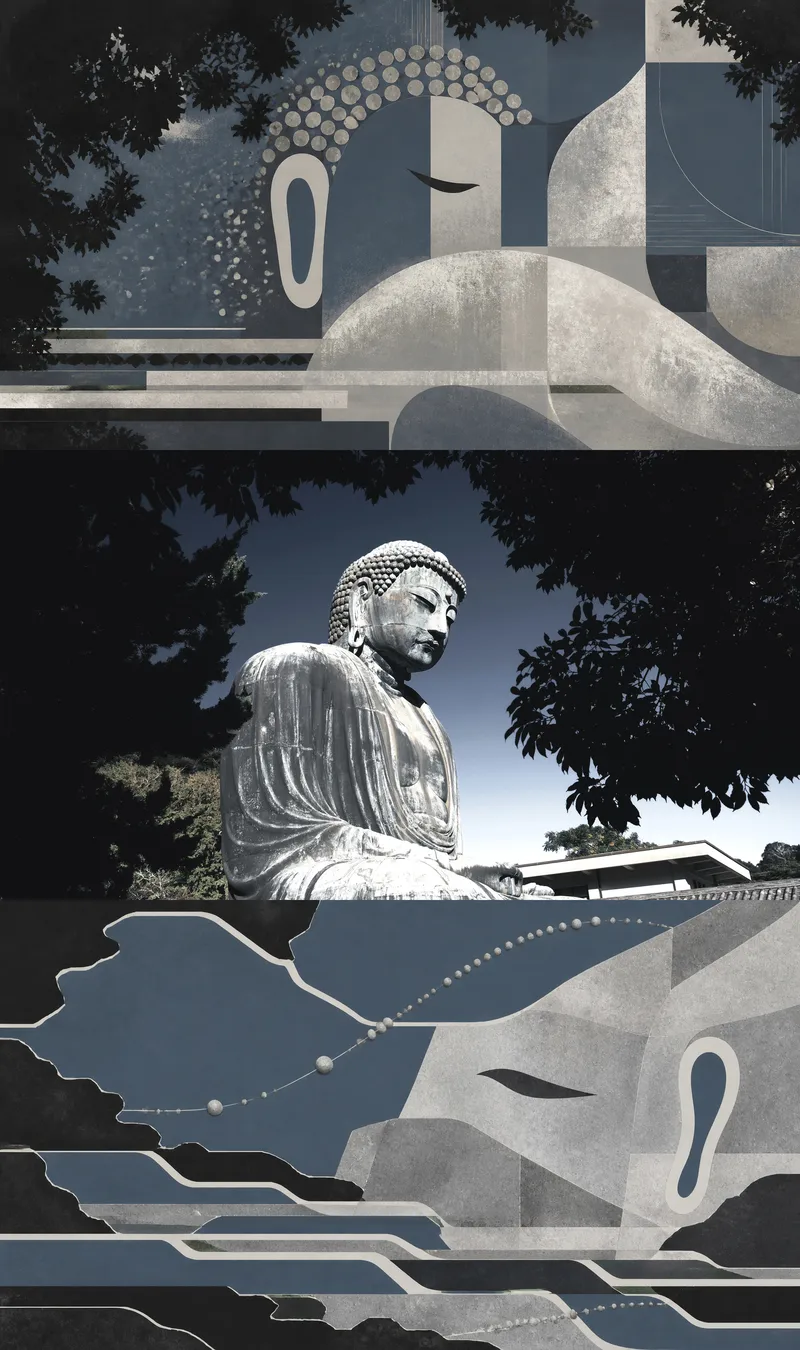 Image
Image【S.002】Threefold Memory
Turn one user-uploaded photo into a triptych with continuous visual logic: the top panel draws the subject or core space inward, distilling it into an abstract form that is stable, focused, and retains its identity; the middle panel preserves the actual original photo as irreplaceable photographic evidence; the bottom panel releases the photo’s colors, contours, materials, and spatial relationships outward, forming a dispersed, transformed, and more surreal new environment. The finished image reveals the difference between convergent and diffusive abstraction while allowing viewers to trace both back to the original photo. This Skill is suited to single photos of people, animals, objects, buildings, interiors, or natural scenes. The abstract results are based on the photo’s own subject relationships, compositional direction, color relationships, and visual rhythm rather than fixed patterns, generic filters, or unrelated decorative styles. It pays particular attention to the number, identity, orientation, and proportions of subjects, as well as important spatial relationships, ensuring that the middle panel remains the untouched original photo. You will receive a completed source-driven triptych, along with a brief summary of the key visual genes used for the two abstract panels above and below, making it easier to understand which clues the convergent and diffusive panels each extracted from the original photo.
 Image
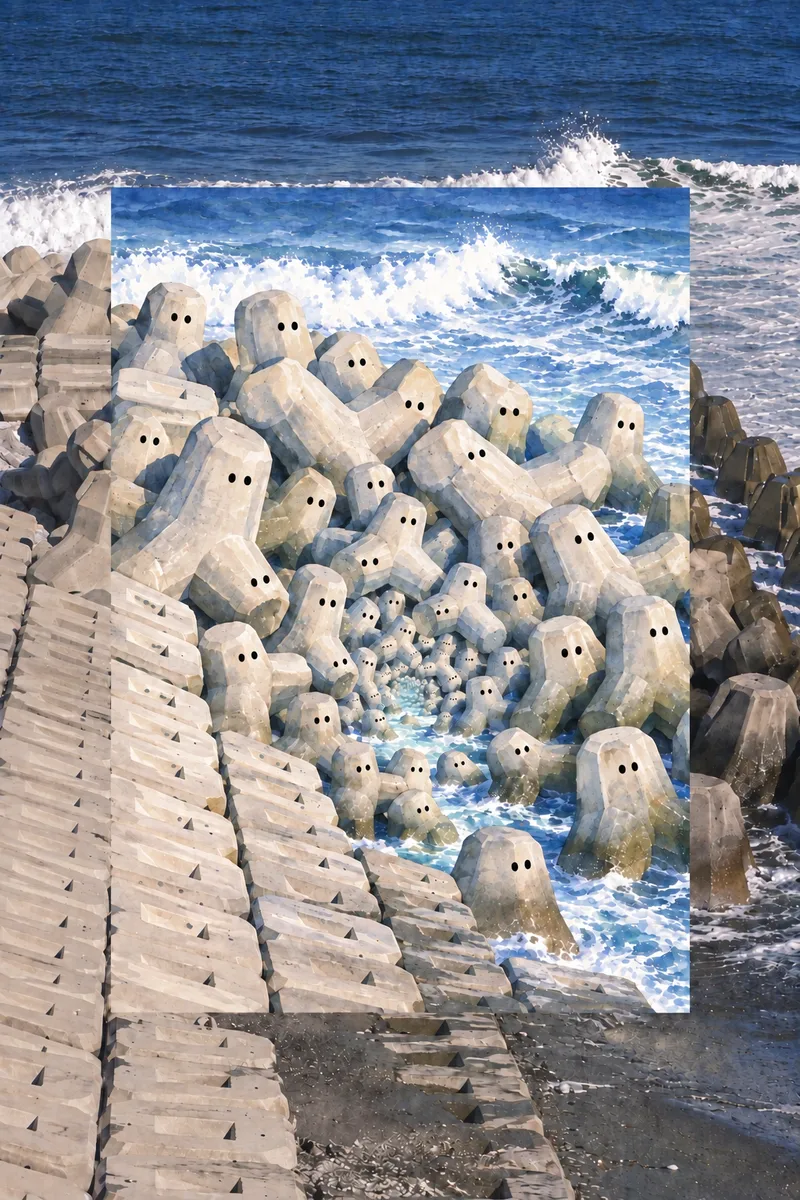
Image【S.007】Eye World
Transform a photo into a unique vertical “eye world” artwork: the original photo fills the entire canvas, preserving the subject, colors, and lighting, while a watercolor scene reimagined from the photo’s content is embedded in the center. The photo and the painted world echo one another, making the inset scene feel like an impossible space opening inside reality rather than a simple overlaid illustration. The central scene translates the objects, materials, and group relationships in the photo into hand-drawn living forms with pairs of small eyes. Recursive nesting, shifts in scale, deep corridors, and self-containing spaces create a cute, clear, quiet, yet slightly eerie atmosphere. Light, luminous watercolor and translucent gouache textures avoid gore, darkness, grime, and unrelated elements, resulting in a flat vertical artwork suited for collecting, display, or visual experimentation.
 Image
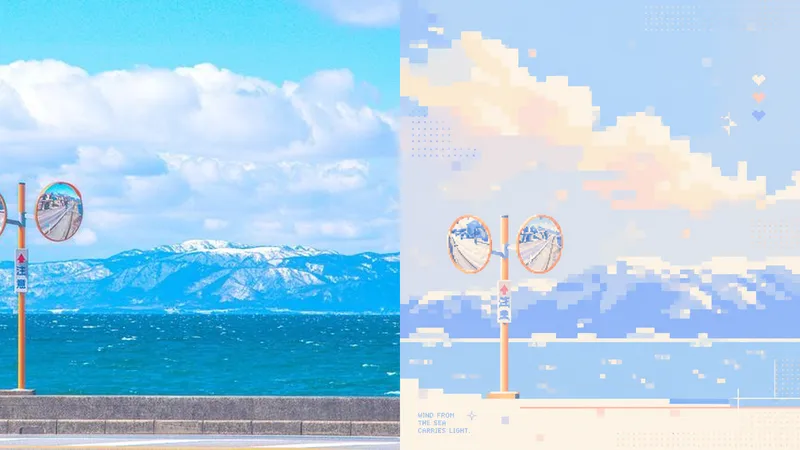
Imagexiaoxiaodong P106: Soft Pixel
Photos often contain too many details, yet what stays memorable may be just a silhouette, a gesture, a sense of distance, or a patch of color. Panel 106 selects 2–4 visual anchors that define the subject’s identity from the original image, then reconstructs them as a soft, clear pixel memory with geometric order: from a distance, it looks like a refined abstract composition; up close, you can still tell that it is your photo. Works well when Your photo is complex, but you don’t want to lose its identity: Remove secondary objects and trivial structures, keeping only the silhouettes, poses, directions, and color relationships that truly define the image. You want an abstract poster without turning it into unrecognizable decoration: Use a regular grid, hard-edged color blocks, localized dithering, and positive and negative space to let the subject gradually emerge from the abstract order. You like a fresh, soothing look but dislike a cheap candy-like feel: Recompose a soft, bright limited palette from the original image, using colors such as creamy white, peach pink, milky blue, and mint green for a sweet but balanced result. You need flexible delivery in a consistent style: Supports top-and-bottom comparisons, side-by-side comparisons, pure designs, multiple aspect ratios, four-device wallpapers, and batch processing of image folders. What it solves for you It does not simply shrink the photo, apply a filter, or pixelate each object individually. Instead, it reorganizes the visual memory directly from the original image in a single pass. The 2–4 anchors work together to form one single-focus image, rather than being split into cards, grids, or a collage wall. Comparison mode always has exactly two 50:50 areas: top-and-bottom places the original image on top and the design below; side-by-side places the original on the left and the design on the right, with no extra third strip. Get started quickly Use XXD Panel 106 to process this image for me, starting by recommending the most suitable composition and size.
Information
- Version
- v4
- Last updated
- Runtime credits
- Usage-based
- Models
- Auto
- Use cases
- Images & design
- What you get
- Image
- Visual styles
- Ink washSurrealist
