Photo to Cartoon Stickers
Turn a photo into a custom cartoon avatar and batch of stickers
Photo to Cartoon Stickers
Turn a photo into a custom cartoon avatar and batch of stickers
Showcase
Description
Stickers are a staple of everyday chatting. Photo to Cartoon Stickers takes a real-person photo, captures key facial features to create an exclusive cartoon avatar, and then batch-produces a full set of themed stickers based on that avatar. This includes sets for common emotions, holiday greetings, and chat scenarios, all while maintaining a consistent visual style. Strict rules apply: the cartoon focuses on capturing the likeness rather than copying every detail, avoids sensitive features, and contains no embedded text so you can add your own later. Real portraits are never used for derogatory, bizarre, or unlawful content.
Best for
Users who want to turn personal or authorized photos into custom chat stickers.
How to use this Skill
Provide your input
Upload a clear photo of yourself or an authorized person, and specify your desired cartoon style, usage, and number of stickers.
Run the Skill
Extracts cartoon-friendly facial features from the photo to establish a consistent avatar, then generates multiple sets of stickers featuring various emotions, greetings, and chat scenarios.
Review your result
Receive a cohesive set of text-free cartoon sticker images ready to be saved and customized with your own text.
Related Skills
View all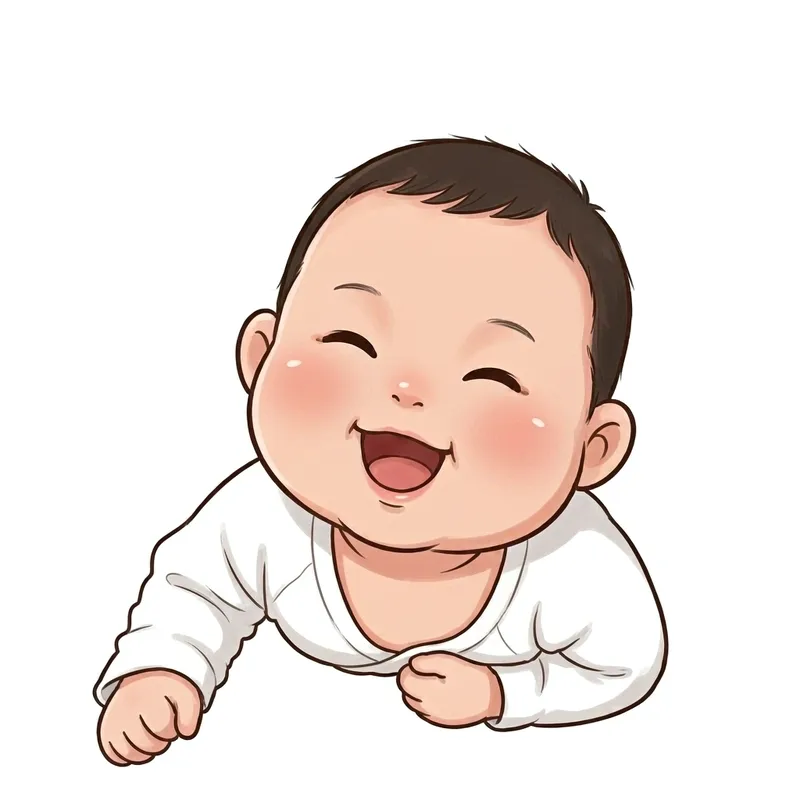 Image
ImageCustom Cartoon Sticker Set
Upload a real-life photo to generate an exclusive cartoon avatar and batch-create a complete sticker set (chibi, Korean, or hand-drawn style), with support for custom counts and consistent appearance. Use this when users say "make my sticker pack", "turn photo into stickers", "exclusive cartoon avatar", "how to make stickers from photos", "how many stickers can I make", or "I want my own sticker set". 1.0.0 - You receive not just a document, but a guided skill featuring "upload 1 photo to stably produce exclusive cartoon stickers" along with a ready-to-use prompt library. - Follow four steps: lock character -> set quantity -> generate images (including two fidelity rules: face-locking for emotions, pose modification for actions) -> remove background and import to WeChat; includes 5 art style prompt libraries (chibi, Korean, hand-drawn, 3D sticker, Japanese manga). - You finish with a SKILL.md file, a 20-sticker prompt library, and 6 tested sample images (including failure comparisons). Follow along to avoid the awkward "9 different faces in 9 stickers" issue.
 Image
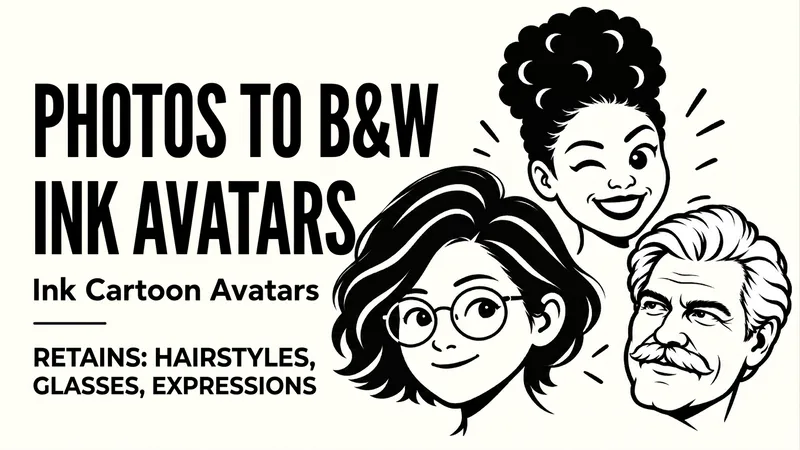
ImageB&W Cartoon Avatar
Upload a portrait to preserve defining features like hairstyle, glasses, and facial hair while generating a clean, recognizable black-and-white bold-line avatar. Upload a character photo to convert identifying features such as hairstyle, face shape, glasses, and facial hair into bold black outlines, black-and-white blocks, and expressive facial features. By default, it preserves the original orientation and natural expression, producing a text-free, 1:1 head avatar with a solid background. If you want a different mood, you can also say "playful wink," "calm and steady," or "make a set of expressions." For the same person, you can use the same hairstyle, frame, and face shape to create natural, playful, and steady looks respectively. It supports changing the background, aspect ratio, quantity, and creating truly transparent backgrounds when supported by the tool. Great for social media avatars, personal branding, community member icons, and digital sticker visuals. After generation, it checks against the original photo for hairstyle, glasses, facial hair, stray lines, and avatar cropping margins, making targeted corrections when clear issues arise. Examples: "Make a black-and-white avatar from this photo, keeping the round glasses and short curly hair, with a closed-mouth smile." "Keep the white hair and mustache, make a calm expression, no glasses."
 Image
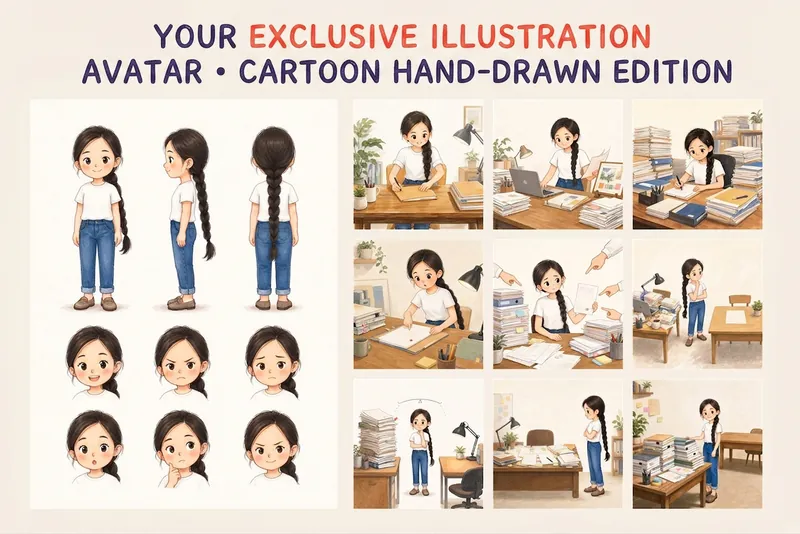
ImageYour Custom Cartoon Avatar
Turn a photo of a person into a custom hand-drawn cartoon character. Choose your favorite from 4 candidates with different poses and expressions, then finalize the design using one of 3 standard reference sets, each featuring three views and 6 commonly used expressions. You can download and save the reference images, or continue using them for article illustrations, Xiaohongshu posts, profile pictures, covers, sticker packs, nine-grid WeChat Moments posts, and custom scenes. Each task is linked to one character; when switching to a different person, we recommend creating a new task to avoid mixing up characters.
Information
- Version
- v2
- Last updated
- Runtime credits
- Usage-based
- Models
- Auto
- Use cases
- Images & designLifestyle & entertainment
- What you get
- Image
- Visual styles
- Cartoon
