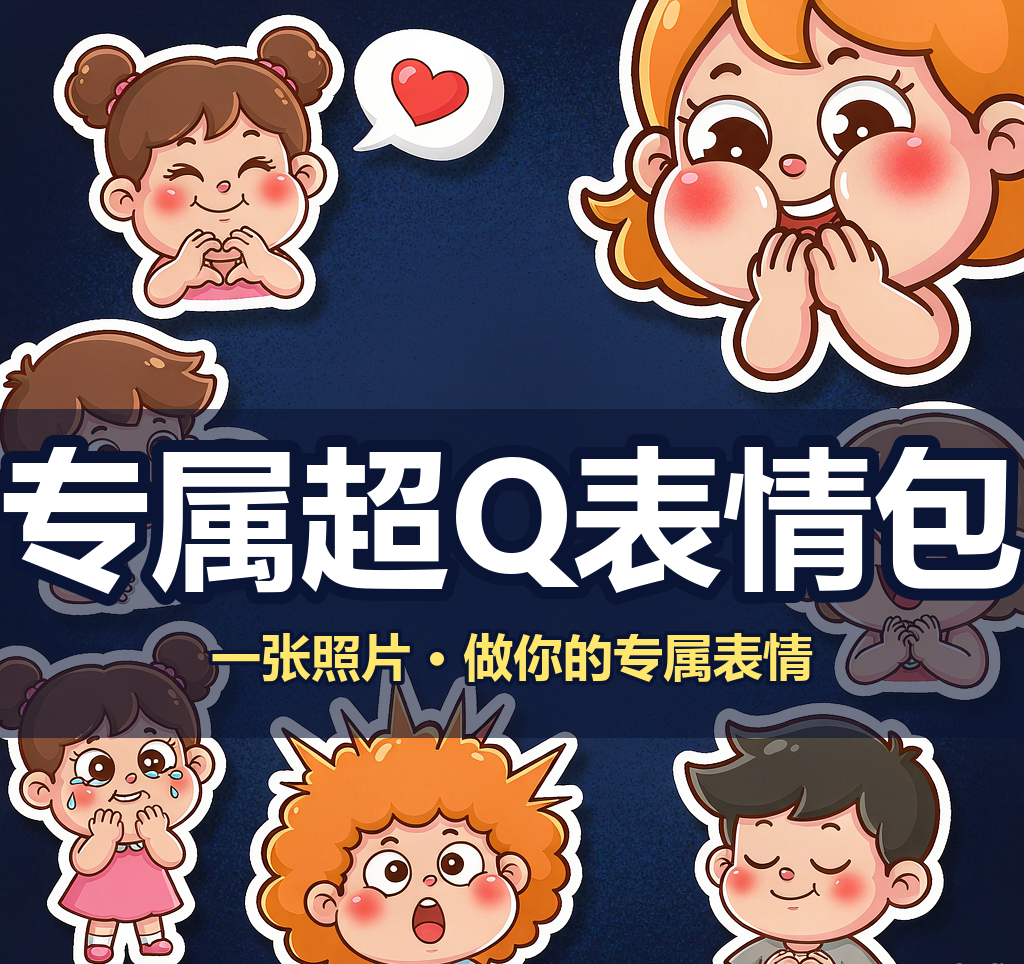
Custom Cartoon Sticker Set
Create consistent cartoon sticker sets from photos
Custom Cartoon Sticker Set
Create consistent cartoon sticker sets from photos
Showcase
Description
Upload a real-life photo to generate an exclusive cartoon avatar and batch-create a complete sticker set (chibi, Korean, or hand-drawn style), with support for custom counts and consistent appearance. Use this when users say "make my sticker pack", "turn photo into stickers", "exclusive cartoon avatar", "how to make stickers from photos", "how many stickers can I make", or "I want my own sticker set". 1.0.0 - You receive not just a document, but a guided skill featuring "upload 1 photo to stably produce exclusive cartoon stickers" along with a ready-to-use prompt library. - Follow four steps: lock character -> set quantity -> generate images (including two fidelity rules: face-locking for emotions, pose modification for actions) -> remove background and import to WeChat; includes 5 art style prompt libraries (chibi, Korean, hand-drawn, 3D sticker, Japanese manga). - You finish with a SKILL.md file, a 20-sticker prompt library, and 6 tested sample images (including failure comparisons). Follow along to avoid the awkward "9 different faces in 9 stickers" issue.
Recommended by
Dancang
Why we love this skill
Reliably turn a single portrait photo into a complete set of recognizable cartoon stickers. It provides generation prompts along with character locking, quantity planning, and action/similarity adjustments to solve common challenges in maintaining facial consistency and batch creation.
Best for
Individual users looking to create a cohesive set of cartoon stickers using their own photos.
How to use this Skill
Provide your input
Provide a clear frontal photo, the desired number of stickers, and your preferred art style. You can also include specific chat memes or expressions.
Run the Skill
Consolidates a consistent character setup from the photo, selects expressions based on the specified count, and generates individual prompts ready for drawing tools.
Review your result
Receive the character descriptions, expression checklist, and drawing prompts for a complete sticker set, making batch creation with consistent facial features easy.
Related Skills
View all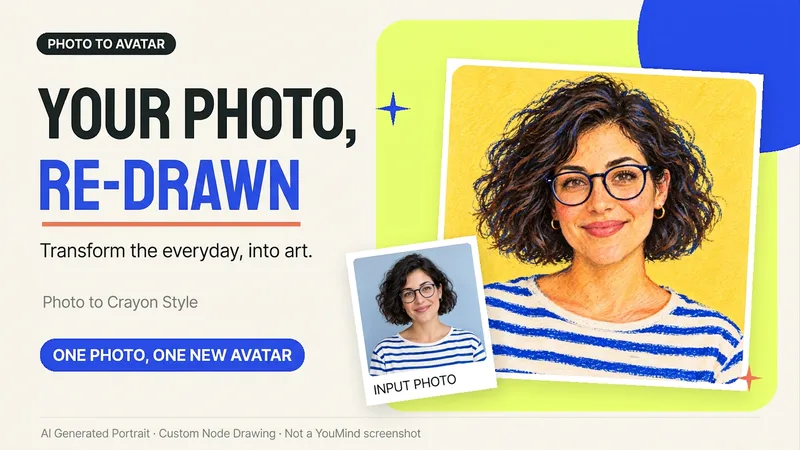 Image
ImagePhoto to Hand-Drawn Avatar
Want a hand-drawn avatar while keeping your hairstyle, glasses, and distinctive expression? Upload a clear photo of one person, then choose a warm crayon or cool marker style to create a square avatar for WeChat, social accounts, and personal homepages. You can also start without choosing a style; warm crayon is used by default. You can get: ① One hand-drawn avatar: clean background, head-and-shoulders composition, and no text by default. ② Preserved features: focuses on the hairstyle, glasses, face shape, and noticeable accessories to reduce a generic look. ③ Avatar-friendly composition: designed for circular cropping and recognizability at small sizes; when supported by the tool, the thumbnail and circular preview are checked. ④ Targeted edits: when changing the background, expression, or accessories, the previously approved version is prioritized for continuity. Photo conversion is supported, as is creating fictional avatars from text descriptions. Delivery is one image by default; a full sticker pack is not generated automatically. The final image and edits depend on the image tools and usage limits available on the current platform, and exact consistency of personal features is not guaranteed. If an image cannot be generated, this will be stated clearly and a copyable conversion prompt will be provided; the prompt will not be presented as a finished avatar. Usage is calculated according to the platform's rules at the time.
 Image
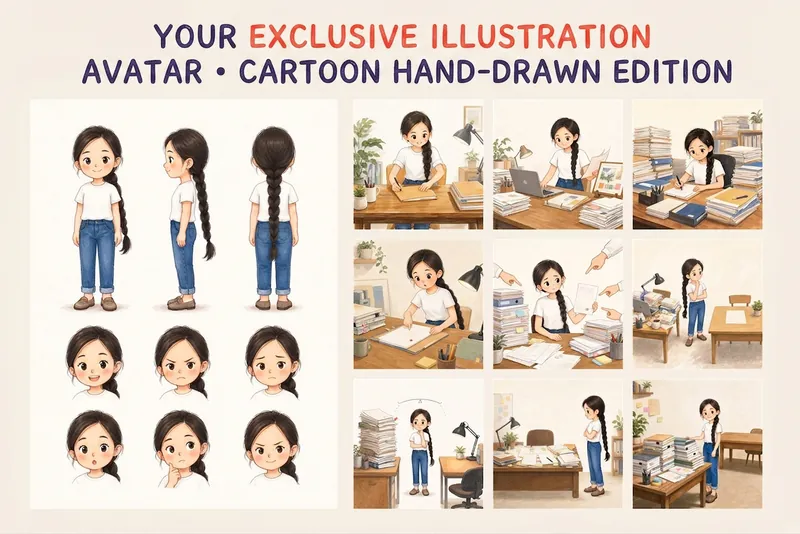
ImageYour Custom Cartoon Avatar
Turn a photo of a person into a custom hand-drawn cartoon character. Choose your favorite from 4 candidates with different poses and expressions, then finalize the design using one of 3 standard reference sets, each featuring three views and 6 commonly used expressions. You can download and save the reference images, or continue using them for article illustrations, Xiaohongshu posts, profile pictures, covers, sticker packs, nine-grid WeChat Moments posts, and custom scenes. Each task is linked to one character; when switching to a different person, we recommend creating a new task to avoid mixing up characters.
 Image
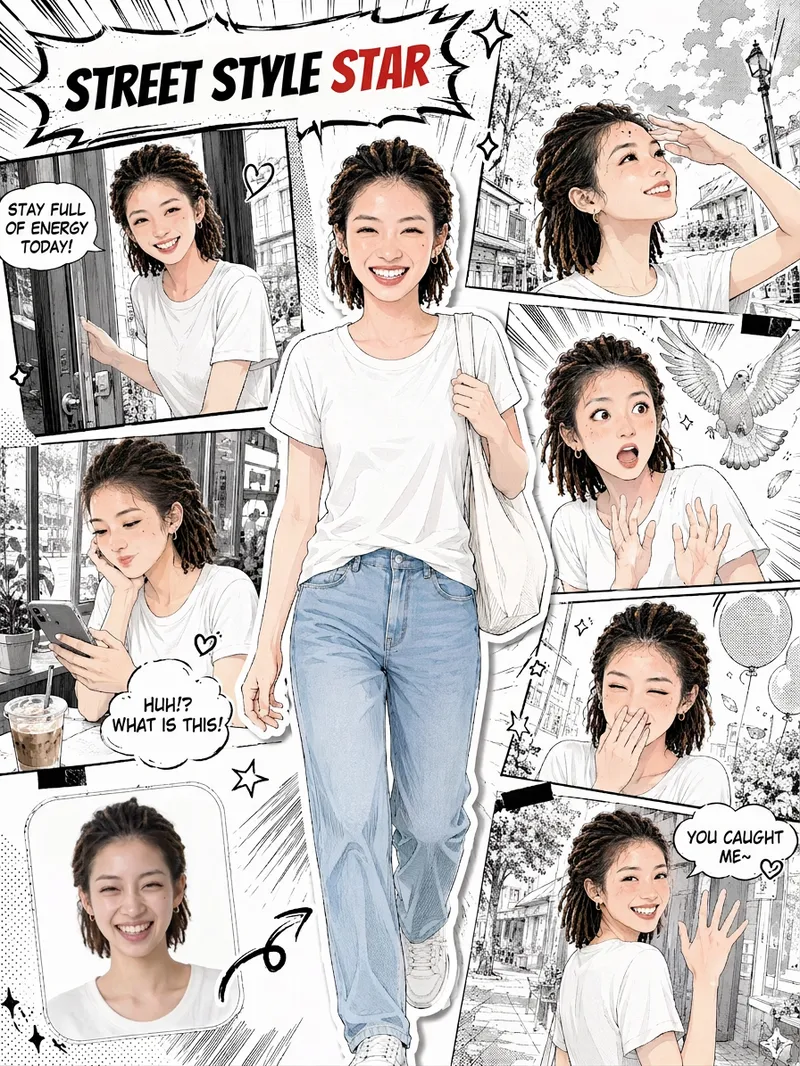
ImageSelfie Comic Hero
Upload a selfie and let it draw “your comic.” This is more than turning a photo into an anime avatar. It recreates your face, hairstyle, and outfit, placing you front and center as the protagonist. Around you is a story-driven sequence of comic panels: winking and flashing a peace sign, smiling sweetly with your chin in your hands, reacting to a surprise, looking back with a secret smile… Together, 5–6 panels of expressions become your own little story. You’ll get: 🎨 Japanese manga line art with a magazine collage style; you’re the only one in color in the black-and-white comic 🧑 Your face, hairstyle, and outfit are faithfully recreated, so every panel clearly looks like you 📖 Storyboards with a clear beginning, development, turn, and conclusion; speech bubbles are generated automatically based on your photo 🔄 Every generation is different, so you can create different stories from the same selfie 🖼️ An optional “selfie vs. comic” comparison thumbnail in the lower-left corner for extra contrast when sharing ✏️ Want to make it your own? Customize the storyboard theme, dialogue, title, and aspect ratio
Information
- Version
- v4
- Last updated
- Runtime credits
- Usage-based
- Models
- Auto
- Use cases
- Images & designLifestyle & entertainment
- What you get
- PromptPlan
- Visual styles
- Hand-drawn3DCartoon
