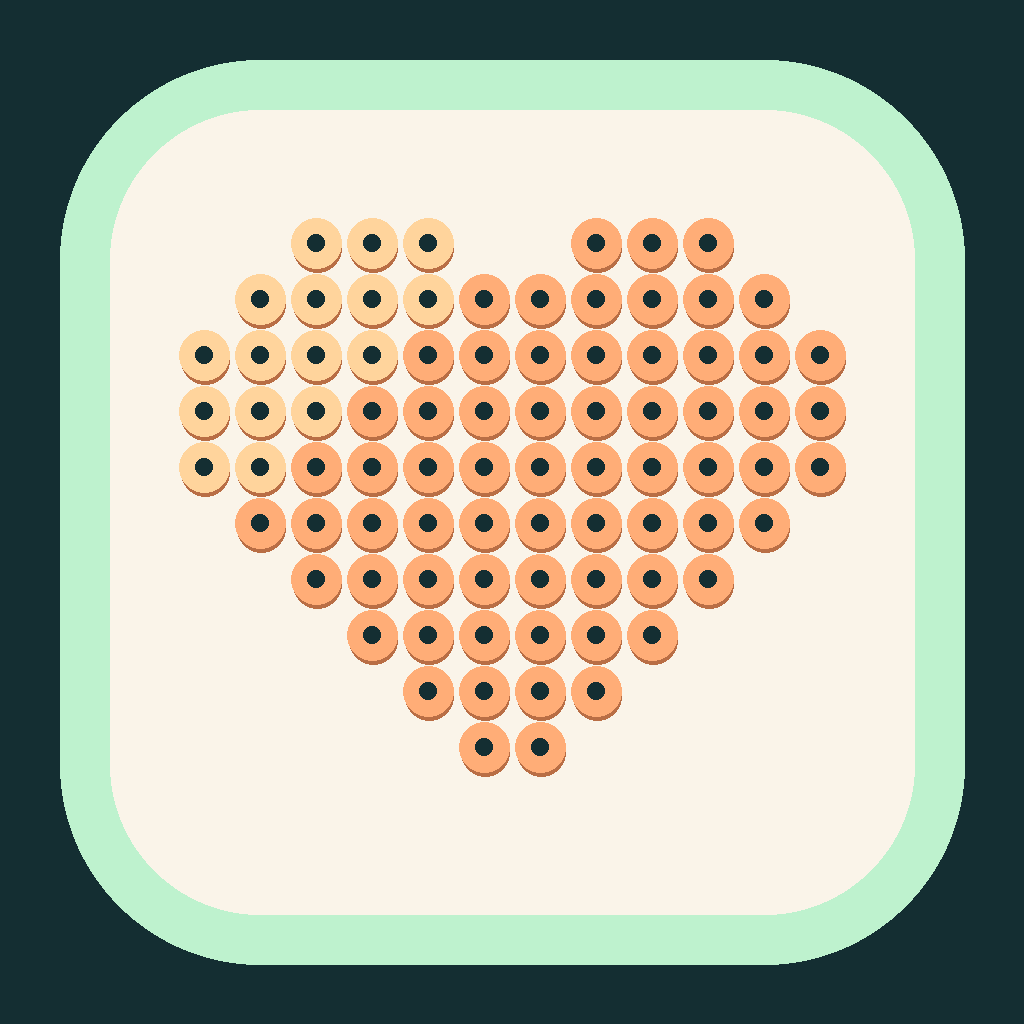
Photo to Bead Pattern
More than pixel art—counts every bead
Photo to Bead Pattern
More than pixel art—counts every bead
Showcase
Description
Want to turn a favorite photo into a bead design but unsure how many grid cells, colors, or beads you need? Upload a clear photo, set the crop, grid, and palette, and generate a bead pattern with row and column coordinates and symbols, a color legend, and a per-color bead list. You’ll also get pixel previews, a numbered-bead preview, row-by-row ranges, and a reproducible matrix. Suitable for bead-art beginners and craft enthusiasts. Includes a Python conversion tool, defaulting to 48×48 and up to 16 colors. Actual pattern generation requires a runnable Python and Pillow environment that can read the attached files; copying the instructions alone will not install the tools automatically. Without execution capabilities, it provides the parameters and a run plan, and clearly states that the pattern has not yet been generated. Default color numbers are general-purpose numeric identifiers, not physical color codes for a specific brand; backgrounds are not removed automatically. Opaque backgrounds are included in the quantity count. Physical assembly, color differences, and ironing have not been tested. Product design and workflow: leowang.
Best for
For bead-art beginners and craft enthusiasts who want to turn photos into a verifiable bead-making plan.
How to use this Skill
Provide your input
Upload a clear photo and provide the crop, grid size, color limit, background treatment, and palette requirements, or use the default settings.
Run the Skill
In an environment that supports tool execution, convert the photo into a bead grid, then calculate coordinates, symbols, colors, and quantities from the same result.
Review your result
Get a bead pattern with coordinates and a legend, pixel and numbered-bead previews, plus verifiable per-color bead lists, a matrix, and row-by-row ranges.
Related Skills
View all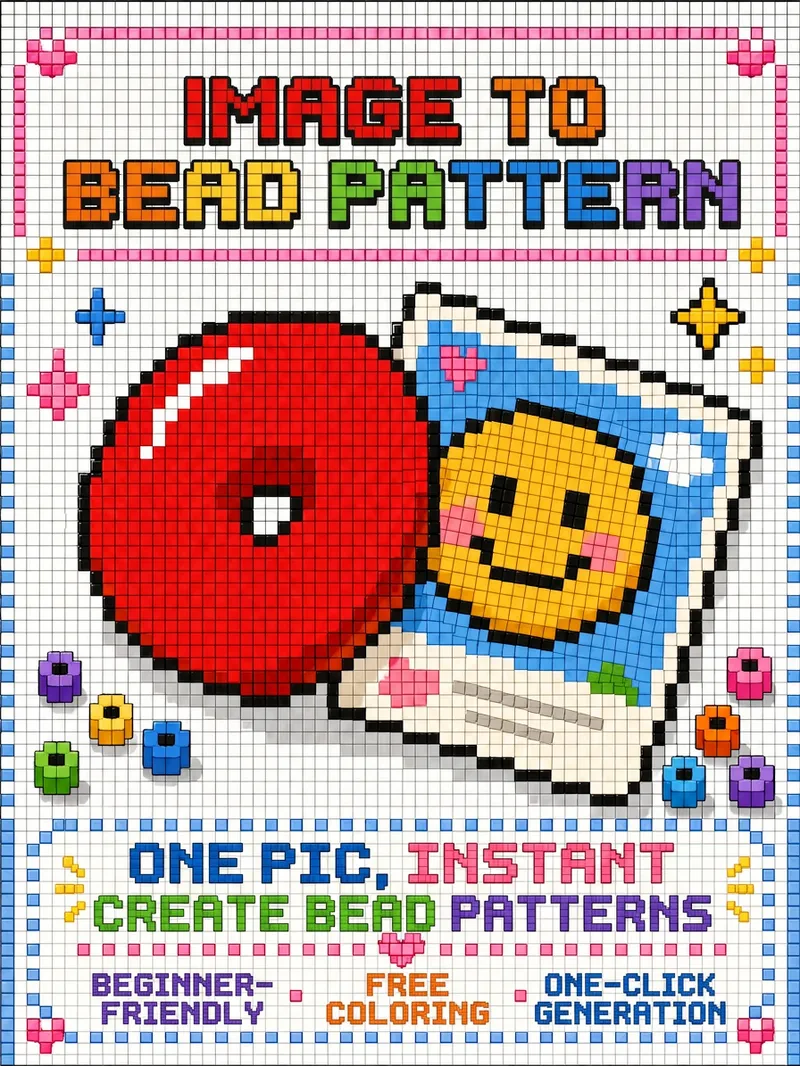
Turn Images into Bead Patterns
Upload any image to automatically analyze it and determine whether a beginner or advanced bead pattern is more suitable, with an explanation of the reasoning and a confirmation step. Generate a visual bead pattern image you can follow directly, and optionally add color-code references, bead lists, and assembly steps.
 Image
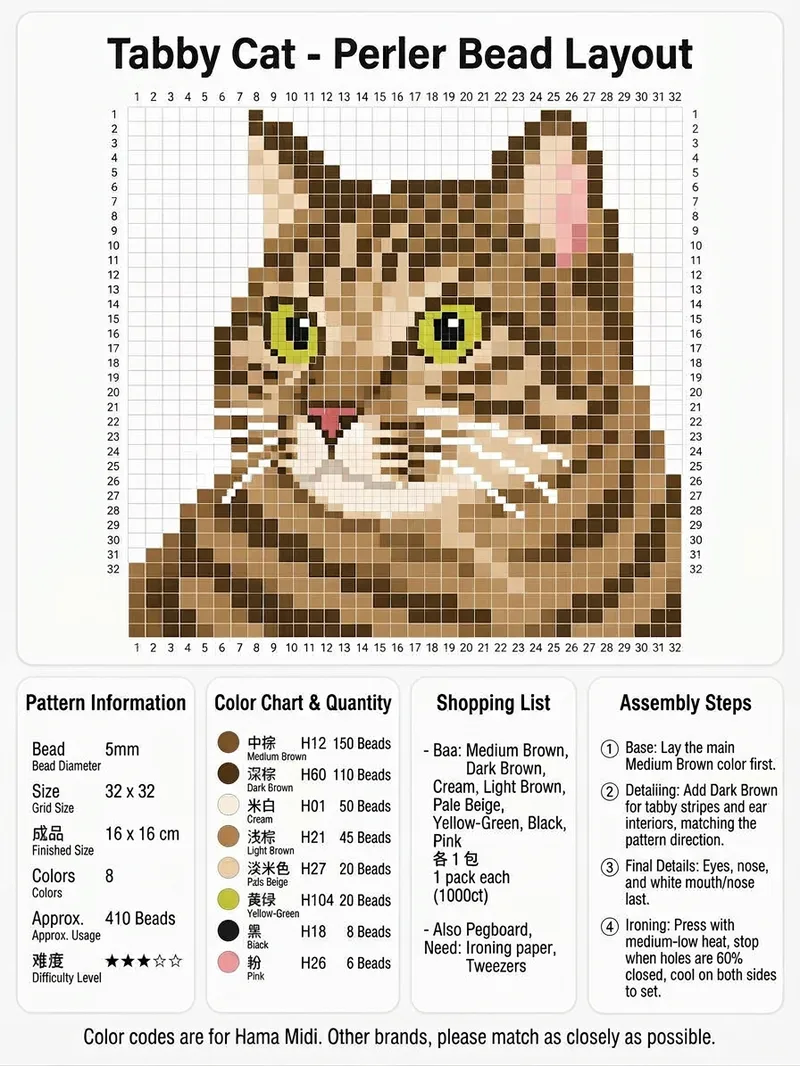
ImageViral Fuse-Bead Pattern Poster
Upload an image of a person, animal, or object to get a complete fuse-bead pattern information poster. It converts the clear subject into a pixel grid and labels sequential row and column coordinates around the pattern, making it easy to place 5 mm fuse beads by square. It is suitable for creating Perler or Hama fuse-bead projects. The poster brings together the pattern dimensions, finished size, difficulty, number of colors, and total bead count. For each color, it includes a color swatch, color name, Hama Midi color code, and estimated bead count, along with purchasing suggestions and a tool checklist covering the baseplate, ironing paper, tweezers, and more. It also includes guidance on assembly order, facial features, reinforcing fragile areas, and ironing and shaping the finished piece, making it easy to save, share, and follow directly. Everything is combined into one clean vertical information poster. For other brands, choose colors with similar codes.
 Image
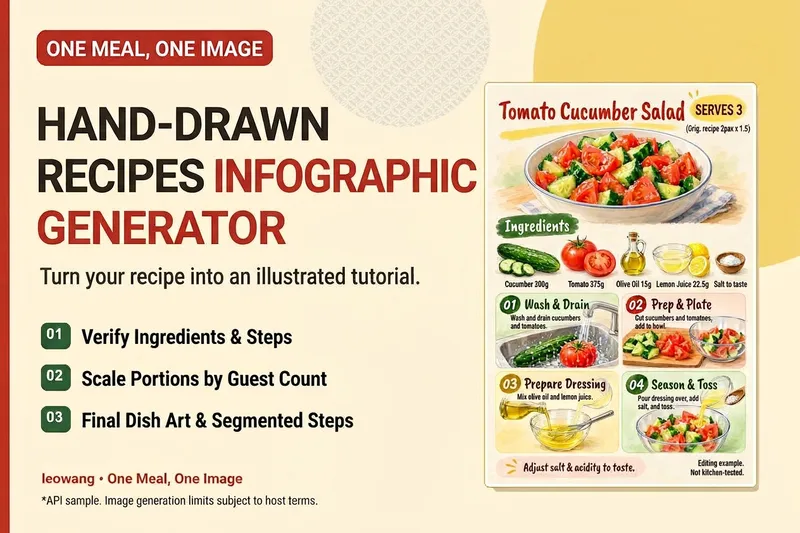
ImageOne Meal, One Image | Illustrated Recipe
Turn your signature dish into a hand-drawn recipe that’s easy to follow and worth saving. One Meal, One Image organizes the ingredients and cooking steps, scales the quantities for the specified number of servings, and designs an illustration of the finished dish, a prep checklist, and step-by-step cards. It also checks whether any step suddenly introduces an ingredient that wasn’t listed, helping prevent recipe details from being lost in the visuals. Ideal for food content creators, organizing family recipes, and turning your own or authorized recipes into tutorial graphics. Warm paper watercolor is the default art style, but you can also specify your preferred colors and layout. When an image-generation tool is available, it generates and reviews the image. Without one, it delivers complete copy, layout, and prompts. Recipe scaling is not a substitute for kitchen testing; unclear parts of the original recipe are flagged for confirmation, and calories or success rates are never made up. Adaptation and product design: leowang. Based on a long-form image method licensed under the MIT License, with the necessary copyright notice retained.
Information
- Version
- v2
- Last updated
- Runtime credits
- Usage-based
- Models
- Auto
- Use cases
- Images & designLifestyle & entertainment
- What you get
- ImageDiagramData
- Visual styles
- Pixel art
