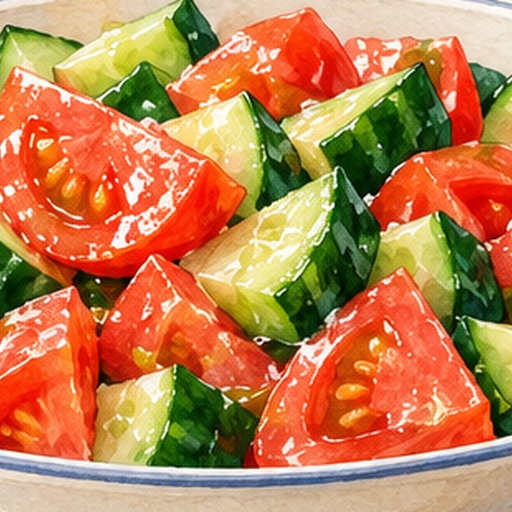
One Meal, One Image | Illustrated Recipe
Turn a recipe into a step-by-step illustrated scroll
One Meal, One Image | Illustrated Recipe
Turn a recipe into a step-by-step illustrated scroll
Showcase
Description
Turn your signature dish into a hand-drawn recipe that’s easy to follow and worth saving. One Meal, One Image organizes the ingredients and cooking steps, scales the quantities for the specified number of servings, and designs an illustration of the finished dish, a prep checklist, and step-by-step cards. It also checks whether any step suddenly introduces an ingredient that wasn’t listed, helping prevent recipe details from being lost in the visuals. Ideal for food content creators, organizing family recipes, and turning your own or authorized recipes into tutorial graphics. Warm paper watercolor is the default art style, but you can also specify your preferred colors and layout. When an image-generation tool is available, it generates and reviews the image. Without one, it delivers complete copy, layout, and prompts. Recipe scaling is not a substitute for kitchen testing; unclear parts of the original recipe are flagged for confirmation, and calories or success rates are never made up. Adaptation and product design: leowang. Based on a long-form image method licensed under the MIT License, with the necessary copyright notice retained.
Recommended by
Dancang
Why we love this skill
It checks ingredients, steps, and serving conversions before turning the recipe into an easy-to-follow hand-drawn chart, while preserving batch ingredients, time, temperature, and items needing confirmation.
Related Skills
View all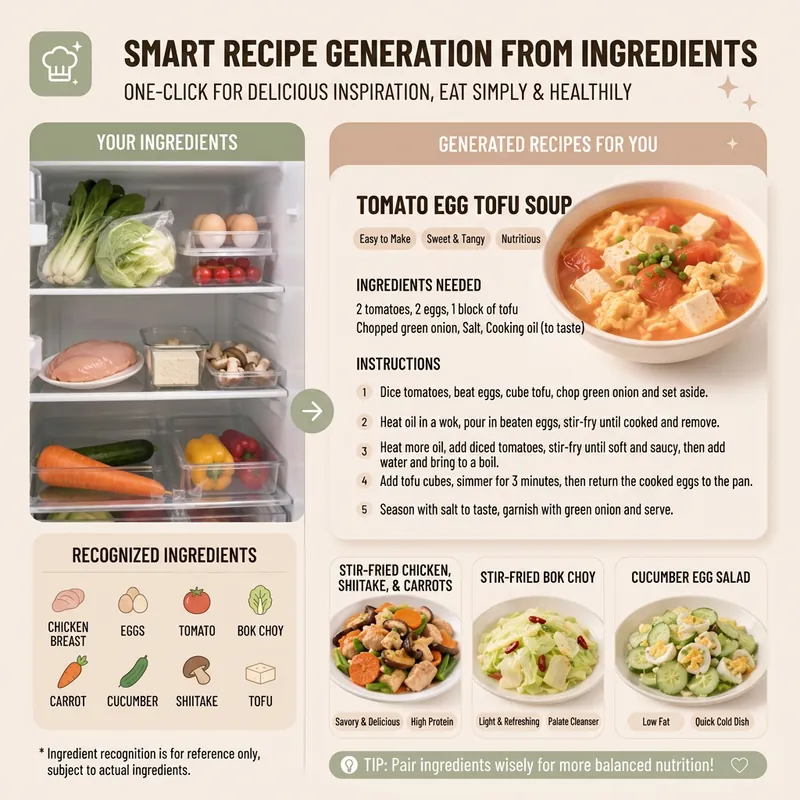 Image
ImageSmart Recipe Generator
Still worrying about what to cook every day? The "Smart Recipe Generator" assistant is your dedicated home cooking advisor! Whether you want to clean out your fridge, make the most of the ingredients you have, or need fresh cooking inspiration, it can provide thoughtful service. Just tell it what's in your fridge, or directly upload a photo of your ingredients. It will intelligently identify them and recommend 2–3 delicious and practical home-style dishes based on your ingredient list. You'll see the difficulty, estimated cooking time, and recommended reason for each dish, plus a clear indicator of which dishes can be made with the ingredients you already have and which require a few extra items. Even if you have no idea what ingredients to use, it can still recommend seasonal dishes and provide a shopping list. Once you pick a dish, it immediately provides detailed cooking steps, including ingredient quantities, prepping requirements, step-by-step instructions, and practical tips, so you can get started easily. Even better, you can ask it to generate a beautiful 9:16 vertical recipe card at any time. With a light, fresh design, the card condenses the whole recipe onto a single image, so you can see everything at a glance while cooking and easily view it on your phone. Say goodbye to complicated cookbooks and enjoy the convenience and fun of smart cooking!
 Image
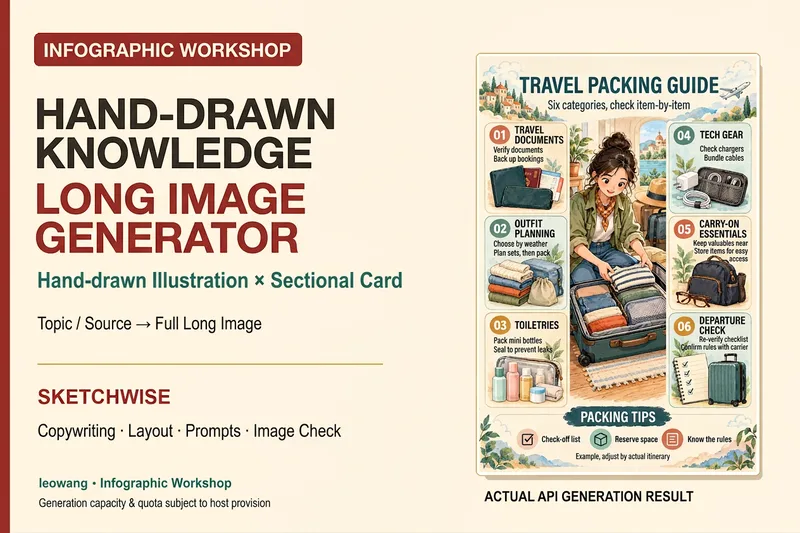
ImageIllustrated Knowledge Infographic
Want to turn a piece of knowledge into a vertical infographic with illustrations, organized sections, and a top-to-bottom reading flow? Illustrated Knowledge Infographic organizes text from a topic, article, or notes; designs the main illustration, knowledge cards, and bottom summary bar; and provides complete image-generation prompts. When an image-generation tool is available, it generates the image and then checks the text, missing content, and layout. It supports reference images for composition and color palettes, Chinese or other languages, and layouts such as processes, comparisons, and modular cards. It can be designed for everyday knowledge, study methods, or work instructions; traditional Chinese and warm paper hand-drawn styles are optional. It is suitable for social media creators, educators and trainers, and knowledge-content creators. Actual image generation depends on the host tool and available credits. Without image-generation capabilities, it clearly delivers a design draft and prompts rather than presenting them as an image. Adaptation and product design: leowang. Adapted from baoyu-infographic under the MIT License, with the necessary copyright notice retained.
 Image
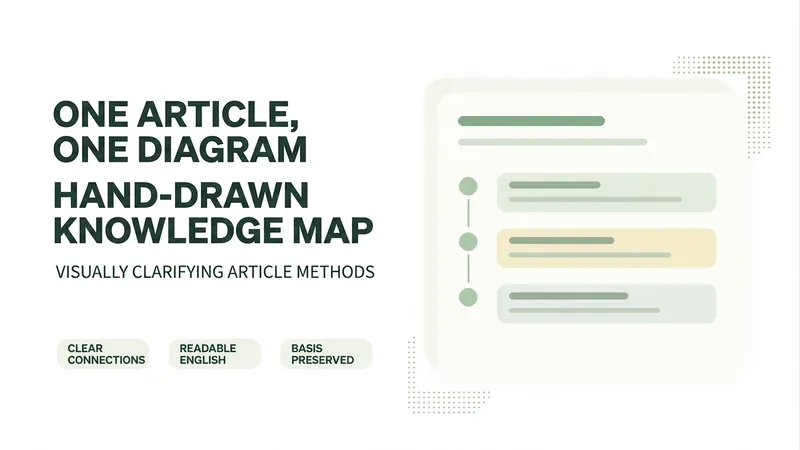
ImageOne Text, One Visual
Have you saved lots of articles but still struggle to find the key points at a glance? Give it an article, note, or clearly defined topic that you have permission to use. It will organize the information around one question and present it as a hand-drawn-style diagram. The first version focuses on method steps and operational workflows. You’ll get: ① A knowledge diagram with clear steps, conditions, and reading order. ② Copyable text, including the title, nodes, and key explanations. ③ A source checklist that preserves the original evidence and items requiring confirmation. ④ Short sharing copy to make it easy to post with the image. It won’t depict parallel content as causal, omit key conditions, or invent performance data. When there is too much content, it will narrow the topic first while preserving readable type size and whitespace for mobile viewing. Creating the final image requires access to an image or drawing tool in the current environment. If no tool is available, it will clearly state that the image has not been generated and preserve the complete image-ready draft. Image-generation usage is subject to the platform’s rules at the time. Suitable for study organization, knowledge sharing, and adapting content for social media. It does not publish on your behalf or guarantee traffic. The sample image uses a newly created article and local drawing tools; it is not a YouMind runtime screenshot.
Information
- Version
- v2
- Last updated
- Runtime credits
- Usage-based
- Models
- Auto
