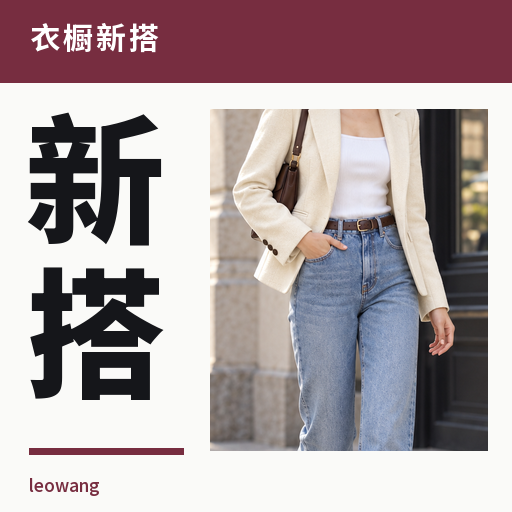
Wardrobe Styling
Create multiple outfits and street shots from one item.
Wardrobe Styling
Create multiple outfits and street shots from one item.
Showcase
Description
Upload a clothing item, shoes, or a bag, and combine it with your occasion, weather, and existing wardrobe to get genuinely distinct styling directions, complete with matching street-style preview images. Choose from 32 style directions including commute, casual, vintage, and dating, along with three presentation formats: daily street shot, magazine street shot, and clean styling board. By default, it helps you choose directions first and generates 3 sets, with custom quantities also supported. Each output preserves the key recognition features of the main item and includes a wearable checklist. Image generation depends on YouMind's actual tools and quota; size or fit is not guaranteed. Product and workflow design by leowang.
Recommended by
Dancang
Why we love this skill
Centered on a single real item, it first breaks down verifiable colors, silhouettes, and details, then designs genuinely distinct multi-outfit styling suited to various scenarios and generates street style references. Its uniqueness lies in balancing everyday feasibility, item fidelity, and visual output, letting you create fresh looks without buying a whole new wardrobe.
Best for
Great for anyone looking to style an existing piece into multiple daily looks and visually preview the results.
How to use this Skill
Provide your input
Upload a clear photo of a piece of clothing, shoes, bags, or accessories, and optionally specify the occasion, weather, preferences, and whether to use existing items only.
Run the Skill
Select or let the system recommend different outfit directions, then generate corresponding street-style preview images; you can also request text-only plans or a specific number of outfits.
Review your result
Receive multiple distinct outfit plans, actionable wear guides, and corresponding street-style or styling board preview images.
Related Skills
View all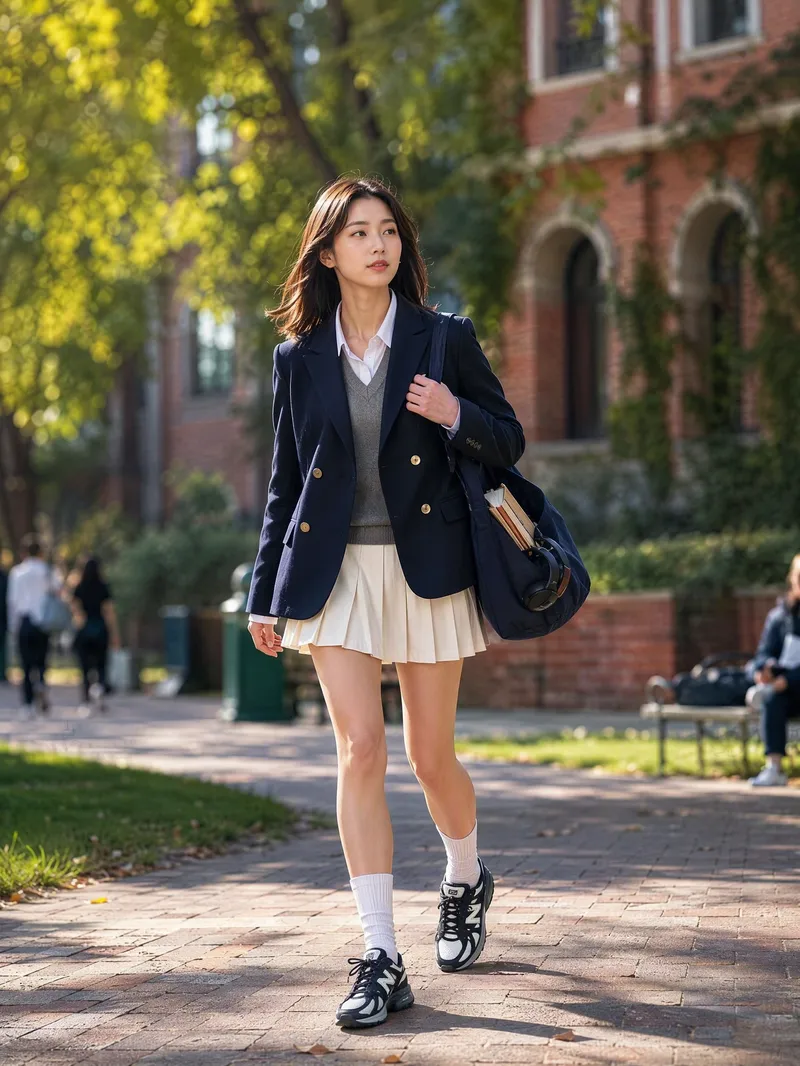 Image
ImageStreet Style Outfit Generator
Upload a photo of your clothing item, shoes, bag, or accessory to receive a 5-dimension item breakdown and 10 street style proposals. Each proposal includes a finished outfit image, bilingual prompts, a 6-part structure, and styling logic. Select a style to generate 5 complete outfits complete with English prompts, images, brand lists, styling logic, and wardrobe alternatives, plus purchasing priorities and reusable parameters. Adjust formality, color, footwear, scenes, body types, or regenerate images using simple commands. Defaults to a 3:4 portrait format with optimal generation models. Become a styling expert every day Switch freely between multiple styles Turn your wardrobe into a fashion show Includes brand and style lists for easy wear
 Image
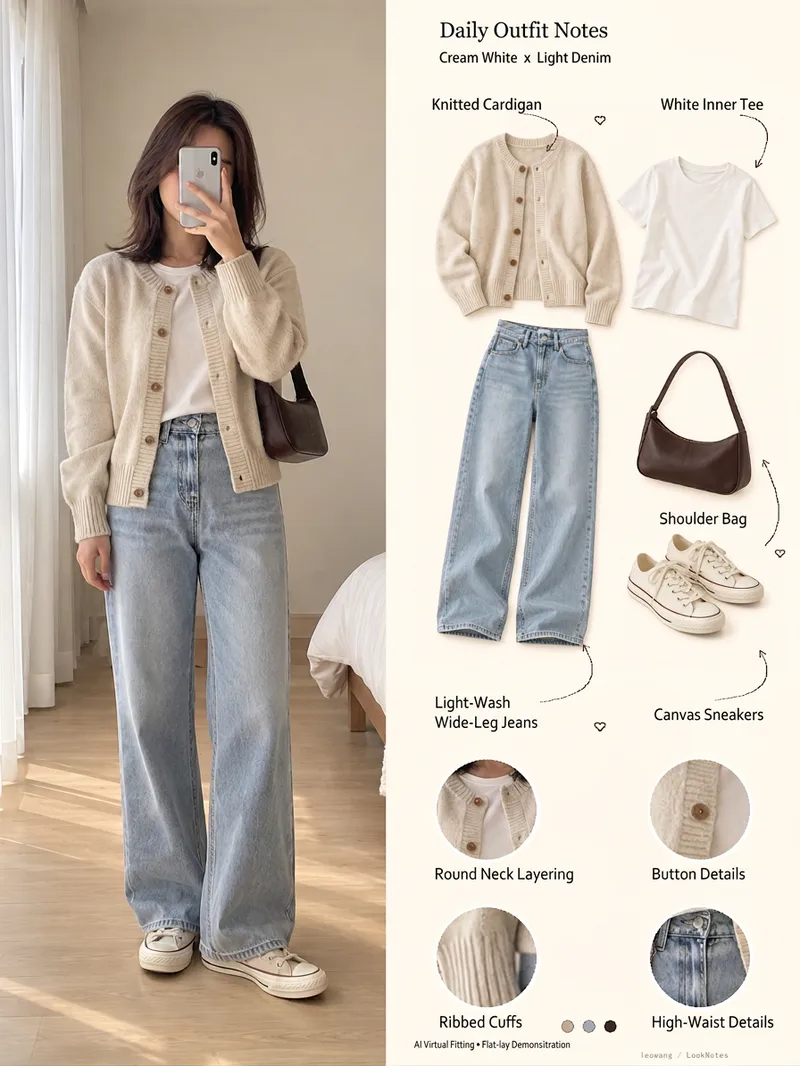
ImageOutfit Breakdown Poster
Upload an outfit photo to organize it into a lightweight Xiaohongshu outfit journal: the left side keeps the full-body look, while the right side displays item flats, original-photo detail circles, visible color schemes, and handwritten-style notes. Great for outfit sharing, wardrobe logs, and fashion content creation, defaulting to Chinese and a 3:4 light cream background. It also supports workflows for generating virtual adult model illustrations from individual item photos. Includes actual 1200x1600 English and Chinese examples: natural selfies, five item flats, four original detail callouts, and localized typography. Flat layouts are illustrative rather than actual product photos or exact pattern reproductions. The virtual try-on mode for item photos has not been fully tested yet. Image tools and credits are provided by the host; runs are not executed automatically in-platform, and results are not auto-published. Product and workflow design by leowang.
 Image
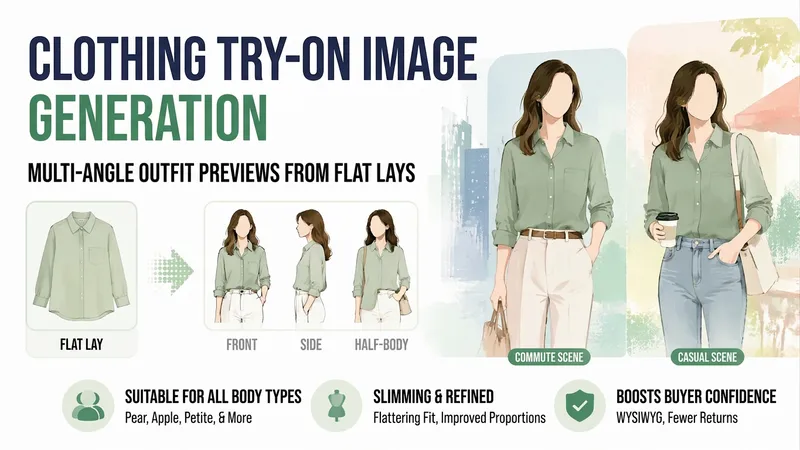
ImageApparel Try-On Images
Small shop owners know the challenge: you can only photograph clothes laid flat, so buyers swipe away after a couple of pages because they cannot tell what the clothes look like when worn. A model shoot can cost hundreds and requires a wait.【Apparel Try-On Images】uses your existing flat-lay photos and the style, fabric, and sizes you provide to create finished worn outfit images—one each from the front, side, and waist-up views, in both commuting and casual settings. It also includes notes on what body types the garment suits and where it may look more prominent, helping buyers see less difference between the images and the actual product and reducing returns.
Information
- Version
- v2
- Last updated
- Runtime credits
- Usage-based
- Models
- Auto
- Use cases
- Images & designLifestyle & entertainment
- What you get
- ImagePlan
- Visual styles
- EditorialPhotorealistic
