Online Resume Builder
Create, customize, and export resumes as PDF
Online Resume Builder
Create, customize, and export resumes as PDF
Showcase
Description
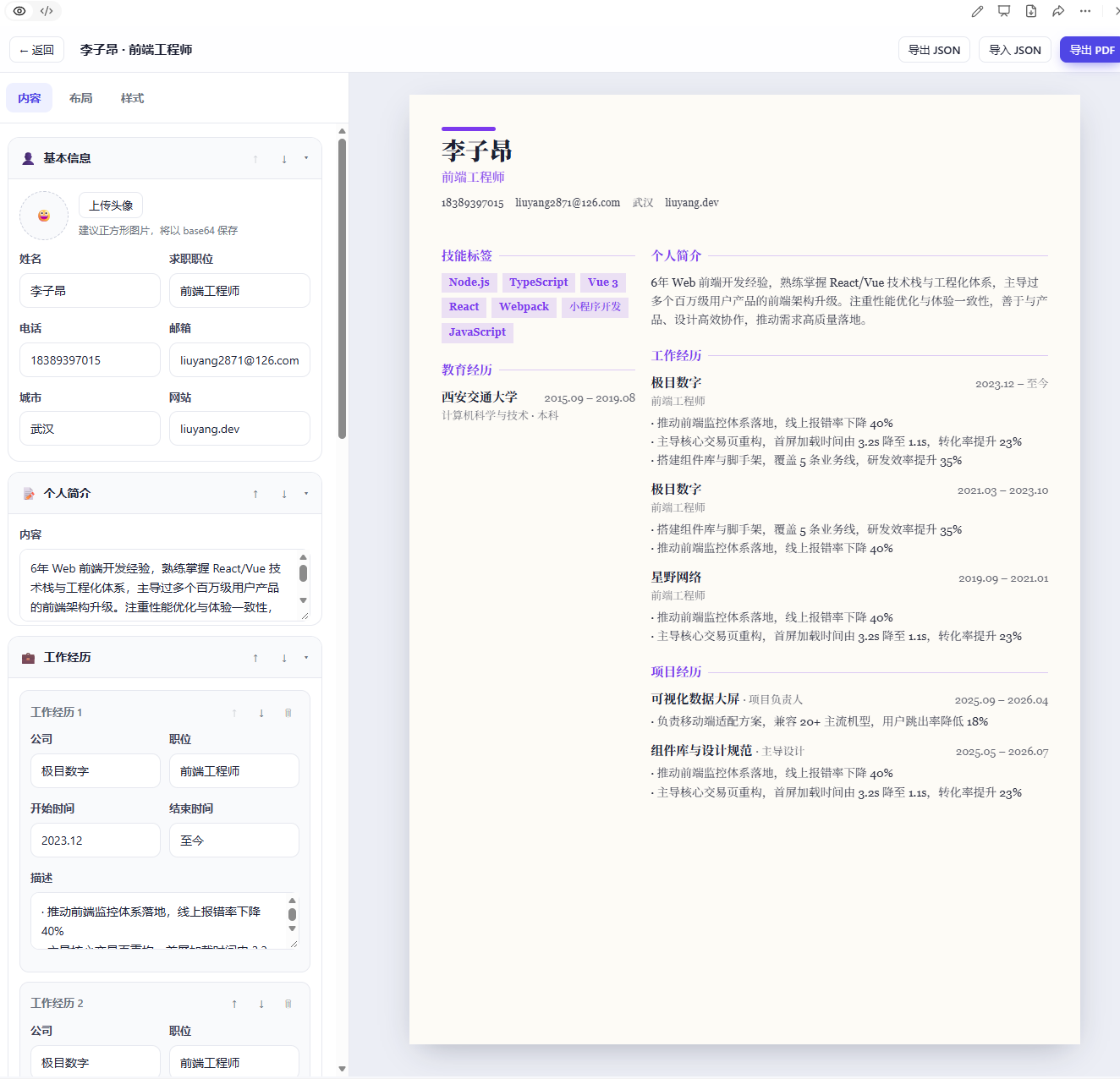
Create and use a complete online resume builder in your browser—from creating a new resume and entering your experience to adjusting the layout and colors, previewing changes in real time, and exporting the result. It helps job seekers quickly create professional resumes. It is ideal for individuals who need multiple resumes for different roles and want to repeatedly refine both their content and visual presentation. It can also serve as a front-end single-page tool that requires no backend deployment. Manage multiple resumes and edit your basic information, personal summary, work experience, education, projects, skills, and custom sections. Organize content by dragging items or changing their order. The tool offers multiple layouts, including single-column, two-column, and timeline styles. You can customize the font, font size, line height, spacing, paper background, and colors, while the right panel provides a real-time preview of all changes in A4 proportions. Resume data is saved in your browser, so you can continue editing after refreshing the page. You can also copy, rename, and delete resumes, randomly generate sample resumes, and import or export JSON data. When finished, export a PDF suitable for printing or job applications. The tool also works on narrow-screen devices and runs without a backend or external network resources.
Recommended by
Dancang
Why we love this skill
An end-to-end resume workflow with multiple resumes, local persistence, sample generation, live A4 previews, and PDF export—all in a customizable, no-backend frontend tool.
Best for
Job seekers who want to create, manage, and optimize multiple resumes for different roles.
How to use this Skill
Provide your input
Provide your name, contact details, experience, education, projects, skills, and other resume content, or import existing resume data.
Run the Skill
Enter and organize your content, choose a layout, font, and colors, and preview it in A4 format in real time. Save, copy, import or export data, or export a PDF when finished.
Review your result
Get an editable online resume and generate a PDF suitable for printing or job applications.
Related Skills
View all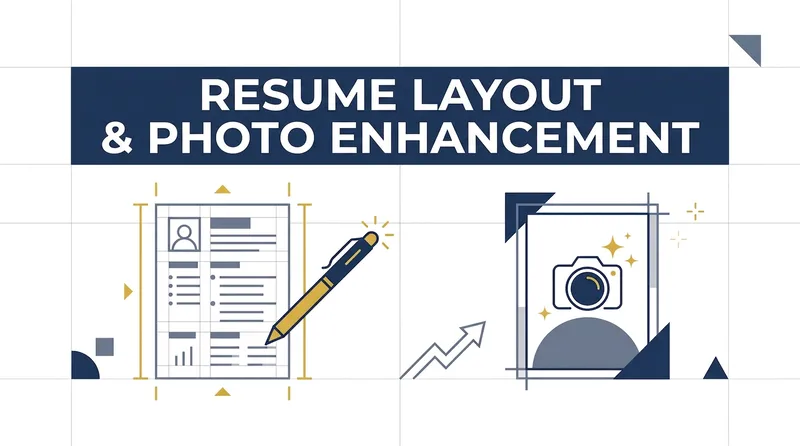
Resume & Photo Polish
Turn scattered text, PDFs, Word files, image resumes, web content, PPTs, or mixed materials into an authentic, clear, professional resume for job applications. The skill first identifies the material types, then extracts and organizes personal information, education, work and internship experience, projects, skills, certifications, honors, and more. When key information is missing, it asks focused questions as needed; anything that cannot be confirmed is clearly marked “To be added.” No facts are altered or fabricated. For an included ID photo, it first evaluates the background, lighting, composition, pose, clarity, and imperfections, then offers options such as light retouching, a standard ID photo, or advanced retouching. It processes the photo after you confirm the background color and dimensions. Retouching preserves your identifying features and aims for a natural, credible result—no face swapping or exaggerated beautification. If you do not have a photo, you can skip the photo step. You will receive a Markdown content version and a web resume optimized for mobile, easy to print, or export as a PDF. The resume can also be tailored to the target role by adjusting information priorities, language, length, and phrasing, while considering both ATS parsing and visual presentation. Delivery also explains the completed wording improvements, all information still to be added, and the photo-processing status, helping you quickly review the content and continue making adjustments.
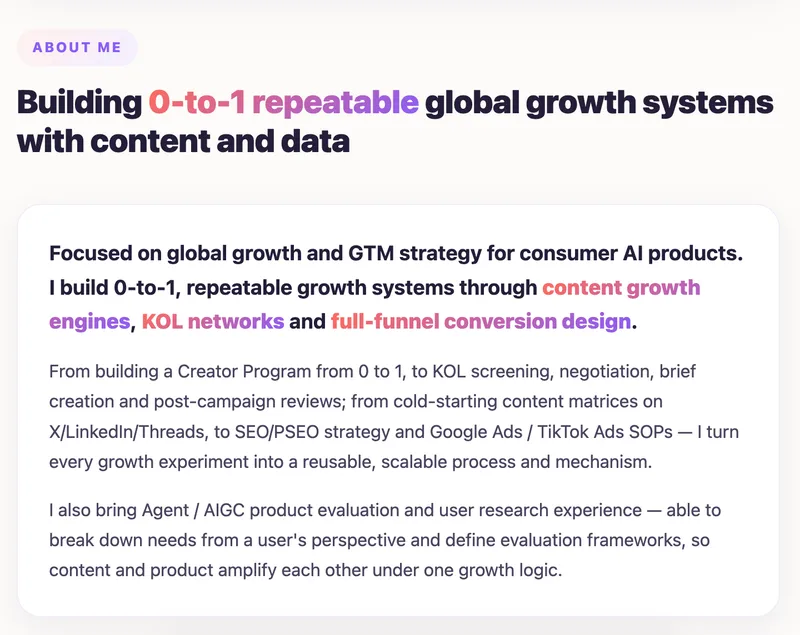
Resume Workshop
Resume Workshop helps you continuously build a reusable personal experience knowledge base. From it, you can generate responsive web resumes in multiple styles and ATS-friendly print resumes with one click. When you provide a target job description, it matches and highlights relevant experience from your knowledge base to create a focused, tailored resume in both web and print formats. In addition, just 1–2 front-facing casual photos are enough to generate American-style professional portraits and standard ID photos. No experience or data is ever fabricated; the style, language, and sections adapt to the resume content and industry.
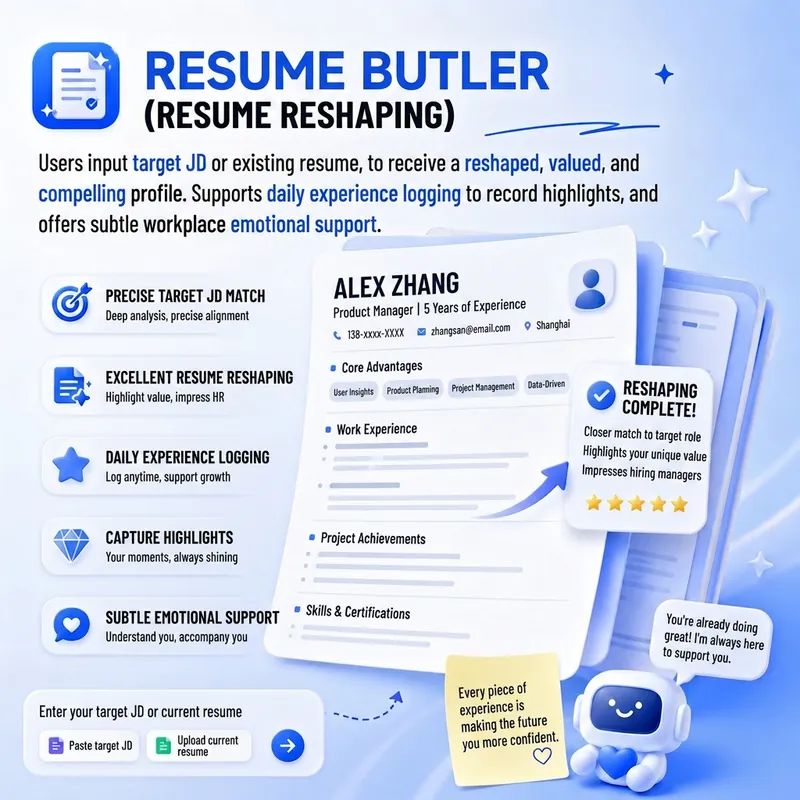
Resume Coach
Turn your resume from a list of experiences into a clear value proposition that helps recruiters understand why you’re worth hiring. Resume Coach supports resume diagnosis and rewriting, job description (JD) breakdowns, experience organization, and content streamlining for job searches including campus recruiting, experienced hires, career changes, and returning to the workforce after entrepreneurship. You can upload an existing resume or start with a work or project experience. From the perspective of recruiters and hiring managers, it helps you identify your core strengths and turn vague statements like “was responsible for,” “participated in,” and “was very busy” into specific actions, real results, and skills relevant to your target role. It can also work with a JD to help you decide which experiences to highlight and which points need to be expressed differently. When professional terms or job information are involved, it verifies them against reliable sources to avoid making things up. During the process, it moves forward on one question at a time, lets you temporarily skip uncertain information, and keeps items to be completed later. This helps you build your resume gradually through low-pressure conversation. Whether you’re creating your first resume, tailoring one for a specific role, or condensing an existing version, it can continuously maintain your career information and resume versions. Contact information is not requested proactively; remember to add it yourself before submitting your final resume. Keep growing throughout your career!
Information
- Version
- v2
- Last updated
- Runtime credits
- Usage-based
- Models
- Auto
- Use cases
- Web creationCareer development
- What you get
- DocumentWebpage
