
One-Click Photo Restoration
Repair, colorize, and enhance old photos
One-Click Photo Restoration
Repair, colorize, and enhance old photos
Showcase
Description
Upload damaged, faded, or blurry old photos and restore them into polished, high-resolution results in one go: repair tears and creases, remove stains and mildew, correct color casts and yellowing, intelligently colorize black-and-white photos, and enhance and enlarge blurry, low-resolution images. Strictly preserves faces and identities—only damage and clarity are corrected, with no beautification, face swapping, or invented details absent from the original. By default, you’ll receive one high-resolution restored photo plus one before-and-after comparison. Multiple photos are processed individually, and you can request adjustments such as “colorize only” or “keep black and white.”
Best for
Individuals, families, or photo organizers who need to restore and preserve old family photos.
How to use this Skill
Provide your input
Upload damaged, faded, blurry, or low-resolution old photos. If needed, specify requests such as colorizing only, keeping black and white, light retouching, or enlarging.
Run the Skill
Repair damage, restore colors, colorize black-and-white photos, and enhance clarity while preserving people’s identities, the original composition, and aspect ratio. No beautification or face swapping.
Review your result
Receive one high-resolution restored photo and one comparison image showing before and after. Areas that cannot be fully restored will be clearly noted.
Related Skills
View all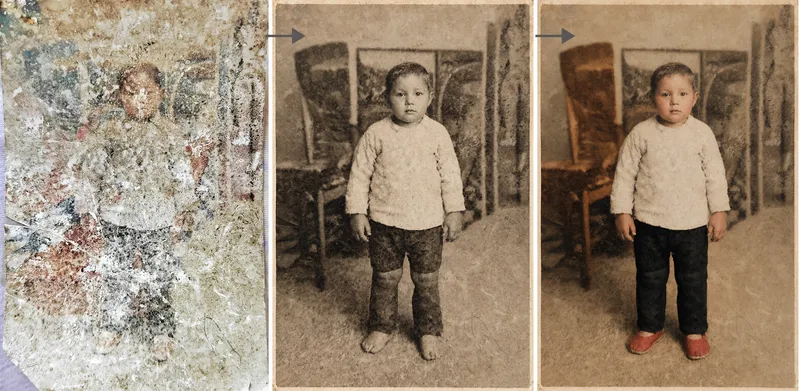 Image
ImagePhoto Restoration Studio
Old photo restoration specialist: upload an old photo of people, buildings, plants, or animals to repair damage—scratches, creases, mold, stains, fading, and missing areas—and add historically appropriate color while strictly preserving the original composition, number of people, expressions, and image dimensions. Trigger it when users say “restore an old photo,” “colorize an old photo,” “can this badly damaged photo be repaired?”, “colorize a photo of my grandparents,” “can you remove the scratches?”, “make an old photo clearer,” or “restore a family photo.” Core rule: restoration is subtraction, not addition—remove damage without adding content, and make the edit as invisible as possible. Faces are the only acceptance standard; colorization is a reasonable estimate, not a fact; the image dimensions must exactly match the original. By default, the output dimensions match the uploaded photo. Nano Banana 2.1’s high-fidelity reference image mode is preferred; Midjourney is disabled. For severe damage, use a two-step process: restore first in black and white, then colorize.
Vintage Photo Restorer
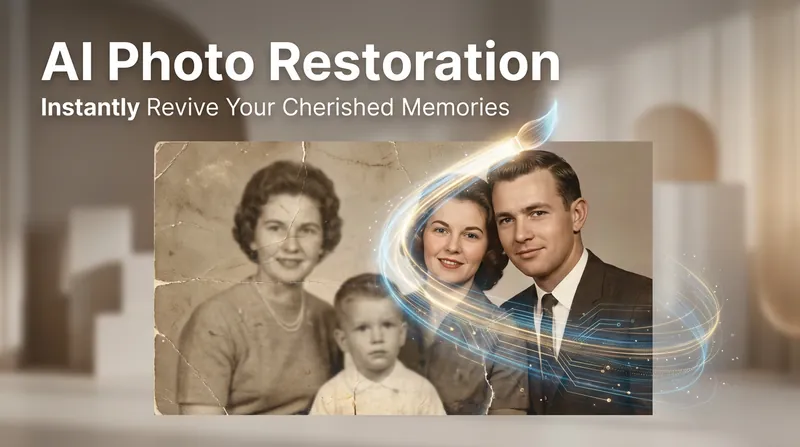
An intelligent skill for restoring old photos. It automatically detects issues such as blurring, damage, and fading, then selects the optimal restoration strategy based on severity to produce clear, natural-looking, and authentic photos. Facial features are carefully preserved to prevent distortion, avoiding any trace of excessive AI processing.
Smiling Old Photos · Revived
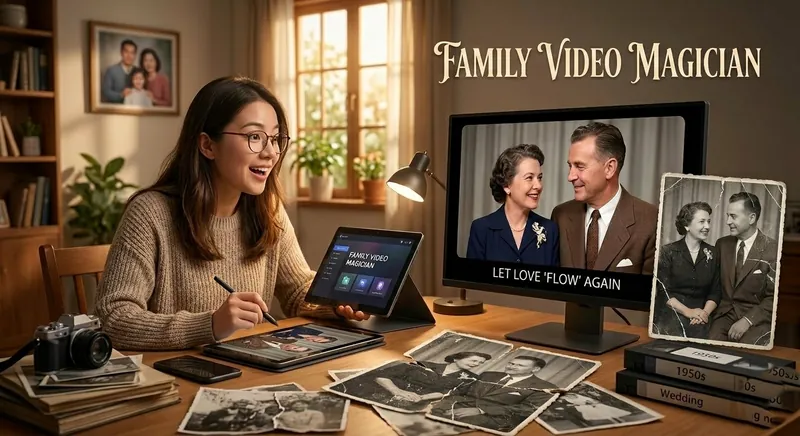
Your exclusive family photo magician. Not only can it restore and automatically colorize blurry, damaged, black-and-white old photos/videos to high definition, but it also uses AI generation technology to make people blink, smile, turn their heads, and even speak, turning dusty static memories into lifelike dynamic images, letting love 'flow' again.
Information
- Version
- v2
- Last updated
- Runtime credits
- Usage-based
- Models
- Auto
- Use cases
- Images & designLifestyle & entertainment
- What you get
- Image
