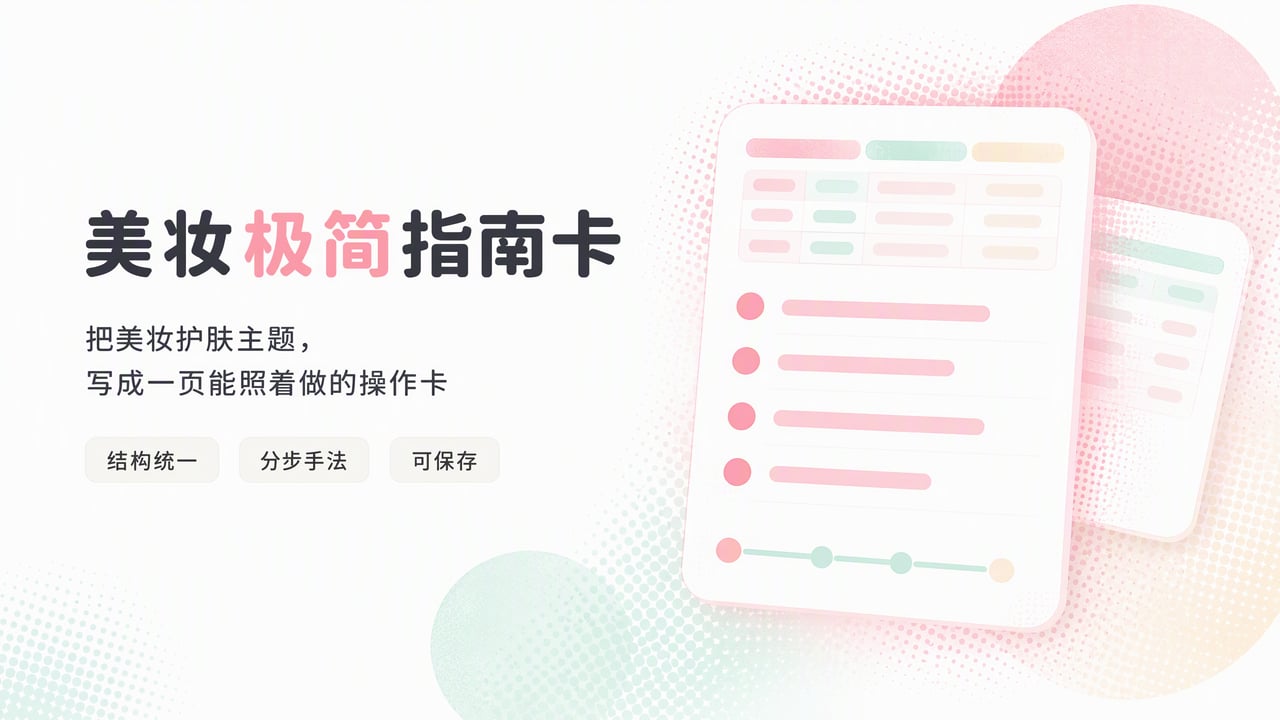
Simple Makeup Guide Card
Turn beauty topics into easy guide cards
Simple Makeup Guide Card
Turn beauty topics into easy guide cards
Showcase
Description
Turn any makeup or skincare topic into a consistent, saveable, minimalist guide card: first fill in key details (audience/skin type, budget or price range, and goal), then create a ready-to-use YouMind document organized as “Checklist → Step-by-step Techniques → Common Pitfalls → Personalized Reminders → Schedule.”
Best for
Beginners who want to turn a makeup or skincare need into a simple, clear guide they can follow.
How to use this Skill
Provide your input
Provide a makeup or skincare topic, target audience or skin type, budget range, and goal. You may also add details such as the occasion or products you already own.
Run the Skill
Use this information to organize a simple product checklist, step-by-step instructions, common pitfalls, personalized reminders, and a schedule. Fill in key details first when needed.
Review your result
Get a consistent, beginner-friendly makeup or skincare guide document that you can save and use right away.
Related Skills
View all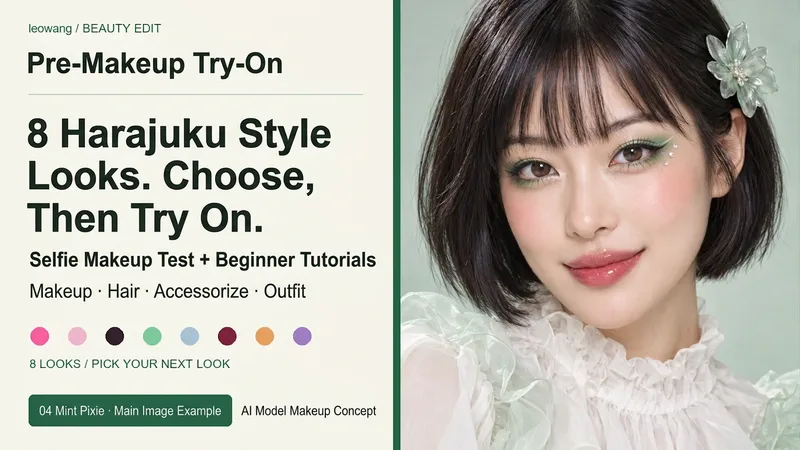 Image
ImageHarajuku Style & Selfie Makeup
Want to try bold and exquisite Harajuku styles? Pick your favorite look first. Includes 8 pre-designed complete sets: Rainbow Candy, Cherry Pink Bow, Black & Pink Sweet Cool, Mint Sprite, Silver Blue Future, Red & Black Lace, Tangerine Retro, and Purple Butterfly Fantasy. Each set features unique eye makeup shapes, blush, and lip colors, along with hair, accessory, and outfit suggestions. Supports adjusting between 6 to 10 sets, choosing by number, mixing and matching freely, or uploading your own reference image. After selecting, use your selfie for a single makeup preview, or explicitly choose to design the makeup, hair, and outfit together. Keeps your facial features intact with default natural light retouching, and breaks down the chosen look into zoned application methods, tool amounts, steps, and troubleshooting tips for beginners. Text plans are not equal to rendering outputs. Selection catalogs and personal try-ons are separate, and image generation relies on actual YouMind tools and quotas. AI previews may differ from actual colors and techniques. Installation does not include image generation quotas. Workflow and product design: leowang.
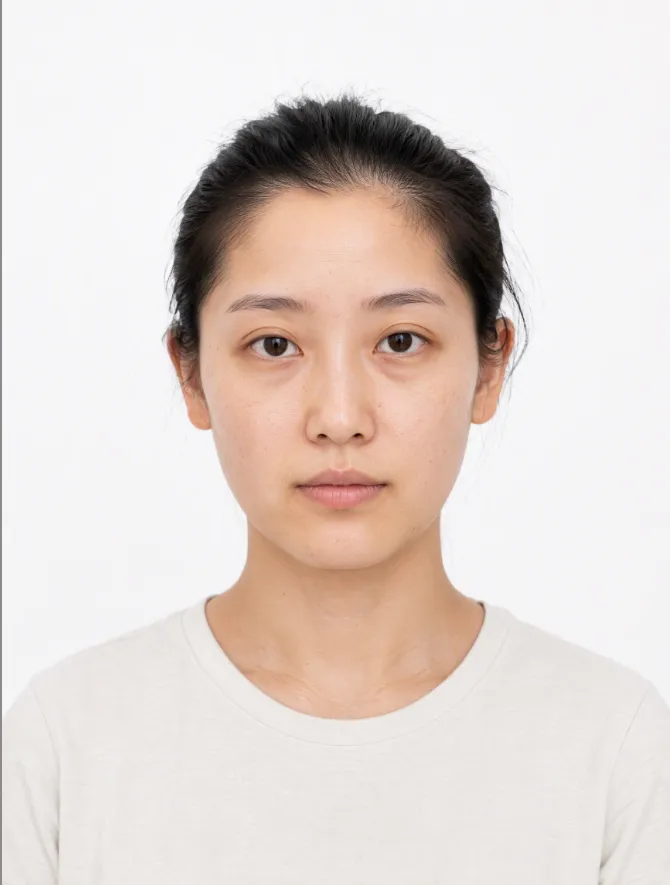
AI Makeup Try-On
# AI Makeup Try-On | AI Makeup Designer Upload a front-facing photo, and AI will analyze your skin undertone, eye shape, and lip shape. It will select the three most suitable looks from current makeup trends, generate try-on previews, and give you an application card you can follow step by step. ## What you’ll get - **Facial analysis**: Explains what suits you without judging your attractiveness or commenting on your skin - **3 makeup recommendations**: One light, one medium, and one bold look, with an explanation of why each suits you - **Makeup try-on preview**: Changes only the makeup while keeping your facial features, hairstyle, and background unchanged; after generation, it automatically compares the result with the original and redraws it once if there are discrepancies - **Application card**: Clearly explains the base, brows, eyes, blush, contour, and lips, including color, texture, placement, difficulty, time, and a product list ## When to use it Before a date, interview, wedding, or photo shoot, when you want to see which makeup look suits you before deciding how to apply it. ## Usage tips - Clear, front-facing photos with even lighting and no obstructions work best - You can include an occasion or style, such as a date, interview, wedding guest makeup, Korean-inspired, or Western-inspired looks - For adults only. Upload your own photo or one you have permission to use - The preview is an AI-generated visualization; actual results may vary with lighting, skin texture, and application technique - Each try-on uses about 100–200 credits (one generated preview; automatic correction generates one additional preview)
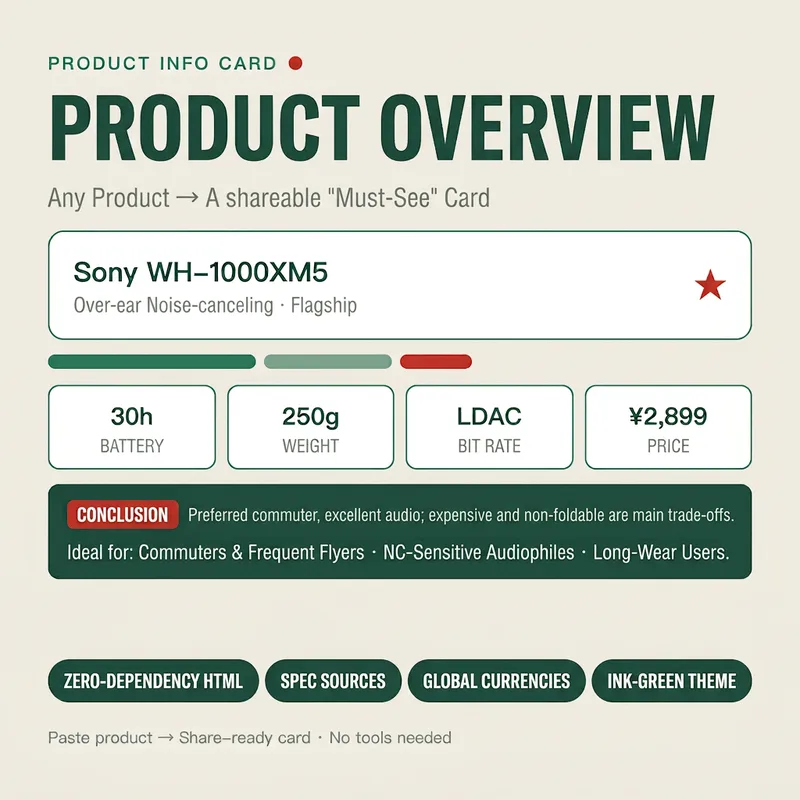
Stunning Product Info Card
Turn any product (name, spec sheet, or a snippet of a review/e-commerce page) into an exquisitely styled web overview card (HTML) in seconds. It first extracts key info (one-line summary, core specs, pros & cons, price positioning, and target audience), then applies a cohesive "ink green" visual system to automatically generate a shareable card. You receive card code that can be saved as a .html file to view in your browser, complete with usage tips. It is zero-dependency, copy-pasteable, with mandatory source attribution, making it ideal for global e-commerce, product reviews, and content creation. Target Audience: - E-commerce sellers / live-streaming influencers (for hero sections of detail pages and comparison cards) - YouTube / TikTok / xiaoxiaodong review creators (for product card header images) - Affiliate marketers / shopping guide bloggers (for "must-read before buying" content) - General consumers (to organize parameters and aid purchasing decisions)
Information
- Version
- v4
- Last updated
- Runtime credits
- Usage-based
- Models
- Auto
- Use cases
- Writing & contentLearning & education
- What you get
- Document
