Minimal Encyclopedia Card
Turn any topic into a clear, saveable infographic
Minimal Encyclopedia Card
Turn any topic into a clear, saveable infographic
Showcase
Description
Enter any topic you want to explain clearly, and the Skill will choose a suitable explanatory structure and information modules to create a minimal encyclopedia card that’s easy to understand and save. It works for people, concepts, architecture, products, events, works, plants and animals, food, and other knowledge topics. Supports 3:4 portrait and 16:9 landscape formats, and checks the aspect ratio, text distortion, clipped subjects, and information crowding. For the latest products, prices, or specifications, consider providing reliable sources.
Recommended by
淡苍
Why we love this skill
Turn any topic into a minimalist, museum-label-style encyclopedia card. Choose precise modules by subject, build a clear visual flow with Swiss grids and thematic colors, and verify facts, Chinese typography, and aspect ratios for delivery-ready results.
Related Skills
View all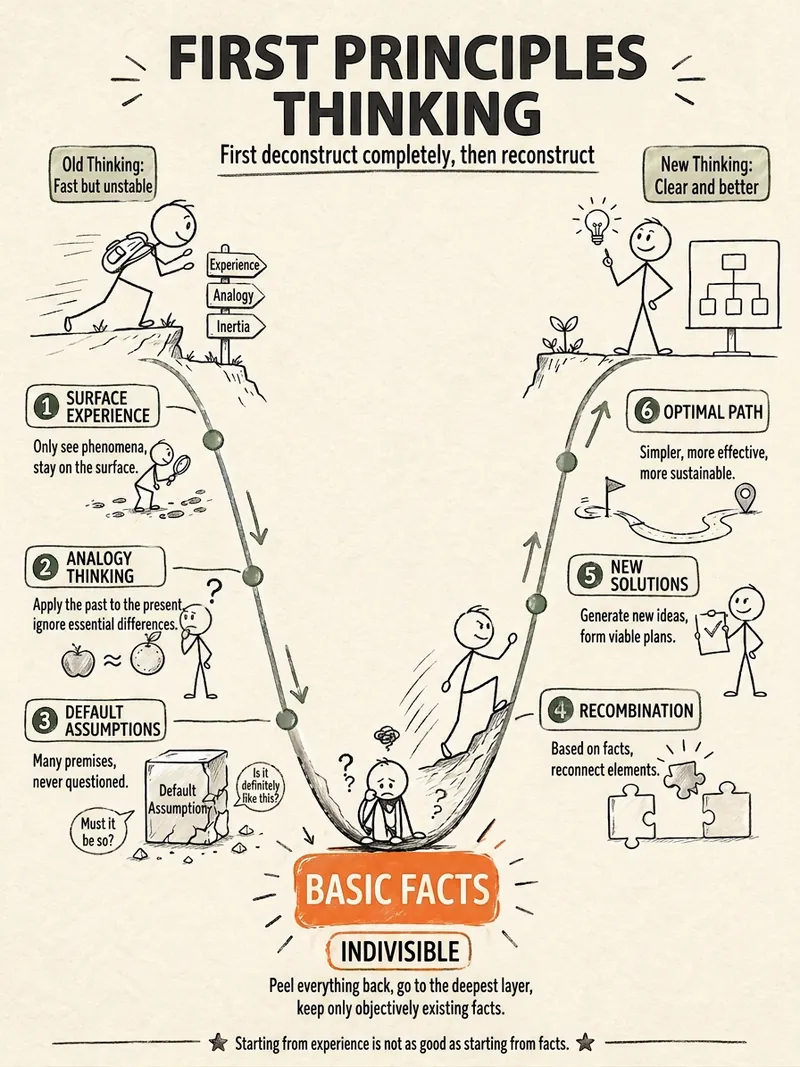 Image
ImageStick Figure Explainer
Turn complex concepts, abstract theories, lengthy processes, notes, business analyses, or growth stories into prompts for vertical knowledge cards, infographics, and hand-drawn explainers optimized for GPT-Image 2. Whether you’re organizing a process, comparing before and after, analyzing causes, categorizing knowledge, or telling a story of growth from a low point to a breakthrough, it distills the key takeaway and matches it with a suitable composition, visual metaphor, and reading flow—making the content easier to understand and remember at a glance. You’ll receive a Chinese card structure guide and visual system recommendations covering composition, hand-drawn style, color philosophy, and typographic character, along with a ready-to-copy English image-generation Prompt. The default canvas is a 3:4 vertical format, suitable for knowledge cards, Xiaohongshu cards, vertical infographics, and posters. Depending on the topic, stick figures, simplified characters, or icons can be used to show states, actions, and emotions, while keeping the number of information modules under control to avoid crowded visuals, text that is too small, or scattered emphasis. It’s ideal for quickly turning reading notes, frameworks, workplace skills, psychology and personal growth topics, business insights, product workflows, and complex concepts into clear, narrative-driven, actionable visual content.
Free · Museum of Everything
Turn a city, plant, animal, ingredient, mineral, object, building, or cultural concept into a museum-style knowledge infographic with both educational value and a collectible feel. The 3:4 portrait layout uses a high-quality hero visual to anchor the composition, paired with elegant Chinese titles, English or Latin scientific names, classification labels, and concise definitions so the subject’s traits and character are immediately clear. The information is organized flexibly according to the subject, covering modules such as a core profile, structural cross-section, geographic and historical context, experiences and applications, comparisons with similar subjects, identification and care, or cultural extensions. Key figures, icons, maps, timelines, and concise charts are interwoven to avoid crowded tables and rigid nine-grid layouts, balancing rich information with easy reading. When presenting key names and user-provided data, the design prioritizes textual accuracy and avoids inventing precise conclusions. The overall visual style combines natural specimen photography, refined museum wayfinding panels, and the character of a high-end magazine yearbook. It uses low-saturation natural colors such as off-white, gray-green, and warm gray, along with restrained accent colors, serif headings, and generous whitespace. It is suitable for knowledge cards, educational posters, exhibition guides, and social media content. It also supports creating a series of collectible images with consistent layouts, colors, and numbering across multiple subjects.
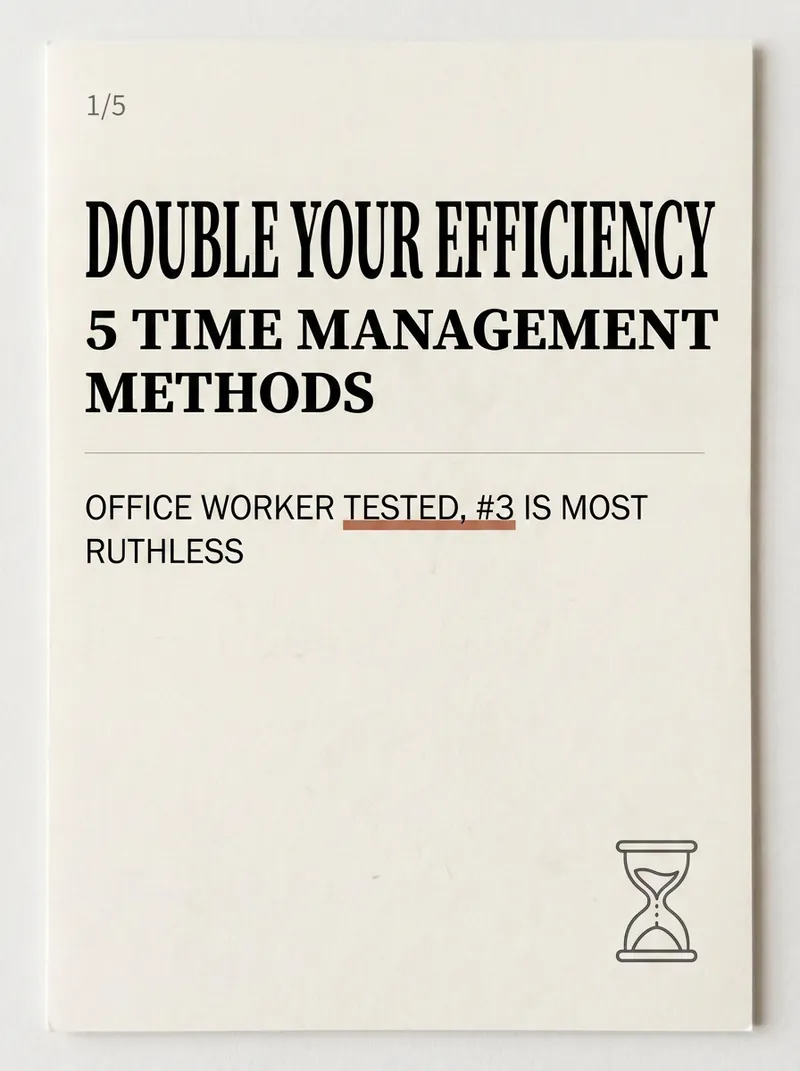
Xiaohongshu Card Generator
Being a Xiaohongshu knowledge blogger, the hardest part isn't writing content—it's formatting it into card images that people want to click and save. Searching for templates, adjusting fonts, colors, alignment—a single set can take two hours, and it still often has that AI-generated tacky feel. The Xiaohongshu Viral Knowledge Card Generator compresses this into one minute: input a topic or text, and it automatically splits into cover + inner pages, applies layouts that match real Xiaohongshu aesthetics, and generates a complete set of vertical cards ready to publish. ✨ Core Capabilities 1. 6 combinable layout types—cover hook cards, checklist cards, step-by-step cards, comparison cards, quote cards, and knowledge point breakdown cards—covering almost all informative posts. 2. 5 native styles—Cream Magazine, Morandi Minimalist, High Saturation Pop, Sticker Journal, Business Premium Gray—switch styles with one click, no rework needed. 3. 3 sizes—Xiaohongshu vertical 3:4, square 1:1, story 9:16—one input, multiple uses. 4. Cover formula—number hook + pain point + benefit, specifically designed to solve 'no one clicks'. 5. Anti-AI guardrails—rejects standard fonts, purple-white gradients, and rigid symmetry to deliver an authentic blogger feel. 📱 Applicable Scenarios Workplace, study, finance, science, and education bloggers' value-packed collections, knowledge sharing, list recommendations, opinion quotes; also works for WeChat Official Account headers and WeChat Moments infographics. Input a topic, leave the rest to it—make your notes irresistible at first glance.
Information
- Version
- v6
- Last updated
- Runtime credits
- Usage-based
- Models
- Auto
