
Live Interview Editing
Turn hours of live interviews into short videos with highlighted captions
Live Interview Editing
Turn hours of live interviews into short videos with highlighted captions
Showcase
Description
Turn hours of live interviews into ready-to-produce plans: transcribe with timecodes, clean up filler content based on deterministic criteria to select truly worth-editing segments, and produce a full feature script along with multiple short video clip scripts. Each clip includes in/out points from the original footage, keywords to highlight, and cover copy, ultimately delivering an operation card set with keyword-highlighted captions that you can follow directly to produce videos.
Why we love this skill
Breaks down live interviews into traceable transcripts, rigorous clip selection, and actionable editing guides with precise timecodes and highlight checks.
Related Skills
View all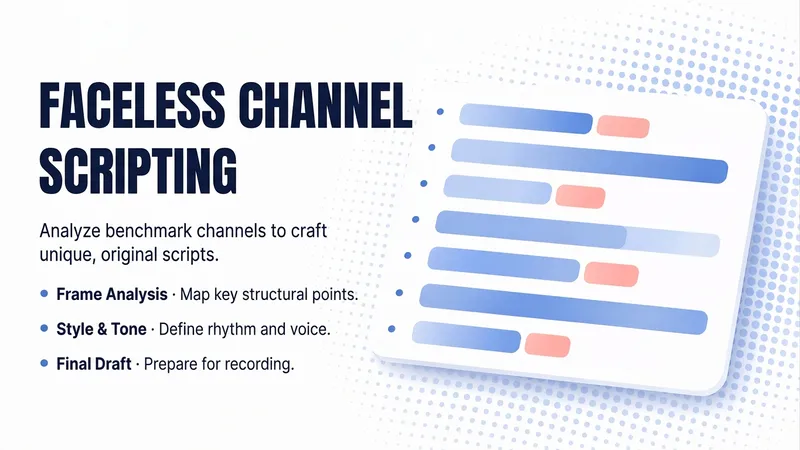 Write
WriteFaceless Pro | 11 Stages
Write scripts for YouTube channels built without on-camera appearances, relying on narration and visual assets. Share a reference channel link and 2–3 transcripts, and it first breaks down the channel’s structure, sentence rhythm, tone, and retention techniques into a 12-dimensional style fingerprint. It then uses the same creative feel to write an original script for your topic: divided into beats, with 3–5 seconds of voiceover per beat and a target word count held within ±5% of the sample average. Only after the script is finalized does it unlock the visuals, analyzing visual samples and providing actionable image prompts for each beat, optional video clip prompts, and finally five thumbnail concepts, each with an emotional trigger and generation prompts. One stage and one question at a time, with a visual firewall that ensures the script is finalized before visuals are discussed—borrowing structure without copying wording.
One-Click Script & Cover Gen
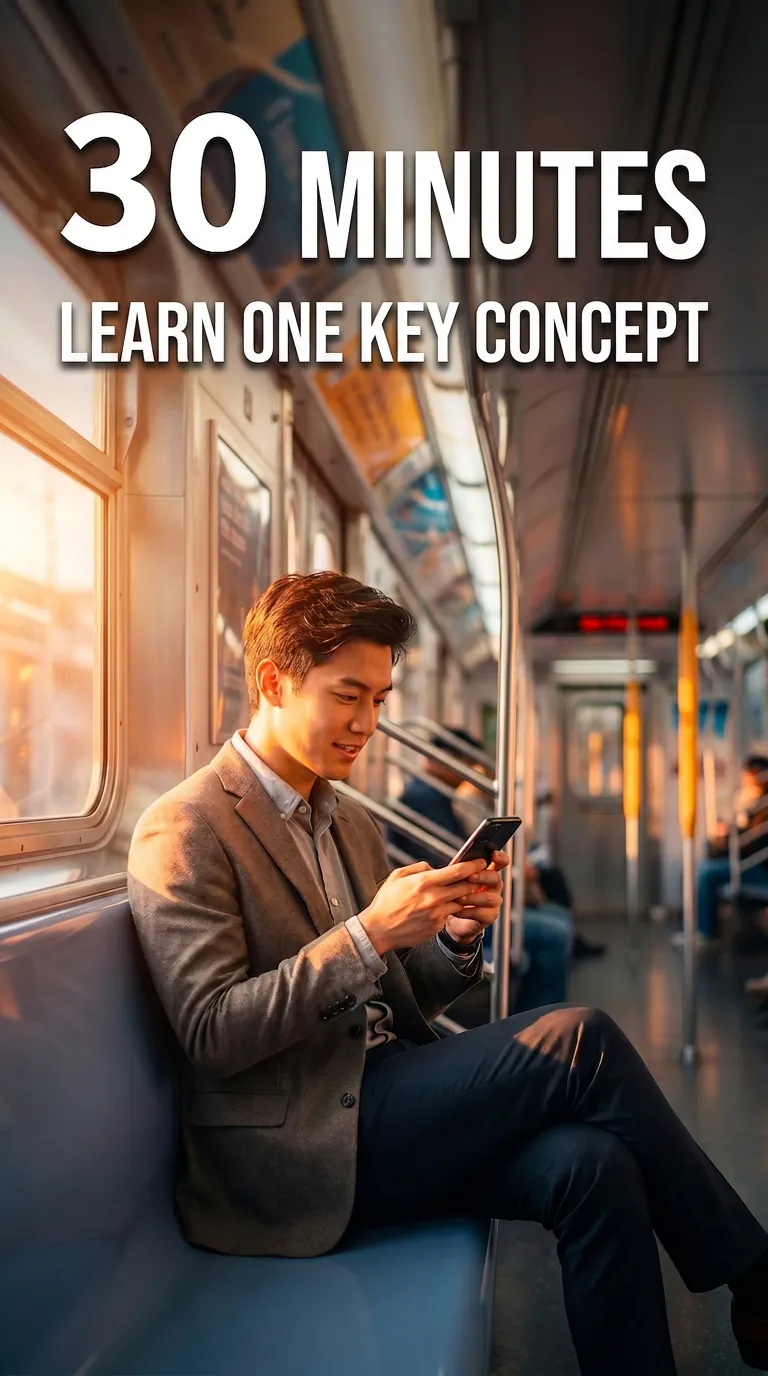
The biggest hurdle in talking-head videos isn't being on camera—it's writing the script. You agonize over a topic, the opening hook gets swiped away, you spend all night polishing a word-for-word script, and then you still need to find a cover template. Before you've even posted a single video, you're already burnt out from the prep work. Feed in a topic and get a complete ready-to-shoot package: hook opening + word-for-word script + scene breakdown + title and description + matching cover image. ✨ Core Capabilities 1. Golden 3-second hook: 4 opening formulas—suspense/pain point/counter-intuitive/benefit—designed to beat high swipe rates. 2. Word-for-word script: Written in a conversational rhythm, with clear sentence breaks, pauses, and emphasis markers—just read it aloud. 3. Scene breakdown: Each segment includes visual, camera movement, and subtitle suggestions, plus BGM style. 4. Title and description set: 3 title options + description + hashtags. 5. Cover image generated directly: Large hook text + anti-AI-style layout, with 9:16, 3:4, or 16:9 aspect ratios selectable per platform. 6. Compatible with Douyin, WeChat Channels, Bilibili, and Xiaohongshu videos at different lengths (15s, 60s, 3min). 📱 Use Cases Talking-head creators, paid knowledge instructors, brand short videos, personal IP. One-stop solution for scripts and covers on Douyin, WeChat Channels, Bilibili, and Xiaohongshu. Topic in, shoot out—give the late-night writing hours back to sleep.
Interview Quotes + Launch Copy
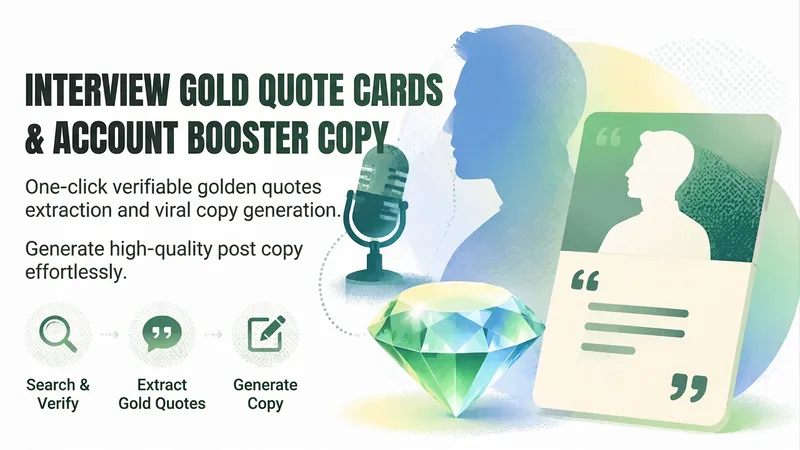
Turn real statements from celebrity interviews into interview quote cards and account-launch copy for Douyin and Xiaohongshu. Specify a person, topic, or time range, or simply say “generate,” and the skill will select suitable topics from recent trending interviews across business, technology, sports, culture, and more. It prioritizes first-hand interview videos, checks both the publication date and the actual recording date, and confirms that the person has clear, sufficient solo footage. It then distills distinctive, mobile-friendly quotes from the original words and provides the original wording, source information, and timecodes for review and verification—helping prevent media paraphrases or old interviews from being mistaken for recent statements. Each card comes with a consistent vertical visual concept, plus a platform-ready title, body copy, hashtags, and posting notes. The content clearly distinguishes original quotes from distilled text and explains the difference between generated visuals and screenshots from the original footage. If no reliable original footage or clear reference image of the person is available, it says so plainly rather than fabricating a celebrity’s face, quote, or source.
Information
- Version
- v4
- Last updated
- Runtime credits
- Usage-based
- Models
- Auto
- Use cases
- Writing & contentVideo & audio
- What you get
- DocumentScriptPlan
