Landing Page & OG Pro v2.0
Explain your product. Get a page + OG image
Landing Page & OG Pro v2.0
Explain your product. Get a page + OG image
Showcase
Description
Built a product but stuck on the landing page? Generic templates look obviously AI-made, while designing one yourself can eat up an entire weekend. Landing Page & OG Pro turns a one-line product idea into a polished landing page you can preview and publish directly, plus a matching link-sharing image. Just explain what your product is and who it’s for. You can also paste existing copy or a URL. It chooses the best fit from 32 designer-crafted visual systems, carries over the system’s fonts, colors, and decorative details, and lays out your content as a scrolling landing page with everything you need: hero section, pain points, how it works, what you’ll get, and a call-to-action button. You’ll get: - A web page you can open and preview directly—not a pile of code pasted into the chat. It also displays properly on mobile. - A cohesive visual design: the fonts, colors, spacing, and decorative details come from one established design system rather than being pieced together. - A matching OG sharing image: when you share the link on WeChat, X, or Slack, the preview card and page use the same style, with text kept inside the safe area so it won’t be cropped. - Clean, credible copy: it only uses the information you provide and reasonable value statements. It doesn’t invent testimonials, user counts, or data. - Want to change the style, revise the copy, adjust the colors, or switch to your brand colors? Just say so. It avoids the usual blue-and-purple tech look by default; if your brand is already blue or purple, it follows your brand. What’s new in v2.0: - The result is a true scrolling landing page, not a paged slideshow. - Once there’s enough information, it generates the page directly instead of first asking about the setting and mood or creating three preview images. It’s faster and uses fewer credits. - Added a matching OG sharing image with the same title as the landing page. - It no longer invents testimonials, user counts, or data. Ideal for indie developers, product launches, waitlist pages, personal portfolios, event sign-up pages, and Newsletter subscription pages.
Why we love this skill
Recommends and generates a tailored landing page and matching OG image from your product idea, keeping the visual style consistent.
Related Skills
View all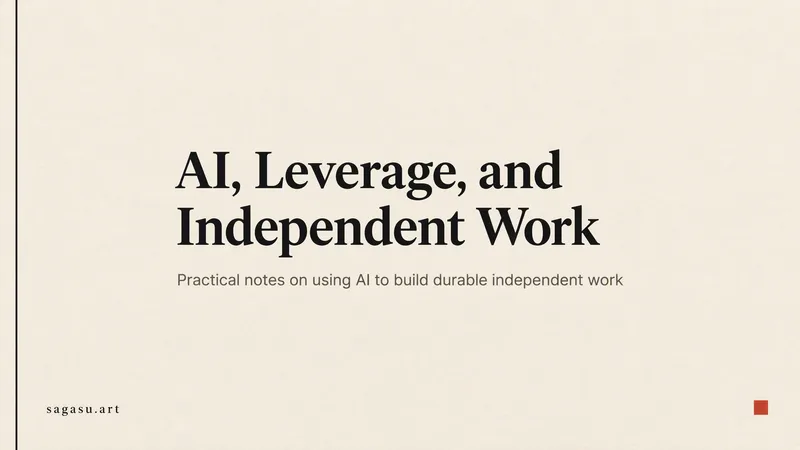 Image
ImageGenerate OG Share Image
Paste a webpage URL to generate a link preview image (OG image/social preview card) for display when shared on WeChat, Twitter/X, LinkedIn, or Slack. You’ll also get ready-to-paste og / twitter meta tags. The title, subtitle, and data are extracted from the page itself—nothing is made up. Branding is represented with text only; no fake logos are drawn. The design direction is selected automatically based on the page type: editorial layouts for personal blogs, branded gradients for product homepages, high-contrast minimalism for developer tools, and information cards when real data is available. 2026.10 update: · Upgraded to GPT Image 2.5 for more accurate text rendering in images; · All images are now generated in 16:9, with text and brand names placed in the central safe area so they won’t be cropped when center-cropped to 1200×630; crop guidance is included with delivery; · Meta tag width and height now match the actual published dimensions instead of conflicting with the image; · Design directions are no longer limited to seven rigid options and are combined flexibly based on the page content; · Less common pages such as login and privacy policy pages no longer require confirmation—the site-wide default image is generated directly; · Repeated rules have been streamlined. One image is generated by default, reducing unnecessary generations and credit usage.
 Image
ImageCinematic Cover Studio v2.0
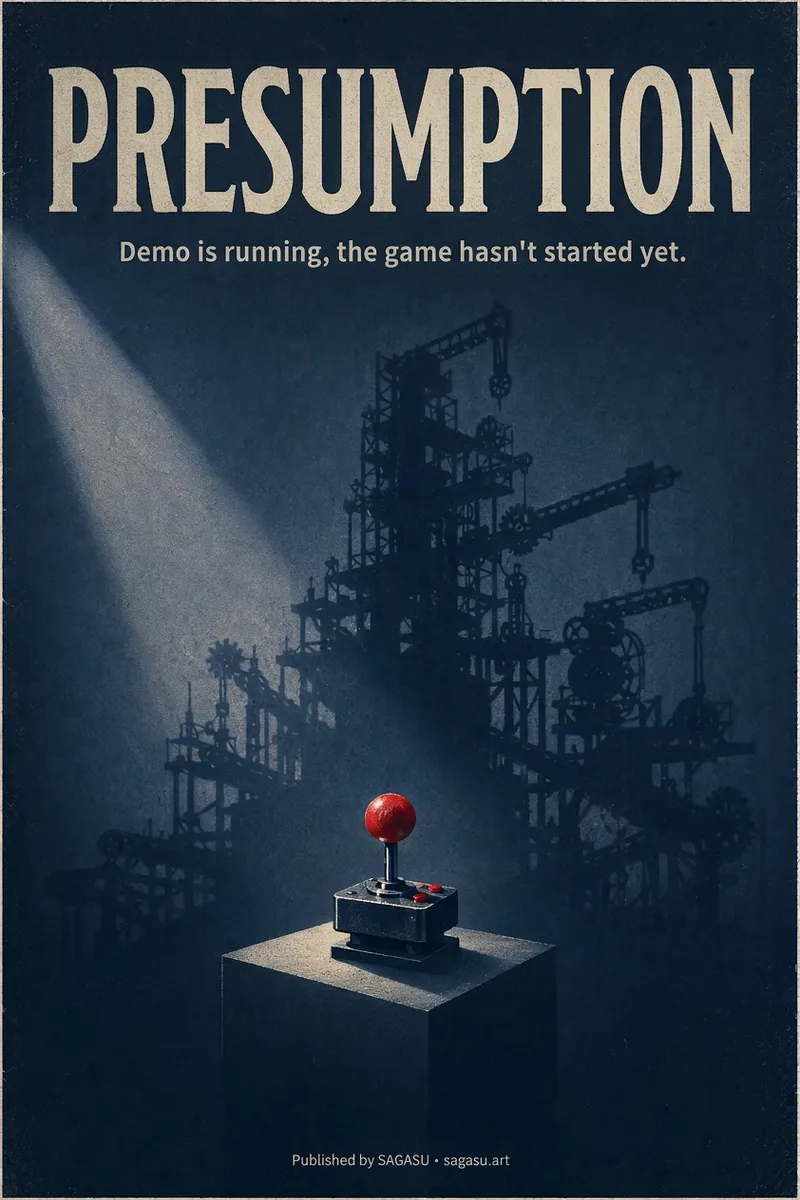
You wrote an article with a strong point, but can only pair it with a randomly chosen image? Cinematic Cover Studio turns your article’s central idea into a cinematic poster-style cover: the image catches attention in the feed at first glance, and viewers understand what it says at second glance—so they stop and click. Just paste in an article link or describe the topic in one or two sentences. It will understand the content, identify the most compelling tension in the article, turn it into a metaphorical scene with a single main subject, then match it with the right design style, composition, and colors to deliver a finished poster. You’ll get: - A ready-to-use cover with the title and subtitle already placed in the design. Chinese articles use Chinese titles with accurate, legible text. - Platform-ready aspect ratios: 2:3 portrait by default for movie posters; 3:4 for Xiaohongshu and Instagram; 9:16 for Stories; and 16:9 for WeChat Official Accounts, Bilibili, YouTube, and blog headers, with space reserved for the title. - Five design styles to choose from or match automatically: minimalist symbolism, illustrative storytelling, surreal metaphor, Eastern atmosphere, and commercial blockbuster. - No need to answer repeated questions: when there’s enough information, it generates the image directly. By default, it creates one image at a time so you don’t waste credits. - When you want to compare options, say “give me a few more versions” to see different directions, such as literal, metaphorical, and minimalist. If it feels too dark or too cool, or you want to change the style or colors, adjust the current image with a single sentence. Ideal for creators writing for WeChat Official Accounts, blogs, newsletters, Xiaohongshu, and X, as well as anyone who needs a key visual for opinion-based content, product introductions, or events.
 Slides
Pixel Game PPT Designer Pro
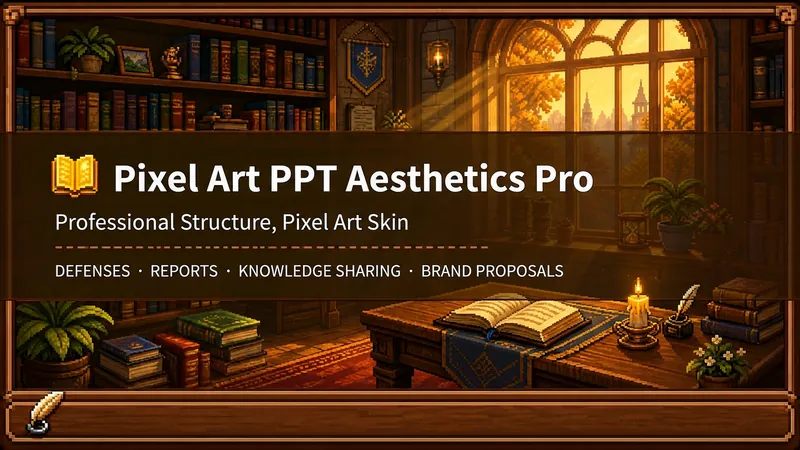
Who says professional PPTs have to be white backgrounds, black text, blue-gray colors, and cookie-cutter templates? If you love games, adore pixel art, and happen to need a thesis defense, report, knowledge sharing session, or brand proposal—then you have to try this. Pixel Game PPT Aesthetic Designer Pro does one simple thing: the skeleton is professional, the skin is pixel. It doesn't just make a "pixel-style creative PPT"; it makes a serious PPT that's fit for any professional occasion—only this one wears a 16-bit pixel game aesthetic coat. Core design philosophy: Separate skeleton and skin. Information architecture, visual flow, and page templates stick to professional norms; colors, borders, icons, and decorations adhere to universal pixel game aesthetics. Text is never pixelated, ensuring readability within 0.8 seconds. Pixel elements only appear in backgrounds, borders, icons, and decorative accents. No game-specific symbols are used—only cross-game universal symbols like candles, books, coins, stars, hearts, and crystals—so any pixel fan can use it. 🎮 How to use? Two modes, choose as needed: ① Direct Generation (2 steps): Enter topic/materials → AI confirms framework → Full output. Ideal for everyday scenarios with tight deadlines and moderate text requirements. ② Fine Mode (3 steps, saves credits): Enter topic/materials → AI confirms framework → Confirm text per slide → Full output. Finalize text per slide before generating images—avoids wasting credits on regenerating due to text errors. Use this for important occasions to control content and save credits. 🏰 Four professional scenarios with adaptive immersion depth: Academic Defense — Light immersion mainly, medium immersion on cover, deep immersion anchor points on data pages. Judges get it at a glance, and key pages make an impression. Work Reports — Light immersion plus medium immersion on metrics pages; risk pages stay non-pixelated. Bosses see professionalism, colleagues remember the style. Knowledge Sharing — Medium immersion mainly plus deep immersion on synthesis recipes. Replace boring flowcharts with "synthesis recipes" so knowledge sticks like game items. Brand Proposals — Adapts to brand temperature: cool brands get restrained pixel use, warm brands embrace the scene. 🎨 What you'll get: ① A complete pixel-style professional PPT (YouMind Slides format, editable online—text, layout, page order—change anytime. Edit within YouMind, then export locally as images.) ② A three-layer pixel wood border system (#5C3A1E outer ring + #8B5E3C inner ring + #F5E6D3 fill, unified visual language across the deck) ③ Exclusive synthesis recipe infographic (ingredient grid → synthesis circle → result grid, replacing traditional flowcharts with a visual anchor that RPG players instantly understand) ④ Adaptive immersion rhythm across four scenarios (not every page crammed with pixels—heavy where needed, light where not) ⑤ Dual-mode design (direct generation for daily use, fine mode for important occasions—finalize text first, then generate images to save credits) 399 credits. Give your professional content a 16-bit armor. Anyone who loves pixel art knows its worth.
Information
- Version
- v5
- Last updated
- Runtime credits
- Usage-based
- Models
- Auto
