Hand-drawn Infographic Maker
Hand-drawn Infographic Maker
Showcase
Description
Transform complex information into hand-drawn doodle style vertical infographics, suitable for WeChat Official Accounts, Xiaohongshu and other social media platforms. First produce a sample draft to confirm the style, then batch generate all once satisfied.
Related Skills
View all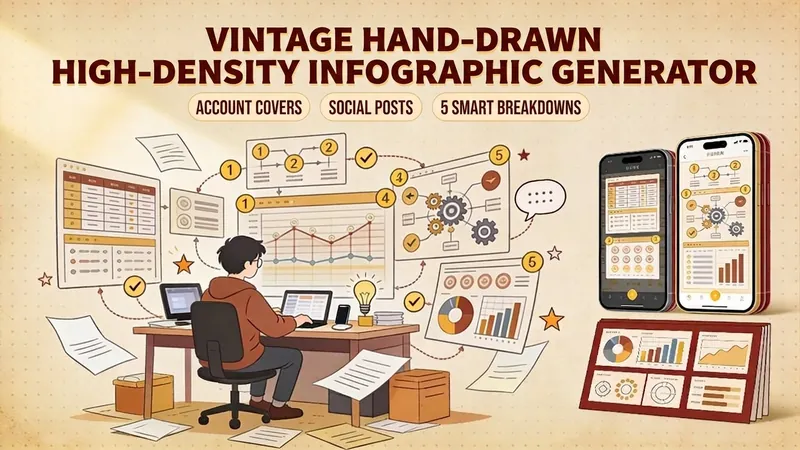
Retro Hand-Drawn InfoGraphic
One-click generation of retro hand-drawn style high-density infographics. Supports official account covers (1 horizontal version) and Xiaohongshu/WeChat post images (5 vertical versions smartly split). Uses warm earth tones, parchment texture, and handwritten fonts, making knowledge content warmer and more memorable. Suitable for knowledge bloggers, social media operators, and content creators to build a unique visual style.
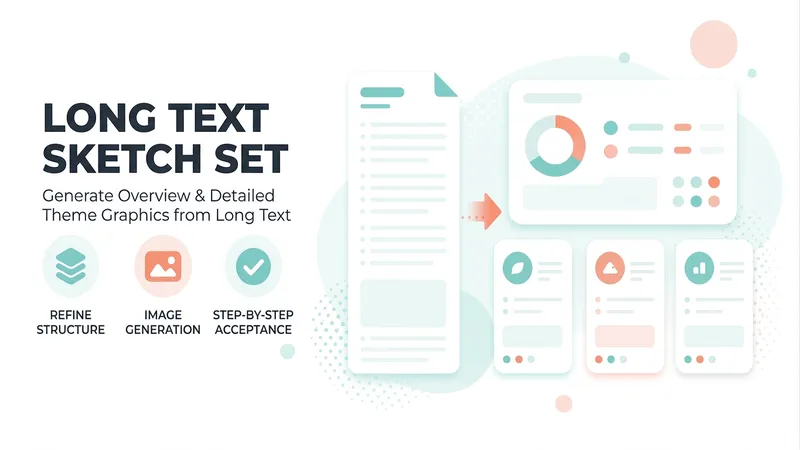
One Text, Many Sketches
A premium long-form visualization workflow for knowledge bloggers, teachers, consultants, and content creators. Submit an article, webpage, topic, or YouMind file, and it automatically assesses the content type, information density, and best composition, then matches it to one of four styles: minimalist line art, journal cards, retro high-density, or visual mind maps. It first generates one Chinese hand-drawn overview draft for approval, then produces N detailed topic illustrations in batches. Supports landscape graphics for WeChat Official Accounts, portrait graphics for Xiaohongshu, and general-purpose knowledge graphics. Copy is locked first, images are reviewed one by one, and issues receive localized revisions only—so the final hand-drawn knowledge set has the correct number of images, a consistent style, and is ready to use.
 Image
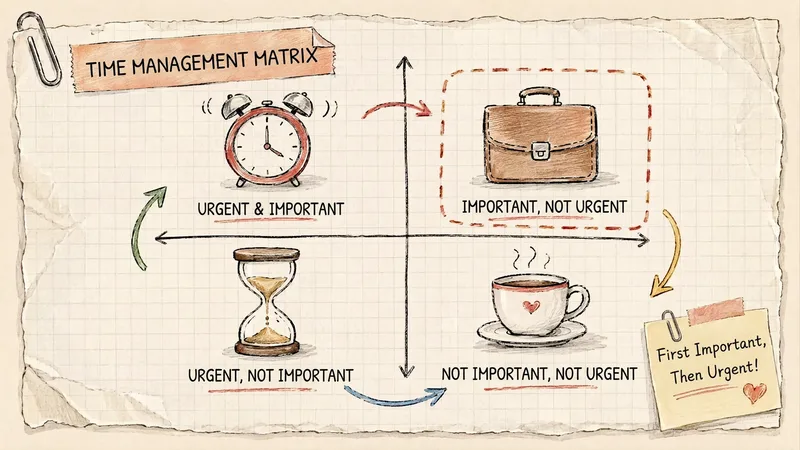
ImageGrid Paper Sketch Infographic
Turn any topic into a hand-drawn science infographic in a grid-paper journal style, or transform an existing image into the same style with one click. It includes seven-dimensional style definitions, bilingual style prefixes, a negative checklist, and a self-checklist. First, confirm the topic and canvas (3:4 portrait / 16:9 landscape / 1:1 square), or read the original image you provide. It then generates a complete image-generation prompt for your confirmation before creating the image. Afterward, it checks each item on the list and automatically redraws anything that does not meet the requirements. Ideal for public account layouts, Xiaohongshu creators, professionals making PPTs, and teachers creating visual learning materials.
Information
- Version
- v1
- Last updated
- Runtime credits
- Usage-based
- Models
- Auto
