Hand-drawn Picture X
Hand-drawn Picture X
Showcase
Description
Based on user input in Chinese, can only generate 1 hand-drawn infographic style image. The image is in Chinese, 16:9 aspect ratio, generated using the nano banana model.
Why we love this skill
This skill excels at converting complex text into clear and concise Chinese hand-drawn infographics. Its unique beige or white high-contrast background ensures readability and visual appeal.
Instructions
Carefully read the Chinese text description provided by the user to understand the content and scenario that needs to be presented. Extract the key content and visual elements.
Convert key content into Chinese prompts, ensuring no typos. Extract the essential information from complex text, guaranteeing conciseness, clear and easy-to-understand logic, neat layout, and use Chinese characters. Use a hand-drawn infographic style.
Beige or white background, high contrast; no gradients used.
Use the imageGenerate tool to generate one image with the following parameters: model set to gemini-3.1-flash-image-preview (nano banana), aspect_ratio set to 16:9.
Display the generated image in the dialogue.
Related Skills
View all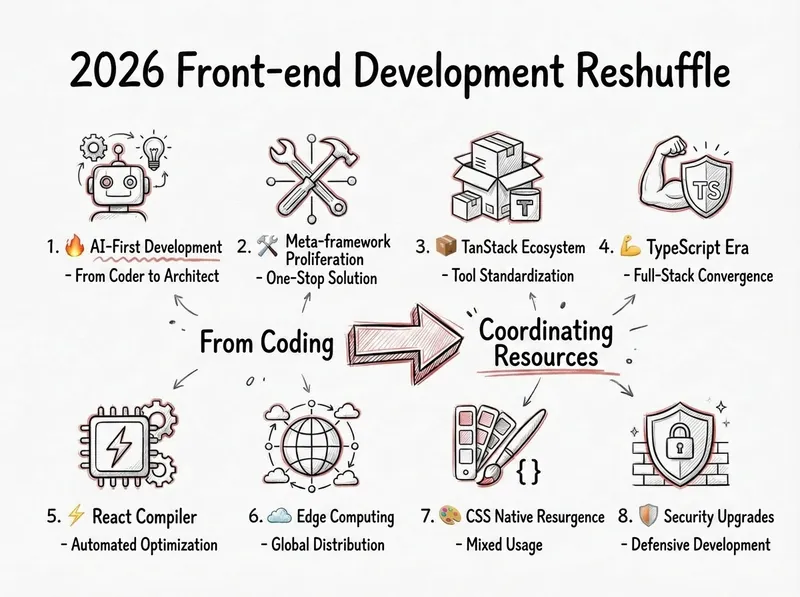
Generate a Hand-Drawn Note
Based on the text content, generate hand-drawn images that are rich in information, logically clear, and visually beautiful. Can be used as covers, illustrations, etc., to enhance the style of the work.
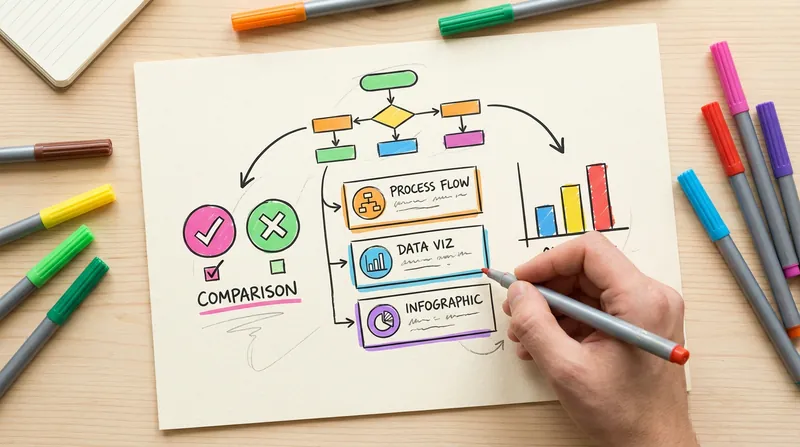 Image
ImageHanddrawn Infographic Generator
Generate warm and natural hand-drawn style infographics, simulating the texture of an artist's sketchbook. Supports multiple layouts (comparison, card list, data chart, FAQ, etc.). The lines have the natural fluctuation and imperfection of hand-drawn strokes. Users can customize the main color or use recommended color schemes.
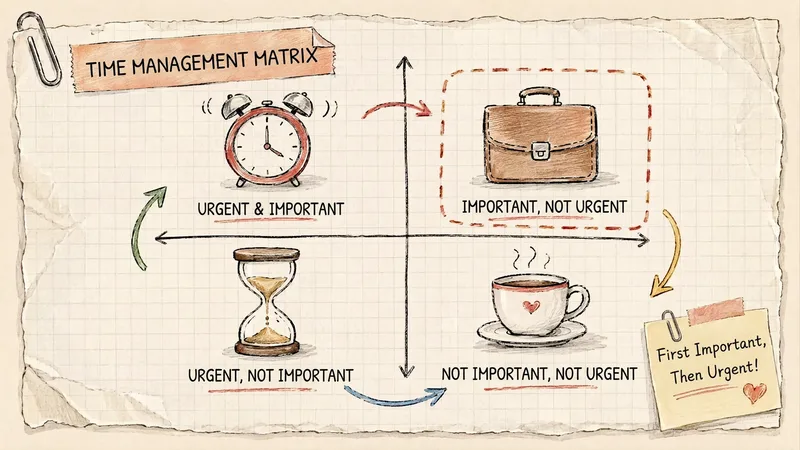 Image
ImageGrid Paper Sketch Infographic
Turn any topic into a hand-drawn science infographic in a grid-paper journal style, or transform an existing image into the same style with one click. It includes seven-dimensional style definitions, bilingual style prefixes, a negative checklist, and a self-checklist. First, confirm the topic and canvas (3:4 portrait / 16:9 landscape / 1:1 square), or read the original image you provide. It then generates a complete image-generation prompt for your confirmation before creating the image. Afterward, it checks each item on the list and automatically redraws anything that does not meet the requirements. Ideal for public account layouts, Xiaohongshu creators, professionals making PPTs, and teachers creating visual learning materials.
Information
- Version
- v7
- Last updated
- Runtime credits
- Usage-based
- Models
- Nano Banana Pro
