Flomo Smart Review Organizer
Flomo Smart Review Organizer
Showcase
Description
Automatically reads Flomo notes, intelligently categorizes and organizes them into to-do lists, knowledge bases, and creative inspiration pools, and generates daily review documents. Supports status tracking, tag suggestions, smart deduplication, and other features.
Related Skills
View all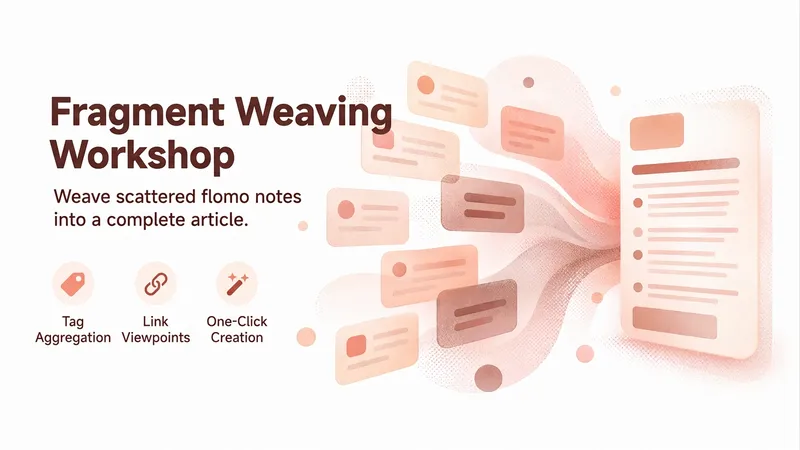
flomo Fragment-to-Essay Pro
Bring together fragmented flomo notes and shape them into a deep, long-form article. Automatically scan your tag system, collect notes in batches, cluster them by meaning, and distill key insights into a complete 2,000–3,000-character article. Supports generating illustrations, sending the result to a WeChat Official Account draft, and writing the summary back to flomo—creating a complete workflow from fragments to a finished piece.

flomo Notes to Articles
Aggregate fragmented flomo notes into in-depth articles. Automatically scan your tag system, collect notes in bulk, cluster them semantically to distill key ideas, and generate a 2,000–3,000-word long-form article. Supports generating illustrations, publishing to a WeChat Official Account, and writing back to flomo for a complete workflow.
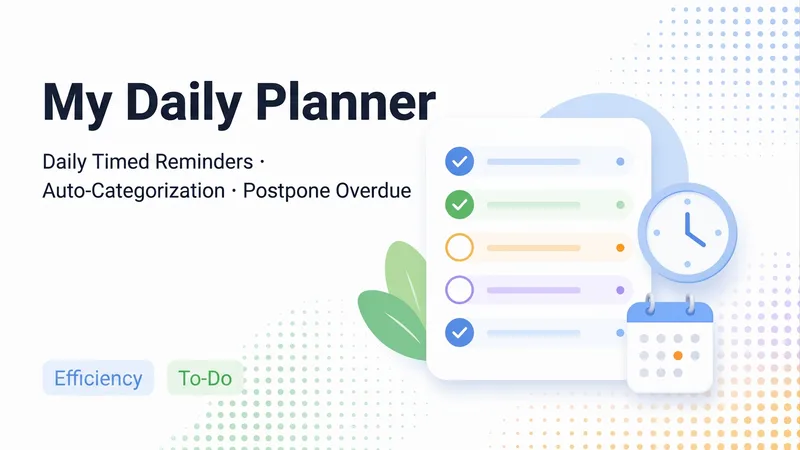
Daily To-Do Manager
A universal daily task reminder skill: reads your "To-Do List", generates daily reminders sorted by your custom categories (including priorities, "N days in advance" prep periods, sub-steps, and rollover reviews for unfinished tasks), archives records to "Reminder History", and creates a fresh checkable document "Daily Reminders · MM-DD (Day of Week)" each day while refreshing the "Daily Reminders" home page. Open your project to see what needs to be done today with clickable checkboxes—no need to deal with diff edits first. Mid-day additions or schedule changes are handled seamlessly: old versions are archived, new ones are generated with previously checked items preserved, and boxes are never locked. First-time use guides you through creating lists, selecting categories, setting reminder times, and automatically scheduling routine tasks. It also supports casually noting down new to-dos or scanning your recent projects to catch potential missing tasks (added after your confirmation).
Information
- Version
- v2
- Last updated
- Runtime credits
- Usage-based
- Models
- Auto
