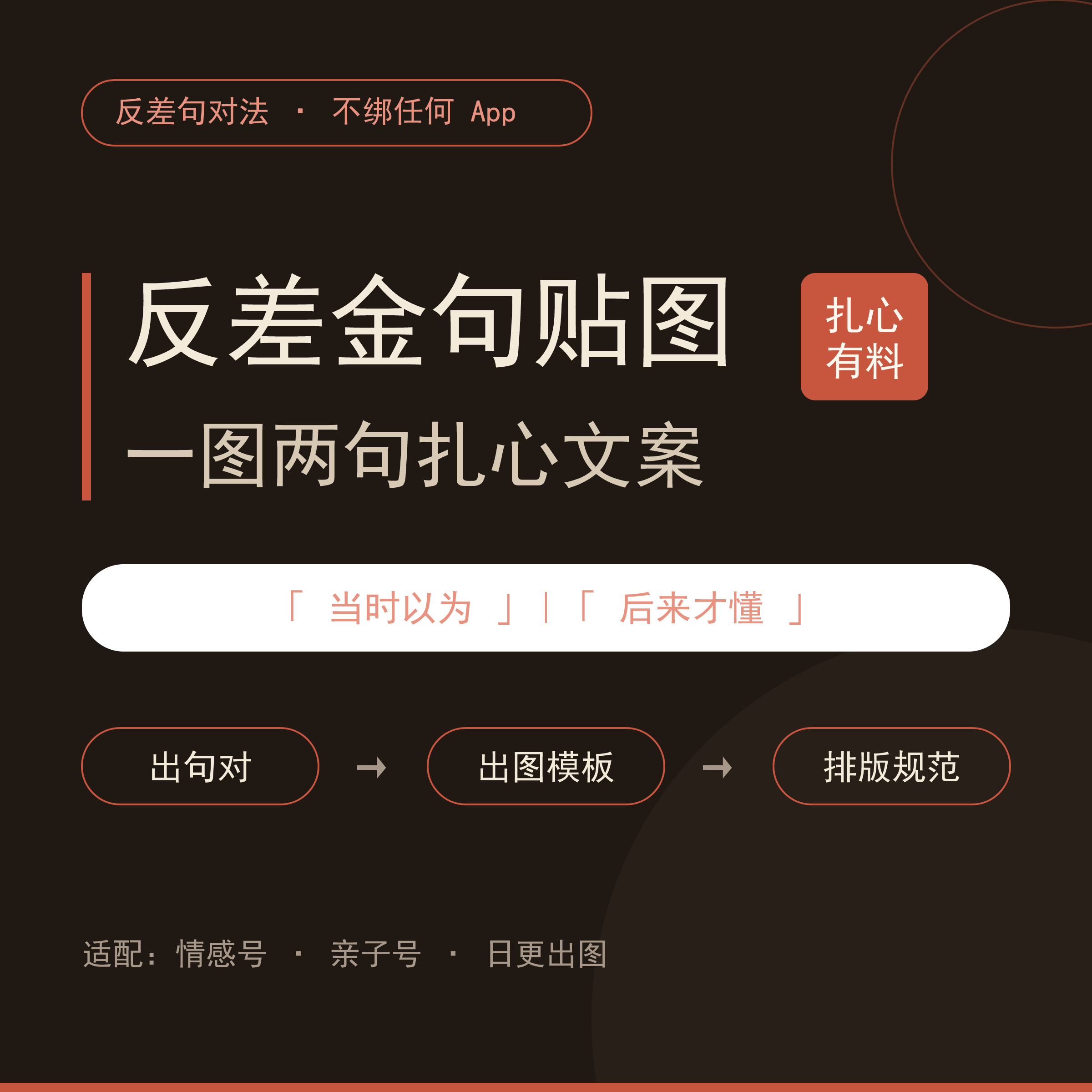
Contrasting Quotes Stickers
Create emotional or parenting graphics with dual-quote copy
Contrasting Quotes Stickers
Create emotional or parenting graphics with dual-quote copy
Showcase
Description
Contrasting quote sticker creation skill: bulk-produces "one image, two quotes" poignant copywriting and image layout plans for emotional and parenting accounts. Triggers when users say "help me write contrasting copy," "thought it was later realized," "generate quote pairs for parenting/romance/workplace," or "how to make contrasting stickers." Uses the "contrasting quote pair method" to generate quote pairs plus image generation prompts, layered text layout specifications, and publishing templates, while leaving the heavy lifting of image generation to the user's choice of AI drawing tool. Version 1.0.0. > This skill is not just a collection of copy, but a "contrasting sticker advisor" right inside your chat box. > > It completes five steps: **Choose niche** → **Generate quotes via contrasting pair method** (structural formula: specific scenario beginning | emotional reversal ending, no slogans or preaching, includes 24 ready-to-use ready-made quote libraries for parenting/romance) → **Image generation plan** (three-element prompts: healing style + top/bottom negative space + character consistency reference image method, not tied to any app) → **Layered typography specifications** (portrait, white background, handwritten font, adaptive font size) → **Publishing package** (title formula + true story body text + interactive hook + tags + prime time). > > What you get: 10 sets of poignant quote pairs + image generation prompts ready to use + layout parameters + publishing templates. You generate the images using any AI drawing tool, without being locked into a specific app.
Recommended by
Dancang
Why we love this skill
Systematizes the emotional contrast of "thought back then | realized later" into batch-creatable quote pairs, image prompts, and publishing templates across parenting, romance, and workplace niches.
Best for
Ideal for individual creators who want to continuously produce emotional, parenting, and other themed graphic sticker content.
How to use this Skill
Provide your input
Provide a content category (such as parenting, romance, or workplace), and you can also specify the quantity, publishing platform, and art style preference.
Run the Skill
Creates contrasting sentence pairs using the "thought it was | later realized" format for your category, and generates matching image generation prompts, overlay typography suggestions, and publishing copy frameworks.
Review your result
Receive grouped poignant copywriting, background image generation prompts, layout parameters, along with publishing materials such as titles, body text, interactive hooks, and tags.
Related Skills
View all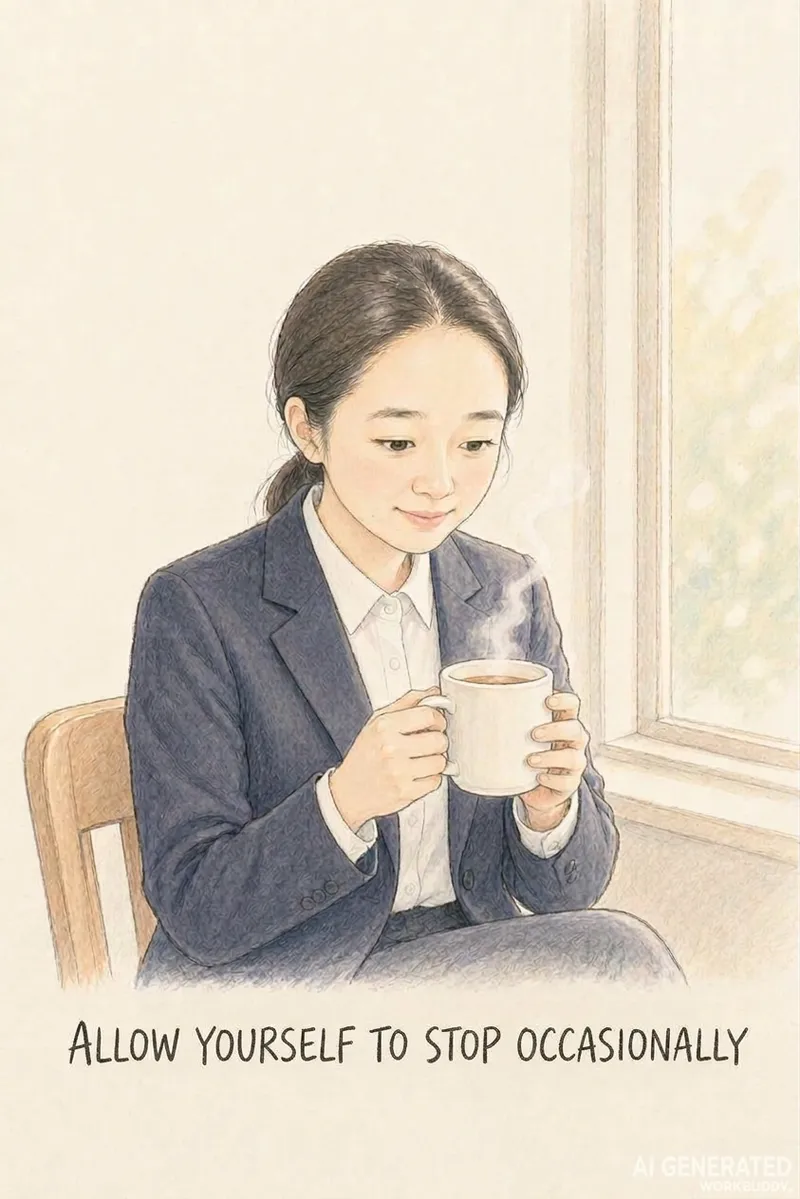 Image
ImageTurn Photos into Healing Comics
Turn a casual photo into a healing comic post centered around a theme like women's growth or rediscovering oneself. Upload a photo, theme, and content type or size, and the AI automatically generates a complete package with copy and visuals. Use this when users want to turn photos into healing comics, create casual snapshots into posts, make Xiaohongshu content with photos, create healing photo comics, make women's growth posts, turn photos into comic notes, or tell a theme through photos. 1.0.0 Do you ever have a casual photo you want to turn into a relatable post, but get stuck because you cannot draw, cannot write copy, or find that the character's face changes on every page, and memorable quotes just will not fit? This Skill turns 1 photo and 1 theme into ready-to-publish healing comic content, solving three major pain points: 1. **On-point messaging**: You provide a theme like women's growth, rediscovering oneself, or taking it slow, and the AI extracts emotional viewpoints and impactful quotes without making things up. 2. **Consistent faces**: The person in the photo maintains facial consistency across pages so they look like themselves, creating a continuous story unlike standard photo-to-anime tools that only output a single avatar. 3. **Ready to publish**: Generates images in Xiaohongshu 3:4, WeChat long image, or Douyin 9:16 formats without layout issues, featuring clear quotes that are easy to search and share. ✅ Tested example: A plain ID photo becomes Grown-up isn't becoming someone else, it's finding yourself, with a locked-in face across pages—including challenging angles like tilting the head or looking back—with natural poses and embedded quotes, ready for direct publishing. ✅ A guided workflow that utilizes free AI tools to run smoothly without consuming any platform credits. ✅ Includes a 9-page storyboard template, character locking terms, image generation instructions, and a platform size guide so you can replicate results instantly. Ideal for Xiaohongshu users, creators, individuals building a personal healing IP, and reading or personal growth bloggers looking for visual content.
 Image
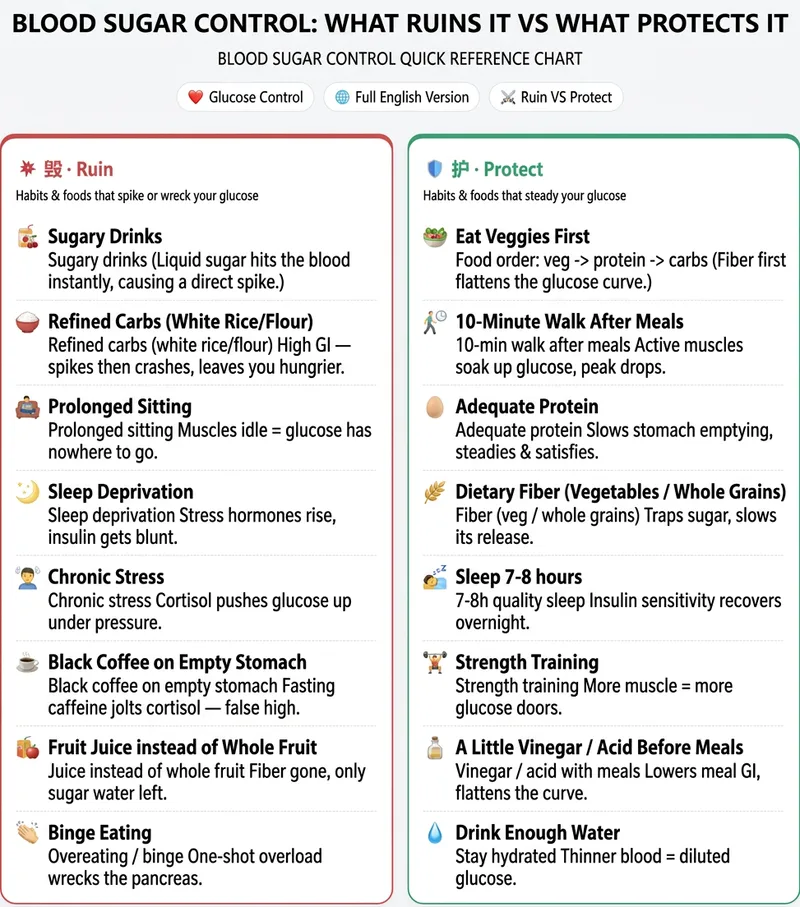
ImageYour Free Infographic Prompt Expert
Knowledge Infographic Studio: Enter a topic or source material to get a structured knowledge infographic plan with a “layout framework + ready-to-copy Chinese and English text + image-generation prompts.” Use it with external AI tools such as 即梦, 通义, or GPT Image to create the image. Supports high-performing “Damage VS Protect” side-by-side comparisons. Use when users mention infographics, knowledge cards, educational long-form images, knowledge infographics, infographic, comparison images, split-screen layouts, or Damage VS Protect. We don’t create the images, but we provide the plan and prompts to make your infographics more professional! Anyone creating content for social media probably knows the feeling: You see someone else’s hair-care “Damage VS Protect” comparison image get thousands of likes, and you want to make one too. Then you open your design software—how should the layout be divided? What should the text say? How do you write the prompt? After a lot of trial and error, either the image comes out wrong or every generation costs hundreds of credits. When the end of the month comes, it really hurts. What you’re missing isn’t design taste—it’s a structure you can copy directly. That’s exactly what this skill does: Give it one keyword, such as “hair care” or “blood sugar control,” and it locks in the layout, prepares every word to appear on the image, and hands you a precise bilingual Chinese-English prompt. Take it to any image-generation AI to create the image in one click: **reliable structure, a consistent series style, and not a single credit spent**. Another skill for this kind of “high-performing comparison image” costs 4,688 credits to redeem. Ours is free and provides an equally effective “Damage VS Protect” split-screen structure—the image-generation step is simply handled by the AI you already use, so you can save those credits for what really matters.
 Image
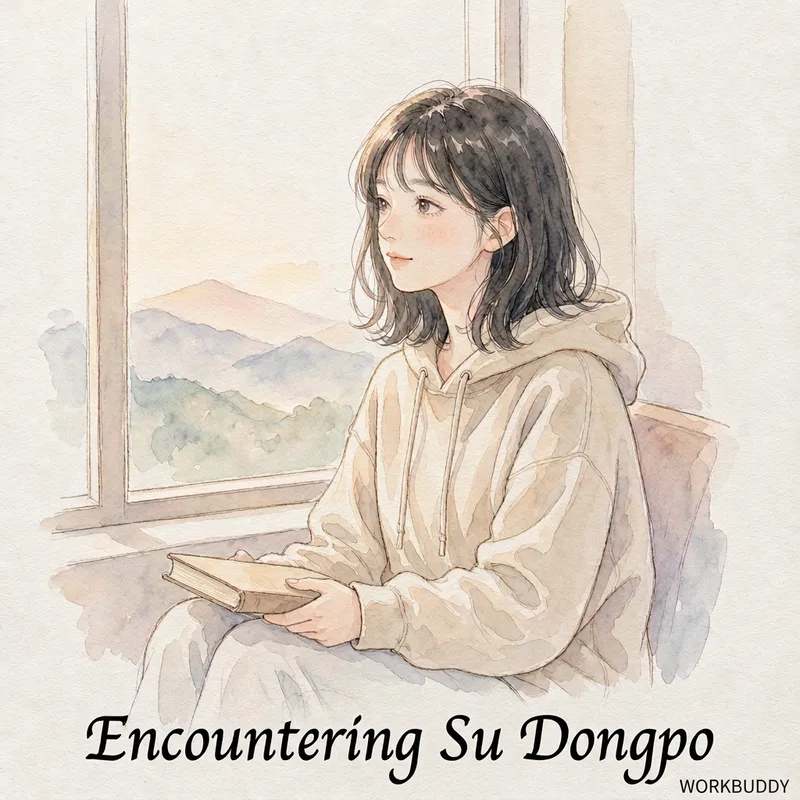
ImageBook-to-Comic Notes
Quickly transform a book into healing hand-drawn comic style illustrated notes: upload the book title and core content, and the AI automatically extracts knowledge points, generates storyboard scripts featuring the book's protagonist with you standing nearby, and creates complete sets of image prompts, producing publish-ready posts for social media in minutes. Use when users say "turn this book into comic notes", "books into comics", "how to make book blogger illustrations", "healing reading comics", "snap a book to generate posts", "how to turn a book into social media posts", or "turn a biography into a comics". 1.0.0 Do you find yourself in this situation: you read a great book you want to share, but get stuck because you can't draw, struggle with copywriting, and the protagonist's face changes on every page of the generated images? This skill turns "a snapshot of a book + a few instructions" into a set of publishable healing comic illustrated notes, specifically solving three pain points: 1. **Stays on Track**: Requires you to provide the book's core content (excerpts / table of contents / golden quotes) for AI extraction, preventing it from making things up; 2. **Consistent Faces**: The protagonist's face is locked across pages, keeping the storytelling continuous; 3. **Ready to Publish**: Outputs images in standard social media aspect ratios without messy sizing. ✅ Tested Example: Yi Gongzi's "Life Encounter with Su Dongpo" — Su Dongpo acts out his life while you stand by the side like watching a movie, with his original quotes on every page (e.g., "This heart at ease is my homeland", "With bamboo staff and straw shoes, who fears? A life in misty rain"), with a consistent face across pages, ready to publish directly. ✅ Guidance-based, designed to run flexibly with free AI tools (DeepSeek for scripts, Doubao / Jimeng for images) without spending platform credits. ✅ Includes a 9-page storyboard template + protagonist locking keywords + image generation prompts + platform dimension table, just copy to generate images. Suitable for: book bloggers, knowledge creators, content creators, and social media users who want to share book reviews.
Information
- Version
- v3
- Last updated
- Runtime credits
- Usage-based
- Models
- Auto
- Use cases
- Writing & contentMarketing & growth
- What you get
- Social postPromptPlan
