Content Formatting Standards
Content Formatting Standards
Showcase
Description
Say goodbye to tedious formatting. This guide helps you effortlessly create professional, clear content.
Instructions
This is a personal content formatting and writing style guide, suitable for AI writing assistance, skill configuration, or instruction citation.
---
## Basic Formatting Guidelines
### Mixed Chinese and English text
Add a space between Chinese and English, for example: `Use Notion to manage tasks`.
- Add a space between Chinese characters and numbers, for example: `satisfy 90% of the requirements`.
- Do not add spaces between English letters and numbers, for example: `iOS 26`.
- Keep the full product name or proper noun in English as is, for example: `ChatGPT`, `YouTube`.
### Punctuation marks
- In Chinese contexts, use "" instead of "", for example: `After switching to "split view"`.
In English contexts, double quotation marks `""` are used normally.
- When users use English double quotes to enclose English symbols or punctuation for emphasis (such as `", "` "." " / "), leave them as is and do not replace them with Chinese symbols.
- Use either `……` (Chinese) or `...` (English) for ellipses, do not mix them.
- Add a period at the end of each structured list item (points, steps). Punctuation in the body paragraphs should follow the original text and should not be modified.
- Do not forcibly break long sentences connected by commas into multiple shorter sentences. Comma-based clauses are the normal rhythm in Chinese; leave them as they are.
- Try to avoid using dashes `——`.
### Numbers and Units
- Pure numbers use Arabic numerals: `3 concepts`, `55 characters`.
- Amount with currency symbol: `1 million US dollars ARR`.
- Use `%` instead of "percentage".
---
## Structure and Hierarchy
### Heading Level
- `##` is used for main chapter titles.
- `###` is used for subsection titles.
- Do not use `#` for first-level headings (the page title is already a first-level heading).
- Use short nouns or phrases for titles, not complete sentences.
### Separation and Rhythm
Use `---` separators to separate large content sections.
- Use headings to divide sections within a module, and do not reuse separator lines.
- Maintain natural line breaks between paragraphs; no blank line blocks are needed.
### List
- Use an unordered list `-` for parallel points.
- Use an ordered list `1. 2. 3.` for sequences or steps.
- Keep list items concise, with each item stating a single point.
- Nesting is supported, but a maximum of two levels.
---
## Emphasis and Formatting
### Bold
- Use **bold** to mark core concepts, key conclusions, or important terms.
- For example: `the core consists of three things: **lists, tasks, and tags**`.
- Do not bold the entire paragraph, only bold the keywords.
### Callout
- Used for tips, notes, or additional information.
- Use `gray_bg` color when pairing with emoji icons.
### Toggle
- Used for non-core content such as optional content, further reading, and comparisons between different versions.
- Avoid hiding critical information in the toggle.
---
## Language Style
### Core Principles
- **Simple:** Express yourself clearly with the fewest words possible.
- **Simple:** Unadorned and straightforward, like talking to a friend.
- **Precision**: Each word has a clear target, avoiding vague expressions.
### Banned Words
The following internet slang and vague metaphors are **strictly prohibited**:
- Handles, granularity, strength, base, empowerment, tactics, links, mindset, alignment, integration, closed loop, sedimentation.
- Any word that sounds like a PowerPoint presentation.
### Alternative Examples
| ❌ Don't write it like this | ✅ Change it like this |
| --- | --- |
| Retrieve Best Practices | Compile Useful Methods |
| Empowering Creators | Helping Creators Do Better |
| Build user mindshare | Make users remember you |
| Improve granularity | Write in more detail |
| Form a closed loop | Run the entire process smoothly |
### Sentence Structure Preference
- Primarily short sentences, each sentence conveying a single meaning.
- Use the passive voice less often; directly state who did what.
- Avoid using clichés such as "It is worth mentioning" or "As we all know"
---
## Quick Reference
✅
**Formatting Checklist**
- [ ] There are spaces between English and Chinese numbers.
- [ ] Chinese quotation marks should be "" instead of "".
- [ ] No banned internet slang appeared.
- [ ] The heading hierarchy is clear and there are no skipped levels.
- [ ] Bold text is only used for keywords and should not be overused.
- [ ] List items are concise, each item conveying a single meaning.
- [ ] The language is simple and direct, without clichés.
Related Skills
View all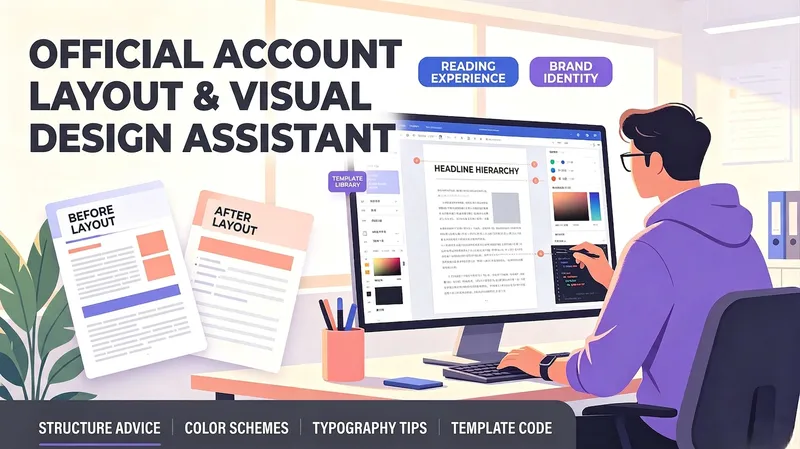 Write
WriteOfficial Account Layout Helper
A layout and visual design assistant for personal account creators, business account operators, and beginners who lack design experience. Enter your article type and content to get automatic recommendations for heading levels, paragraph length, emphasis styles, and separator placement, along with brand-color palettes, font and size suggestions, and image-style keywords. It can generate layout template code for popular editors or Markdown styling, helping non-designers create professional, attractive official account articles that are easy to read.
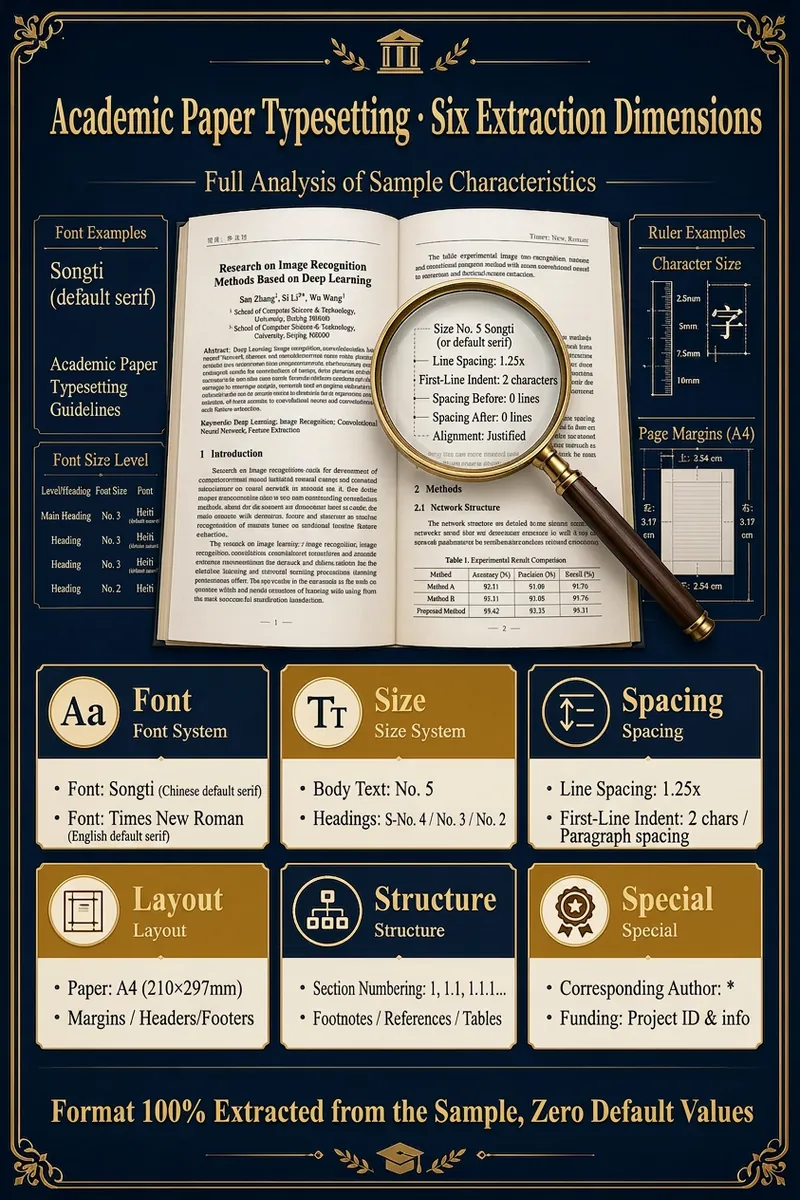
Paper Format Expert
Upload a sample document and your draft; the Skill automatically extracts all formatting features (font, size, spacing, margins, structure, citation style) from the sample and outputs your draft in the same format. Supports PDF/DOCX/TXT/MD input and HTML(Word)/Markdown output, with 8 citation styles. "No need to learn formatting or write instructions. Give it a sample, and it returns a perfectly formatted paper. The 'Academic Formatting Expert' Skill makes paper formatting as easy as copy-paste." 🗣️ User Testimonials "I used to waste a whole day adjusting formats when submitting to a different journal. Now with this Skill, I upload the new journal's sample and my paper is reformatted in 30 seconds. So convenient!" — A young university professor "The thesis template from my school was dozens of pages long and drove me crazy. I used this Skill with my advisor's excellent thesis as the sample. One-click formatting and the result was identical — amazing!" — A second-year master's student Say goodbye to formatting struggles and return to the beauty of academia. It's time to end the war with formatting. Leave this tedious, repetitive yet precise work to AI, and give your precious time and energy back to real research and thinking. Let your paper meet its deserved evaluation in the most professional and compliant way. Try the "Academic Formatting Expert" Skill now and turn your next paper into your next masterpiece.
Resume & Photo Polish
Turn scattered text, PDFs, Word files, image resumes, web content, PPTs, or mixed materials into an authentic, clear, professional resume for job applications. The skill first identifies the material types, then extracts and organizes personal information, education, work and internship experience, projects, skills, certifications, honors, and more. When key information is missing, it asks focused questions as needed; anything that cannot be confirmed is clearly marked “To be added.” No facts are altered or fabricated. For an included ID photo, it first evaluates the background, lighting, composition, pose, clarity, and imperfections, then offers options such as light retouching, a standard ID photo, or advanced retouching. It processes the photo after you confirm the background color and dimensions. Retouching preserves your identifying features and aims for a natural, credible result—no face swapping or exaggerated beautification. If you do not have a photo, you can skip the photo step. You will receive a Markdown content version and a web resume optimized for mobile, easy to print, or export as a PDF. The resume can also be tailored to the target role by adjusting information priorities, language, length, and phrasing, while considering both ATS parsing and visual presentation. Delivery also explains the completed wording improvements, all information still to be added, and the photo-processing status, helping you quickly review the content and continue making adjustments.
Information
- Version
- v1
- Last updated
- Runtime credits
- Usage-based
- Models
- Auto
