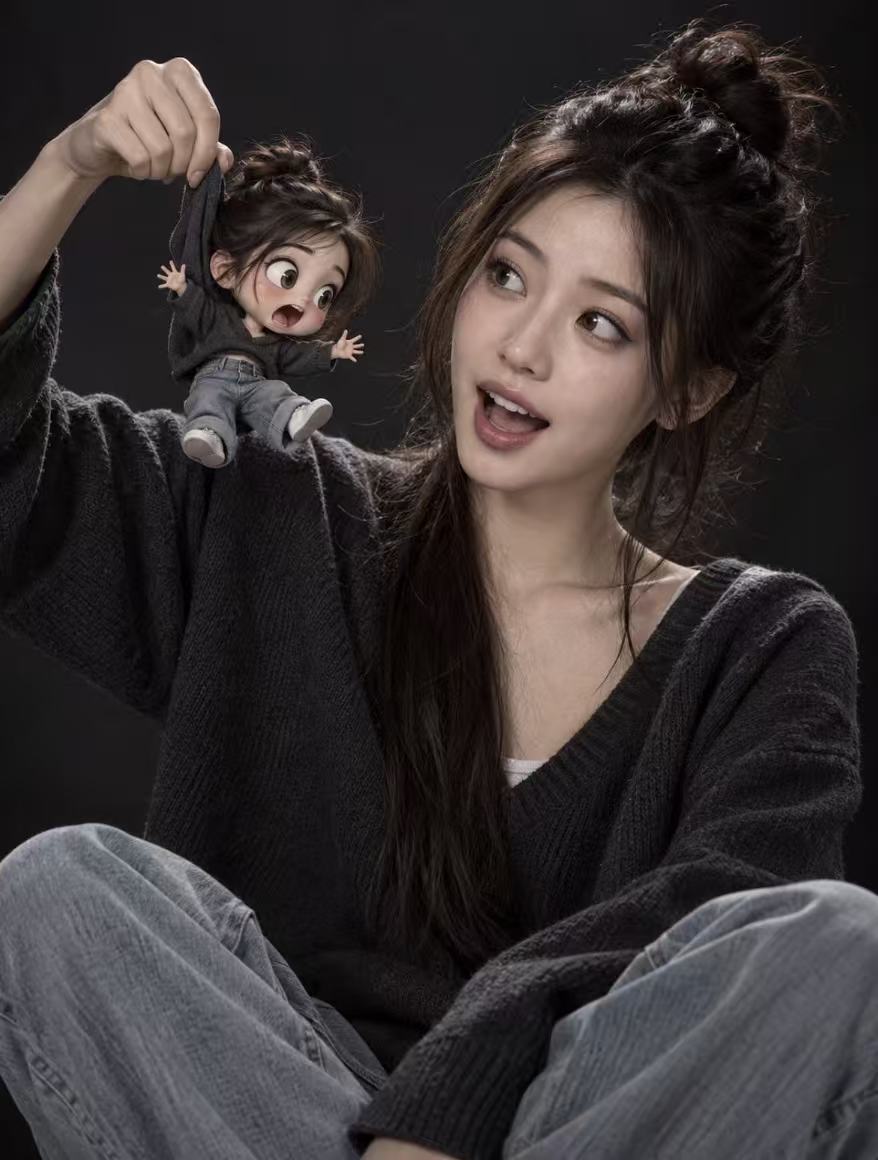
Mini Avatar Photo
Add a 3D mini avatar to real photos
Mini Avatar Photo
Add a 3D mini avatar to real photos
Showcase
Description
Using your uploaded real photo as the sole base, the real person's features—face, expression, pose, clothing, background, and lighting—remain completely unchanged. A 3D-rendered chibi mini-me is added with physically plausible interactions, such as fabric deformation, limb swinging, contact shadows, and proper occlusion, creating a striking contrast between real and cartoon textures. By default, the mini avatar is styled with fluffy space buns, a dark gray V-neck sweater, light blue jeans, a 3-4 head-body ratio, large round eyes, a matte plastic figurine finish, Pixar-style rendering, and soft studio lighting. The default interaction shows a hand holding the mini avatar's hoodie collar with its limbs dangling. You can also customize it to rest on your shoulder, stand in your palm, or peek out from a pocket. The skill uses top-tier image generation models with your original photo as a reference, making it perfect for profile pictures, social media posts, pet-style mini avatars, and IP character photo-ops.
Recommended by
Dancang
Why we love this skill
Keeps real photos intact while adding a responsive 3D chibi mini-me, creating believable interaction through contact points, occlusion, shadows, lighting, and inertia. This is a precise blend of real photography and cartoon figurine textures rather than a simple sticker overlay.
Best for
Ideal for content creators and everyday users looking to make personalized avatars, social media images, or mini avatar photos.
How to use this Skill
Provide your input
Upload a clear photo with visible body proportions, and optionally specify the mini avatar's appearance, interaction style, aspect ratio, or count.
Run the Skill
Uses the original photo as a base, adds a 3D cartoon mini avatar interacting with the person, and matches the lighting, scale, shadows, and occlusion.
Review your result
Receive a composite image featuring the authentic original person alongside a 3D cartoon mini avatar.
Related Skills
View all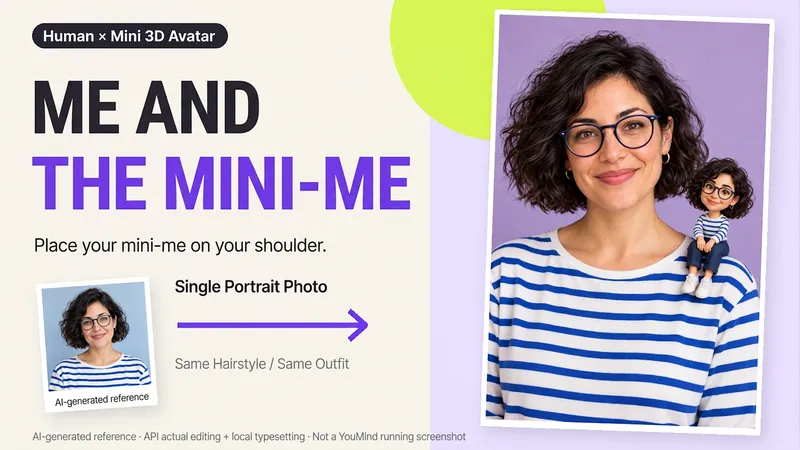 Image
ImageMe and My Mini Me
What would it look like to have a tiny version of yourself sitting on your shoulder? Upload a clear photo of one person to create a creative portrait featuring the real person alongside a mini 3D double. One keeps the look of a photograph, while the other becomes a detailed little designer toy, with matching hair, glasses, and outfit so the two forms feel connected. What you can get: ① Shoulder companion: By default, the double sits on your shoulder, with you and your mini self looking at the camera together. ② Matching features: Focuses on visible details from the reference, including hairstyle, glasses, accessories, clothing colors, and patterns. ③ Clean final image: Defaults to a 2:3 vertical format, a soft studio background, and no text—one image to start. ④ Further adjustments: Ask to change the background or adjust the double’s size or pose, with priority given to continuing the version you already approved. Great for personal profiles, birthday keepsakes, and social sharing. The double is an artistic miniature version of the same person, not a real parent-and-child photo. You can also create fictional characters from text. The final image depends on the image tools and usage available on the current platform. Generative editing may change details of the person; exact preservation of the original photo, 100% likeness, and flawless hand structure are not guaranteed. If the tool is unavailable, this will be stated clearly and a complete prompt will be provided.
 Image
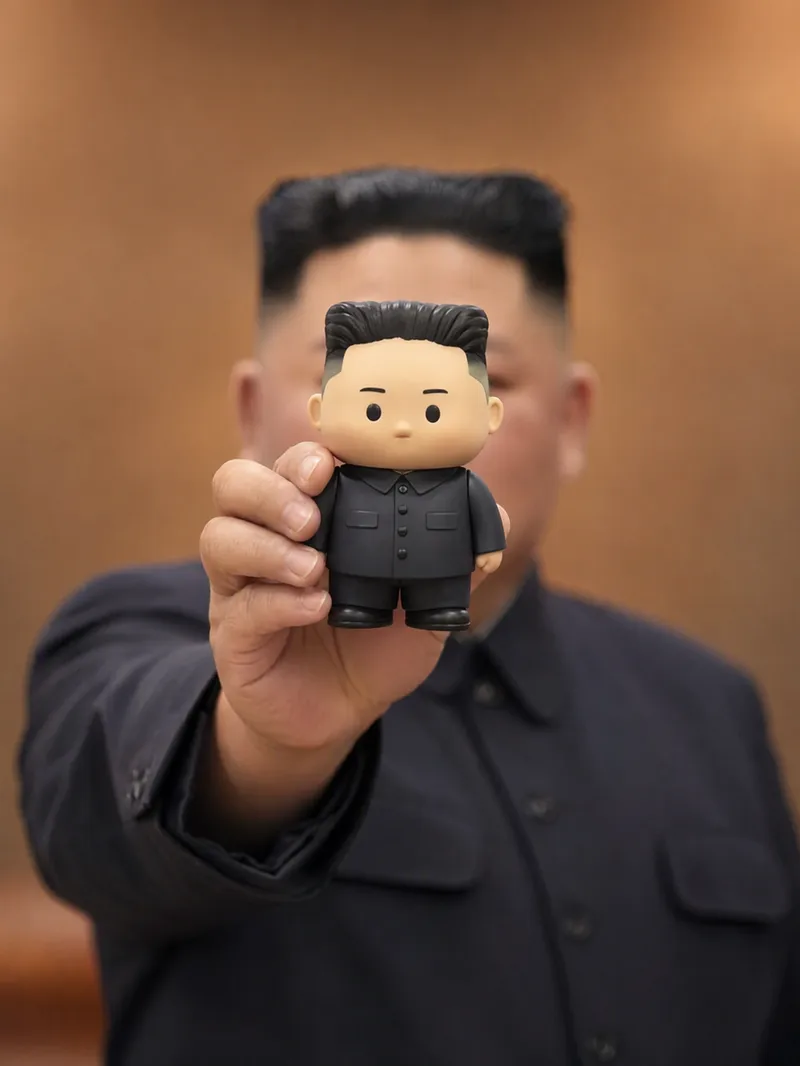
ImageMini-Me Chibi Figure Promo
This skill was created by: 【Image Generation Skill · Grandmaster】 https://youmind.club/skills/reference-image-skill-builder-RqmjHpF6UHmyjg?ref=DHFDMM Turn a designer toy character, brand mascot, or outfit concept into a vertical promotional image of a real person holding a mini version of themselves. The image highlights the visual match between the character and the person. You can provide character details, an outfit description, or a reference image to create a scene where a real person holds a matte chibi figure that matches their appearance detail by detail. The figure faces the camera and covers the person’s face, while the person’s body and the background remain heavily blurred, making the mini figure the only sharp focal point. The image carefully matches details such as clothing, hairstyle and hair color, hats, glasses, bags, shoes, jewelry, and handheld items. It uses warm tones, shallow depth of field, and a centered, slightly lower vertical composition. It is suitable for blind-box character showcases, designer toy concept art, physicalized brand mascots, and “mini-me” outfit promotions. Reference images are used only for visual and compositional inspiration and will not copy their brands, copy, or specific character designs. If you provide promotional copy, it can appear above the figure as bright yellow, rounded, curved lettering with natural overlap. Without promotional copy, the image will remain clean and text-free.
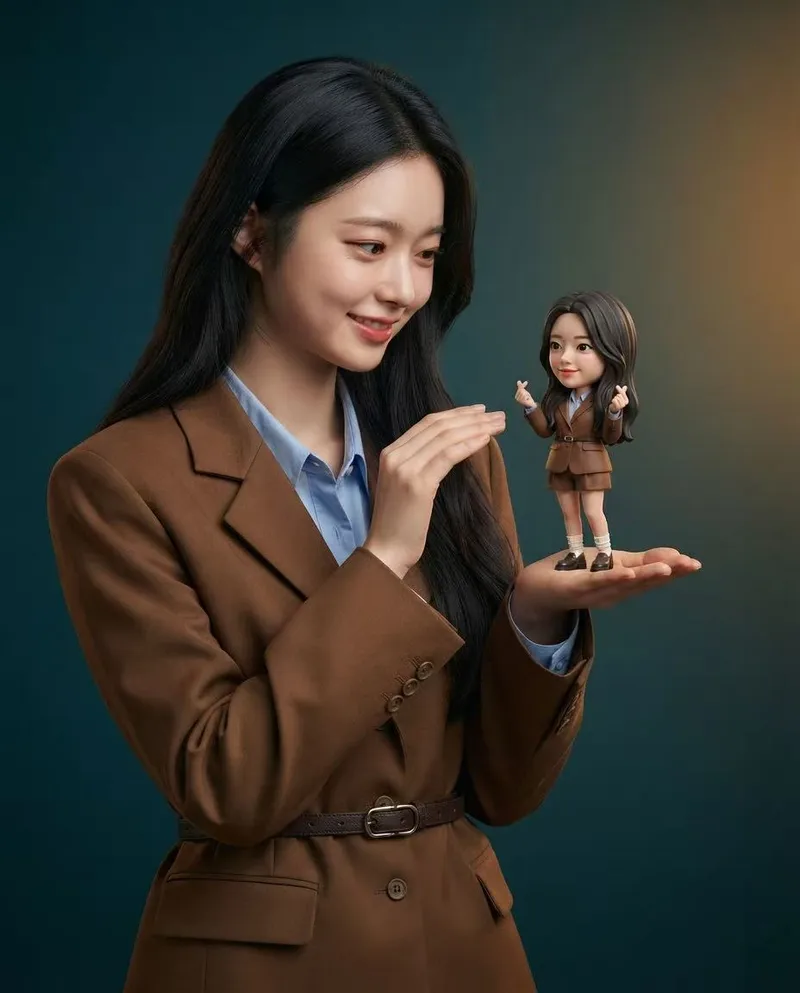
Mini Chibi Alter-Ego Poster
Upload a portrait photo to generate a hyper-realistic, cinematic commercial poster: the person interacts with a mini chibi 3D “alter ego” on their palm, while closely preserving their identity, hairstyle, accessories, and clothing. The skill automatically selects a varied combination from six poses and eight background color schemes, prioritizing contrast between the background and clothing. The result is a single vertical poster, defaulting to a 3:4 aspect ratio.
Information
- Version
- v3
- Last updated
- Runtime credits
- Usage-based
- Models
- Auto
- Use cases
- Images & designLifestyle & entertainment
- What you get
- Image
- Visual styles
- 3DCartoonPhotorealistic
