Pro Virtual Try-On Video Gen
Pro Virtual Try-On Video Gen
Showcase
Description
Upload model photos and product images. AI automatically generates multi-angle outfit display images and creates professional sales video storyboard scripts. Supports multiple platforms and styles. Outputs structured data that can be directly used for video production.
Why we love this skill
This skill takes a unique approach, deeply integrating AI virtual try-on with e-commerce sales video production. It provides a one-stop solution from planning to script, AI-generated images, to structured data output—efficient and professional.
Related Skills
View all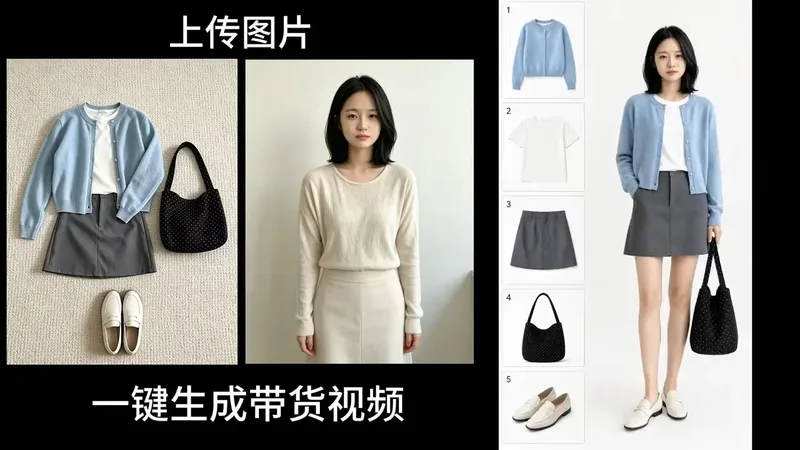
360° Product Showcase Video
Upload an apparel item (with an optional person photo). The Skill first generates a vertical 9:16 minimalist fashion infographic with a white background, featuring a model on the right and numbered product boxes on the left. After you confirm the image, it generates a 7-second 4K/60fps 360° synchronized-rotation product showcase video for shoppable fashion content on mobile platforms such as Xiaohongshu, Douyin, and Reels. Best for: product promotion, fashion sales, commissioned shoppable video production, and launch videos for growing a new account.
 Video
VideoAll-in-One Showcase Video
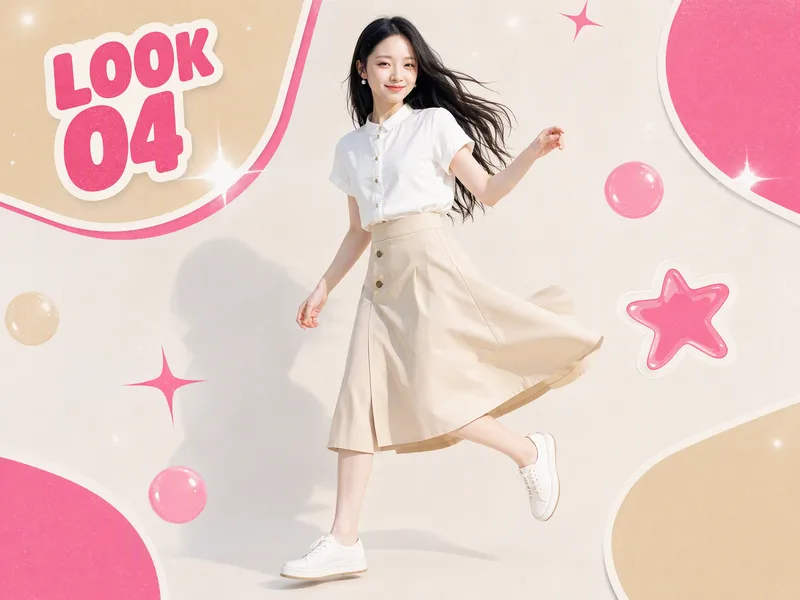
Ways to monetize: 1. Build an account and earn through product sales and brand deals (fashion creators and product recommendation accounts can use it to produce daily outfit changes and review clips. One person can maintain a steady output, then earn commissions and brand partnerships as the content grows.) 2. Take on client work for merchants (clothing stores, small brands, small-appliance sellers, and consumer electronics merchants all need product showcase videos and short ads. Upload their products, deliver finished videos, and charge per video, package, or month.) 3. Create videos for your own products (store owners can use it to make showcase videos for every new product, saving on model, photography, and editing costs and putting more budget toward advertising.) 4. Produce at scale to help teams work more efficiently (agencies and MCNs can integrate it into their production workflow so the same team can create more content across more products and accounts.) Put anything on a person for a one-shot showcase. Upload a person’s photo, then upload anything you want to feature: clothing, shoes and bags, accessories, perfume, hats, phones, earbuds, small appliances, sports equipment, food, and drinks. It automatically generates premium person-centered showcase images and turns them into a coherent, beat-synced short video with music. If no person photo is provided, it automatically designs a model. The default is 15 seconds in 9:16, while duration, aspect ratio, and style can all be customized. Who it’s for: fashion creators, e-commerce sellers and store owners, product-promotion short-video creators, brand content teams, and anyone who wants to turn their favorite products into polished showcase videos.
 Image
ImagePortrait Outfit Assistant
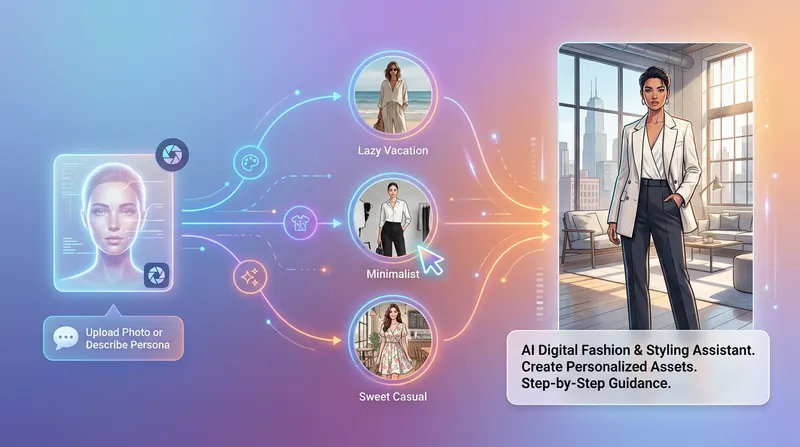
Helps users transform any portrait photo into dressing material of specified style and scene through interactive dialogue, for video creation. Supports preserving original facial features and body proportions, outputting solid background material for easy compositing. Use cases: 1. Video creators need to generate character dressing material as animation reference 2. Content creators need virtual try-on effects for different scenes 3. Designers need virtual outfit display material ……
Information
- Version
- v4
- Last updated
- Runtime credits
- Usage-based
- Models
- Auto
