Activity Case Study Page
Turn lesson plans and photos into a 16:9 illustrated case page
Activity Case Study Page
Turn lesson plans and photos into a 16:9 illustrated case page
Showcase
Description
Turn an activity or lesson plan—or a spoken activity overview—along with several real event photos into a landscape 16:9 single-page “Activity Case Study.” The skill first extracts the activity theme, subtitle, activity details, key vocabulary, activity flow, and educational goals, then lays out the text and photos in a warm, hand-drawn picture-book style. The result is a single-page HTML file ready to display or export as an image. It’s suitable for preschool and children’s activities, community parent-child events, and course recaps. It uses a standard flow layout throughout (CSS Grid / Flexbox), without absolute positioning for text, to ensure there are no scrollbars, no text or image overlap, and no distorted photos. It also supports slight photo rotation and subtle layering to give the finished page a warmer handmade feel.
Related Skills
View all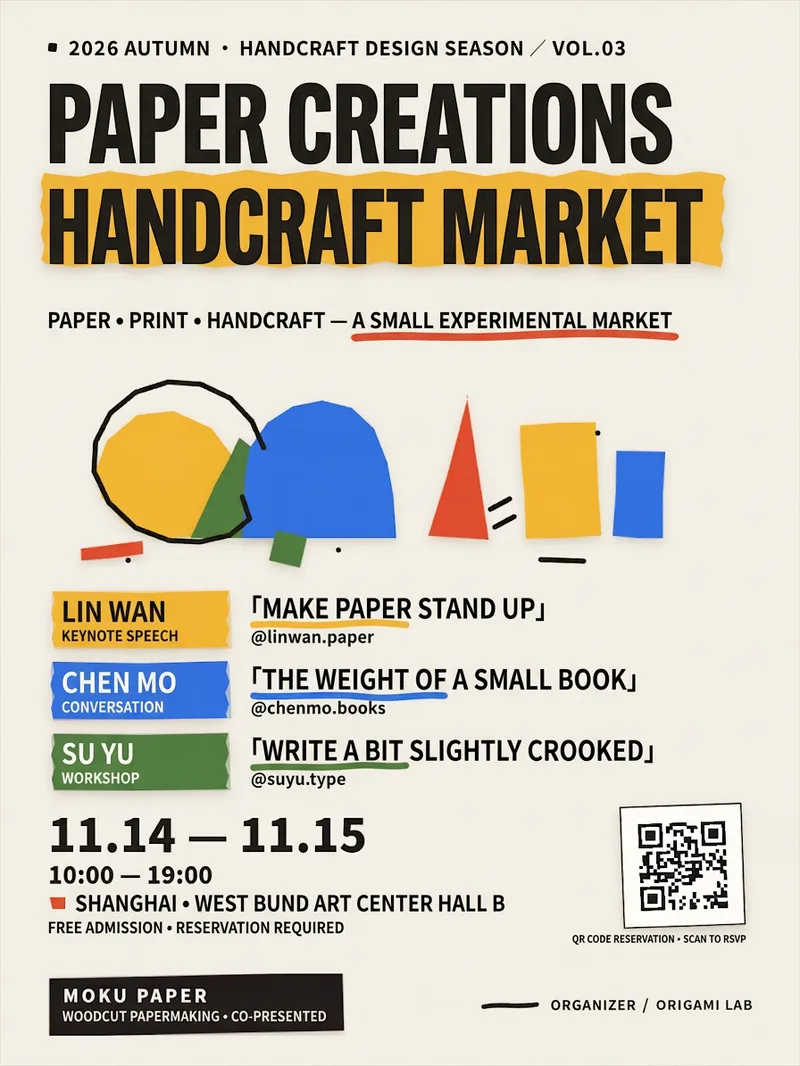 Image
ImageHandmade Paper Event Poster
Turn your event text, QR code, and brand logo into a clear, ready-to-publish 1080×1440 vertical handmade paper collage poster, ideal for music festivals, markets, exhibitions, sharing sessions, workshops, and pop-up events. You only need to provide information such as the event name, title, guests, time and location, organizers, and sponsors. The Skill standardizes the formatting for dates, times, locations, topics, and account handles, and flags inferred content or pending replacements when information is incomplete to avoid mistaking examples for confirmed facts. The poster features an off-white paper background, colorful paper-cut geometric visuals, torn-paper guest tags, prominent date information, an RSVP QR code card, and a sponsor footer, balancing a handcrafted texture with clear information hierarchy. Guest counts adapt automatically for 2 to 4 people. Uploaded QR codes maintain their full proportions, and logos adapt to light and dark versions. When images are missing, clearly labeled placeholder QR codes or text marks are generated for easy replacement. Delivery includes a precise PNG poster, with an optional editable web version featuring an export button so you can easily update text, guests, colors, QR codes, or logos and re-export. Finally, it checks for text truncation, element overflow, QR code integrity, and layout overlap to ensure the final image is ready for online sharing or further production.
 Image
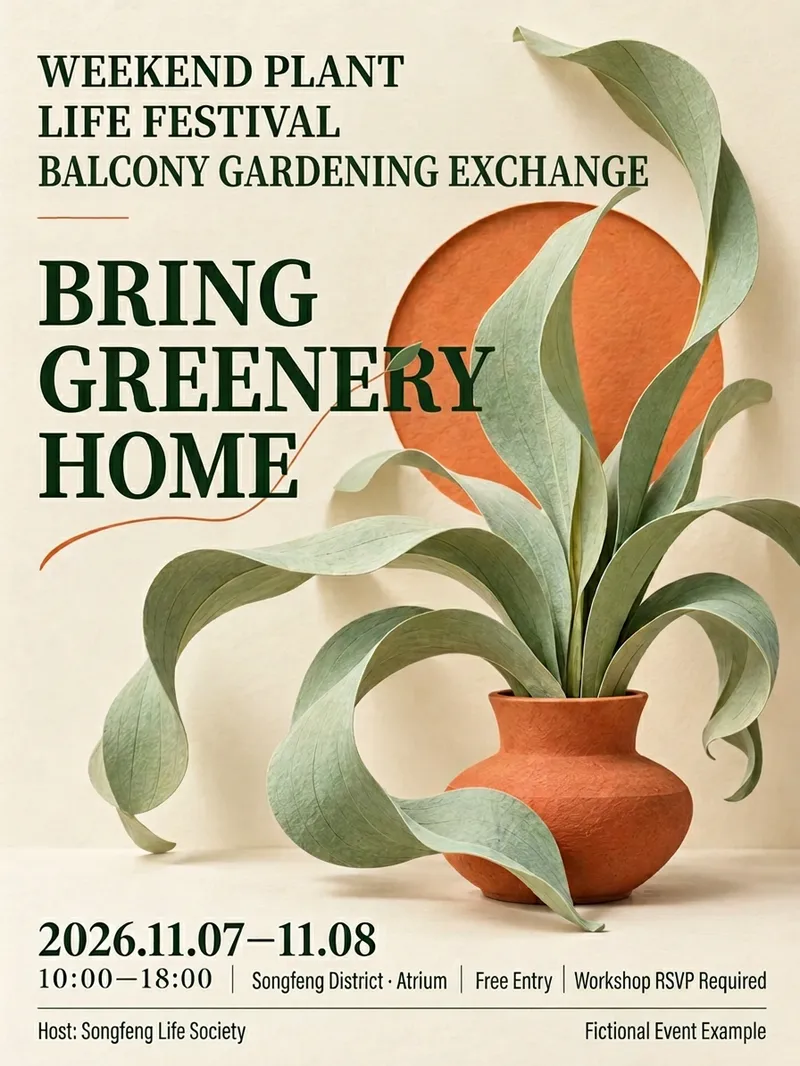
ImageEvent Poster Designer
Send me the event name, time and location, and participation details to design a visually appealing promotional poster with clear key information. Suitable for community operations, retail stores, markets, trial classes, lectures, and promotional roles. Long event names are broken down by meaning while preserving the official full name. Dates, locations, pricing, and essential participation conditions are placed in easily visible spots. Organizers, co-organizers, and supporters are presented according to their original relationships without inventing discounts, quotas, addresses, or official endorsements. Offers 12 style directions that you can choose by number, feel, or reference image, or let me recommend 2 to 3 styles based on the event. The default is a 3:4 mobile poster with support for custom aspect ratios and color palettes; layout adjustments are made when other sizes are needed. After generation, event fields are checked word for word, reviewing title hierarchies, occlusion, and mobile thumbnail recognition, along with complete prompts and pending items. QR codes use only the original image you provide, without generating fake codes. This version uses a fictional botanical event for a single local node test; other styles and QR code workflows are not fully validated. The host requires image capabilities, and installation does not include runtime credits. Output is provided as images, with no promise of editable source design files, print-ready formats, or recruitment results. Not yet run or published within YouMind. Product and workflow design by leowang.
 Slides
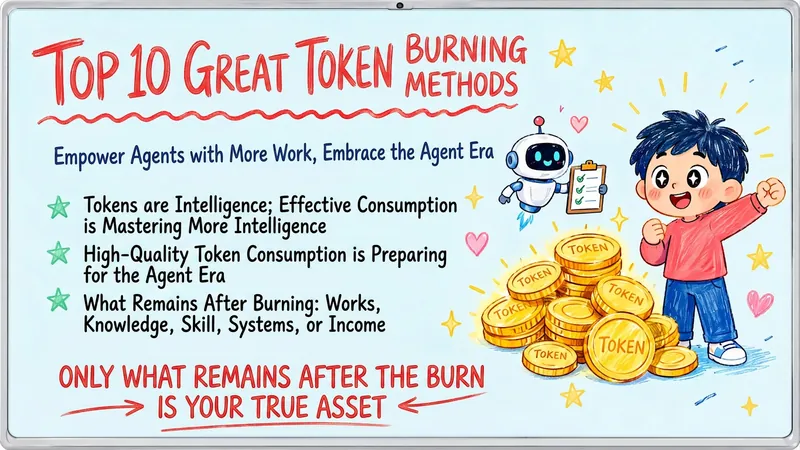
Hand-Drawn Whiteboard Slides
Transform your topic content, articles, knowledge points, or course copy into a set of creative and warm hand-drawn whiteboard style Slides. Whether you need to present key ideas, teaching content, or share personal insights, we can refine them and present them in a fresh, lively visual form. This skill excels at simplifying complex information. Each Slide revolves around a core topic, accompanied by vivid hand-drawn illustrations and clear, concise key points. We simulate the feel of a teacher writing on a digital whiteboard in class, using a light blue screen background, red and blue handwritten titles, and hand-drawn elements like stars and hearts to make learning and sharing more fun and engaging. Whether it's quote interpretation, method steps, science popularization, parent-child education, inspirational growth, or AI technology topics, this skill automatically matches the most suitable visual expression. The final Slides will be in 16:9 landscape format, with natural handwriting-style fonts, soft colors, and a unified overall style, making your content both professional and approachable, like warm and interesting knowledge cards.
Information
- Version
- v9
- Last updated
- Runtime credits
- Usage-based
- Models
- Auto
