YouMind Update: Trim Video and Export Anywhere
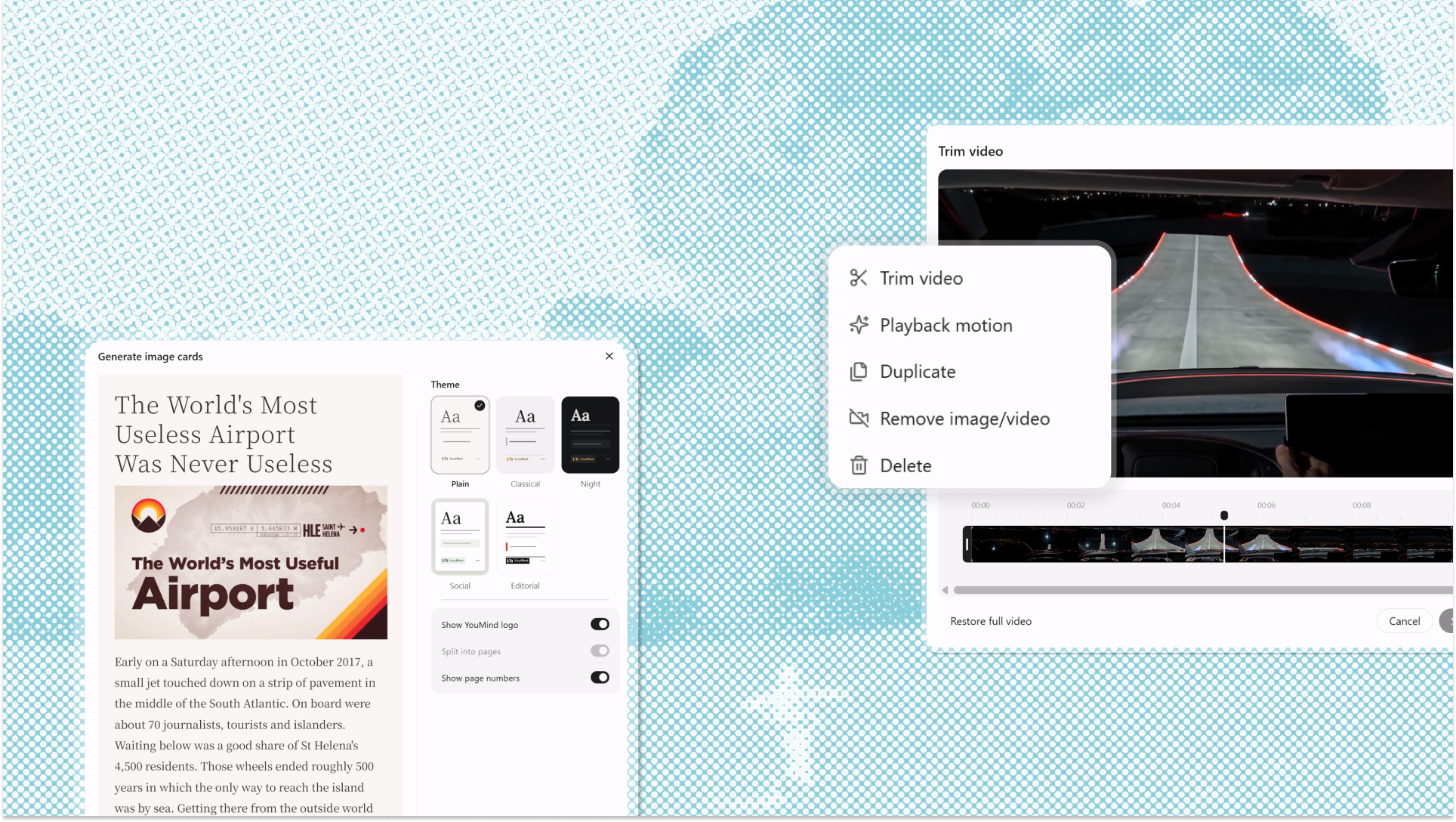
This update brings post-generation video trimming, a one-click path from a document to 𝕏 Articles, and six ways to export or copy what you've written. Here's what's new.
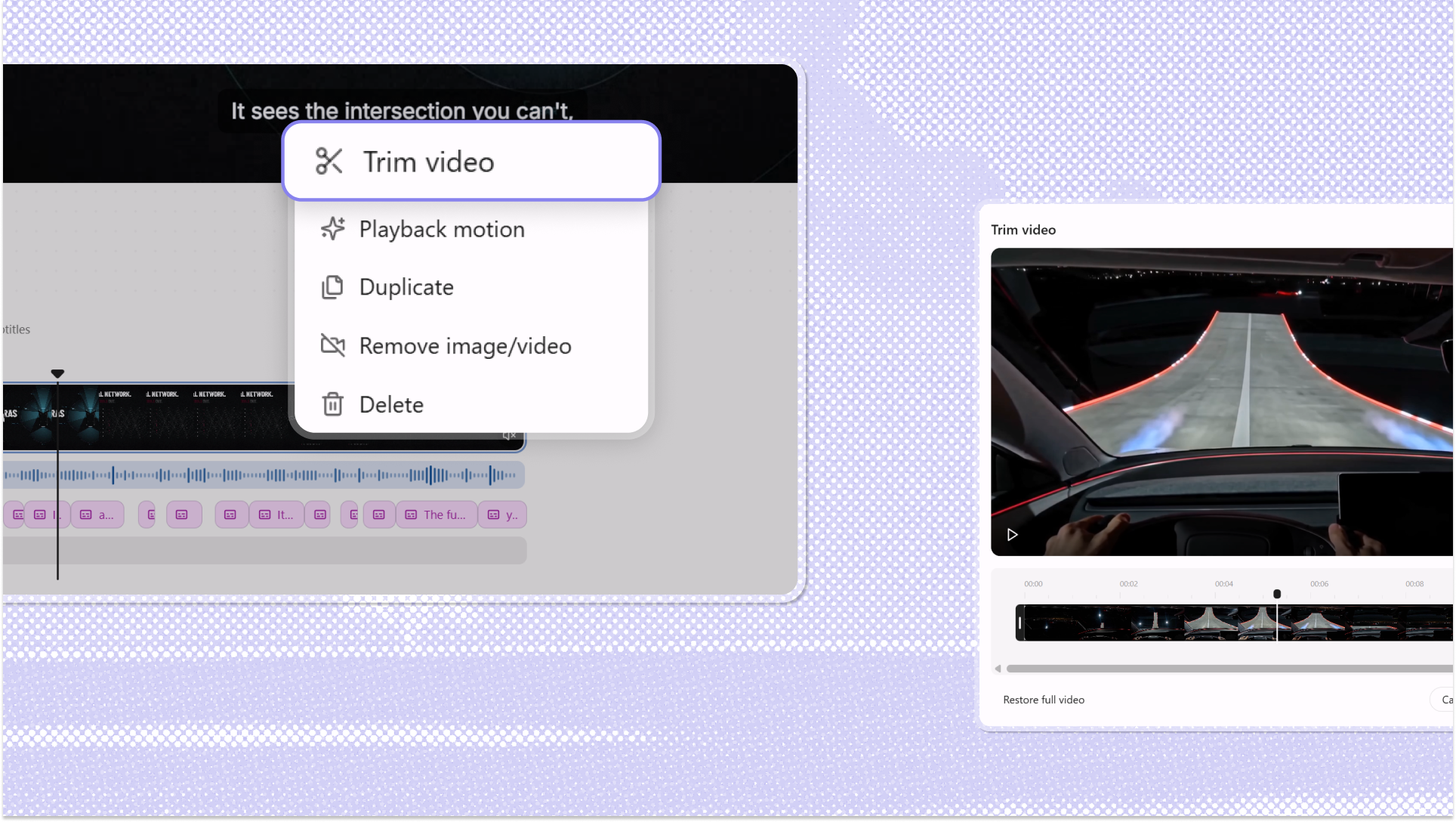
Trim Video After Generation
When a video finishes generating, you can go straight into the editable timeline, select a clip inside a scene, and set the range you want to keep. No re-import, and no regenerating the whole piece because one shot ran two seconds too long. Trimming records a range rather than a shorter file, so the footage is still there if you want to pull the edge back. One thing to watch: when a scene's narration runs longer than its footage, the scene length follows the narration, so trimming the picture alone won't shorten the scene.
Every Way Out of a Document
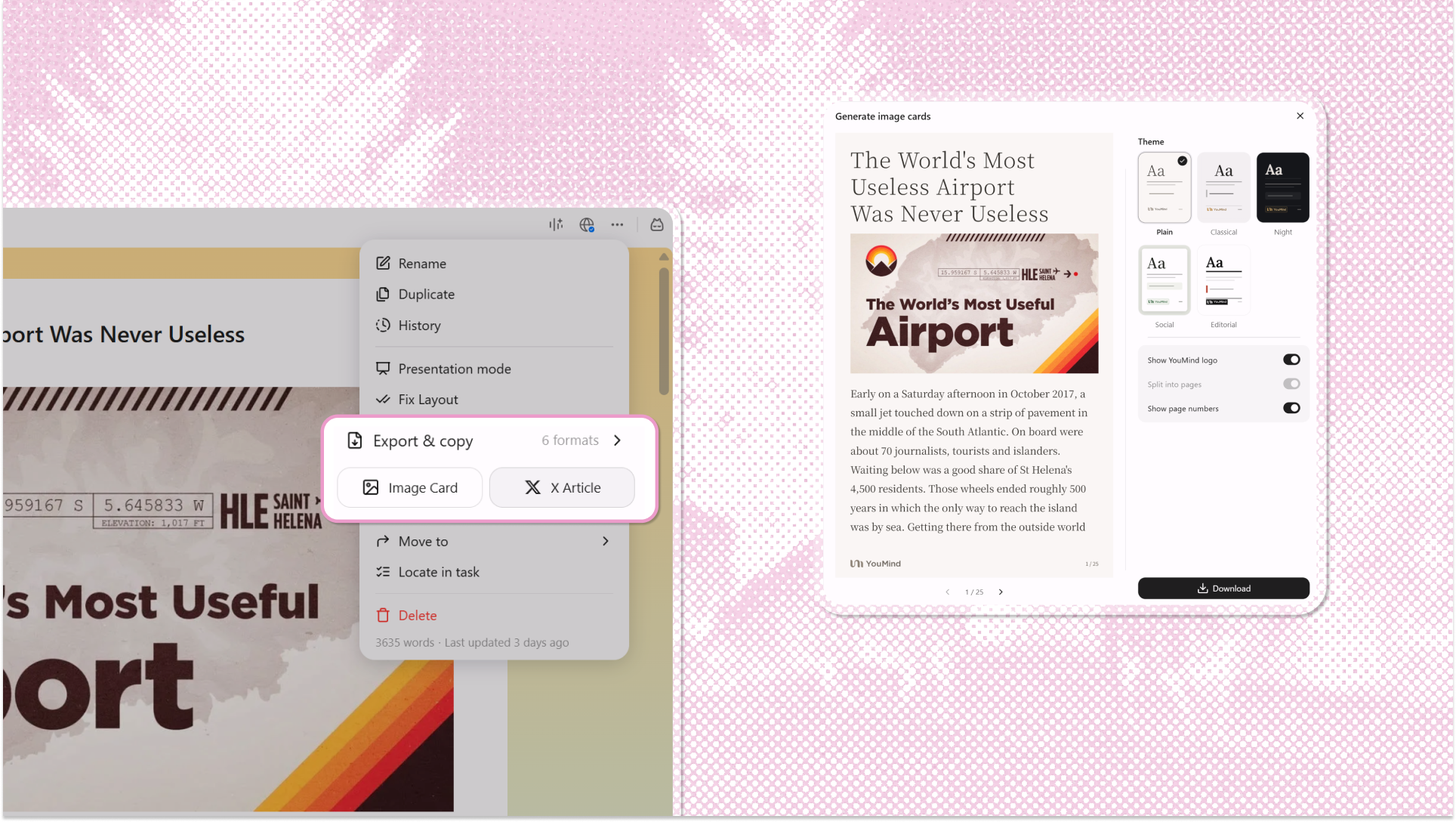
Open the document menu and multiple ways of exporting are in one place.
𝕏 Article sends the document to 𝕏 as a draft through the browser extension: title, cover, body, and images carried over, with tables rendered as images because 𝕏 has no native support for them.
Image Card renders the document as a single shareable card that keeps its own layout, for the places where nobody clicks a link.
Export & copy covers the six formats: export as PDF, Word, or Markdown when a file needs to exist, or copy as Markdown, Universal, or text when you just need the content in the next window. PDF runs through the browser's print view, so the text stays selectable instead of flattening into an image.
Log in to YouMind to try these updates.