Seedance 2.5 video creation

Seedance 2.5 Video Generator

Create AI video from a text prompt, photo, picture, product image, illustration, or storyboard with Seedance 2.5, then refine the clip in one YouMind workspace.

Try these

Seedance 2.5 video creation

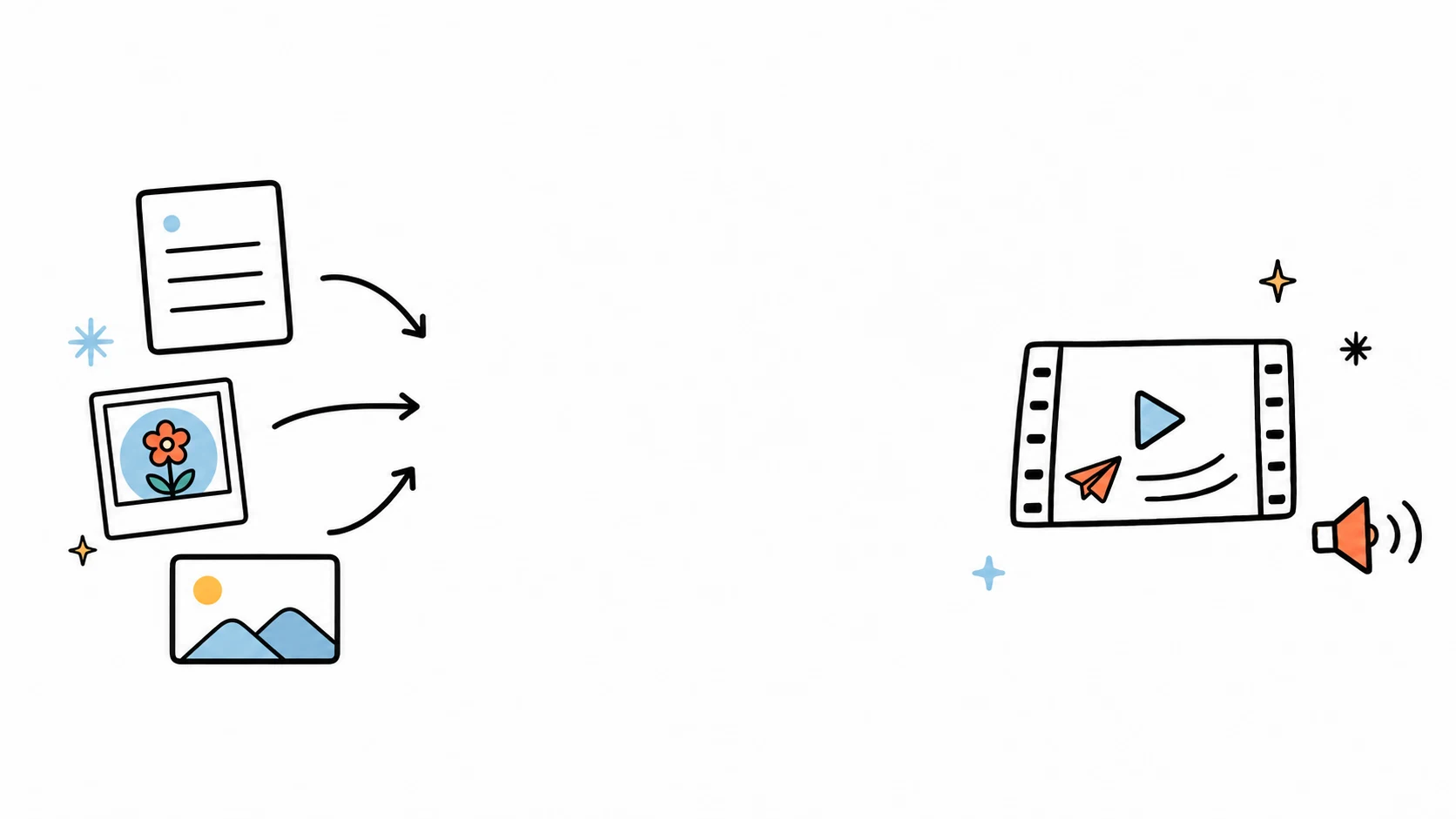
Create videos from text photos and pictures

Use the Seedance 2.5 AI video generator to turn a written prompt, photo, picture, product image, illustration, or storyboard into cinematic footage. Create video ads, product videos, social media clips, and visual concepts in YouMind.

Text prompt

Scene to moving story

Turn a written direction into a cinematic sequence with intentional movement.

Starting image

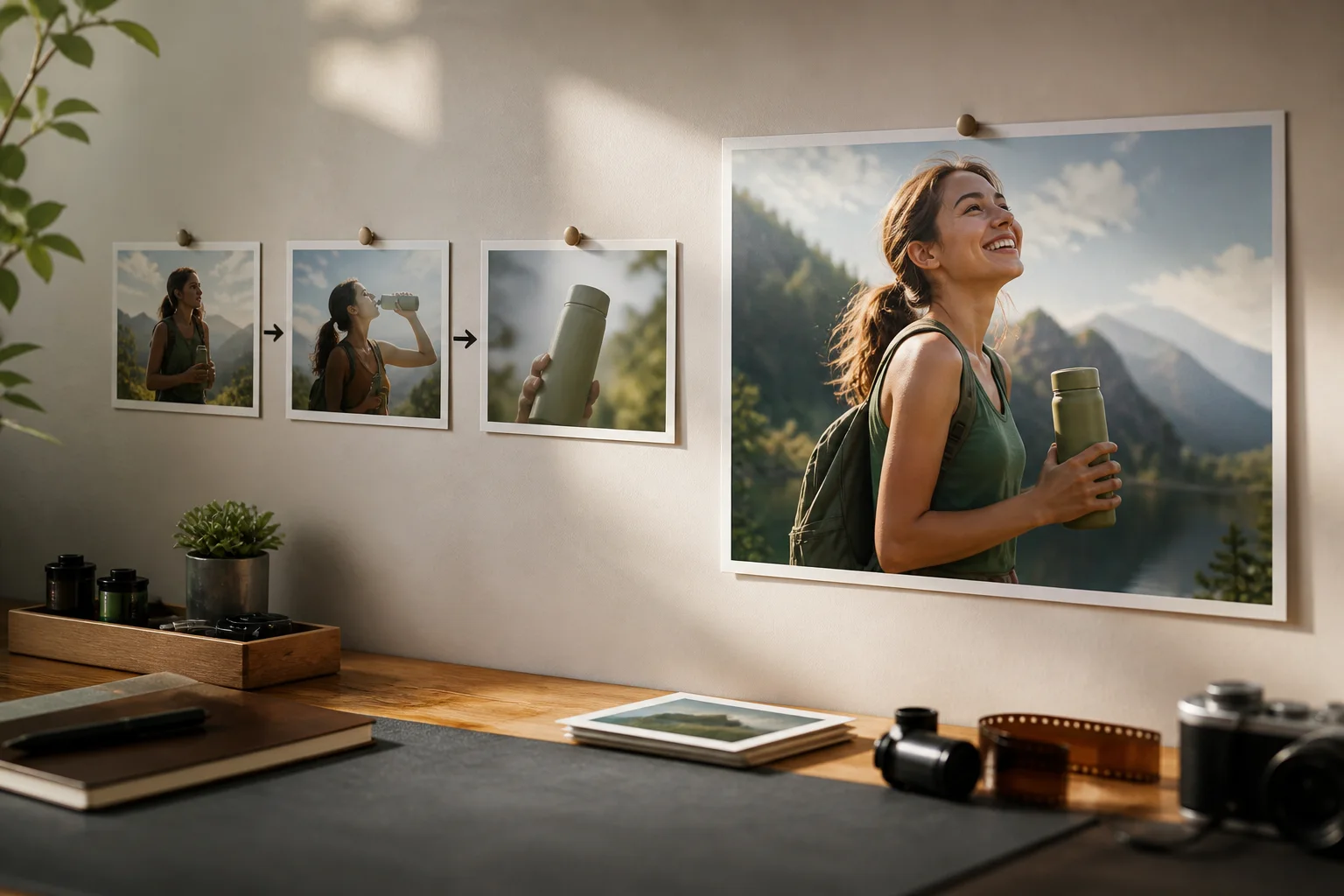
Still to cinematic motion

Bring a photograph, illustration, or generated image to life without losing its look.

Product

Product to campaign clip

Create polished motion for launches, explainers, ads, and product storytelling.

Social

Concept to short-form video

Develop vertical or square clips for the channels that matter.

How to make a Seedance 2.5 video

Set the creative direction, choose how references guide the shot, and continue refining the strongest clips in one workspace.

01

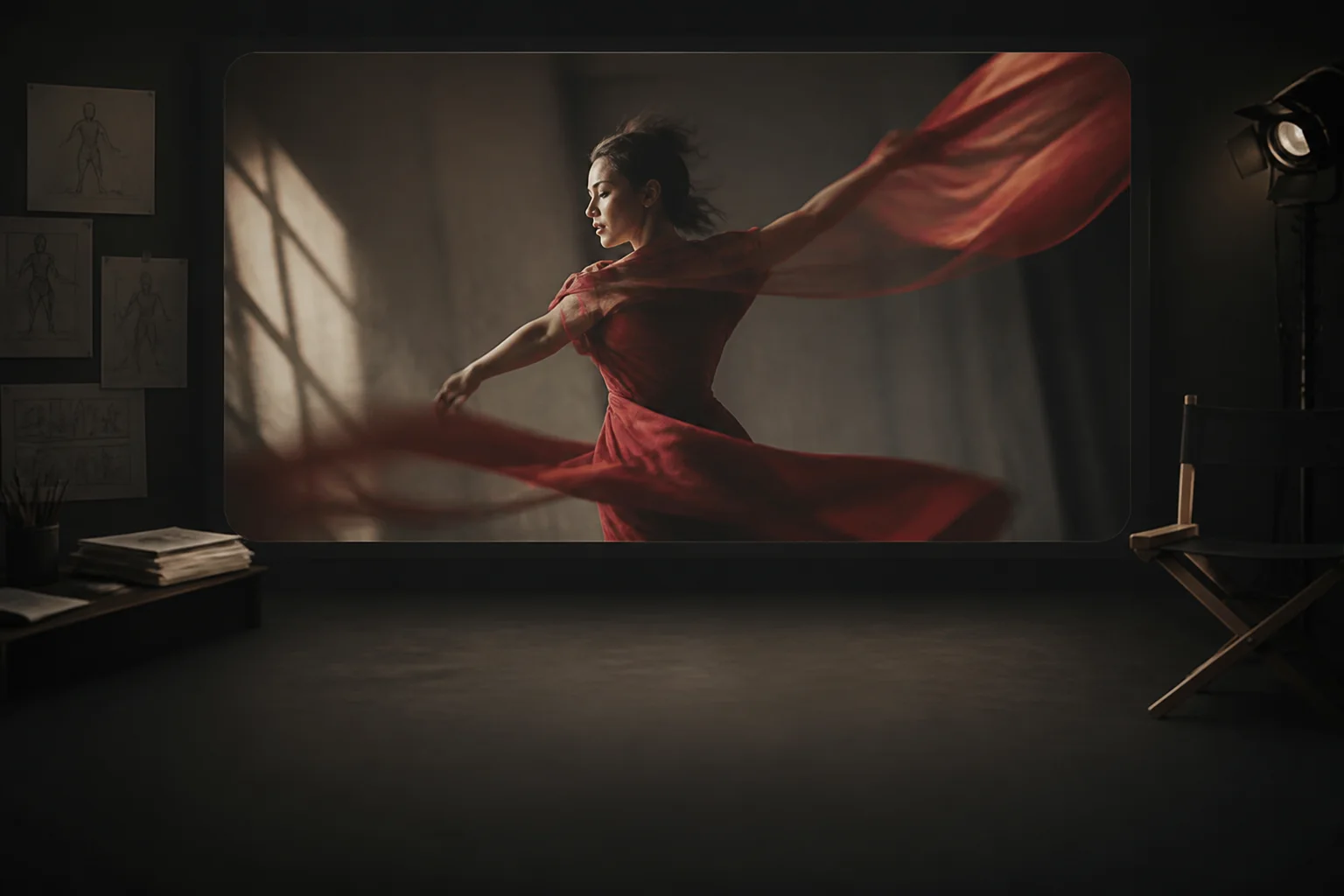
Direct the model before you generate

Add text, an image, or a reference clip, then choose the model, aspect ratio, quality, reference mode, and sound options that it supports.
Direct the model before you generate
02

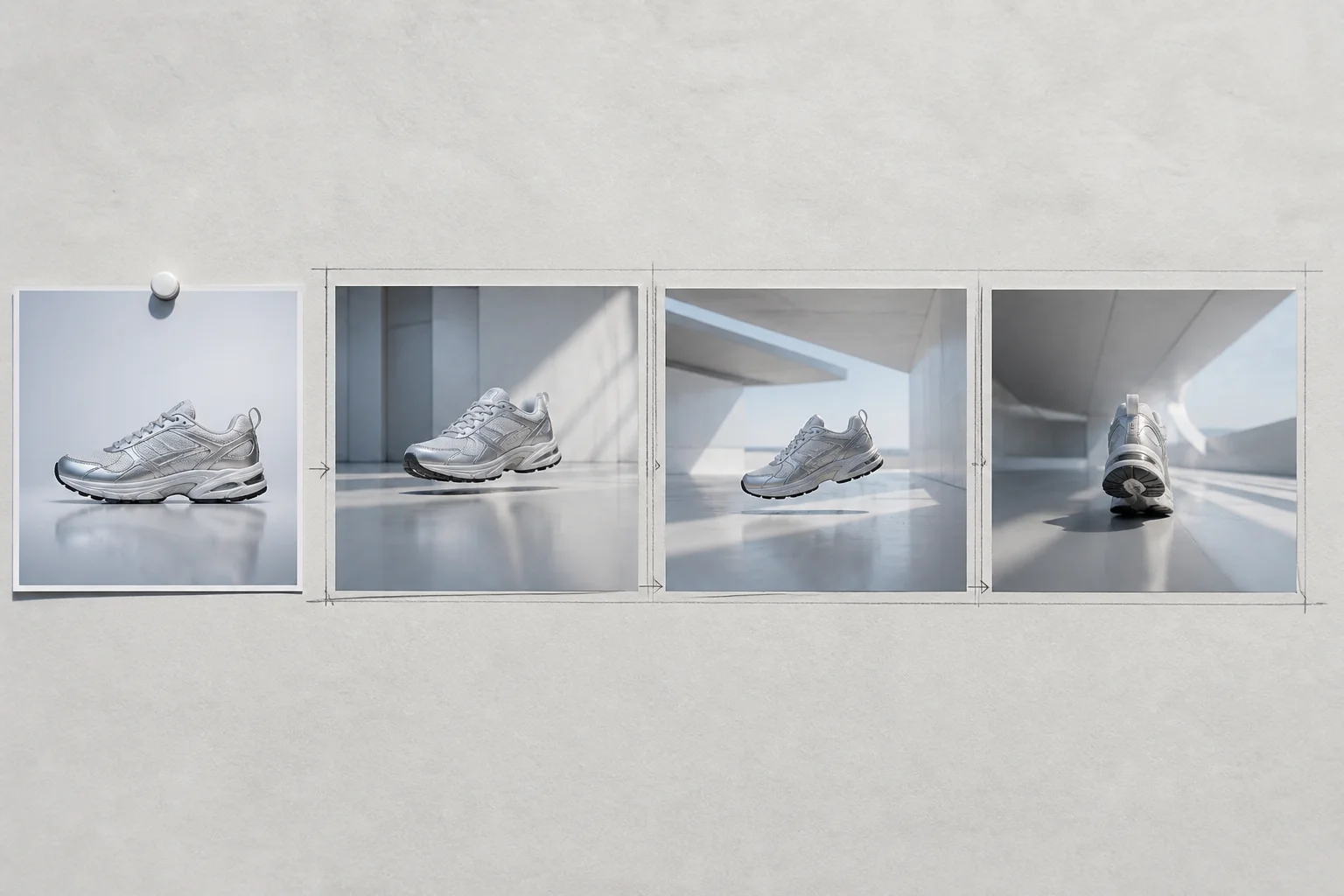
Choose how references shape the result

Use first and last frames to anchor a shot, or use reference images and video to guide identity, setting, style, and movement.
Choose how references shape the result

First frame

Last frame

Video settings

ModelSeedance 2.5

Aspect ratio

Quality

Auto
Medium
Low

Reference image mode

Auto
Keyframe
Reference

Sound

Auto
With sound
Silent
03

Turn short clips into one editable story

Generate ordered clips, revise individual takes, and combine the successful results into one longer video artifact.

Turn short clips into one editable story

Start with a stronger video brief

Explore real Seedance 2.5 prompt examples or switch to focused text to video and image to video tools.


Frequently asked questions

What is the Seedance 2.5 AI video generator
Use the Seedance 2.5 AI video generator to turn a written prompt, photo, picture, product image, illustration, or storyboard into cinematic footage. Create video ads, product videos, social media clips, and visual concepts in YouMind.
Can Seedance 2.5 create video from text photos and pictures
Create AI video from a text prompt, photo, picture, product image, illustration, or storyboard with Seedance 2.5, then refine the clip in one YouMind workspace.
Can I animate an existing image?
Yes. Use an image as a first or last frame, or as a reference that guides the generated video.
Can I make landscape and vertical videos?
Yes. Supported aspect ratios include landscape, portrait, square, and ultra-wide formats, depending on the selected model.
How much control do I have over the motion?
Direct subject movement, camera behavior, pace, atmosphere, and continuity through the prompt, reference mode, and model settings.
Can I keep refining after the first result?
Yes. Revise an existing clip with references, generate another take, or assemble several short clips into one longer editable video.

Ready to create something bolder?