GPT Image 2 creation

GPT Image 2 Image Generator

Create AI images, photos, pictures, illustrations, and ad artwork from text or references with GPT Image 2, then edit and refine the result in YouMind.

Try these

GPT Image 2 creation

Create photos pictures and artwork with GPT Image 2

Use the GPT Image 2 AI image generator and photo editor to create images from text, make pictures from prompts, transform reference photos, and produce product photography, illustrations, graphics, ad creatives, and social media artwork in YouMind.

Text prompt

Idea to finished visual

Turn a clear description into a polished image in a few iterations.

Reference image

Reference to new direction

Keep the useful visual cues while exploring a fresh composition or style.

Product

Product to polished scene

Place a product into refined editorial, commerce, or lifestyle settings.

Campaign

Brief to campaign creative

Develop a coherent visual direction for ads, social posts, and launches.

How to create with GPT Image 2

Describe the visual direction, add references for the details that matter, and refine the strongest result without starting over.

01

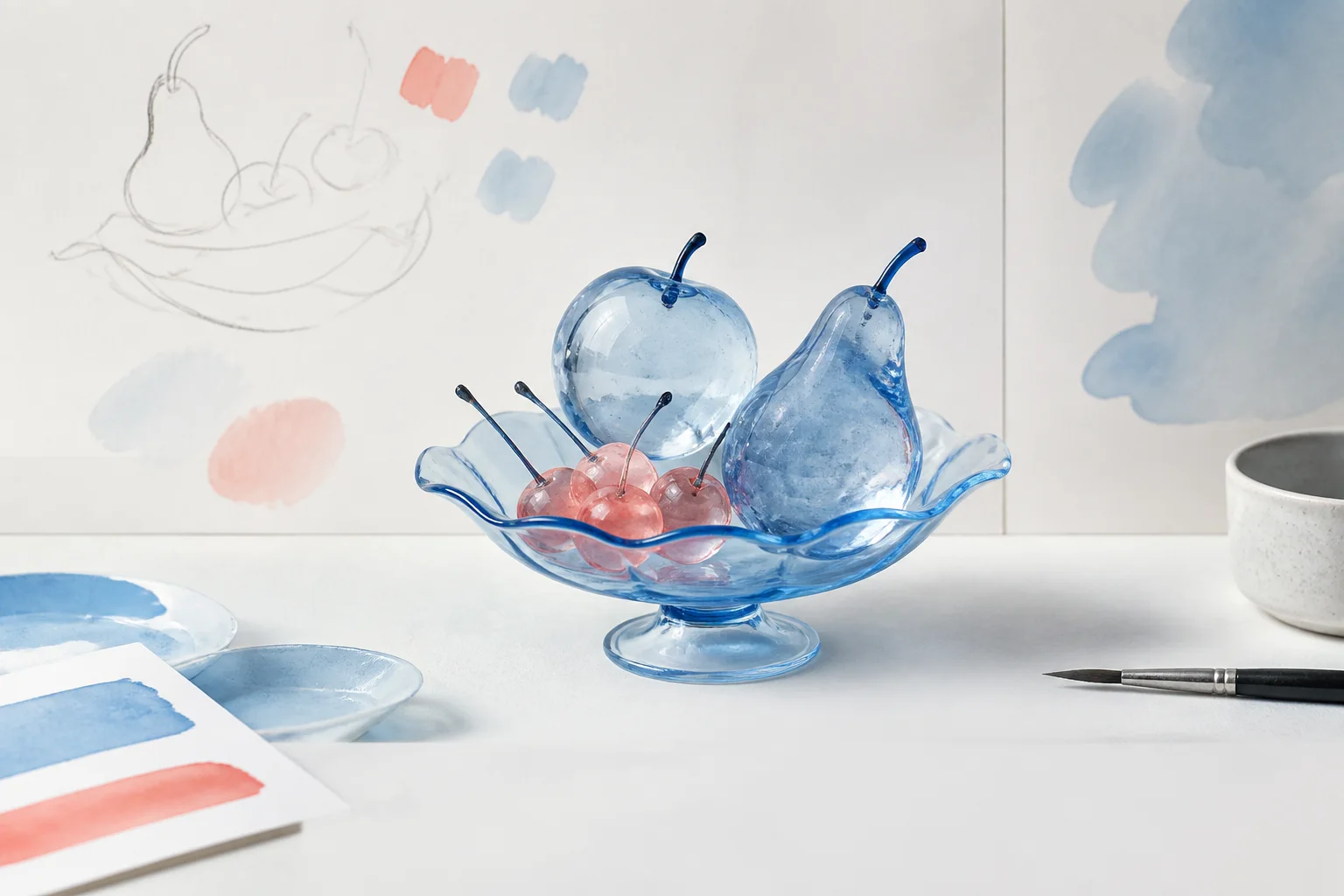
Direct the model before you generate

Describe the subject, composition, lighting, and style, then choose the model, aspect ratio, quality, and size that fit the result.
Direct the model before you generate
GPT Image 2
02

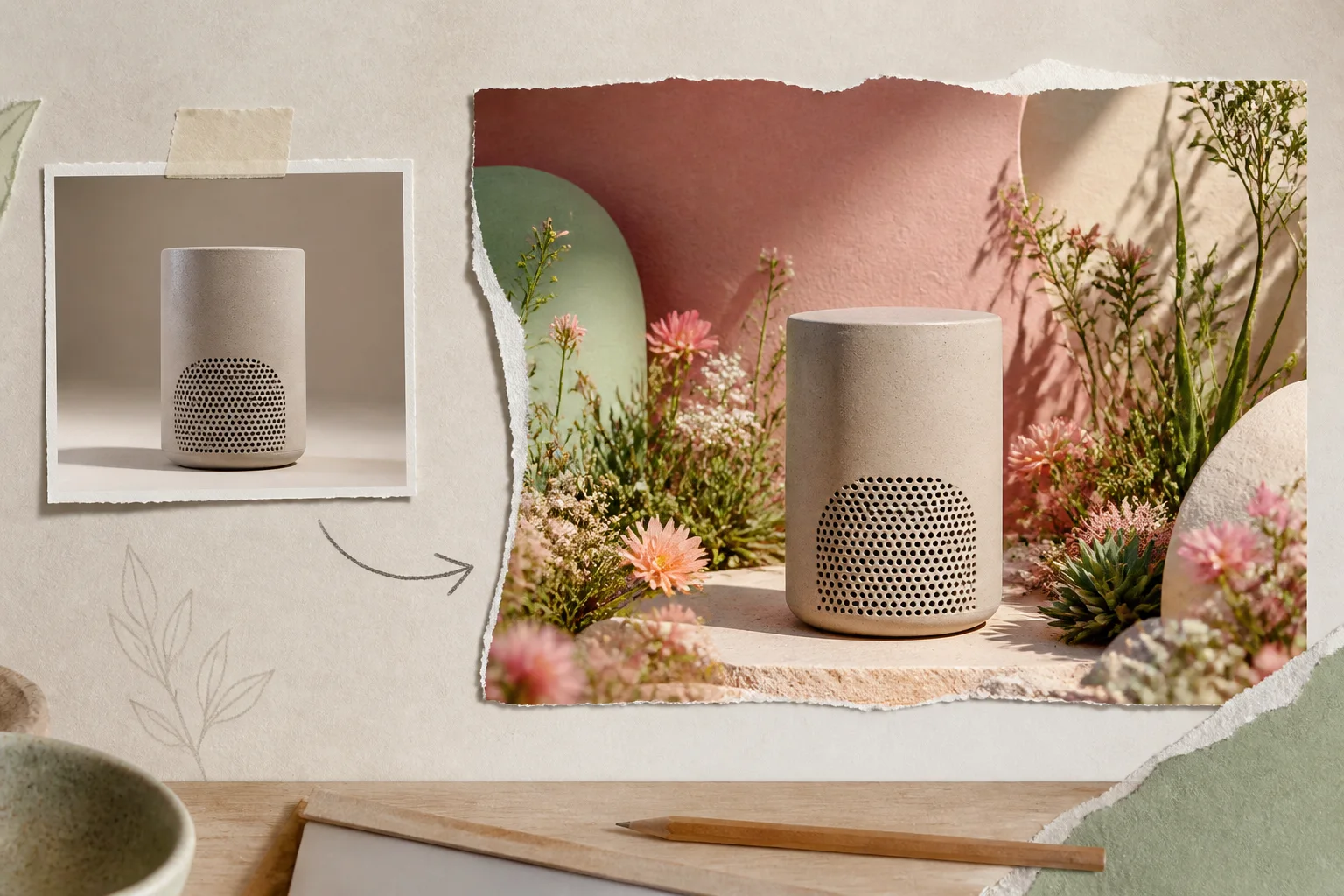
Choose what references should preserve

Use photos, products, sketches, or style references to hold onto the details that matter while exploring a new direction.
Choose what references should preserve
03

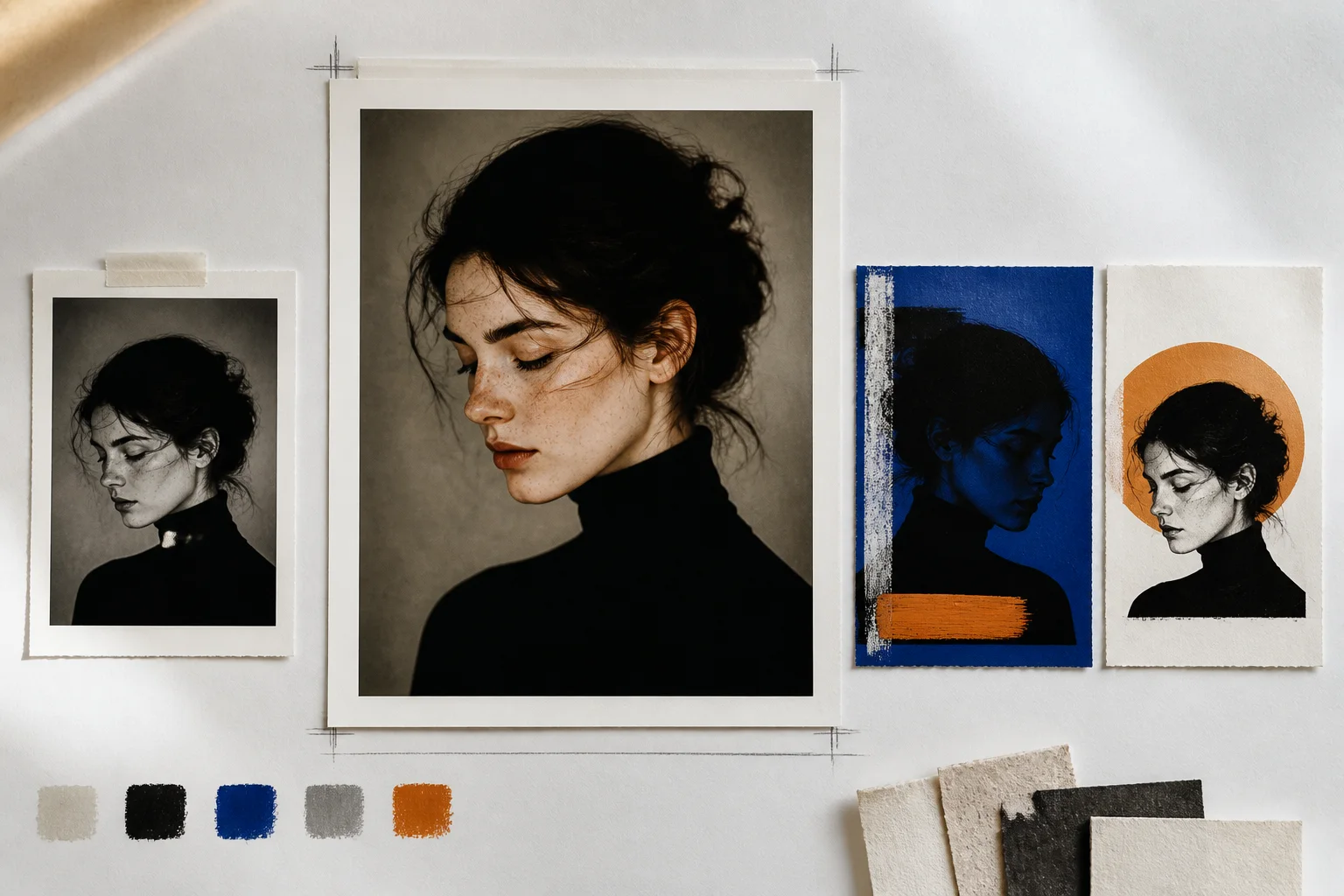
Refine the image without starting over

Revise the prompt, generate variations, and make focused edits until the composition and finish feel right.
Refine the image without starting over

Build from a proven visual direction

Explore GPT Image 2 prompt examples or continue with focused image editing and product visualization tools.


Frequently asked questions

What is the GPT Image 2 AI image generator
Use the GPT Image 2 AI image generator and photo editor to create images from text, make pictures from prompts, transform reference photos, and produce product photography, illustrations, graphics, ad creatives, and social media artwork in YouMind.
Can GPT Image 2 create and edit photos pictures and artwork
Create AI images, photos, pictures, illustrations, and ad artwork from text or references with GPT Image 2, then edit and refine the result in YouMind.
Which image models can I use?
YouMind supports GPT Image 2, Nano Banana Pro, Nano Banana 2, and other leading image models. Available controls vary by model.
Can I upload a reference image?
Yes. Bring a photo, product image, sketch, or visual reference and describe what you want to preserve or change.
Can I control the aspect ratio and quality?
Yes. Choose a ratio for square, landscape, portrait, or social formats and select the quality supported by the model.
Can I keep editing after the first result?
Yes. Generate variations, revise the prompt, make focused edits, and continue until the image is ready to export and use.

Ready to create something bolder?