GPT2 x Y2K Sticker Collage
By xiaoxiaodong · P237
GPT2 x Y2K Sticker Collage
By xiaoxiaodong · P237
Showcase
Description
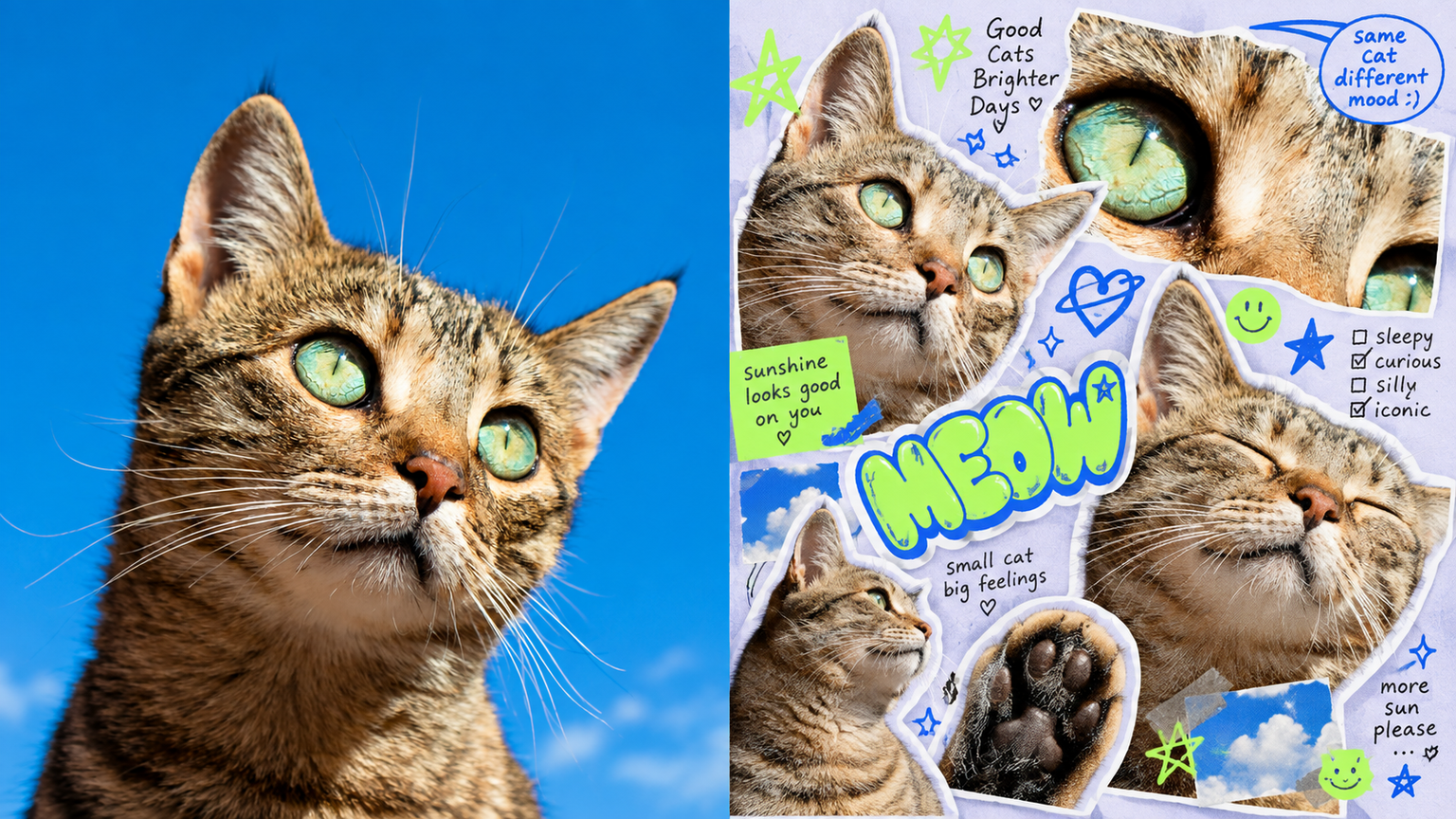
Ideal for turning photos into cute, quirky, playful sticker zines: youth-focused visuals, independent magazines, and social media covers. The top half keeps the original photo recognizable; the bottom transforms the same subject into multiple cutouts in different poses and sizes, each with a clear white die-cut border. Slight rotation and overlap add spontaneity while keeping the visual hierarchy clear. The base is pale gray-purple, accented with acid lime and cobalt blue, plus a small selection of colors drawn from the original image. Tiny text reads like magazine marginalia or snippets of chat. It looks casual but is thoughtfully art-directed. Avoid cheap templates, childish cartoons, rigid grids, dull retro styling, and piles of photos.
Recommended by
淡苍
Why we love this skill
Transforms photos into refined Neo-Y2K sticker collages with varied poses, expressive cutouts, playful notes, and a balanced mix of cute, quirky, and editorial style.
Related Skills
View all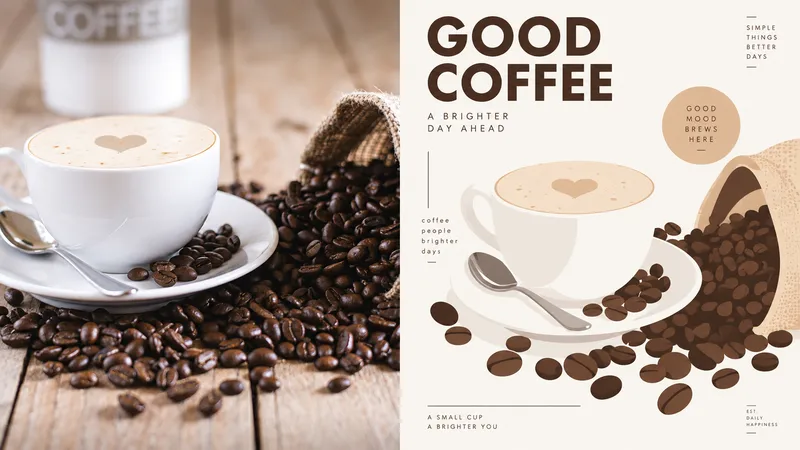 Image
ImageGPT2 x Editorial Visual
For creating key visuals for creative tools, digital magazines, or visual identities: brand exercises, covers, and exhibition graphics. Keep the original photo recognizable in the upper half; reframe it in the lower half with large solid-color blocks, simplified contours, fine lines, and a few rounded cards. The subject is the sole focus—do not crowd the surrounding space with a complex interface. Young, smart, and slightly playful, with a warm tech feel rather than a cyberpunk look. Draw the palette from the most vivid colors in the original image and refine them, using plenty of warm white—about one or two primary colors plus an accent. Keep text small and clear, using a condensed sans serif or a lightweight monospaced font. Avoid realism, complex shadows, gradient effects, dense UI, game interfaces, and cartoon stickers.
 Image
ImageGPT2 x Spot-Color Poster
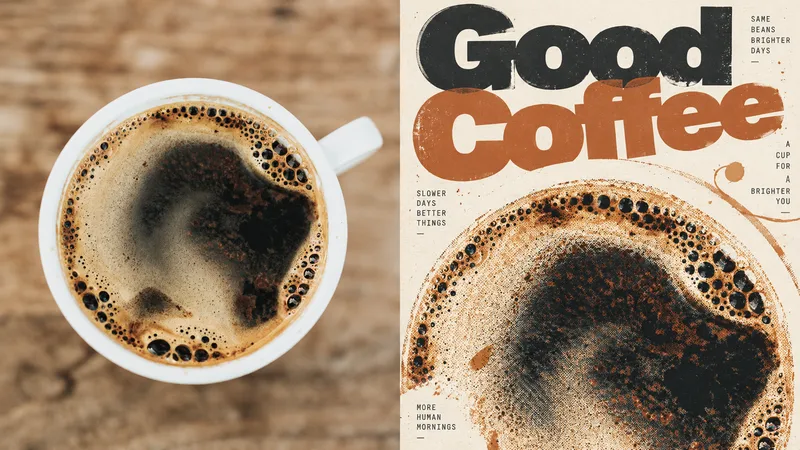
Ideal for turning photos into experimental independent magazine posters: covers, exhibition graphics, and visual studies. Keep the upper half recognizable as the original photo; rework the subject in the lower half with limited spot colors, translucent overprinting, visible halftone dots, and slight misregistration. The subject can be cropped, off-center, or partially extend beyond the frame. Use generous negative space, with every element orbiting a visual center. The title can be large enough to nearly become a graphic, overlapping and weaving through the image. Supporting text should be tiny. Use warm white, uncoated paper with visible fibers and controlled imperfection. Avoid tidy brand templates, complex collages, digital gradients, and fluorescent screen glow.
 Image
ImageGPT2 x Mingkuai Digital Collage
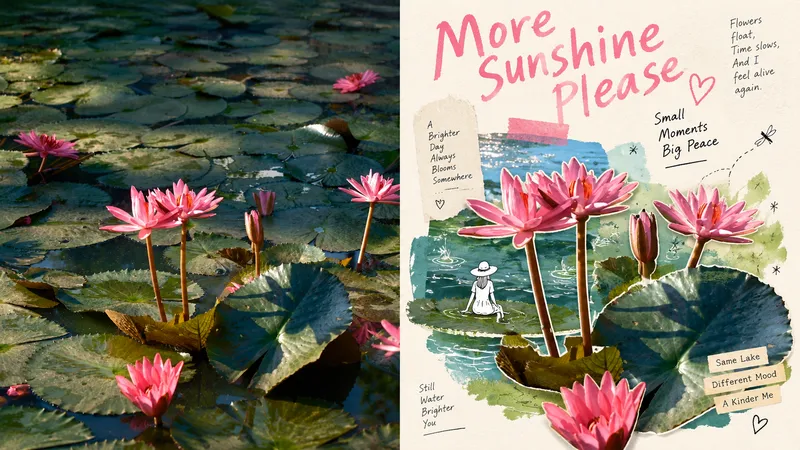
Suitable for organizing personal photography, independent publishing, exhibition exercises, and lifestyle-focused visual creation. Even when the original composition is ordinary, the background is cluttered, or the subject is too small, you can reestablish a focal point through subtraction, rearrangement, cropping, and changes in scale—instead of simply applying a filter to the photo. The overall look combines authentic photographic cutouts, hand-drawn doodles, paper collage, mismatched scales, generous negative space, and editorial-style layouts of images and text to create a refined mixed-media aesthetic. Whether the subject is a person, building, animal, plant, object, food, vehicle, or natural landscape, its clear identity and original narrative should remain intact, while re-editing and visual metaphors create a new expression. Avoid fully redrawing the subject, overcrowding the composition with assets, ordinary framed collages, cartoonization, complex UIs, overly realistic shadows, and templated commercial posters.
Information
- Version
- v5
- Last updated
- Runtime credits
- Usage-based
- Models
- Auto
