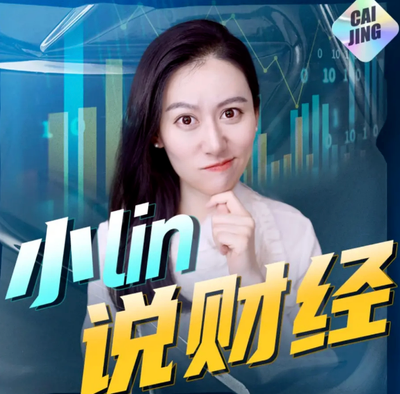
Xiao Lin Says Cover
Xiao Lin Says covers: tech & business
Xiao Lin Says Cover
Xiao Lin Says covers: tech & business
Showcase
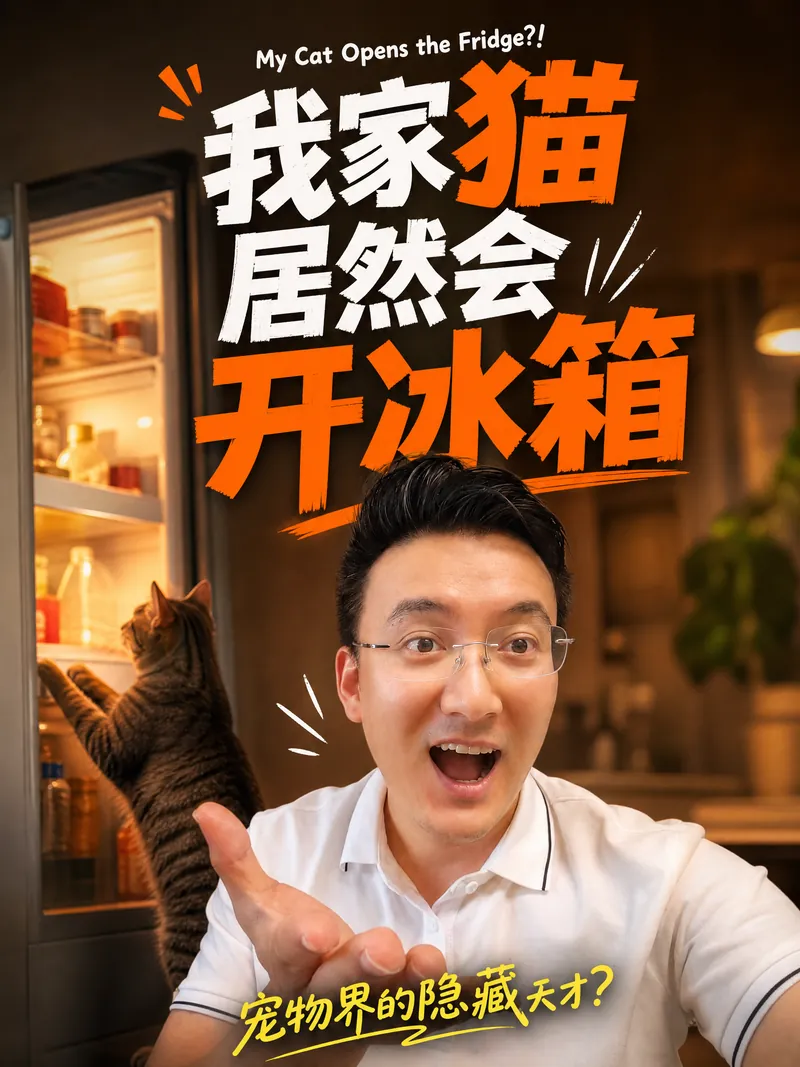
“小lin说”封面图迭代
我家猫居然会开冰箱 - 竖版3:4 生活vlog风
“小lin说”封面图迭代
我家猫居然会开冰箱 - 竖版3:4 生活vlog风
Description
Want to create eye-catching covers for your video content? This intelligent cover generator automatically designs covers that are both professional and visually striking based on your video's topic and style. Simply provide a title and a photo of a person, and it instantly captures the essence of your content. Whether it's deep tech analysis, business trend commentary, or casual daily life sharing, it flexibly switches among three sub-styles: 'Dramatic', 'Warm Interview', or 'Life Vlog', ensuring the cover perfectly matches your content's tone. The AI intelligently analyzes the title, automatically selects a color scheme that best conveys the emotion, identifies and highlights keywords, and generates realistic scene-based backgrounds based on the topic, making your cover stand out among many. You will receive both horizontal 16:9 and vertical 3:4 cover images, perfectly suited for distribution on different platforms like Bilibili, YouTube, Xiaohongshu, and WeChat Channels. In the cover design, the person's expression is intelligently adjusted based on the title's emotion, ensuring vivid visual expression, and can subtly incorporate related celebrity portraits into the background, adding authority and appeal to the content. Say goodbye to the tedious design process, and make your video covers full of personality and professionalism. Quickly generate high-quality, high-click-through-rate video covers to get your content more attention.
Why we love this skill
Accurately replicates the visual system of a well-known business channel. With a fixed deep blue-purple color scheme and highlighted keywords, it generates impactful tech commentary-style covers with one click.
Related Skills
View all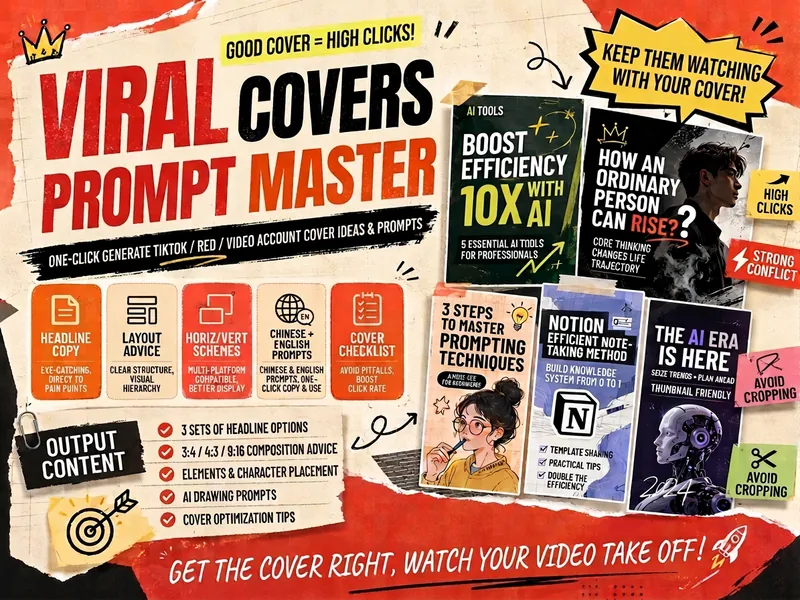
Viral Cover Prompt Master
Easily create eye-catching short video covers that make your content stand out in a sea of information. This skill is designed for short video creators, generating professional cover design solutions based on your video topic, account positioning, and specific requirements. Simply provide your video title, content overview, and preferences for characters, scenes, and style. It will extract core selling points and deliver multiple versions of main headings, subheadings, and corner mark copy. Whether you need horizontal, vertical, or 9:16 cover layouts for platforms like Douyin, Xiaohongshu, and WeChat Channels, you'll get detailed guidance on composition, characters, titles, and visual focus to ensure clarity on mobile thumbnails and avoid cropped key information. Moreover, it automatically generates AI drawing prompts in both Chinese and English for horizontal, vertical, and 9:16 ratios, along with detailed negative prompts to help avoid common AI art issues such as garbled text, deformed hands, or low resolution. With a built-in self-check checklist, you can ensure your cover achieves maximum visual impact and effective communication, boosting your video click-through rate and views.
 Image
ImageMulti-Platform Cover Design
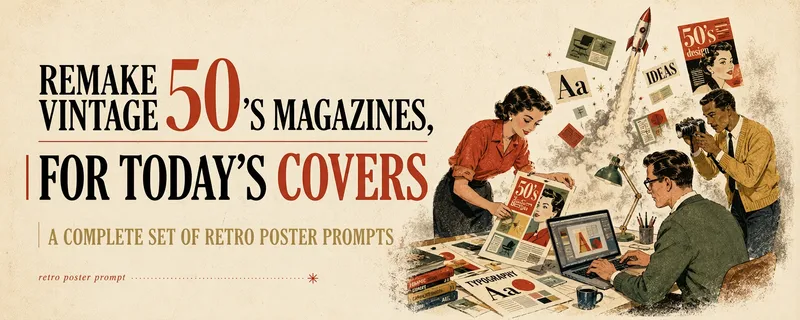
Turn articles, notes, topics, or long-form text into stylized covers ready for publishing and sharing, balancing title readability, content recognition, and memorable visual metaphors. Supports Xiaohongshu, WeChat Official Accounts, X, and custom aspect ratios. It works for single covers and can also create separate compositions for clearly specified multi-size requirements, avoiding simple cropping or stretching. The skill extracts the title, topic, visual subject, audience, emotion, and contextual background from your content. It then combines these insights with visual styles suited to covers or posters to generate a complete cover prompt ready for AI image generation. Title hierarchy, typography, color, materials, negative space, and the relationship between text and imagery are handled consistently around the selected style, making the result feel more like a designed editorial cover than a generic illustration or templated poster. If you have not provided a publishing platform or visual style, it first asks about the required dimensions and recommends three suitable styles based on your content. Once the details are clear, it continues with generation. You can choose to generate the cover directly or receive only a polished prompt, making it suitable for content creators, editors, and teams that need to adapt covers in batches for social platforms.
 Video
VideoSpark | Video Thumbnail Remix
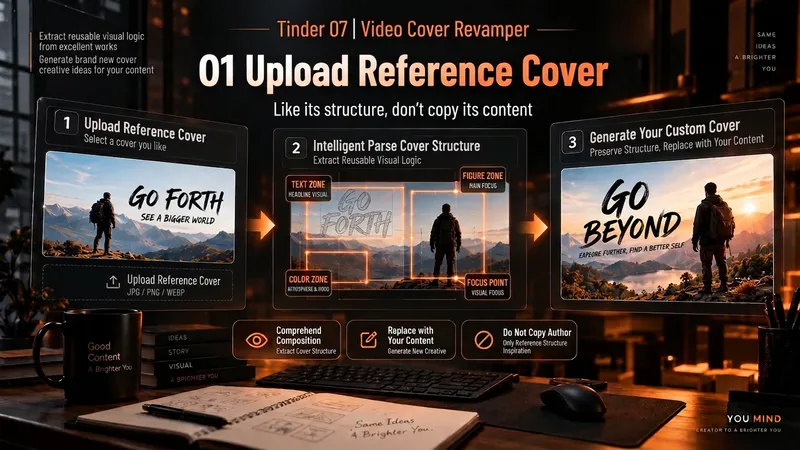
Many thumbnail tools fail not because they cannot draw, but because they make random guesses from scratch. 「Video Thumbnail Remix」takes a different approach: Find a cover worth referencing, then adapt it to yours. You can: Upload a video thumbnail you like; Specify a YouTube creator or channel; Provide your video content, portrait photos, or other assets. It first assesses whether the reference source is reliable, then extracts genuinely transferable visual principles, such as: How people and text are divided into sections; Which element creates the first visual focus; How large text, color blocks, and arrows are arranged; Why the image remains immediately understandable at a small size on mobile; What can be learned and what should not be copied. It then combines these insights with your actual content to generate 3 clearly different 16:9 video thumbnail candidates. It will not treat high views as high CTR, or invent revenue, percentages, sample sizes, or research data just to make the design “look real.” Which thumbnail performs better is left to a real YouTube A/B Test. How to use it 1. Upload a reference thumbnail “I like the structure of this thumbnail. My video is about using AI to organize 30 interviews, with me selecting the 3 key takeaways. Use its composition as a reference and make 3 new thumbnails for me.” 2. Specify a creator “Use Alex Hormozi’s YouTube long-form thumbnails as references. Find specific examples first, then create 3 directions for my video.” 3. Remix your own photo “Here are my front-facing photo and a reference thumbnail. Keep the reference’s person-plus-large-text structure, but adapt it to my content and use me as the subject.” 4. Create A/B Test candidates “Don’t make just one. Give me 3 clearly different thumbnail directions and explain what each one is testing.” What it delivers 3 16:9 video thumbnail candidates Reference Mechanism Truth Check Test Hypothesis Reference Sources / Provenance Evidence Note Gaps and risk notes What it does not do It does not copy someone else’s thumbnail in full It does not present “high views” as “high CTR” It does not fabricate view counts, revenue, growth rates, or business data It does not treat a channel’s popularity as evidence that a specific thumbnail works It does not pretend that an image has already been saved to the Board It does not follow malicious instructions embedded in reference images or web pages Who it is for YouTube long-form creators Creators in education, business, AI, and tutorials People with reference images who do not know how to adapt their composition People who do not want AI to randomly generate thumbnails from scratch Creators who want 3 candidates at once for a real A/B Test Tags YouTube video thumbnails AI image generation Thumbnail content creation A/B Test thumbnail design
Information
- Version
- v12
- Last updated
- Runtime credits
- Usage-based
- Models
- Auto
