
Visual Inspiration Director
Turn ideas into visible scenes, step by step
Visual Inspiration Director
Turn ideas into visible scenes, step by step
Showcase
Description
Turn a vague image in your mind into a picture or single-shot video: answer guided questions, organize a visual blueprint and complete prompt, then make targeted revisions based on the actual result. Ideal if you have a feeling but struggle to describe it, already have a complete visual brief, or the generated result doesn’t match your expectations.
Recommended by
Dancang
Why we love this skill
Turns vague feelings into checkable visual decisions through step-by-step interviews, blueprints, generation, and result-based calibration.
Related Skills
View all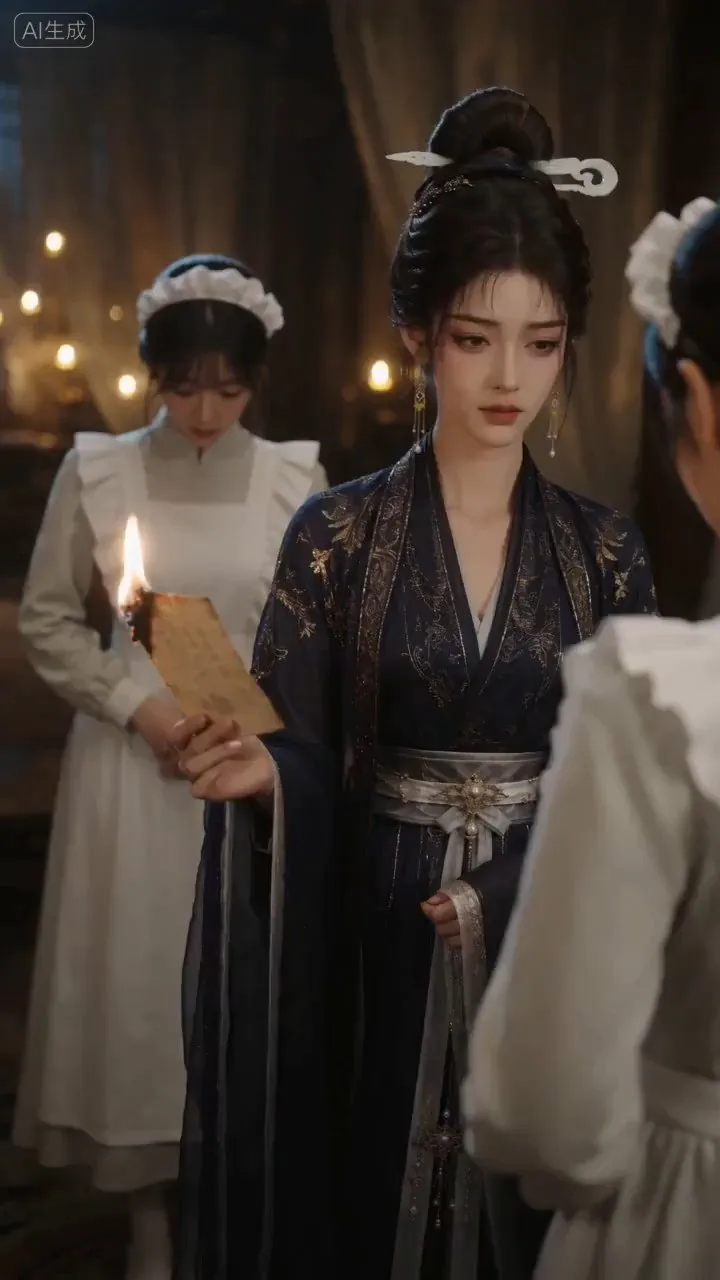
AI Video & Storyboard Prompts
Turn storylines, character profiles, or existing video prompts into professional storyboards and ready-to-use shot prompts for AI video generation. Whether the scene involves contemporary life, historical drama, mystery, romance, or high-payoff drama, the skill focuses on character relationships, pacing, and emotional hooks. It clearly defines shot scale, camera position, perspective, camera movement, composition, lighting, ambient sound, and dialogue, giving every shot a clear visual focus and actionable movement. The skill pays close attention to character consistency and scene continuity. It helps lock in each character’s appearance, clothing logic, identity and status, and defining details, reducing generation issues such as facial changes, visual drift, spatial confusion, and unclear actions. A character’s gaze, expressions, breathing, hand movements, and physical reactions are also translated into visible performance changes, strengthening conflict, tension, twists, and emotional progression. You can start with a complete storyline or provide existing character assets, storyboards, or prompts for targeted optimization. When you already have an established character profile, it can be reused directly to avoid redesigning it. The complete sequence can then be organized into clips of 15 seconds or less for generation with mainstream AI video models, while preserving visual, audio, and duration details for easy copying, use, and further editing.
 Image
ImagePrecise AI Character Images
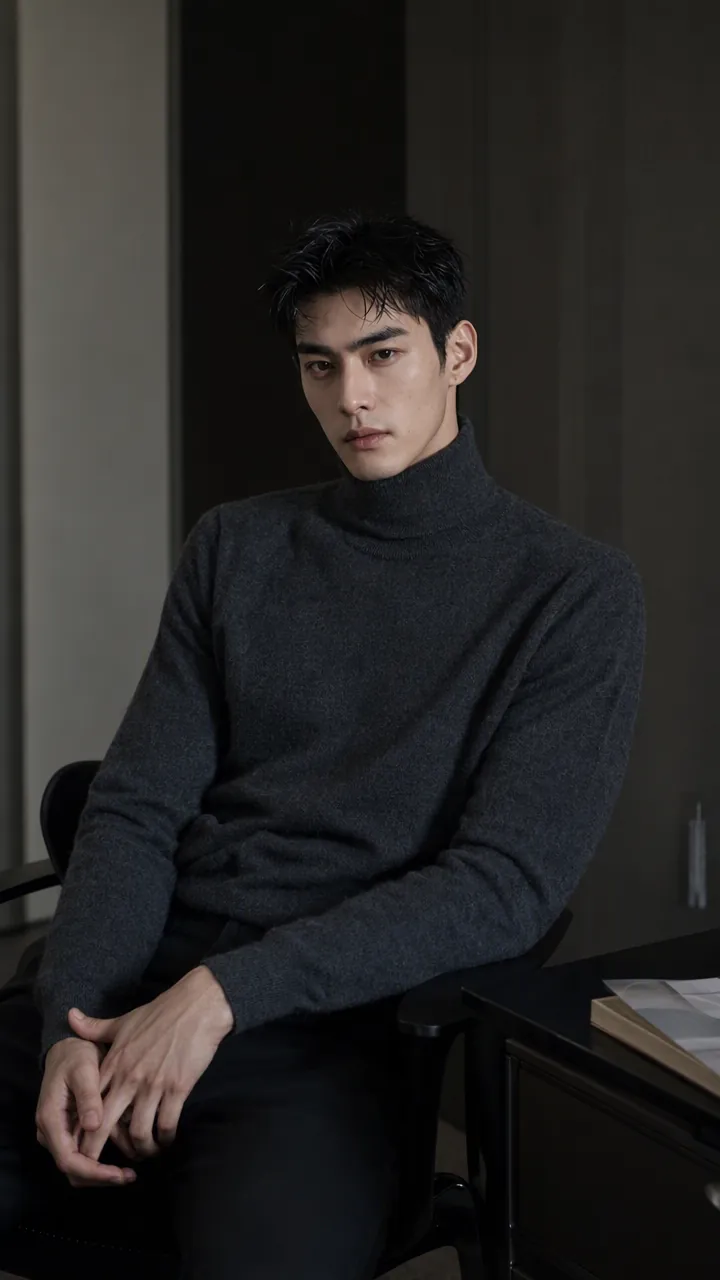
Turn the character you envision into ready-to-use prompts and finished images. Start with a seed description or a broad theme, then define key details step by step, including hairstyle, hair accessories, clothing, expression, pose, camera, lighting, and setting. Whether you’re creating a classical Chinese woman, a cyberpunk girl, a Japanese-style character, a realistic portrait, or a custom character concept, you can develop a cohesive visual direction based on the character’s overall mood. Choose Quick Image Generation to let AI complete the character design automatically, or use Fine Control to adjust each element through selections or custom input. Results include structured prompts in both Chinese and English, along with a matching Negative Prompt, making them easy to understand and reuse with leading models such as FLUX, Midjourney, and SDXL. You can also generate the finished character image with AI. After generating an image, continue fine-tuning specific dimensions, such as hairstyle, expression, pose, camera angle, lighting, setting, or art style. Regenerate while keeping the other details unchanged, with each modification clearly identified. Ideal for character design, character concept art, avatar creation, illustration planning, and exploring visual directions.
 Video
VideoSpark | Video Diagram Maker
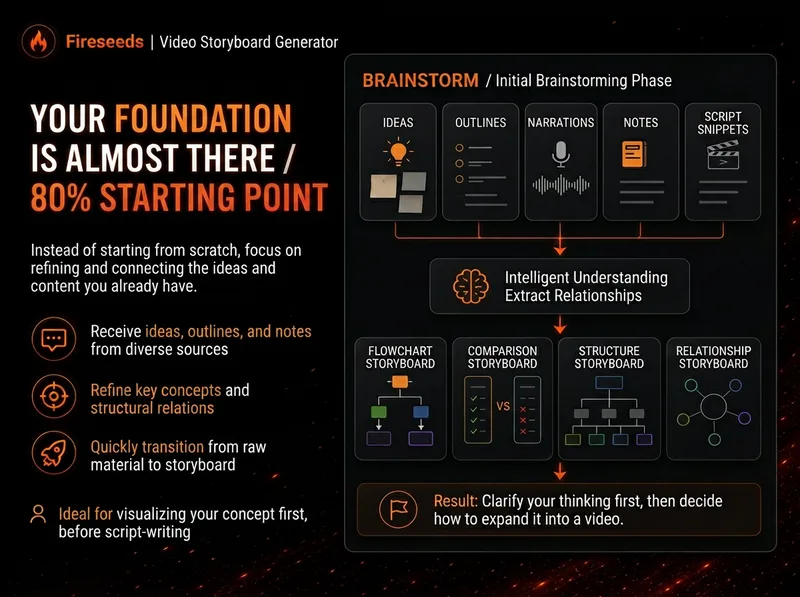
Many videos don’t lack content—the content is simply too abstract or dense. Viewers understand one sentence, then forget it by the next. “Spark | Video Diagram Maker” takes your ideas, brainstorms, outlines, scripts, transcripts, or articles and first breaks them down into concepts that are genuinely worth visualizing. It then determines whether they are best expressed as a process, comparison, architecture, hierarchy, cycle, branch, decision tree, or another diagram structure. It won’t draw just to hit a quota, or cram complex content into one cluttered infographic. Multiple diagrams maintain the same visual language, naming, and semantic color system, making them easy to insert into videos as an explanatory framework. Especially useful for: Explaining complex concepts Breaking down workflows Comparing two methods Showing system structures Clarifying cause-and-effect relationships Turning a long brainstorm into a set of visual nodes for a video The default output is a 16:9 static diagram. If the runtime environment cannot provide an editable Excalidraw source file, this will be stated clearly; static images will never be presented as .excalidraw files. Use cases Use case 1 | Turn a brainstorm into diagrams You only have a long stream of spoken ideas, without a complete script. The Skill identifies the points most worth drawing and organizes them into a set of diagrams with a clear presentation order. Use case 2 | Turn a script into visual nodes for a video You already have a complete script but don’t know where to add visuals. The Skill determines which sections are worth visualizing and selects suitable diagram types. Use case 3 | Explain complex concepts For example: how an AI Agent works, why a workflow matters more than a one-off demonstration, how a business model operates, or which layers make up a product architecture. Use case 4 | Break down a workflow or process For example: topic pool → research → Hook → script → production → review. Use case 5 | Make comparisons For example: no workflow vs. a workflow; traditional methods vs. AI methods; one-time success vs. stable, repeatable results.
Information
- Version
- v6
- Last updated
- Runtime credits
- Usage-based
- Models
- Auto
