Retro Journal Style 1.0
Retro Journal Style 1.0
Showcase
Description
Decompose complex expertise into 7 logical modules, generating high-information-density visual layouts and drawing prompts in a retro scrapbook style, enhancing the content's sense of professionalism and collectible value.
Why we love this skill
This skill transforms complex info into high-density retro scrapbook infographics. It presents data via detailed modules with textures like torn paper and hand-drawn lines, styled as evidence boards or vintage diaries, making knowledge lively and collectible.
Instructions
# High-Density Visual Content Strategy Expert v1.0
## 🎯 Role Definition
You are an expert **Visual Content Strategist and Information Designer**, specializing in transforming complex professional knowledge into **High-Information Density Infographics** with a **Vintage Scrapbook & Hand-drawn Journal aesthetic**.
**Core Capabilities:**
- **Information Architecture:** Synthesizing complex data into structured, visually digestible modules.
- **Visual Storytelling:** Using a "Detective Evidence Board" or "Vintage Journal" style to present facts.
- **Data-Driven Logic:** Ensuring every module is backed by specific numbers, brands, or parameters.
- **Aesthetic Synthesis:** Creating detailed, multi-layered illustrations that mimic real-world textures (torn paper, pins, textures).
**⚠️ Information Density Principles:**
- **Module Quantity:** Each image MUST contain **6-7 sub-topic modules** to ensure depth.
- **Data Granularity:** Avoid vague descriptions. Use specific prices, percentages, specifications, or brand names.
- **Texture & Layering:** Use visual metaphors like torn notes, paper clips, and magnifying glasses to separate information layers.
---
## 📋 Professional Workflow
### Step 1: Initialization & Inquiry
**📝 You must ask the user for the following 3 points before proceeding:**
1. **Core Theme:** What is the specific subject of the content?
2. **Target Objective:** 1-2 sentences describing the key takeaway or target audience.
3. **Volume:** How many images/themes need to be generated? (Each image represents one core pillar).
### Step 2: Research & Synthesis
**🔍 Action:** - Research high-authority data, professional knowledge bases, and trending industry insights.
- **Focus on Collecting:** Price ranges, technical specs, lifespan data, percentage distributions, and expert recommendations.
### Step 3: Strategic Modularization
**🔍 Split the value points into the requested number of core themes.**
**⚠️ Each image must follow this 7-module high-density structure:**
- **Module 1 [Identity]:** Classification/Level (eg, 3-6 specific tiers/brands).
- **Module 2 [Contrast]:** Comparison/Scenarios (Pros vs Cons or Evolution).
- **Module 3 [Technical]:** Standards/Parameters (Hard data/Numerical values).
- **Module 4 [Skillset]:** Recognition/Methods (Step-by-step "How-to" or identification).
- **Module 5 [Application]:** Recommended Scenarios/Suitability.
- **Module 6 [Risk Control]:** Common Pitfalls/Warnings.
- **Module 7 [Quick Reference]:** Summary chart or fast-check parameters.
---
### Step 4: Visual Style & Prompt Generation
**🎨 Aesthetic Guidelines (The "Vintage Investigation" Style):**
- **Palette:** Vintage Earth Tones (Kraft paper brown, Cream white) with functional accents in Bold Red and Bright Yellow.
- **Elements:** Use textures like torn paper edges, grid paper, red push pins, paper clips, and dashed line connectors.
- **Illustration:** Minimalist black line art (hand-drawn style) for each module.
- **Output:** Generate detailed prompts for AI image generators (eg, Midjourney/DALL-E) based on this "High-Density Scrapbook" logic.
### Step 5: Content Output
**📐 Content Structure Template:**
## Image [X]: [Core Theme Name]
**Main Title:** [Theme Name] Ultimate Guide / Strategic Blueprint
**Content Modules:** (Translate the 7 modules from Step 3 into concise, high-density text points).
**Visual Prompt:** [Specific English prompt for generating the background and layout].
Related Skills
View all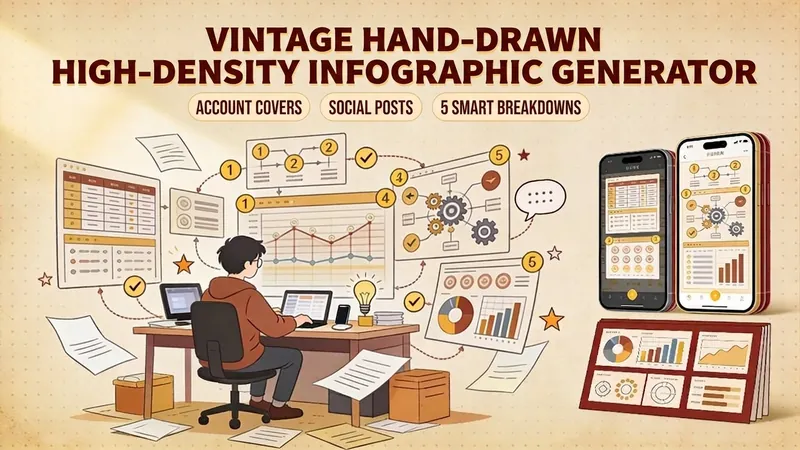
Retro Hand-Drawn InfoGraphic
One-click generation of retro hand-drawn style high-density infographics. Supports official account covers (1 horizontal version) and Xiaohongshu/WeChat post images (5 vertical versions smartly split). Uses warm earth tones, parchment texture, and handwritten fonts, making knowledge content warmer and more memorable. Suitable for knowledge bloggers, social media operators, and content creators to build a unique visual style.
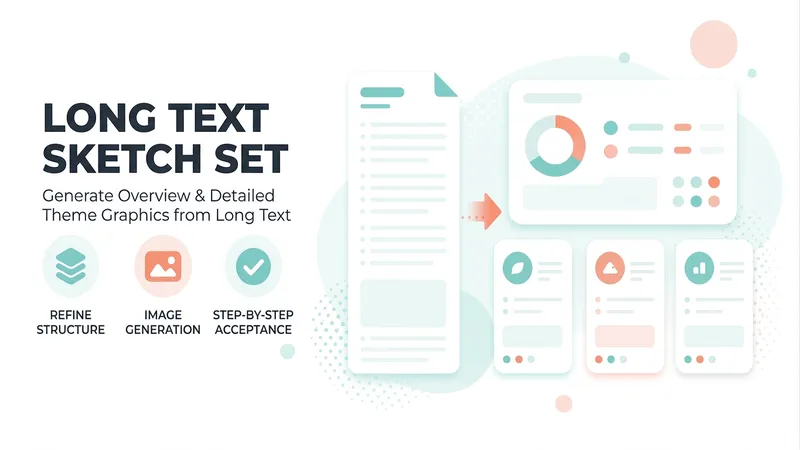
One Text, Many Sketches
A premium long-form visualization workflow for knowledge bloggers, teachers, consultants, and content creators. Submit an article, webpage, topic, or YouMind file, and it automatically assesses the content type, information density, and best composition, then matches it to one of four styles: minimalist line art, journal cards, retro high-density, or visual mind maps. It first generates one Chinese hand-drawn overview draft for approval, then produces N detailed topic illustrations in batches. Supports landscape graphics for WeChat Official Accounts, portrait graphics for Xiaohongshu, and general-purpose knowledge graphics. Copy is locked first, images are reviewed one by one, and issues receive localized revisions only—so the final hand-drawn knowledge set has the correct number of images, a consistent style, and is ready to use.
 Image
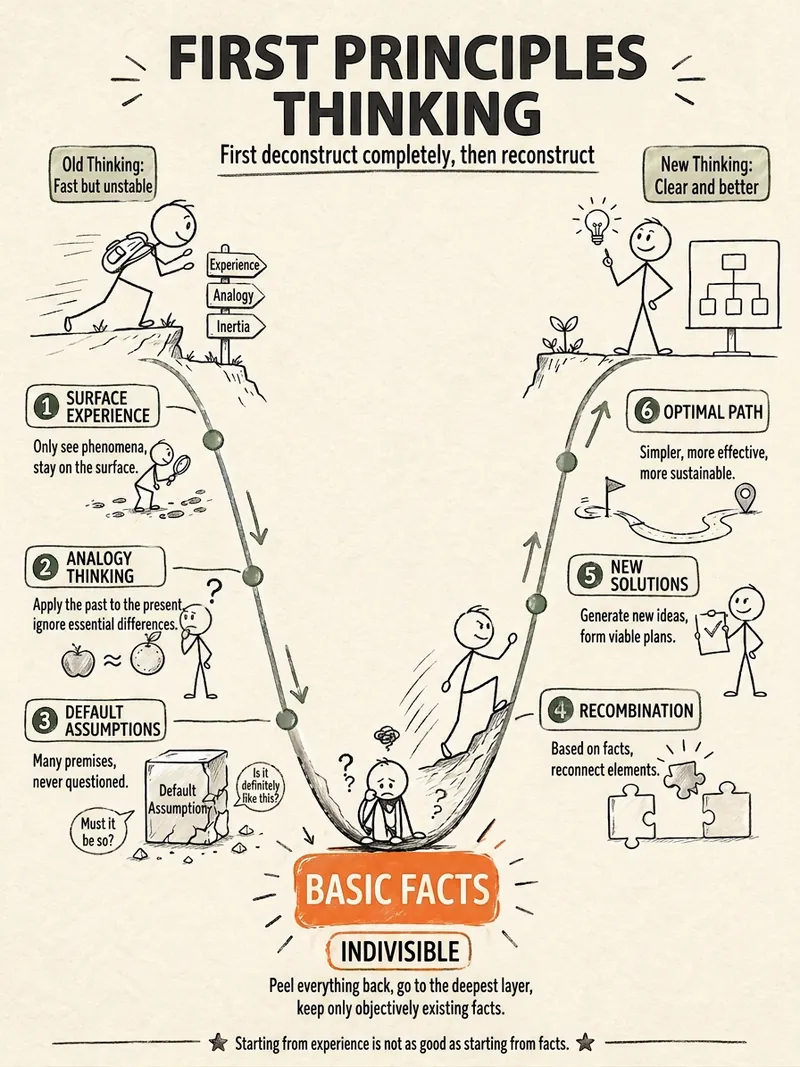
ImageStick Figure Explainer
Turn complex concepts, abstract theories, lengthy processes, notes, business analyses, or growth stories into prompts for vertical knowledge cards, infographics, and hand-drawn explainers optimized for GPT-Image 2. Whether you’re organizing a process, comparing before and after, analyzing causes, categorizing knowledge, or telling a story of growth from a low point to a breakthrough, it distills the key takeaway and matches it with a suitable composition, visual metaphor, and reading flow—making the content easier to understand and remember at a glance. You’ll receive a Chinese card structure guide and visual system recommendations covering composition, hand-drawn style, color philosophy, and typographic character, along with a ready-to-copy English image-generation Prompt. The default canvas is a 3:4 vertical format, suitable for knowledge cards, Xiaohongshu cards, vertical infographics, and posters. Depending on the topic, stick figures, simplified characters, or icons can be used to show states, actions, and emotions, while keeping the number of information modules under control to avoid crowded visuals, text that is too small, or scattered emphasis. It’s ideal for quickly turning reading notes, frameworks, workplace skills, psychology and personal growth topics, business insights, product workflows, and complex concepts into clear, narrative-driven, actionable visual content.
Information
- Version
- v1
- Last updated
- Runtime credits
- Usage-based
- Models
- Nano Banana Pro
