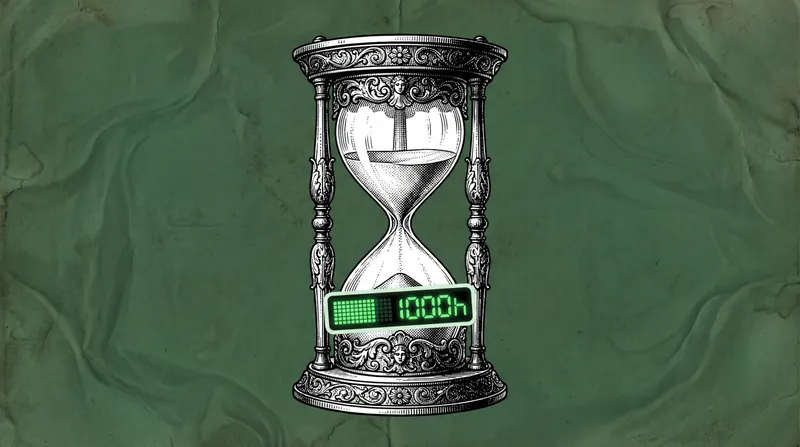
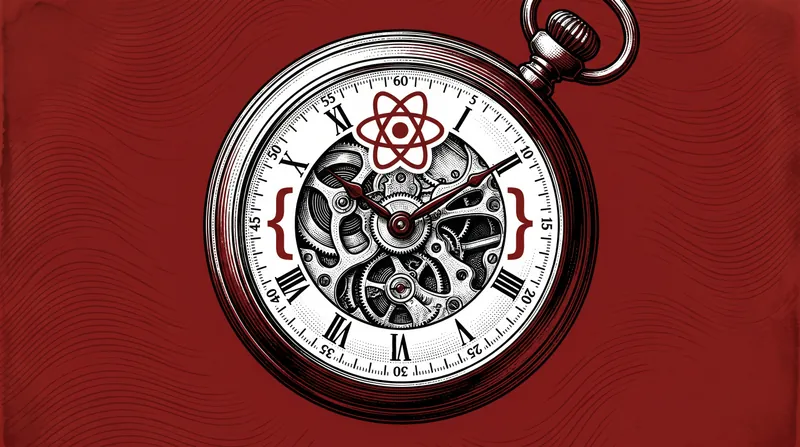
Every Style Retro Print Cover
Instructions
Make the cover for this article for me.
- 21:9 ratio
- Using a single background color such as navy blue, dark cyan, dark brown, and dark red creates an immersive experience.
- The visual layers are rich. Choose appropriate collage elements based on the article's theme, limiting them to no more than three. These elements should be well-integrated, not isolated, and should be refined black-and-white hand-drawn/sculpted elements.
- The background has textured noise, giving it a vintage film look.
- Mixed-media aesthetics: Victorian engraving techniques + vintage printing + surrealist collage
- Purely visual graphic design, no text included.
- Symmetrical composition
The overall design exudes a sophisticated editorial feel, resembling a cover illustration for a humanities and science magazine.
The style is inspired by Every.to magazine; see the reference image.
Description
Recommended by
nene@YouMind
Why we love this skill
This skill stands out with its unique vintage print and surrealist collage style, bringing an elevated editorial design feel to article covers, like illustrations from a humanities and technology magazine.
Generate magazine covers for humanities and technology with one click. Victorian engraving and surreal collage create a high-end retro look that perfectly fits the article's theme.
Related Skills
View allXiaoxiaodong x P086
Panel 086 keeps only the 3–5 visual cues that make an image work. It reshapes the subject with silhouettes, geometric forms, and simple color blocks, then uses 2–4 spot colors drawn from the photo, along with dry-brush, brayer texture, dragged ink, broken ink, and uneven coverage to create a medieval modernist screenprint. The composition always seeks one clear focal point, one primary direction, and one meaningful area of negative space. Best for When you want more visual order in a photo: Keep only 3–5 key visual cues, using silhouettes, geometric forms, and color blocks to establish a clear focal point. When you want an authentic printmaking texture: Let dry-brush, brayer texture, dragged ink, broken ink, and uneven coverage become part of the visual language. When you want vivid but restrained color: Compress the most dynamic relationships in the original image into 2–4 spot colors, allowing the paper base and negative space to actively shape the composition. When you need flexible output: Supports top-to-bottom, left-to-right, pure design, multiple aspect ratios, and four-edge wallpapers, as well as batch processing for image directories.
Xiaoxiaodong x Line x Dot P084
Panel 084 uses fine black or dark lines to distill the subject, buildings, roads, and spatial relationships. Vertical, horizontal, angled, curved, and perspective guide lines establish the geometric structure. Stippling/dotted texture then uses shifts in density to shape the sky, ground, distant scenery, tree shadows, lighting, and the atmospheric layers around the subject. Complex backgrounds are intentionally reduced, leaving a clear focal point, generous negative space, and a few accent colors with clear sources. Ideal for these situations When cities, architecture, and spatial relationships need to read clearly: Use geometric linework, perspective guide lines, and key contours to refine roads, buildings, and scene structures. When you want to show air, light, and depth without covering the image in texture: Use gradients in stippling/dotted texture density to create quiet layers. When you prefer a restrained color palette: Use blue-gray, off-white, and warm white as the main colors, with only a few spot color accents from the original image to highlight the focal point. When you need flexible delivery: Supports top/bottom, left/right, design-only, multiple aspect ratios, and four-sided wallpaper, and can also process image directories in batches.
Xiaoxiaodong x Doodle x P083
Panel 083 first reevaluates the photo, keeping only one subject worth remembering and at most one or two necessary environmental cues. It then deliberately distorts a proportion, action, expression, or structural element, making it crooked, clumsy, and slightly absurd. Trembling outlines, intentionally inaccurate proportions, rough crayon textures, and generous white space create an Ugly-cute naïve doodle; the subject’s identity must remain accurate, and the humor must come from the original image rather than arbitrary added jokes. Good for these situations A photo contains a memorable personality moment: Find humor in an action, expression, proportion, or contrast instead of mechanically tracing the image. You want ugly-cute without cheap sweetness: Draw things deliberately crooked, clumsy, and slightly absurd while keeping the subject immediately recognizable. You want a complex scene to become simple and precise: Keep only one subject and at most one or two environmental cues, using rough coloring and generous white space to strengthen the memorable detail. You need flexible delivery: Supports top-to-bottom, left-to-right, design-only, multiple aspect ratios, and four-device wallpapers, as well as batch processing for image directories.
Every Style Retro Print Cover
Instructions
Make the cover for this article for me.
- 21:9 ratio
- Using a single background color such as navy blue, dark cyan, dark brown, and dark red creates an immersive experience.
- The visual layers are rich. Choose appropriate collage elements based on the article's theme, limiting them to no more than three. These elements should be well-integrated, not isolated, and should be refined black-and-white hand-drawn/sculpted elements.
- The background has textured noise, giving it a vintage film look.
- Mixed-media aesthetics: Victorian engraving techniques + vintage printing + surrealist collage
- Purely visual graphic design, no text included.
- Symmetrical composition
The overall design exudes a sophisticated editorial feel, resembling a cover illustration for a humanities and science magazine.
The style is inspired by Every.to magazine; see the reference image.
Description
Recommended by
nene@YouMind
Why we love this skill
This skill stands out with its unique vintage print and surrealist collage style, bringing an elevated editorial design feel to article covers, like illustrations from a humanities and technology magazine.
Generate magazine covers for humanities and technology with one click. Victorian engraving and surreal collage create a high-end retro look that perfectly fits the article's theme.
Related Skills
View allXiaoxiaodong x P086
Panel 086 keeps only the 3–5 visual cues that make an image work. It reshapes the subject with silhouettes, geometric forms, and simple color blocks, then uses 2–4 spot colors drawn from the photo, along with dry-brush, brayer texture, dragged ink, broken ink, and uneven coverage to create a medieval modernist screenprint. The composition always seeks one clear focal point, one primary direction, and one meaningful area of negative space. Best for When you want more visual order in a photo: Keep only 3–5 key visual cues, using silhouettes, geometric forms, and color blocks to establish a clear focal point. When you want an authentic printmaking texture: Let dry-brush, brayer texture, dragged ink, broken ink, and uneven coverage become part of the visual language. When you want vivid but restrained color: Compress the most dynamic relationships in the original image into 2–4 spot colors, allowing the paper base and negative space to actively shape the composition. When you need flexible output: Supports top-to-bottom, left-to-right, pure design, multiple aspect ratios, and four-edge wallpapers, as well as batch processing for image directories.
Xiaoxiaodong x Line x Dot P084
Panel 084 uses fine black or dark lines to distill the subject, buildings, roads, and spatial relationships. Vertical, horizontal, angled, curved, and perspective guide lines establish the geometric structure. Stippling/dotted texture then uses shifts in density to shape the sky, ground, distant scenery, tree shadows, lighting, and the atmospheric layers around the subject. Complex backgrounds are intentionally reduced, leaving a clear focal point, generous negative space, and a few accent colors with clear sources. Ideal for these situations When cities, architecture, and spatial relationships need to read clearly: Use geometric linework, perspective guide lines, and key contours to refine roads, buildings, and scene structures. When you want to show air, light, and depth without covering the image in texture: Use gradients in stippling/dotted texture density to create quiet layers. When you prefer a restrained color palette: Use blue-gray, off-white, and warm white as the main colors, with only a few spot color accents from the original image to highlight the focal point. When you need flexible delivery: Supports top/bottom, left/right, design-only, multiple aspect ratios, and four-sided wallpaper, and can also process image directories in batches.
Xiaoxiaodong x Doodle x P083
Panel 083 first reevaluates the photo, keeping only one subject worth remembering and at most one or two necessary environmental cues. It then deliberately distorts a proportion, action, expression, or structural element, making it crooked, clumsy, and slightly absurd. Trembling outlines, intentionally inaccurate proportions, rough crayon textures, and generous white space create an Ugly-cute naïve doodle; the subject’s identity must remain accurate, and the humor must come from the original image rather than arbitrary added jokes. Good for these situations A photo contains a memorable personality moment: Find humor in an action, expression, proportion, or contrast instead of mechanically tracing the image. You want ugly-cute without cheap sweetness: Draw things deliberately crooked, clumsy, and slightly absurd while keeping the subject immediately recognizable. You want a complex scene to become simple and precise: Keep only one subject and at most one or two environmental cues, using rough coloring and generous white space to strengthen the memorable detail. You need flexible delivery: Supports top-to-bottom, left-to-right, design-only, multiple aspect ratios, and four-device wallpapers, as well as batch processing for image directories.
Find your next favorite skill
Explore more curated AI skills for research, creation, and everyday work.