
Dish Photos to Menu
Turn dish photos into a wall-ready menu
Dish Photos to Menu
Turn dish photos into a wall-ready menu
Showcase
Description
Small restaurants often rely on a Word-printed sheet or a photographed old menu, with tiny text and messy pricing. 【Dish Photos to Menu】takes your dish photos, names, and prices and arranges them into a portrait menu: a restaurant-name banner at the top, a two-column dish grid, a fine dotted line from each dish name to its price, and color blocks to highlight signature dishes. Dishes without photos are automatically shown as text entries, with no empty placeholders left behind. Hard rules: dish names and prices are kept exactly as provided; no dishes or prices are invented; “Signature” is not added unless you specify which dishes qualify.
Best for
Ideal for owners of small restaurants, noodle shops, and beverage shops who need to create a wall menu quickly.
How to use this Skill
Provide your input
Provide the restaurant name, dish names and prices. You may also include real dish photos, categories, and which dishes should be marked as signature items.
Run the Skill
Organizes the information and photos into a clear portrait menu. Dishes without photos appear as text entries, while your dish names and prices are preserved.
Review your result
Generates a 3:4 portrait menu image suitable for printing and posting, with the restaurant name, categories, dish photos or text entries, and corresponding prices.
Related Skills
View all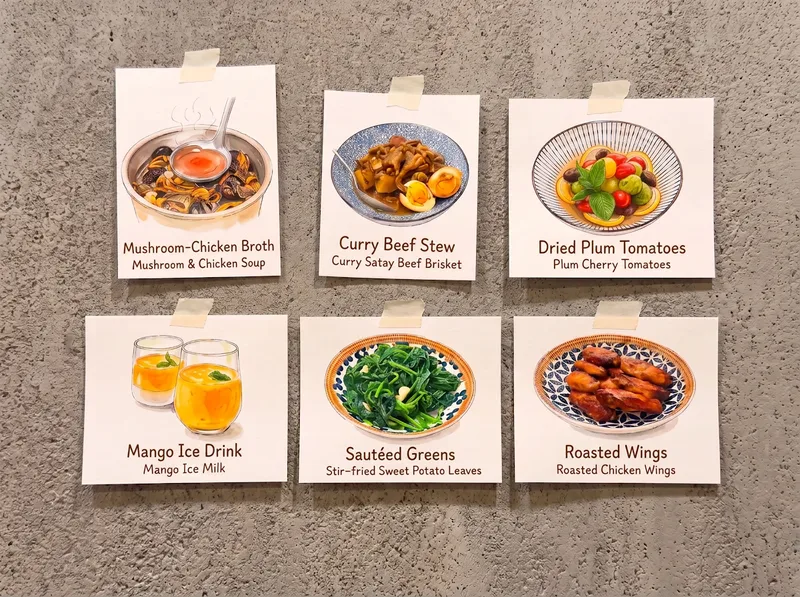 Image
ImagePhoto-to-Hand-Drawn Menu
🍽️ Upload dish photos and their names to transform everyday meals into a hand-drawn menu. 🐣 Add pets as a surprise element, making them part of every meal! 🏠 Bring a touch of artistic charm to the everyday moments of all three meals, throughout the seasons.

Order Without Regrets
The cost of ordering the wrong dishes isn’t the money—it’s the awkward silence. It first asks about the number of diners, occasion, budget, and dietary restrictions. Then it uses a portion formula to determine how many hot dishes, cold dishes, soups, and staple foods to order. It also provides a balanced structure: how many signature dishes to anchor the meal, the ratio of spicy to non-spicy dishes, and ways to avoid repeating ingredients. You’ll also get a ready-to-use ordering phrase and three checks to avoid common mistakes: check dietary restrictions, check for repeated dishes or ingredients, and check the remaining budget. Hard rules: it does not recommend specific restaurants, make up current dish prices, or provide medical dietary advice. Ideal for first-time hosts, business dinners, or anyone who gets nervous every time they order for a group.
 Image
ImageSmart Recipe Generator
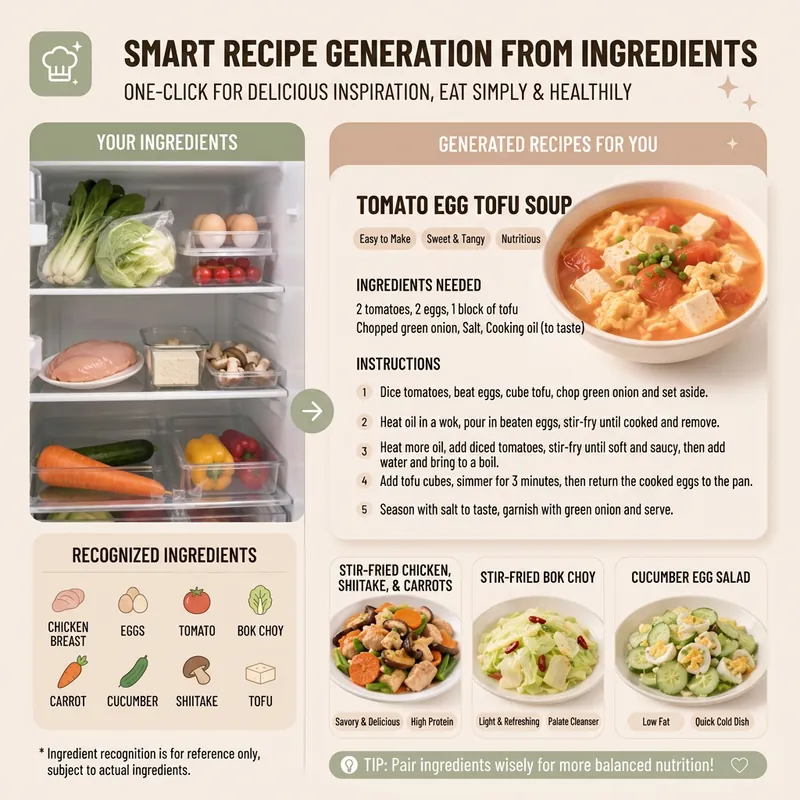
Still worrying about what to cook every day? The "Smart Recipe Generator" assistant is your dedicated home cooking advisor! Whether you want to clean out your fridge, make the most of the ingredients you have, or need fresh cooking inspiration, it can provide thoughtful service. Just tell it what's in your fridge, or directly upload a photo of your ingredients. It will intelligently identify them and recommend 2–3 delicious and practical home-style dishes based on your ingredient list. You'll see the difficulty, estimated cooking time, and recommended reason for each dish, plus a clear indicator of which dishes can be made with the ingredients you already have and which require a few extra items. Even if you have no idea what ingredients to use, it can still recommend seasonal dishes and provide a shopping list. Once you pick a dish, it immediately provides detailed cooking steps, including ingredient quantities, prepping requirements, step-by-step instructions, and practical tips, so you can get started easily. Even better, you can ask it to generate a beautiful 9:16 vertical recipe card at any time. With a light, fresh design, the card condenses the whole recipe onto a single image, so you can see everything at a glance while cooking and easily view it on your phone. Say goodbye to complicated cookbooks and enjoy the convenience and fun of smart cooking!
Information
- Version
- v2
- Last updated
- Runtime credits
- Usage-based
- Models
- Auto
- Use cases
- Images & designE-commerce & sales
- What you get
- Image
- Visual styles
- MinimalistFlat
