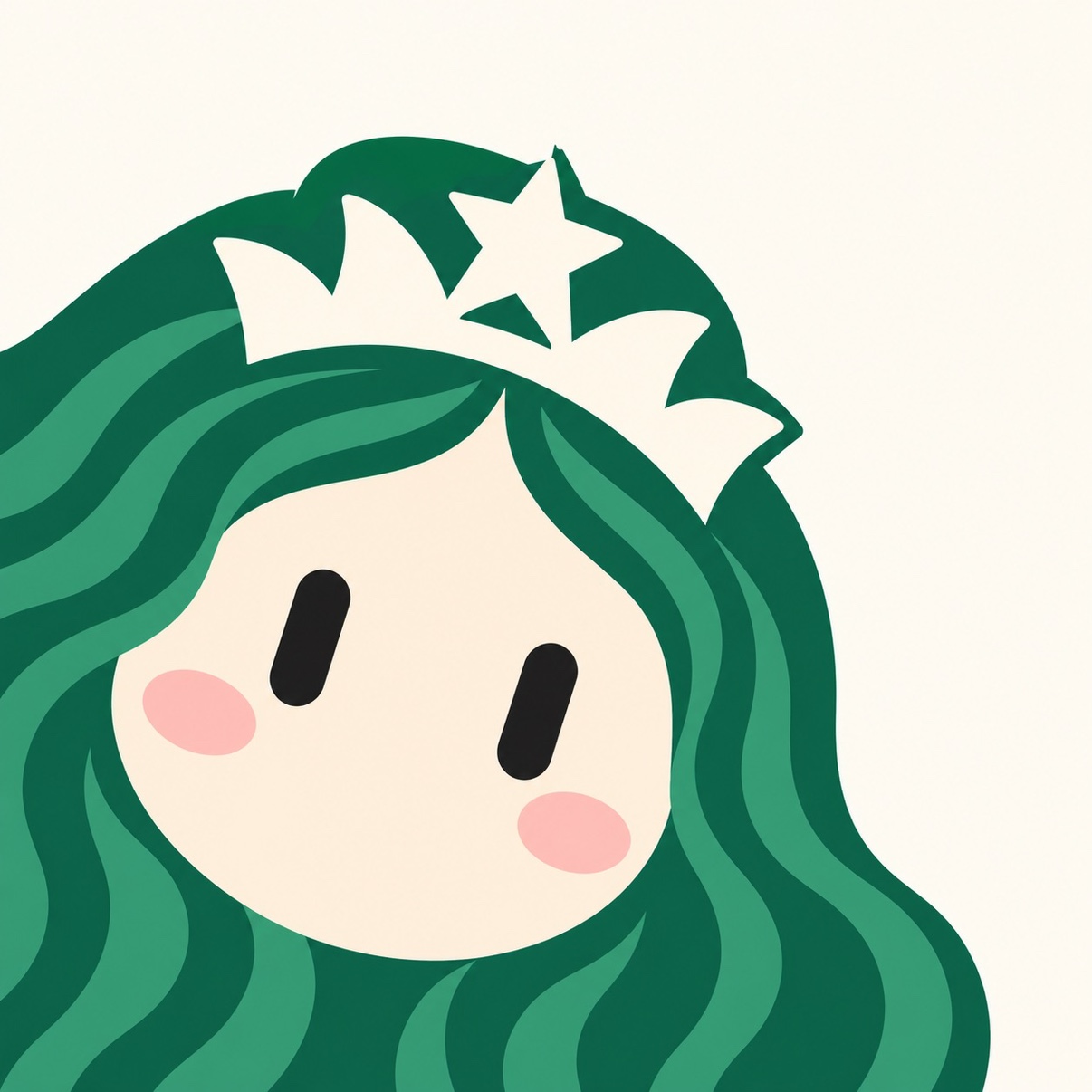
Grokbot Cute Robot Avatar
A cute avatar without facial features
Grokbot Cute Robot Avatar
A cute avatar without facial features
Showcase
Description
Redesign a real-person photo as a flat illustrated avatar with a cream-colored round face and black capsule-shaped eyes, ideal for use as a social media profile picture.
Recommended by
淡苍
Why we love this skill
It distills hair color, silhouette, and accessories into an instantly recognizable minimalist robot avatar that preserves personality without relying on facial features. A cream round face, capsule eyes, and clean negative space create a cohesive cute look for distinctive social avatars.
Best for
For anyone who wants to turn a real-person photo into a unique, cute social avatar without visible facial features.
How to use this Skill
Provide your input
Provide a real-person photo as a reference, preferably with clear hair color, hairstyle, or signature accessories.
Run the Skill
Redesign the photo as a minimalist, cute robot avatar without visible facial features.
Review your result
Get a square, flat illustration suitable for use as a social media profile picture.
Related Skills
View all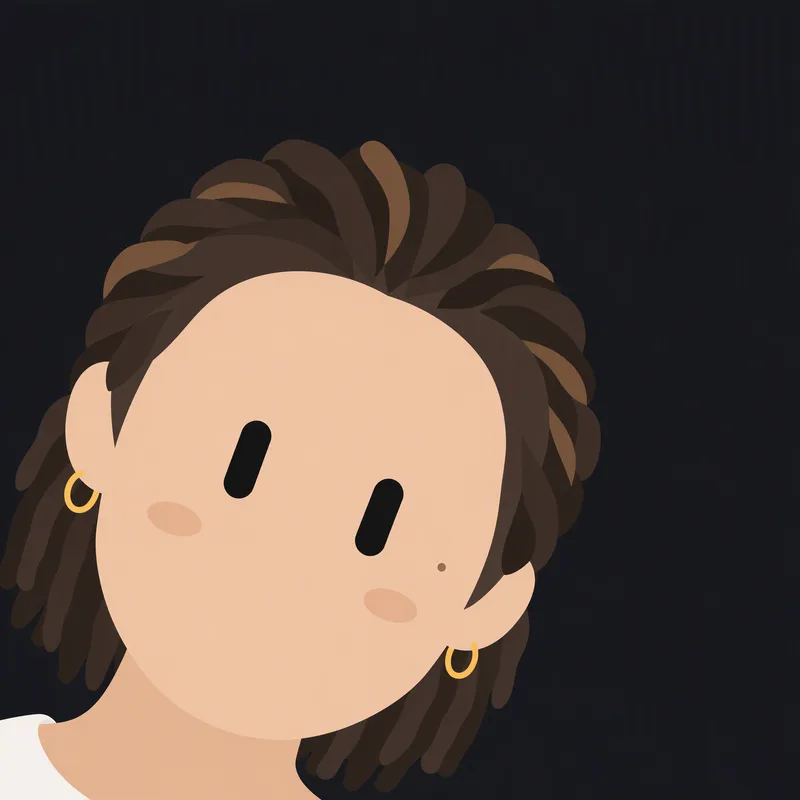 Image
ImageBlack Capsule-Eye Avatar
Redraws a person or character from an uploaded image as a minimalist 2D robot icon, featuring signature black capsule-shaped eyes in the style of a Grok robot icon, while preserving the original image’s basic colors and key recognizable features.
 Image
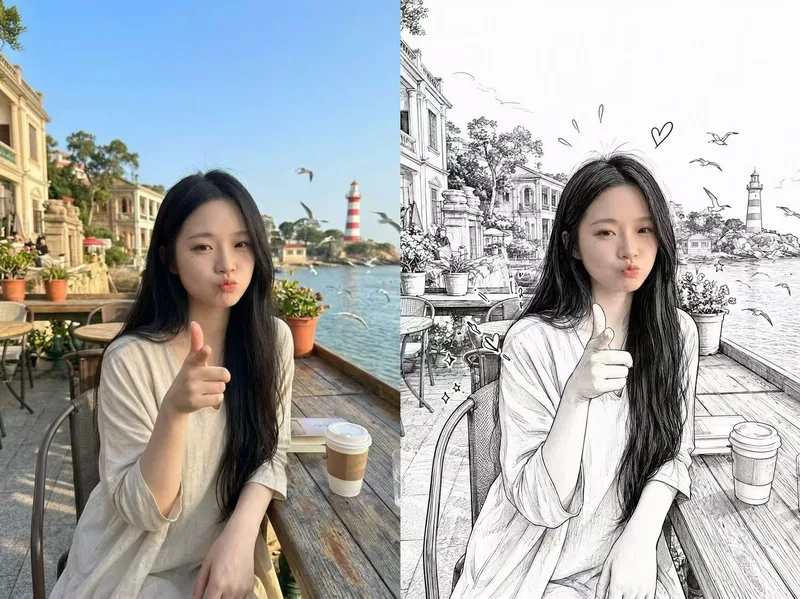
ImagePhotorealistic Head, Drawn Body
Upload a real photo—no target image needed—to automatically create a finished mixed-style image with a photorealistic head and black-and-white hand-drawn illustration. The head retains photo-realistic texture and recognizable facial features (facial features stay the same, while the expression may be subtly adjusted). Everything else—including the hair and hairstyle, body and build, clothing, pose, background, and decorative elements such as hearts, stars, sparkles, and motion lines—is transformed into a black-and-white hand-drawn illustration. The body keeps realistic proportions, while the original hairstyle and pose are preserved. Ideal for turning a single photo of a person or pet into a creative image featuring a photorealistic head and hand-drawn elements in the same frame.
 Image
ImageReal-Person Doodle Portrait
Blend your real-person photo into a room or scene drawn with bold hand-drawn lines, creating a creative portrait that places a real person alongside a doodle environment. The person retains realistic photographic texture, facial features, clothing, and lighting, while the environment uses monochrome marker sketches to outline furniture, walls, and spatial contours. The result creates a striking visual effect of a “real person floating in a line-art world,” making it suitable for profile pictures, social cards, and stylized portrait artwork. You can upload a headshot, half-body photo, or full-body photo, then describe the living room, bedroom, study, café, studio, balcony, or other scene you want, along with the person’s clothing, pose, and expression. If you only have a headshot, the image can complete the body and place it in the specified space. If the original photo already includes a real environment, you can also keep the person unchanged while converting the background furniture, floor, walls, or street scene into a simple doodle line drawing, while maintaining the original composition. Deep ocean blue, burgundy, charcoal black, and other line-art colors are supported, with suitable aspect ratios matched to indoor portraits, open outdoor scenes, sports, or spacious environments. The setting will not be filled with excessive detail. Instead, it selects a few key objects and preserves negative space, making the contrast between the real person and the hand-drawn room clearer and more thoughtfully designed.
Information
- Version
- v2
- Last updated
- Runtime credits
- Usage-based
- Models
- Auto
- Use cases
- Images & design
- What you get
- Image
- Visual styles
- MinimalistCartoonFlat
