Crayon Comic Series Assistant
Turn one theme into a full comic episode
Crayon Comic Series Assistant
Turn one theme into a full comic episode
Showcase
Description
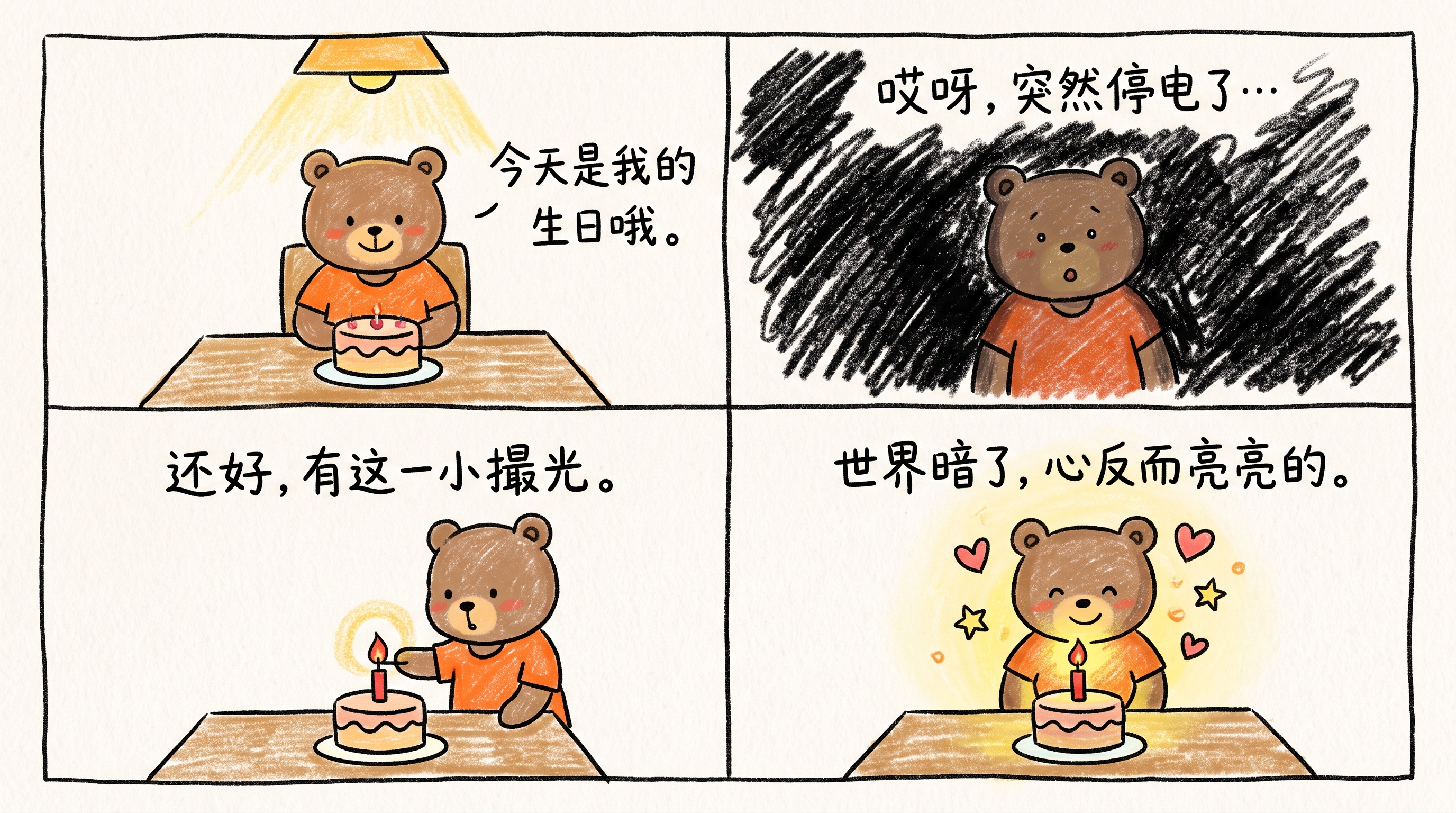
For content creators: image and short-form video creators on Xiaohongshu, Douyin, WeChat Channels, and Bilibili—especially in the emotional, psychology, workplace, and lifestyle niches. Create low-cost, batch-produced visual content with a consistent style for those who want to run a comic account but don't know how to draw. Turn your emotions, everyday moments, and little stories into heartwarming serialized comics in a crayon doodle style. Enter a theme to automatically generate a mix of two-, four-, and five-panel storyboards, each with handwritten-style Simplified Chinese dialogue. Have your own IP character? Upload it and make it the star. Have something you want to say? Paste it in directly—the original wording stays unchanged. Characters, art style, and world-building stay consistent throughout, so you can keep publishing episode after episode and build a growing audience.
Recommended by
淡苍
Why we love this skill
Turns one theme into an ongoing healing crayon comic while coordinating scripts, storyboards, character consistency, and panel-by-panel image prompts.
Related Skills
View all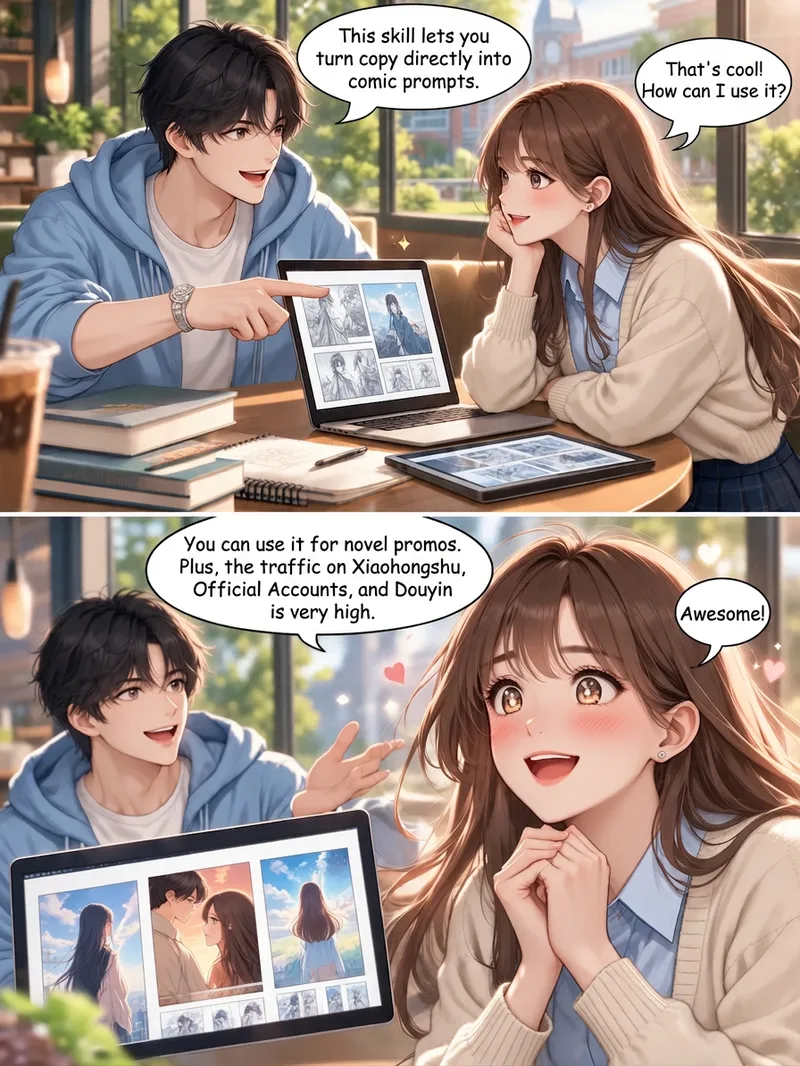
Story-to-Comic Storyboards
Turn novels and story copy into comic prompts. Create visuals for WeChat public accounts, Xiaohongshu posts, novel promotions, and personal stories. The Skill accurately analyzes characters and dialogue in a story and designs them into suitable comics. This upgraded version: 1. Adds character consistency, so reference images are no longer needed as underlays. Text-to-image generation can directly maintain character consistency across a continuous comic. 2. Uses a top-and-bottom panel layout with diagonal-cut comic styling to make the plot easier to follow and improve viewer retention. If you need single-page storyboards, you can tell the AI directly. 3. Adds multiple visual effects, including montage collages, layered silhouettes, and out-of-frame compositions. It can match suitable visual effects to the copy. The default art style is Korean webtoon style, but you can change it to styles such as a hand-drawn, soothing look or a historical Chinese-inspired style.
 Image
ImageEveryday Comedy Comics
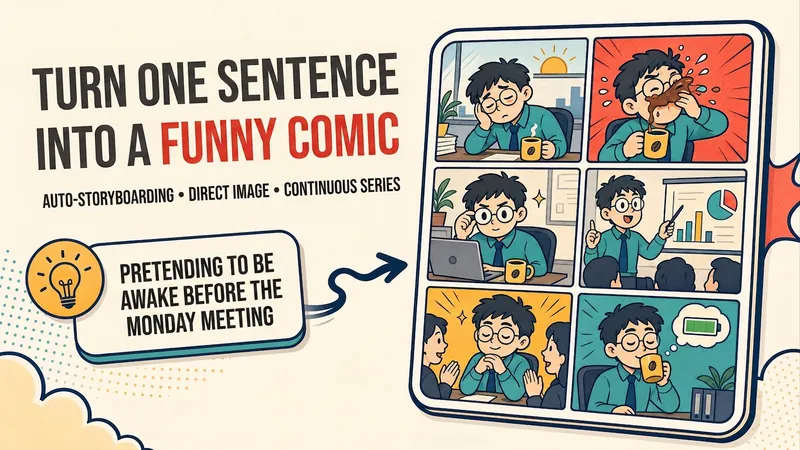
Have a joke but can't turn it into a comic? Tell me about a small moment from school, work, family, or everyday life. I'll automatically choose 4, 6, 8, or 10–12 panels, build character misunderstandings, escalating beats, and a callback ending, then create an original comic designed for easy phone reading. Say “generate the images directly,” and I won't stop at the script. Want to make it a series? I'll maintain the characters' appearances, recurring jokes, foreshadowing, and seasonal story map so every episode connects.
Simple Drawing Video Assistant
Generate simple drawing talking-head video content in one place—from topic to script to visual assets. Choose from 4 art styles: ① Color characters + black-and-white settings (pure hand-drawn style with white backgrounds and open space); ② Pure black-and-white line art; ③ Real objects + IP hybrid (the real product as the main subject, with large conflict-word headlines, suitable for food identification and product reviews); ④ Color characters + black-and-white realistic scenes (layered saturation, with IP characters integrated into real-world storytelling, suitable for social, workplace, and lifestyle topics). Choose cover and storyboard art styles separately for flexible combinations, such as cover 4 + storyboard 1. Supports script confirmation, consistent hand-drawn cover styles, character appearance pre-approval, unified visual styles across assets, and high-performing publishing materials.
Information
- Version
- v3
- Last updated
- Runtime credits
- Usage-based
- Models
- Auto
