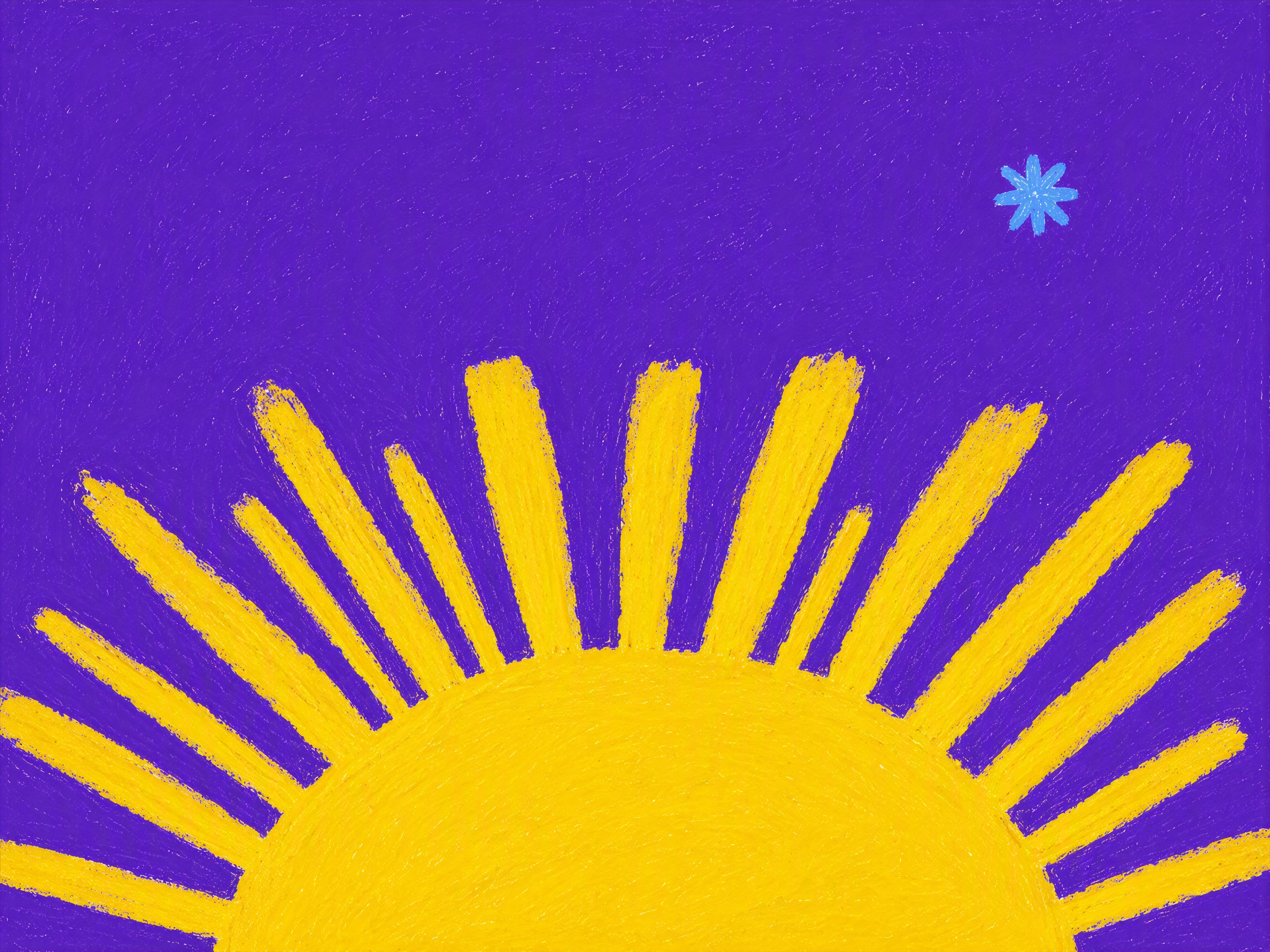
Crayon Pattern Studio
High-saturation crayon & dry gouache backgrounds
Crayon Pattern Studio
High-saturation crayon & dry gouache backgrounds
Showcase
Description
Generates collections of high-saturation crayon and dry gouache backgrounds, each panel built from a unique visual concept. Suitable for handmade video backdrops, album visuals, thumbnails, collages, and motion graphics.
Related Skills
View all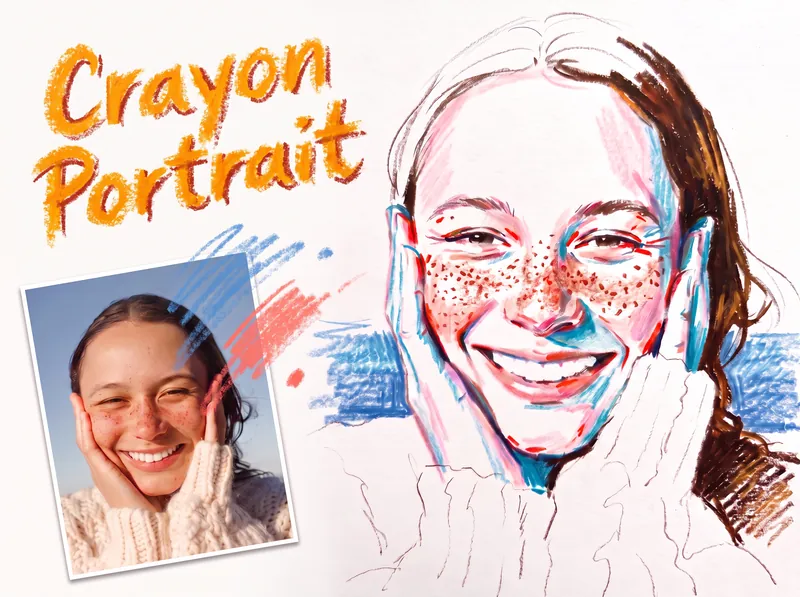 Image
ImageCrayon Portrait
Turn a portrait photo into a faithful colored crayon or oil pastel sketch that preserves the person’s identity, expression, pose, proportions, hairstyle, clothing, composition, and recognizable details. Freckles, dimples, glasses, earrings, loose strands, teeth, and fabric texture remain part of the likeness rather than being smoothed away or exaggerated. The finished image has the spontaneous character of a quick on-location drawing on white sketch paper, with visible grain, dry rubbing, broken strokes, and airy areas of untouched paper. Facial color stays restrained, using layered pink, coral, and brick-red accents along structural turns while keeping most of the face white; cool blue or peacock-green marks add transparent shadow notes, and yellow is excluded. Hair is rendered in warm brown tones with a deliberate balance between open, light areas and denser textured sections, while clothing and exposed shoulders remain mostly white with only a few expressive lines. A simple, single-hue background softly supports the figure from the sides near the shoulders without filling the page or competing with the portrait. Its uneven, open-edged crayon marks meet the silhouette cleanly and preserve broad white space around the head and lower composition. The result is a distinctive handmade portrait sketch rather than a photorealistic rendering, polished digital painting, or caricature.
 Image
ImageClay Isometric Explainer Studio
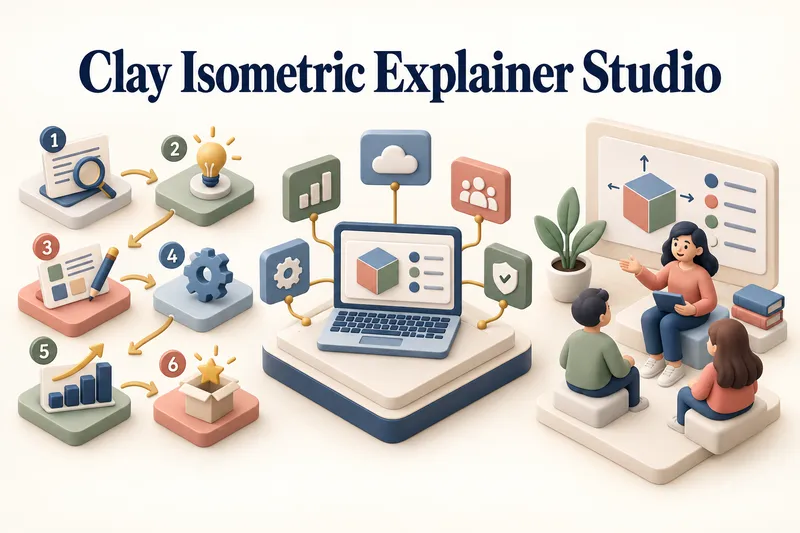
Turn any topic into a clear, memorable visual explanation. Clay Isometric Explainer Studio transforms products, processes, services, systems, and educational subjects into polished hybrid 3D clay and isometric visuals. You can start with only a topic. The Studio performs a focused research snapshot, identifies the core message, recommends the clearest visual direction, and guides you through the creative process step by step. It builds the information architecture, maps each idea to a visual object, defines a consistent style system, and prepares a complete production prompt. Titles, numbered stages, information cards, labels, and short explanations are planned and included directly during image generation. Choose an Explainer Scene, Process Flow, Product Feature Board, Educational Visual, or a coherent 3–5-piece Visual Series. After the still image is approved, optionally turn it into a short image-to-video animation with subtle object motion, natural clay character gestures, or guided focus through numbered stages. Ideal for presentations, websites, social posts, posters, PDF pages, product communication, onboarding, and learning materials. Not intended for decorative 3D scenes without an explanatory purpose, random visual elements, dense paragraphs inside images, or final editable design files.
Seamless Pattern Generator
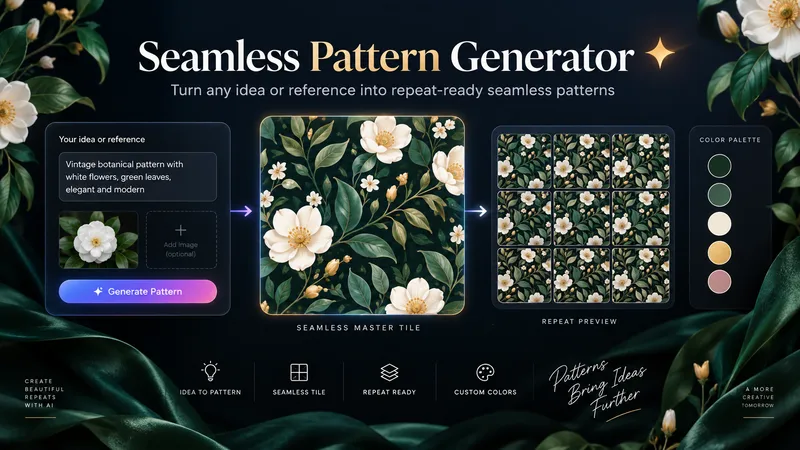
Turn any idea, motif, or reference image into a polished, repeat-ready seamless pattern. Seamless Pattern Generator works like an AI surface pattern designer. It transforms creative direction into visually balanced patterns for fabric, wallpaper, wrapping paper, packaging, stationery, home decor, digital paper, print-on-demand products, and more. No technical pattern-design knowledge is required. Describe what you want or upload a visual reference. The Skill plans motif hierarchy, scale, density, spacing, palette, orientation, repeat structure, visual rhythm, negative space, and edge-aware motif placement. It creates the master pattern tile and checks how the design behaves as a repeating surface, looking for visible seams, awkward edge cuts, empty channels, motif collisions, obvious grid effects, and repetitive clusters. When problems appear, it focuses on correcting the affected structure while preserving the creative direction. Start with a text idea, color palette, motifs, visual style, reference image, existing artwork, or intended application. The final result can include a clean master tile, repeat preview, and concise pattern specification. You can also create new colorways, change motif scale or density, adjust the background, or develop alternative versions while preserving the same visual identity. Example prompts: • “Create a dark botanical pattern with burgundy roses, antique-gold leaves, and a deep emerald background for premium wrapping paper.” • “Use this image as inspiration and create an original seamless pattern that preserves its color mood and botanical character.” • “Create a playful non-directional fabric pattern with foxes, mushrooms, leaves, and tiny stars.” • “Keep the same motifs, make the pattern less dense, enlarge the main flowers, and change the background to burgundy.” From creative idea to repeat-ready surface design — without the technical complexity.
Information
- Version
- v25
- Last updated
- Runtime credits
- Usage-based
- Models
- Auto
