Chinese Literacy Poster
Create pinyin-labeled word hunt posters
Chinese Literacy Poster
Create pinyin-labeled word hunt posters
Showcase
Description
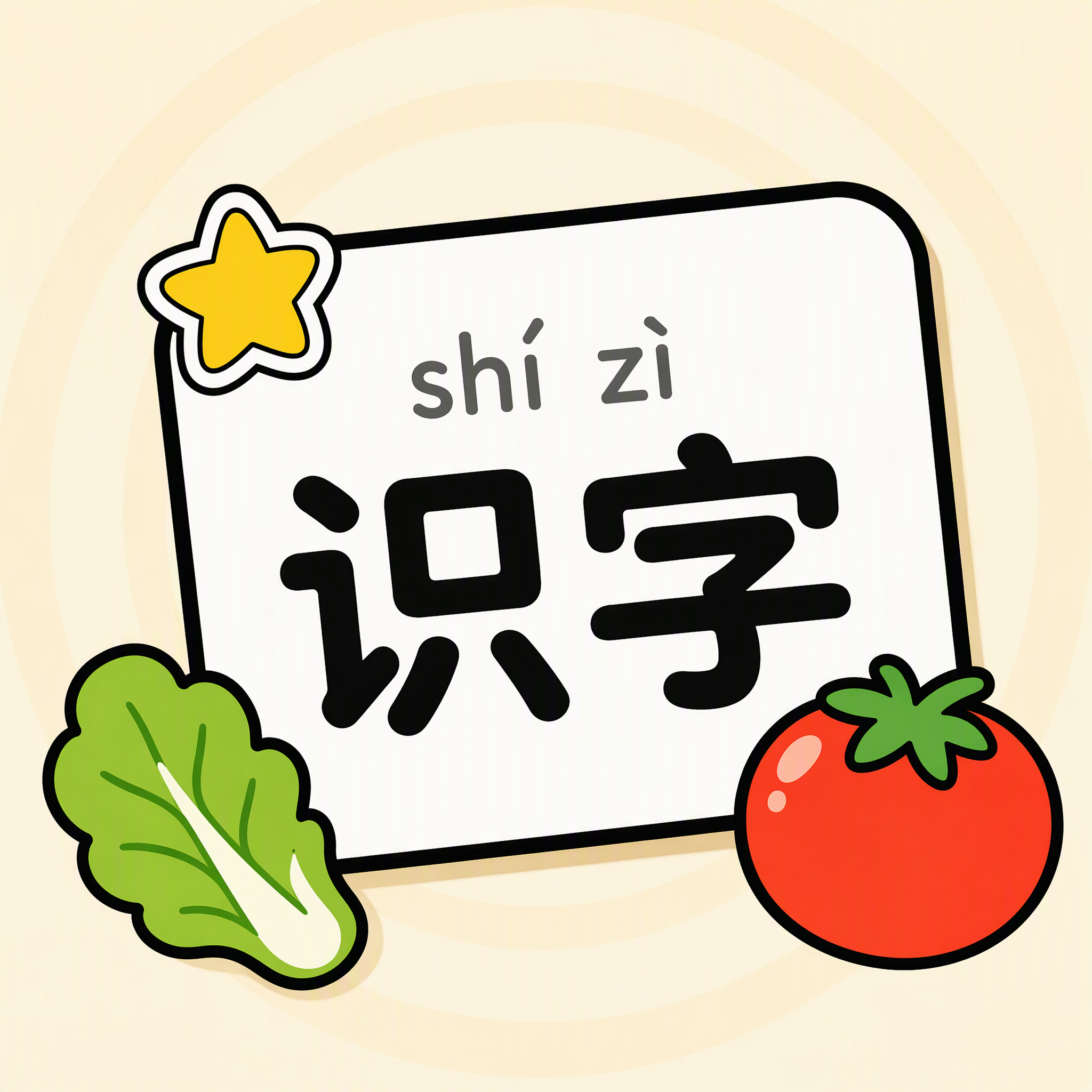
Enter a theme to generate a vertical children's word-hunt poster in a Chinese literacy worksheet style: themed objects are scattered across a top-down flat cartoon scene, with each object paired with a white rounded-corner label card showing pinyin above the Chinese character. The top features a colorful outlined 3D title and themed sticker decorations, while the bottom includes the English "Can you find all the items?" checklist. Supports Chinese with pinyin, English, and bilingual Chinese-English versions, with the word count adapting to the theme and age range (10–16 words). Deliverables include the finished poster image, a structured word-list blueprint document (Chinese character / pinyin / English / position in the scene / visual description / pointer direction), and a label-by-label errata checklist. When text rendering in the generated image breaks down, it proactively provides an alternative "text-free background + add the text yourself" option. Suitable for literacy teaching in preschool and early elementary school, themed vocabulary learning, and creating educational wall charts.
Recommended by
Dancang
Why we love this skill
Combines vocabulary planning, visual layout, image generation, candidate selection, and label-by-label proofreading in one workflow for children’s literacy posters.
Best for
Designed for literacy teaching in preschool and early elementary school, themed vocabulary learning, and creating educational wall charts.
How to use this Skill
Provide your input
Enter a theme, with optional age range, word count, language version, required words, and color preferences.
Run the Skill
Plan the word list and layout, generate a card-based children's word-hunt poster, and organize the word-list blueprint and text proofreading results.
Review your result
Receive a vertical literacy poster, a structured word-list blueprint, and a label-by-label errata checklist; an alternative is provided when text rendering fails.
Related Skills
View all Image
ImageHand-Drawn Infographic Collage
Enter a topic or a piece of educational copy to generate a vertical infographic in a hand-drawn collage notebook style, featuring large brushstroke titles, macaron-colored torn-paper sticky notes, clear handwritten text hierarchy, and cartoon characters with white sticker-style outlines that match the content. Ideal for long-form Xiaohongshu educational graphics about insurance, health, work, and general knowledge. The process runs in two steps: first, it produces a layout script and image-generation prompt for your review; then it generates the final image and performs a quality check.
 Video
VideoEnglish Word Video Maker
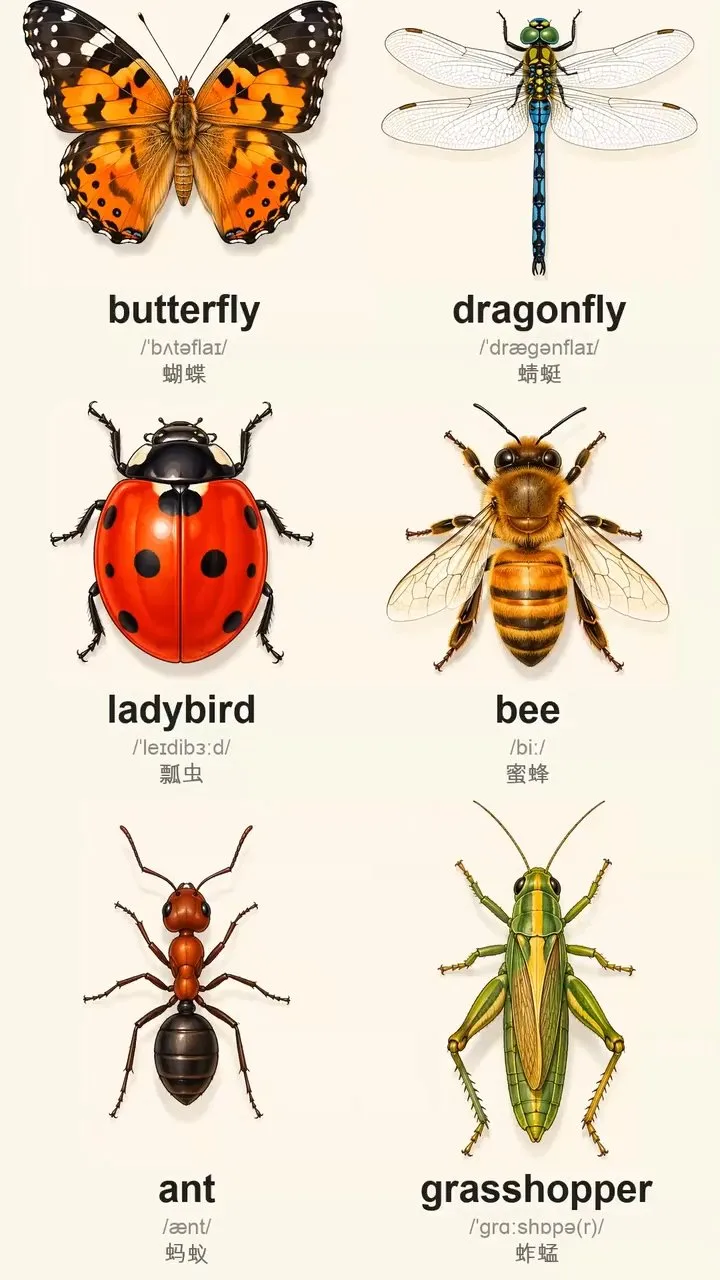
Turn an English word list or topic into a 9:16 vertical vocabulary video with audio: first, use a grid to create a text-free illustrated background, then overlay real text with the English word, British phonetics, and Chinese definition to prevent AI spelling errors. Add a British male voice that reads each word twice, with the second reading slower. As each word is read, its text gently enlarges and bounces while the background and all other elements remain pixel-perfect still. Hard-cut the word clips together in order into one editable long video. Ideal for viewing and sharing on mobile phones.
 Image
ImageOne Character, One World
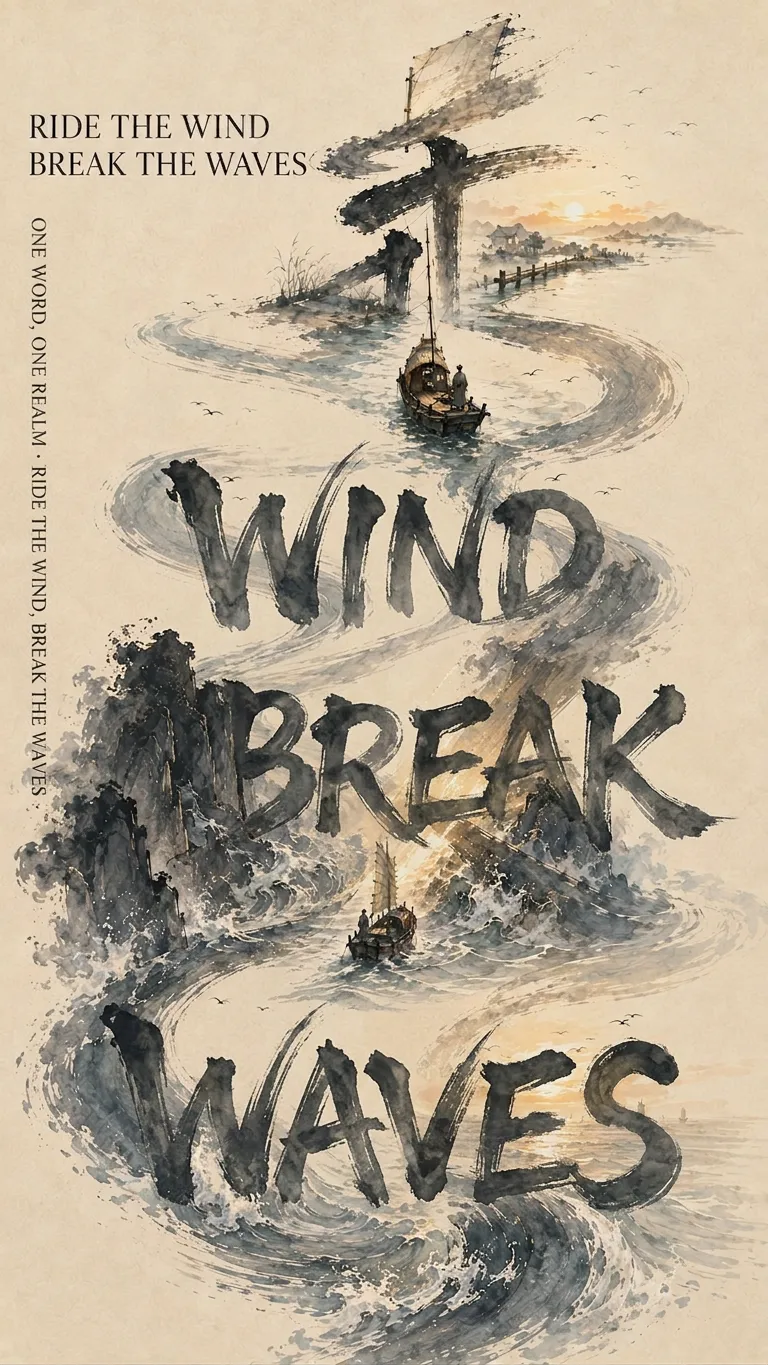
This Skill does not simply apply an ink-wash filter to Chinese characters. It first understands the core meaning of the text in its full context, then determines how the imagery, calligraphy, and layout should work together. Give it a Chinese character, name, place name, idiom, line of poetry, or public-domain classical Chinese poem or prose passage. It first interprets the meaning, then transforms the character’s strokes into mountains, rivers, bridges, figures, architecture, or narrative paths, making the calligraphy itself the framework of the composition. Different meanings automatically call for different brush movements, colors, and compositions, rather than being forced into a fixed template. It supports single-character posters, multi-character series, combined-character compositions, and storyboard sequences based on classical poetry and prose. Names, place names, and idioms can be turned into sequential series with one character per poster, or idioms, poetic lines, and parallel phrases can be combined into a single poster. Classical poetry and prose can be divided into 6–12 consecutive posters according to the original order and emotional arc, with nine posters by default for WeChat Moments, while naturally incorporating the corresponding original text into the imagery. The Skill actively avoids common failures: illegible characters, calligraphy that looks like a computer font, misinterpretations caused by checking characters one by one, forcing the entire image into a character-shaped mask, changing only the text while leaving the narrative unchanged across a series, placing the main text in an awkward standalone white box, and presenting garbled small text as a finished design. It is suited to Chinese posters, urban cultural visuals, name-based gifts, idiom and poetry projects, nine-image WeChat Moments posts, Xiaohongshu graphics, and collectible Eastern editorial design. The final result is influenced by YouMind’s current image model. When long text must be accurate character by character, the Skill prioritizes editable text layers for typesetting; when that is not possible, it clearly labels the result as a conceptual base and provides accurate typesetting specifications.
Information
- Version
- v4
- Last updated
- Runtime credits
- Usage-based
- Models
- Auto
- Use cases
- Writing & contentImages & designLearning & education
- What you get
- DocumentImage
- Visual styles
- CartoonFlatPaper art
