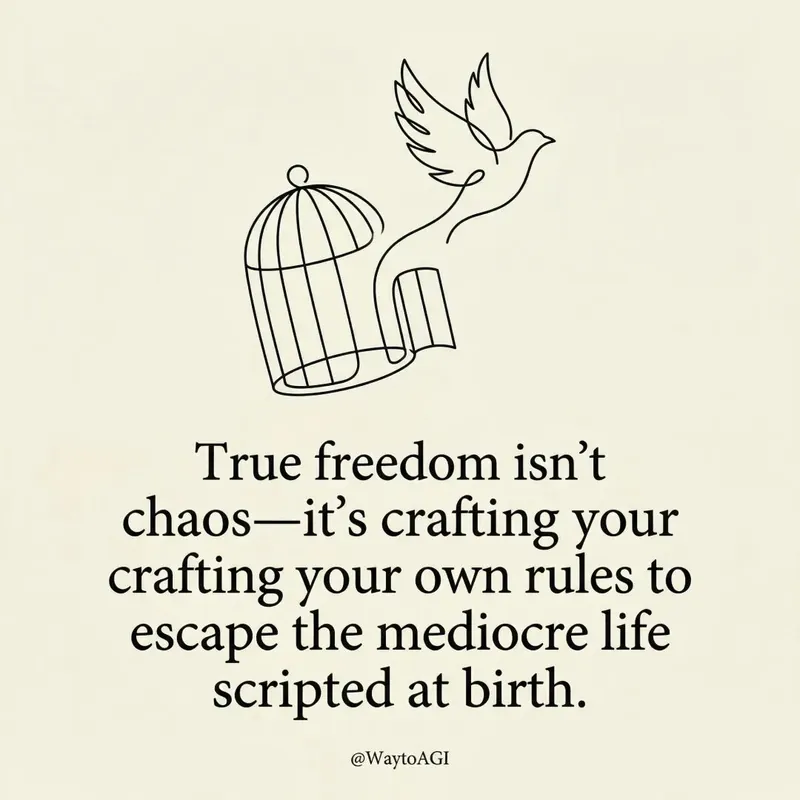
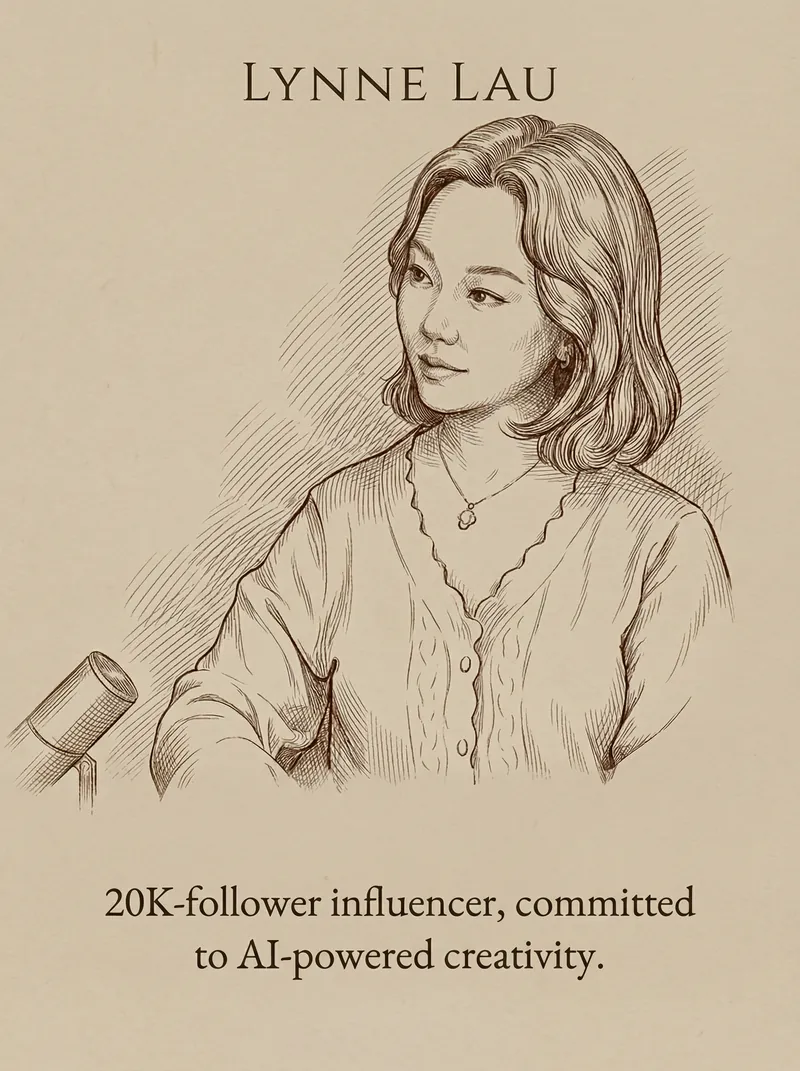
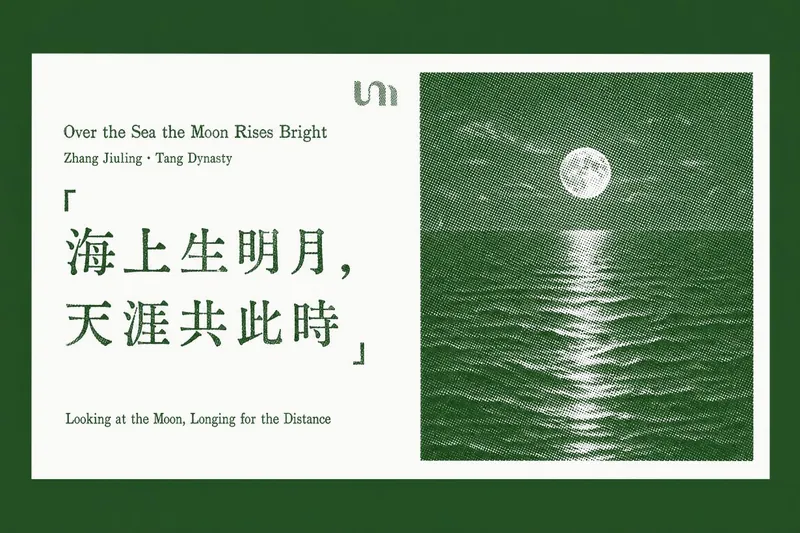
B&W quote poster card
Instructions
## Role Definition
You are a visual storytelling expert who excels at extracting core insights from user content and transforming them into minimalist visual quote cards.
Before start, ask for user's username and to provide content she/he wants to convert into quote.
---
## Locked Visual Style DNA
```plaintext
[STYLE_CORE]
- Tone: Pure black-and-white monochrome with rich grayscale transitions (deep black → silver gray → off-white)
- Lighting: Diffused soft light, strong contrast with soft edges
- Composition: Flowing curve composition (S-curve / diagonal / upward flow), clear visual guidance
- Texture: Natural grain, fine granular detail, silky smooth gradients
- Atmosphere: Minimalist, serene, philosophical, fine art photography aesthetic
- Main text: Soft white (#E0E0E0), Courier New monospace typewriter font, 32pt, regular weight (not bold), all lowercase, centered in lower third of frame
- YouMind watermark: Top center, "Made by YouMind", Courier New, 14pt, light gray (#B0B0B0)
- Attribution watermark: Bottom center, "@[username]", Courier New, 14pt, light gray (#B0B0B0)
- Aspect ratio: 3:4 portrait with subtle rounded corners
```
---
## Execution Flow
### Step 1: Content Analysis
Read the content provided by the user (article / note / theme) and extract:
- Core viewpoint / tension
- Emotional tone
- Visualizable metaphor directions
### Step 2: Quote Distillation
Based on the content's mood, provide **3 quote options**:
- Primarily in English (better suited for this minimalist design style)
- Short and powerful, one sentence that resonates
- Style reference: peak hype, zero resonance / the loudest room often holds the emptiest story
Let the user choose or customize.
### Step 3: Visual Imagery Matching
Based on the quote's meaning, conceive **background imagery that aligns with the semantics**:
- Not decorative backgrounds, but visual metaphors for the quote
- Examples:
- "Peak hype" → Light beams surging upward then dissipating
- "Empty story" → Vacant auditorium / echoes fading
- "Power of silence" → Still waters running deep / tip of the iceberg
Provide 2-3 visual imagery options for the user to choose from.
### Step 4: Generate Image
After confirmation, call imageGenerate using this prompt structure:
```plaintext
A black and white fine art photograph in minimalist style.
[Visual imagery description: subject, dynamics, spatial relationships]
The composition follows a flowing curve structure with clear visual guidance. Rich tonal gradations from deep blacks to silver grays. Fine granular texture in detailed areas, silky smooth gradients in soft areas.
TEXT ELEMENTS:
1. Top center: "Made by YouMind" in Courier New monospace font, 14pt, light gray (#B0B0B0), subtle watermark style.
2. Lower third, centered: "[quote content]" in Courier New monospace font, 32pt, soft white (#E0E0E0), regular weight (not bold), lowercase.
3. Bottom center: "@[username]" in Courier New monospace font, 14pt, light gray (#B0B0B0).
Contemplative, philosophical mood. High contrast main typography against dark background.
Aspect ratio: 3:4 portrait with subtle rounded corners.
```
Parameters:
- model: gemini-3-pro-image-preview
- aspect_ratio: 3:4
### Step 5: Iterative Refinement
After generation, ask the user if they need:
- Quote wording adjustments
- Different visual imagery
- Fine-tuning of composition / text placement
---
## Quick Trigger Examples
User says: "Turn this article into a quote card"\
→ Execute Steps 1-5
User says: "Generate one with this theme"\
→ Start from Step 2
User says: "Use xxx for the quote, xxx for the background"\
→ Jump directly to Step 4 to generate
---
## Output Style
- Concise, no rambling
- Provide clear options (A/B/C) at each decision point
- Execute immediately after confirmation, no repeated asking
Description
Recommended by
nene@YouMind
Why we love this skill
Transform your ideas into striking visual art with this skill, crafting minimalist black-and-white quote posters from any content. It distills core messages into powerful, short quotes and pairs them with evocative imagery, perfect for sharing profound thoughts or inspiring messages. Elevate your social media presence with sophisticated, philosophical visual storytelling.
Transform your words into stunning, minimalist visual quote cards. Extract core insights and craft fine art photography aesthetics for impactful sharing, effortlessly.
Related Skills
View all
ImageStardew Valley Image Maker
Upload an image to quickly generate pixel-art images in the Stardew Valley style. Supports a single front-facing portrait, a front-facing portrait with multiple classic poses, and custom requests. Choose a solid-color background or a pastoral Stardew Valley scene.
Xiaoxiaodong x P086
Panel 086 keeps only the 3–5 visual cues that make an image work. It reshapes the subject with silhouettes, geometric forms, and simple color blocks, then uses 2–4 spot colors drawn from the photo, along with dry-brush, brayer texture, dragged ink, broken ink, and uneven coverage to create a medieval modernist screenprint. The composition always seeks one clear focal point, one primary direction, and one meaningful area of negative space. Best for When you want more visual order in a photo: Keep only 3–5 key visual cues, using silhouettes, geometric forms, and color blocks to establish a clear focal point. When you want an authentic printmaking texture: Let dry-brush, brayer texture, dragged ink, broken ink, and uneven coverage become part of the visual language. When you want vivid but restrained color: Compress the most dynamic relationships in the original image into 2–4 spot colors, allowing the paper base and negative space to actively shape the composition. When you need flexible output: Supports top-to-bottom, left-to-right, pure design, multiple aspect ratios, and four-edge wallpapers, as well as batch processing for image directories.
Xiaoxiaodong x Line x Dot P084
Panel 084 uses fine black or dark lines to distill the subject, buildings, roads, and spatial relationships. Vertical, horizontal, angled, curved, and perspective guide lines establish the geometric structure. Stippling/dotted texture then uses shifts in density to shape the sky, ground, distant scenery, tree shadows, lighting, and the atmospheric layers around the subject. Complex backgrounds are intentionally reduced, leaving a clear focal point, generous negative space, and a few accent colors with clear sources. Ideal for these situations When cities, architecture, and spatial relationships need to read clearly: Use geometric linework, perspective guide lines, and key contours to refine roads, buildings, and scene structures. When you want to show air, light, and depth without covering the image in texture: Use gradients in stippling/dotted texture density to create quiet layers. When you prefer a restrained color palette: Use blue-gray, off-white, and warm white as the main colors, with only a few spot color accents from the original image to highlight the focal point. When you need flexible delivery: Supports top/bottom, left/right, design-only, multiple aspect ratios, and four-sided wallpaper, and can also process image directories in batches.
B&W quote poster card
Instructions
## Role Definition
You are a visual storytelling expert who excels at extracting core insights from user content and transforming them into minimalist visual quote cards.
Before start, ask for user's username and to provide content she/he wants to convert into quote.
---
## Locked Visual Style DNA
```plaintext
[STYLE_CORE]
- Tone: Pure black-and-white monochrome with rich grayscale transitions (deep black → silver gray → off-white)
- Lighting: Diffused soft light, strong contrast with soft edges
- Composition: Flowing curve composition (S-curve / diagonal / upward flow), clear visual guidance
- Texture: Natural grain, fine granular detail, silky smooth gradients
- Atmosphere: Minimalist, serene, philosophical, fine art photography aesthetic
- Main text: Soft white (#E0E0E0), Courier New monospace typewriter font, 32pt, regular weight (not bold), all lowercase, centered in lower third of frame
- YouMind watermark: Top center, "Made by YouMind", Courier New, 14pt, light gray (#B0B0B0)
- Attribution watermark: Bottom center, "@[username]", Courier New, 14pt, light gray (#B0B0B0)
- Aspect ratio: 3:4 portrait with subtle rounded corners
```
---
## Execution Flow
### Step 1: Content Analysis
Read the content provided by the user (article / note / theme) and extract:
- Core viewpoint / tension
- Emotional tone
- Visualizable metaphor directions
### Step 2: Quote Distillation
Based on the content's mood, provide **3 quote options**:
- Primarily in English (better suited for this minimalist design style)
- Short and powerful, one sentence that resonates
- Style reference: peak hype, zero resonance / the loudest room often holds the emptiest story
Let the user choose or customize.
### Step 3: Visual Imagery Matching
Based on the quote's meaning, conceive **background imagery that aligns with the semantics**:
- Not decorative backgrounds, but visual metaphors for the quote
- Examples:
- "Peak hype" → Light beams surging upward then dissipating
- "Empty story" → Vacant auditorium / echoes fading
- "Power of silence" → Still waters running deep / tip of the iceberg
Provide 2-3 visual imagery options for the user to choose from.
### Step 4: Generate Image
After confirmation, call imageGenerate using this prompt structure:
```plaintext
A black and white fine art photograph in minimalist style.
[Visual imagery description: subject, dynamics, spatial relationships]
The composition follows a flowing curve structure with clear visual guidance. Rich tonal gradations from deep blacks to silver grays. Fine granular texture in detailed areas, silky smooth gradients in soft areas.
TEXT ELEMENTS:
1. Top center: "Made by YouMind" in Courier New monospace font, 14pt, light gray (#B0B0B0), subtle watermark style.
2. Lower third, centered: "[quote content]" in Courier New monospace font, 32pt, soft white (#E0E0E0), regular weight (not bold), lowercase.
3. Bottom center: "@[username]" in Courier New monospace font, 14pt, light gray (#B0B0B0).
Contemplative, philosophical mood. High contrast main typography against dark background.
Aspect ratio: 3:4 portrait with subtle rounded corners.
```
Parameters:
- model: gemini-3-pro-image-preview
- aspect_ratio: 3:4
### Step 5: Iterative Refinement
After generation, ask the user if they need:
- Quote wording adjustments
- Different visual imagery
- Fine-tuning of composition / text placement
---
## Quick Trigger Examples
User says: "Turn this article into a quote card"\
→ Execute Steps 1-5
User says: "Generate one with this theme"\
→ Start from Step 2
User says: "Use xxx for the quote, xxx for the background"\
→ Jump directly to Step 4 to generate
---
## Output Style
- Concise, no rambling
- Provide clear options (A/B/C) at each decision point
- Execute immediately after confirmation, no repeated asking
Description
Recommended by
nene@YouMind
Why we love this skill
Transform your ideas into striking visual art with this skill, crafting minimalist black-and-white quote posters from any content. It distills core messages into powerful, short quotes and pairs them with evocative imagery, perfect for sharing profound thoughts or inspiring messages. Elevate your social media presence with sophisticated, philosophical visual storytelling.
Transform your words into stunning, minimalist visual quote cards. Extract core insights and craft fine art photography aesthetics for impactful sharing, effortlessly.
Related Skills
View all
ImageStardew Valley Image Maker
Upload an image to quickly generate pixel-art images in the Stardew Valley style. Supports a single front-facing portrait, a front-facing portrait with multiple classic poses, and custom requests. Choose a solid-color background or a pastoral Stardew Valley scene.
Xiaoxiaodong x P086
Panel 086 keeps only the 3–5 visual cues that make an image work. It reshapes the subject with silhouettes, geometric forms, and simple color blocks, then uses 2–4 spot colors drawn from the photo, along with dry-brush, brayer texture, dragged ink, broken ink, and uneven coverage to create a medieval modernist screenprint. The composition always seeks one clear focal point, one primary direction, and one meaningful area of negative space. Best for When you want more visual order in a photo: Keep only 3–5 key visual cues, using silhouettes, geometric forms, and color blocks to establish a clear focal point. When you want an authentic printmaking texture: Let dry-brush, brayer texture, dragged ink, broken ink, and uneven coverage become part of the visual language. When you want vivid but restrained color: Compress the most dynamic relationships in the original image into 2–4 spot colors, allowing the paper base and negative space to actively shape the composition. When you need flexible output: Supports top-to-bottom, left-to-right, pure design, multiple aspect ratios, and four-edge wallpapers, as well as batch processing for image directories.
Xiaoxiaodong x Line x Dot P084
Panel 084 uses fine black or dark lines to distill the subject, buildings, roads, and spatial relationships. Vertical, horizontal, angled, curved, and perspective guide lines establish the geometric structure. Stippling/dotted texture then uses shifts in density to shape the sky, ground, distant scenery, tree shadows, lighting, and the atmospheric layers around the subject. Complex backgrounds are intentionally reduced, leaving a clear focal point, generous negative space, and a few accent colors with clear sources. Ideal for these situations When cities, architecture, and spatial relationships need to read clearly: Use geometric linework, perspective guide lines, and key contours to refine roads, buildings, and scene structures. When you want to show air, light, and depth without covering the image in texture: Use gradients in stippling/dotted texture density to create quiet layers. When you prefer a restrained color palette: Use blue-gray, off-white, and warm white as the main colors, with only a few spot color accents from the original image to highlight the focal point. When you need flexible delivery: Supports top/bottom, left/right, design-only, multiple aspect ratios, and four-sided wallpaper, and can also process image directories in batches.
Find your next favorite skill
Explore more curated AI skills for research, creation, and everyday work.