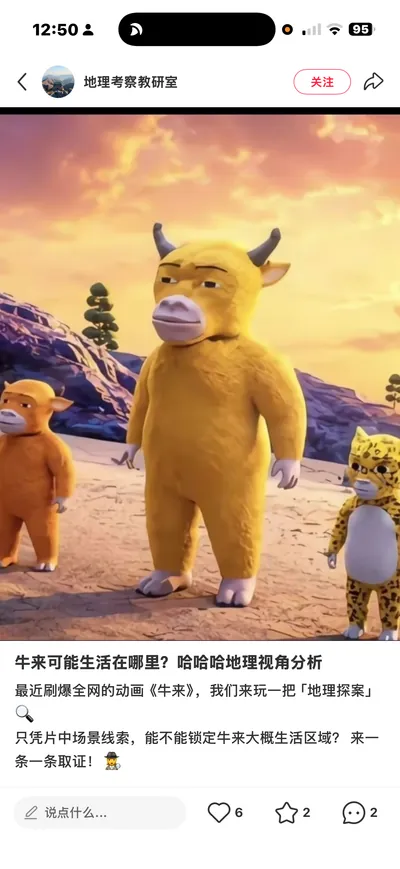
Niu Lai-Style Illustrations
Create grainy low-poly art or posters
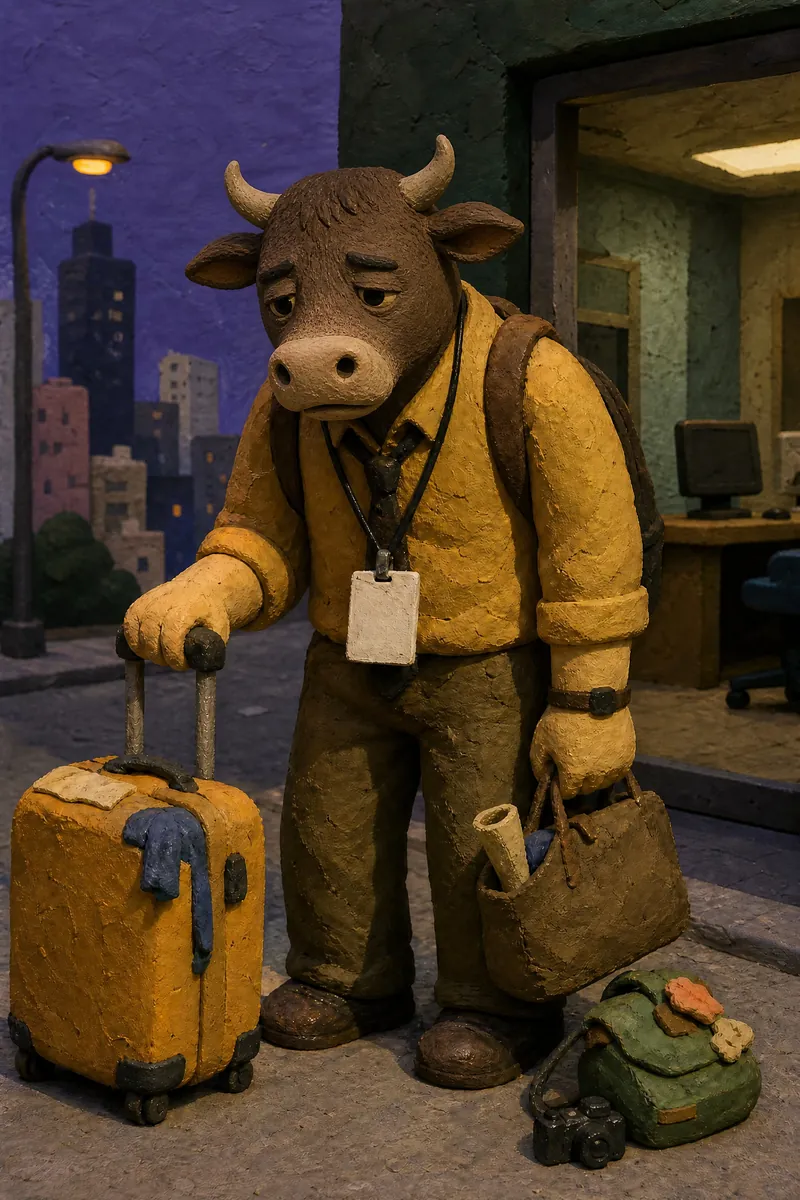
Description
Recommended by
淡苍
Why we love this skill
Featured for its ability to create an original illustration or poster without repeated prompt tweaking. Its distinctive grainy low-poly dream aesthetic adapts flexibly to any topic—not just “牛.”
Generate a finished original single illustration or poster directly, with people, animals, objects, or fantastical subjects selected automatically based on your theme. For scenes with multiple subjects, use different anthropomorphic animal characters while maintaining an abstract, low-detail 3D style, coarse-grain textures, and an absurd, dreamlike atmosphere.
Related Skills
View all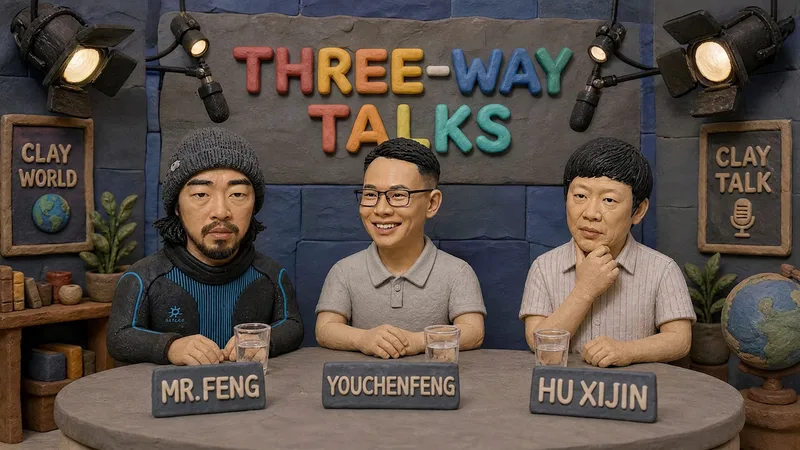 Image
ImageHandmade Clay Image Maker
Turn text descriptions, people, animals, objects, or reference images into handmade clay-style artwork that truly looks molded, pressed, and assembled by hand. Rather than simply applying a clay texture, this style gives characters, scenes, props, buildings, and text the soft, dimensional volume of physical clay, with natural finger presses, hand-shaped edges, kneading marks, and subtle asymmetry for a detailed, matte, warm, and tactile handmade feel. Whether you need clay characters, miniature worlds, art illustrations, posters and ads, product visuals, or clay typography and lettering, the style automatically matches the colors, composition, and spatial depth to the subject. When you upload a photo of a person or animal, it aims to preserve recognizable features such as facial structure, hairstyle, body shape, clothing, and distinctive accessories, then reimagine them as a cohesive clay art figure. When text is requested, it is also integrated into the scene as dimensional clay lettering. You can specify the aspect ratio, color direction, subject pose, scene elements, or strength of the handmade effect, or simply describe the theme you want. The result is a complete clay-style image, along with the mode, colors, composition, and key visual settings used for generation, making it easy to continue refining the result toward a macaron, candy, retro, Japanese low-saturation, earth-tone, or warm storybook direction.
 Image
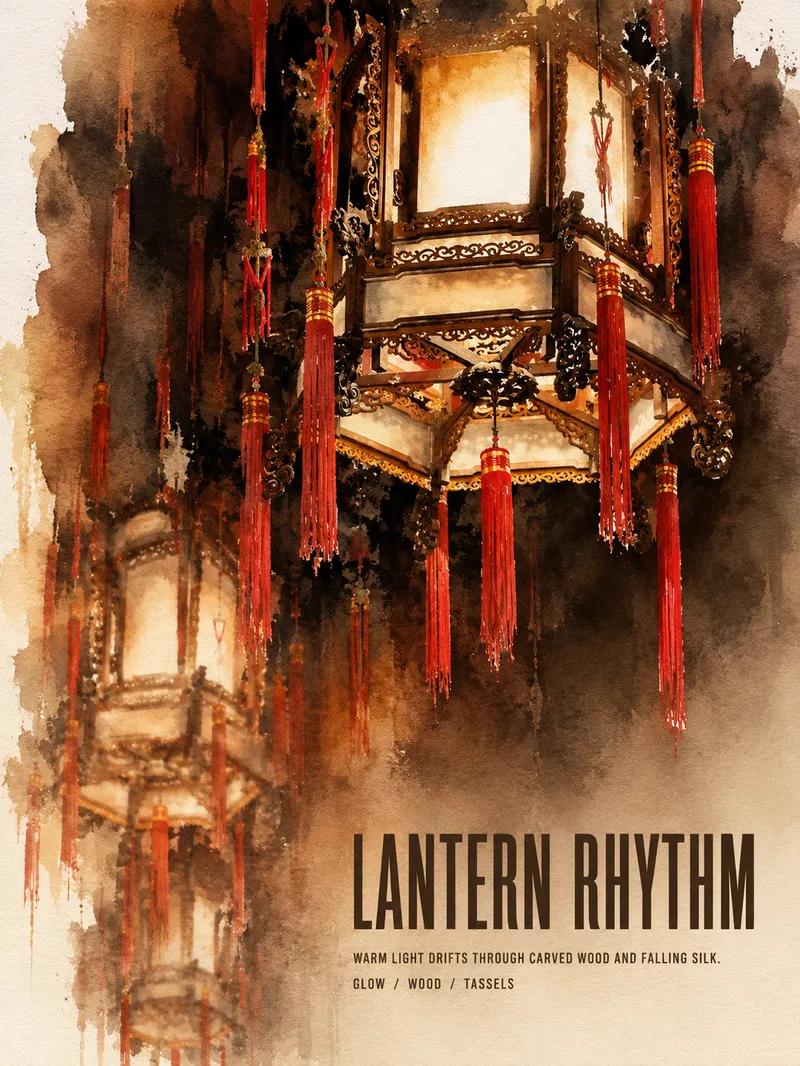
ImageTurn Photos into Art Posters
Upload a photo of a person, pet, building, travel scene, street view, vehicle, product, still life, or everyday moment. The Skill first identifies the details that matter most to preserve, then automatically selects an artistic approach—such as translucent watercolor, coarse screen printing, knife-mark rubbing, impasto, or conceptual collage—based on the composition, colors, lighting, and mood. It rearranges the subject’s scale, negative space, material field, and English headline so text and imagery weave together naturally, generating a 3:4 vertical art poster with a clear visual focal point and collectible appeal. You can also specify the artistic material, an English or Chinese title, aspect ratio, color direction, mood, intended use, or a text-free mode. If you don’t specify, the Skill will decide automatically and generate the poster directly.
 Image
ImagePrecise AI Character Images
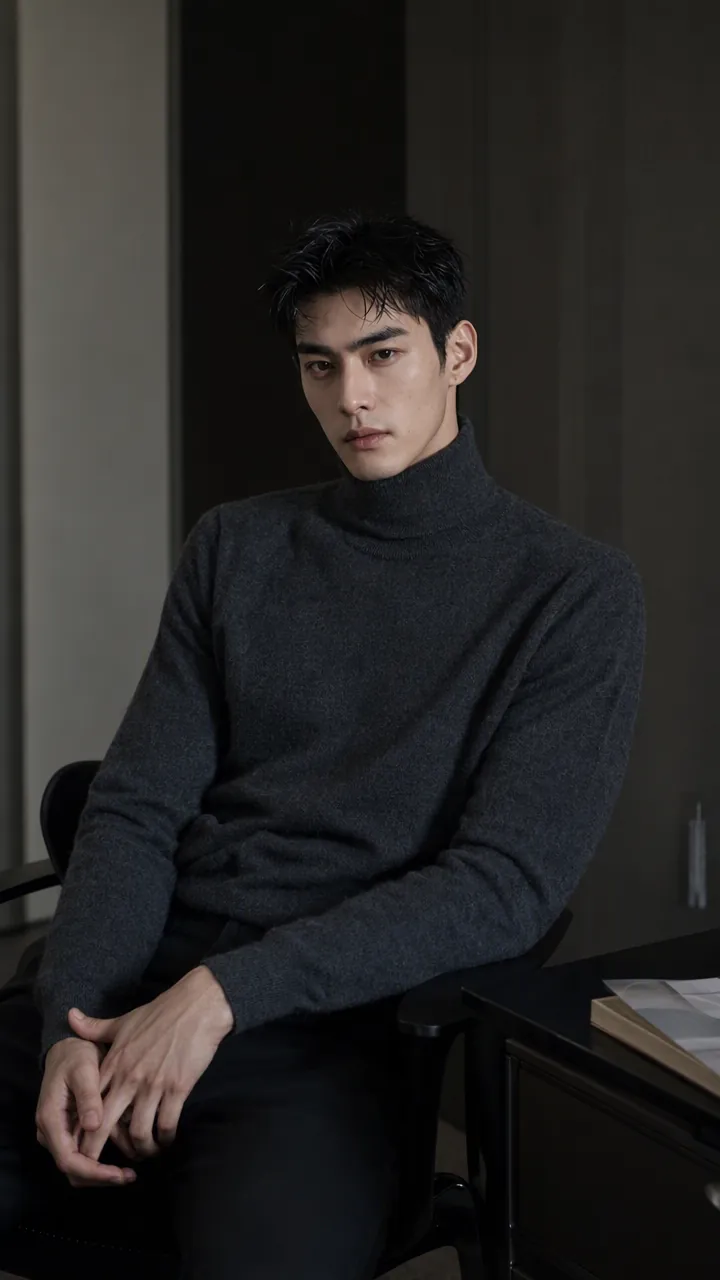
Turn the character you envision into ready-to-use prompts and finished images. Start with a seed description or a broad theme, then define key details step by step, including hairstyle, hair accessories, clothing, expression, pose, camera, lighting, and setting. Whether you’re creating a classical Chinese woman, a cyberpunk girl, a Japanese-style character, a realistic portrait, or a custom character concept, you can develop a cohesive visual direction based on the character’s overall mood. Choose Quick Image Generation to let AI complete the character design automatically, or use Fine Control to adjust each element through selections or custom input. Results include structured prompts in both Chinese and English, along with a matching Negative Prompt, making them easy to understand and reuse with leading models such as FLUX, Midjourney, and SDXL. You can also generate the finished character image with AI. After generating an image, continue fine-tuning specific dimensions, such as hairstyle, expression, pose, camera angle, lighting, setting, or art style. Regenerate while keeping the other details unchanged, with each modification clearly identified. Ideal for character design, character concept art, avatar creation, illustration planning, and exploring visual directions.
Niu Lai-Style Illustrations
Create grainy low-poly art or posters
Description
Recommended by
淡苍
Why we love this skill
Featured for its ability to create an original illustration or poster without repeated prompt tweaking. Its distinctive grainy low-poly dream aesthetic adapts flexibly to any topic—not just “牛.”
Generate a finished original single illustration or poster directly, with people, animals, objects, or fantastical subjects selected automatically based on your theme. For scenes with multiple subjects, use different anthropomorphic animal characters while maintaining an abstract, low-detail 3D style, coarse-grain textures, and an absurd, dreamlike atmosphere.
Related Skills
View allImageHandmade Clay Image Maker
Turn text descriptions, people, animals, objects, or reference images into handmade clay-style artwork that truly looks molded, pressed, and assembled by hand. Rather than simply applying a clay texture, this style gives characters, scenes, props, buildings, and text the soft, dimensional volume of physical clay, with natural finger presses, hand-shaped edges, kneading marks, and subtle asymmetry for a detailed, matte, warm, and tactile handmade feel. Whether you need clay characters, miniature worlds, art illustrations, posters and ads, product visuals, or clay typography and lettering, the style automatically matches the colors, composition, and spatial depth to the subject. When you upload a photo of a person or animal, it aims to preserve recognizable features such as facial structure, hairstyle, body shape, clothing, and distinctive accessories, then reimagine them as a cohesive clay art figure. When text is requested, it is also integrated into the scene as dimensional clay lettering. You can specify the aspect ratio, color direction, subject pose, scene elements, or strength of the handmade effect, or simply describe the theme you want. The result is a complete clay-style image, along with the mode, colors, composition, and key visual settings used for generation, making it easy to continue refining the result toward a macaron, candy, retro, Japanese low-saturation, earth-tone, or warm storybook direction.
ImageTurn Photos into Art Posters
Upload a photo of a person, pet, building, travel scene, street view, vehicle, product, still life, or everyday moment. The Skill first identifies the details that matter most to preserve, then automatically selects an artistic approach—such as translucent watercolor, coarse screen printing, knife-mark rubbing, impasto, or conceptual collage—based on the composition, colors, lighting, and mood. It rearranges the subject’s scale, negative space, material field, and English headline so text and imagery weave together naturally, generating a 3:4 vertical art poster with a clear visual focal point and collectible appeal. You can also specify the artistic material, an English or Chinese title, aspect ratio, color direction, mood, intended use, or a text-free mode. If you don’t specify, the Skill will decide automatically and generate the poster directly.
ImagePrecise AI Character Images
Turn the character you envision into ready-to-use prompts and finished images. Start with a seed description or a broad theme, then define key details step by step, including hairstyle, hair accessories, clothing, expression, pose, camera, lighting, and setting. Whether you’re creating a classical Chinese woman, a cyberpunk girl, a Japanese-style character, a realistic portrait, or a custom character concept, you can develop a cohesive visual direction based on the character’s overall mood. Choose Quick Image Generation to let AI complete the character design automatically, or use Fine Control to adjust each element through selections or custom input. Results include structured prompts in both Chinese and English, along with a matching Negative Prompt, making them easy to understand and reuse with leading models such as FLUX, Midjourney, and SDXL. You can also generate the finished character image with AI. After generating an image, continue fine-tuning specific dimensions, such as hairstyle, expression, pose, camera angle, lighting, setting, or art style. Regenerate while keeping the other details unchanged, with each modification clearly identified. Ideal for character design, character concept art, avatar creation, illustration planning, and exploring visual directions.
Find your next favorite skill
Explore more curated AI skills for research, creation, and everyday work.