
Work Report Slides
Card-style layout for quick key point extraction in work reports
Description
Why we love this skill
This skill excels at converting complex text into card-style work report slides, strictly following professional layout and visual norms, ensuring each page focuses on the core for three-second scan readability, greatly improving report efficiency.
Automatically convert work report text into editable Slides with a minimalist business report style. Supports two modes: structured input and free-text speech drafts. First confirm the structure, then generate page by page, outputting only one slide at a time. Example: Input a slide speech script to output multiple Slide versions. No exaggeration, no flashy techniques—consistent, high-quality output that makes it easy to produce a series of uniformly styled Slide versions. Example image generation prompt: In the current complex employment environment, resume padding and false academic credentials are increasingly common. Verifying the authenticity of academic degrees is a necessary compliance procedure for hiring, serving as the bottom line for guarding the entry gate and protecting talent quality. This is not only responsible for the company but also a reflection of the professionalism of every HR worker. So, how to do a good job of academic credential verification? First, we must keep in mind three basic verification principles: First, independent verification, using official public channels; second, verify original documents, focusing on authenticity of anti-counterfeiting features, embossed seals, and official stamps; third, strict confidentiality, compare and archive verification information.
Related Skills
View all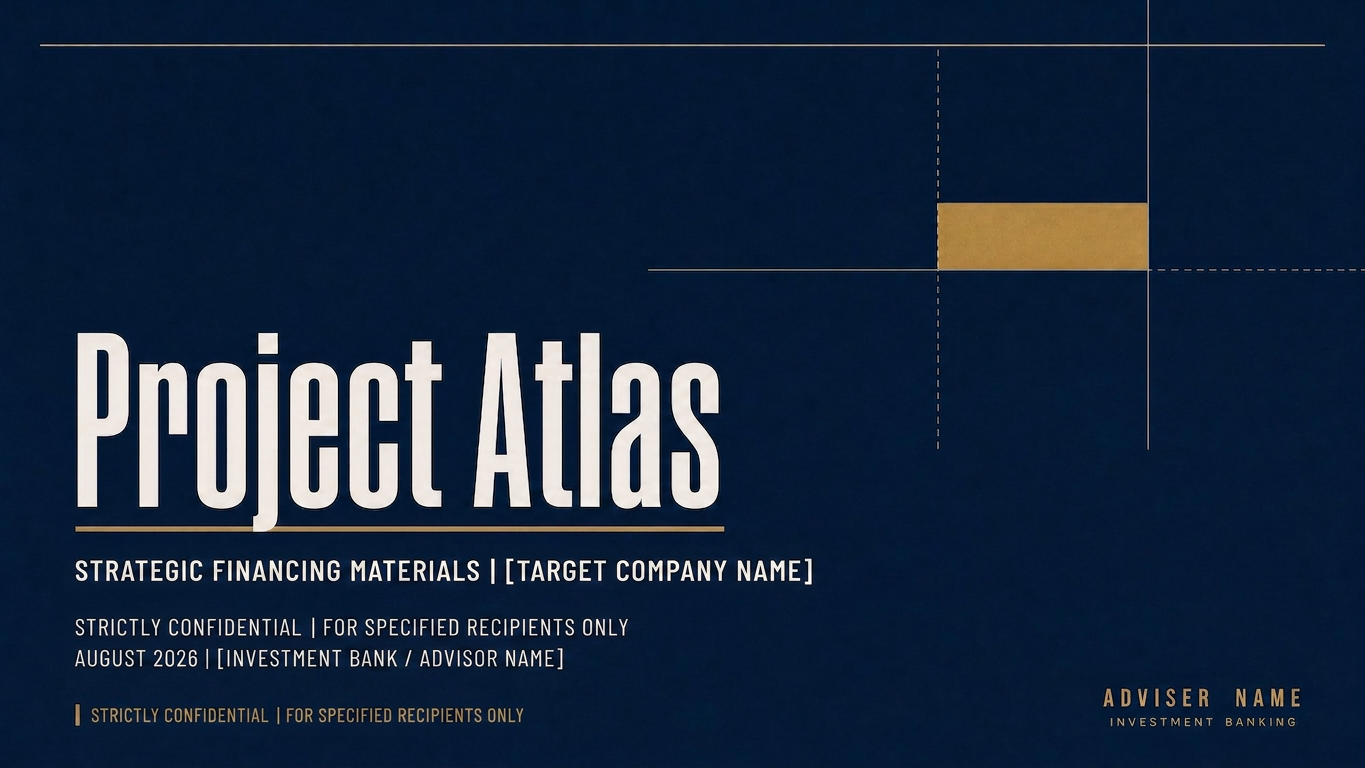 Slides
Create Investment Banking Slides
Turn general business topics, project materials, and data into Chinese Slides with a structured, data-focused investment banking visual style. Supports follow-up questions to address gaps, research as needed, and separate outline and visual confirmation.
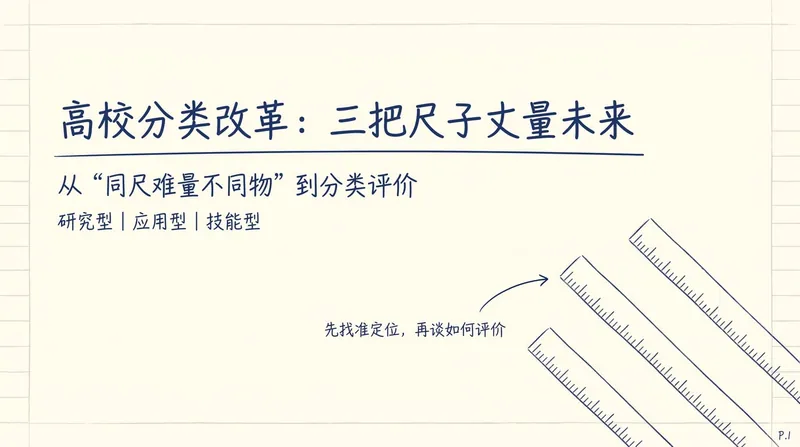
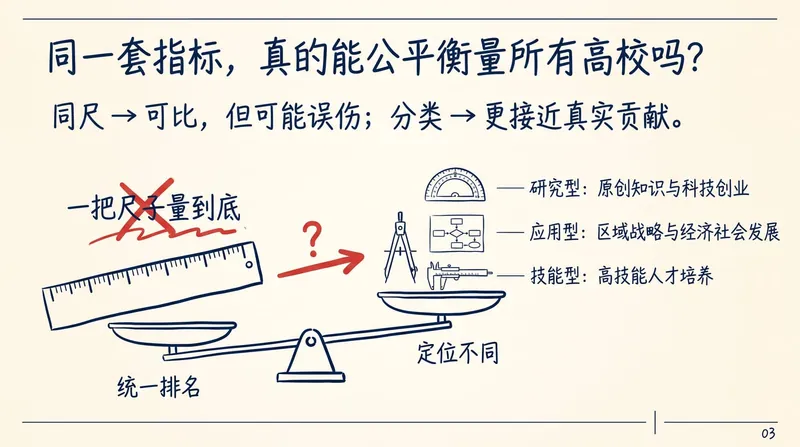
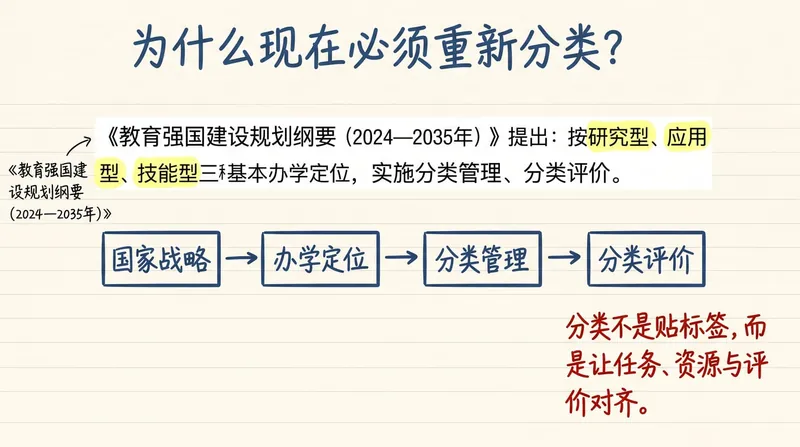
Wang Hong Handwritten PPT
Turn articles, scripts, or technical topics into 16:9 Notability-style handwritten HTML Slides with the academic presentation feel of Wang Hong. Export each page as a PNG, and by default also generate a timeline-based HTML version with animations that can be played item by item. Trigger words: Wang Hong PPT style, Wang Hong handwritten PPT, Notability academic handwritten Slides, handwritten web PPT, handwritten PPT, mathematician handwritten presentation style, handwritten PPT timeline version, handwritten presentation animation.
 Slides
Claymation Style Slides
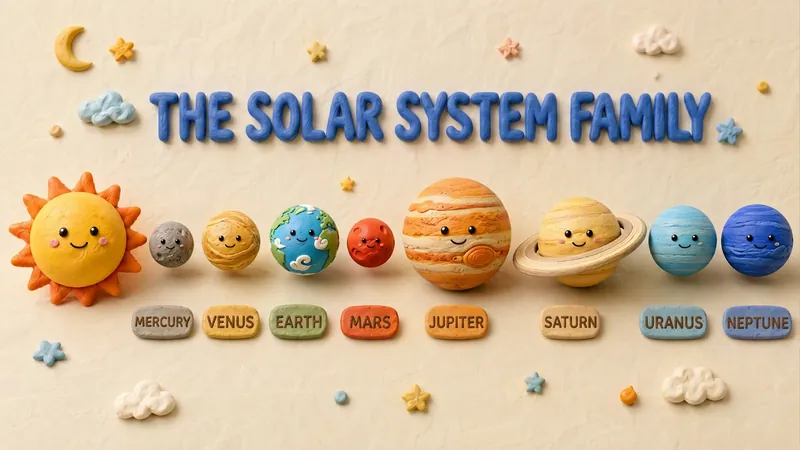
This Skill turns your creative scripts into highly artistic claymation-style Slides. It's more than just simple presentation creation - through 3D modeling-grade visual rendering, it shapes every idea into clay models that feel handcrafted and warm. Whether for science popularization, educational courseware, or creative presentations, it gives your content a playful, warm, and highly approachable visual style. You can choose your input method flexibly: just provide a topic and let the AI plan the content, or enter an outline or a full speech script, and the Skill will carefully plan everything. Before generating, it first creates a page-by-page outline that includes page layout, visual element descriptions, and the main color palette. You can review or adjust the narrative logic of each page to ensure the final output meets your expectations. Once you confirm the plan, the system generates high-quality 16:9 3D clay-style images page by page. These images have a realistic plasticine texture with delicate handcrafted details and soft studio lighting. All images are automatically assembled into a complete presentation, with each page featuring rounded 3D titles and clear visual labels, delivering a cinematic presentation experience.
Work Report Slides
Card-style layout for quick key point extraction in work reports
Description
Why we love this skill
This skill excels at converting complex text into card-style work report slides, strictly following professional layout and visual norms, ensuring each page focuses on the core for three-second scan readability, greatly improving report efficiency.
Automatically convert work report text into editable Slides with a minimalist business report style. Supports two modes: structured input and free-text speech drafts. First confirm the structure, then generate page by page, outputting only one slide at a time. Example: Input a slide speech script to output multiple Slide versions. No exaggeration, no flashy techniques—consistent, high-quality output that makes it easy to produce a series of uniformly styled Slide versions. Example image generation prompt: In the current complex employment environment, resume padding and false academic credentials are increasingly common. Verifying the authenticity of academic degrees is a necessary compliance procedure for hiring, serving as the bottom line for guarding the entry gate and protecting talent quality. This is not only responsible for the company but also a reflection of the professionalism of every HR worker. So, how to do a good job of academic credential verification? First, we must keep in mind three basic verification principles: First, independent verification, using official public channels; second, verify original documents, focusing on authenticity of anti-counterfeiting features, embossed seals, and official stamps; third, strict confidentiality, compare and archive verification information.
Related Skills
View allSlidesCreate Investment Banking Slides
Turn general business topics, project materials, and data into Chinese Slides with a structured, data-focused investment banking visual style. Supports follow-up questions to address gaps, research as needed, and separate outline and visual confirmation.
Wang Hong Handwritten PPT
Turn articles, scripts, or technical topics into 16:9 Notability-style handwritten HTML Slides with the academic presentation feel of Wang Hong. Export each page as a PNG, and by default also generate a timeline-based HTML version with animations that can be played item by item. Trigger words: Wang Hong PPT style, Wang Hong handwritten PPT, Notability academic handwritten Slides, handwritten web PPT, handwritten PPT, mathematician handwritten presentation style, handwritten PPT timeline version, handwritten presentation animation.
SlidesClaymation Style Slides
This Skill turns your creative scripts into highly artistic claymation-style Slides. It's more than just simple presentation creation - through 3D modeling-grade visual rendering, it shapes every idea into clay models that feel handcrafted and warm. Whether for science popularization, educational courseware, or creative presentations, it gives your content a playful, warm, and highly approachable visual style. You can choose your input method flexibly: just provide a topic and let the AI plan the content, or enter an outline or a full speech script, and the Skill will carefully plan everything. Before generating, it first creates a page-by-page outline that includes page layout, visual element descriptions, and the main color palette. You can review or adjust the narrative logic of each page to ensure the final output meets your expectations. Once you confirm the plan, the system generates high-quality 16:9 3D clay-style images page by page. These images have a realistic plasticine texture with delicate handcrafted details and soft studio lighting. All images are automatically assembled into a complete presentation, with each page featuring rounded 3D titles and clear visual labels, delivering a cinematic presentation experience.
Find your next favorite skill
Explore more curated AI skills for research, creation, and everyday work.