Packs

Presentation Cover Generator Pack

Create polished keynote covers, technical title slides, editorial deck openers, and presentation visuals with strong typography, clear hierarchy, and 16:9 layouts.

Prompts in this pack01 / 04
IMAGE PROMPT

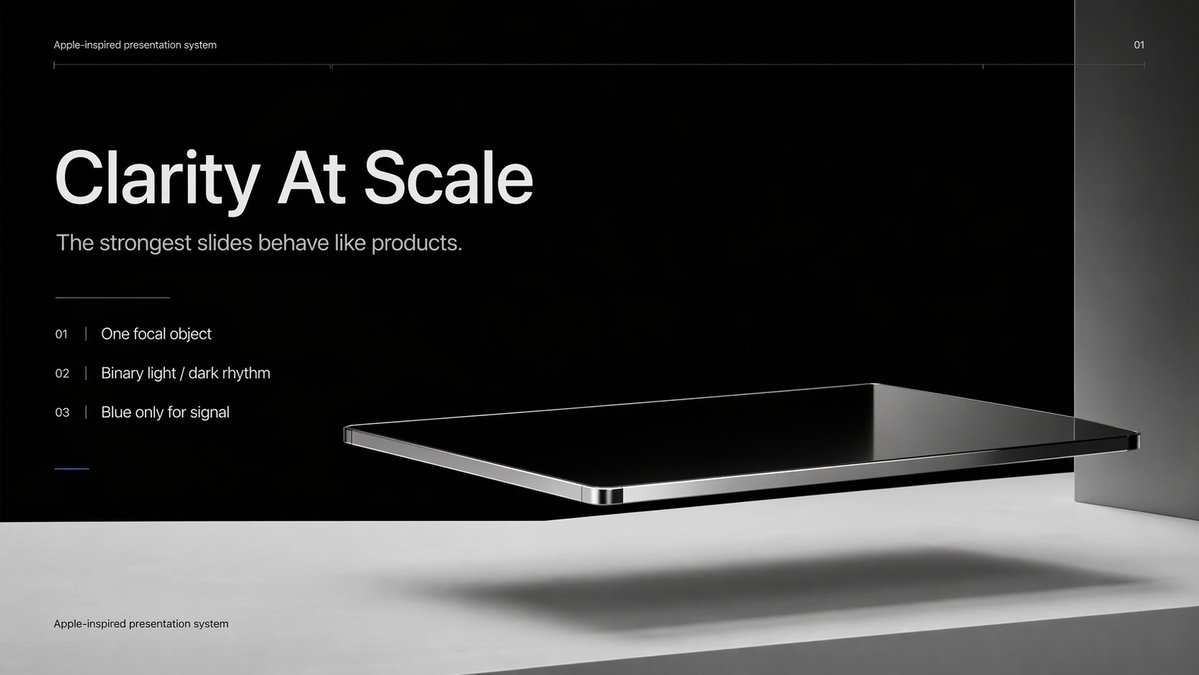
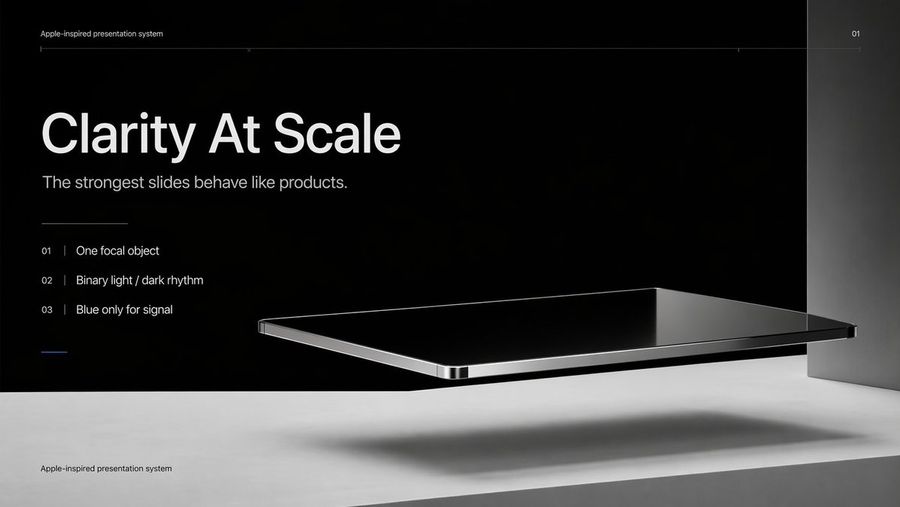
Apple-Style Minimal Presentation Cover

This prompt generates a sleek Apple-inspired presentation title slide with editorial typography and a floating black-glass product object, ideal for keynote covers, pitch decks, and design system presentations.

Prompt
Create a premium minimalist keynote-style presentation cover slide in an Apple-inspired industrial design aesthetic. Use a wide 16:9 layout with a deep matte black upper background and a pale concrete-gray lower platform occupying the bottom quarter of the frame. Place a large photorealistic floating rectangular slab in the right-center foreground, resembling a thin black glass device or polished obsidian platform with mirror-like reflections, chamfered chrome-metal edges, and precise industrial finishing. The slab should hover above the light surface and cast a soft elongated shadow directly beneath it. Add a tall vertical gray metallic wall or pillar on the far right edge to frame the composition. Use extremely sparse, high-end art direction, lots of negative space, cinematic studio lighting, subtle gradients, and crisp contrast between black and silver materials. On the left side, set clean white sans-serif typography with a clear hierarchy: a tiny top caption reading "Apple-inspired presentation system", a very large bold headline reading "Clarity At Scale", and a medium subtitle reading "The strongest slides behave like products.". Below that, include exactly 3 numbered principles in a vertical list with thin separators and refined spacing: "01 | One focal object", "02 | Binary light / dark rhythm", and "03 | Blue only for signal". Add a short thin horizontal rule above the list and a tiny blue accent line below the list. Draw a very fine horizontal guide line near the top spanning most of the slide, with the small page number "01" at the upper right. Repeat the small caption "Apple-inspired presentation system" once again at the bottom left on the light surface. Overall look: luxury tech presentation, editorial product-launch slide, ultra-clean Swiss grid, restrained monochrome palette with only one subtle blue accent, photorealistic rendering blended with presentation design.

About this pack

4
Included prompts
Aug 19
Updated

Why this pack matters now

A great deck cover does more than look pretty. It sets the visual system for the whole presentation: type scale, spacing, mood, color, and the level of polish the audience expects. GPT Image 2 is unusually useful here because presentation covers are text-heavy but still need the feel of finished editorial design.

Use this pack when you need a first slide that looks designed: product demos, investor updates, technical explainers, AI talks, course decks, launch reviews, and internal strategy docs.

X search signal

The strongest X signal is Russell's GPT Image 2 PPT design thread. The post showed UI/design documents converted into PPT-style design covers and slides, drew strong six-figure attention, and linked to a public PPT-Design-Prompt repository. The key insight is practical: people are not only asking for random slide backgrounds; they want reusable style templates that can turn brand references into deck-ready visual systems.

Other X discussion around GPT Image 2 slide generation points to a workflow where image generation creates the visual concepts first, then humans or agents split, edit, and unify the final deck. That makes high-quality cover prompts especially valuable: they define the visual direction before the rest of the deck is produced.

Google/web search signal

Google search results now include dedicated GPT Image 2 slide and presentation pages. SlidesPilot positions GPT Image 2 around generating polished PPT slides from source material, while HitPaw's guide frames slide prompts around minimalist abstract backgrounds, corporate icons, visual metaphors, tech landscapes, data visualizations, workspace scenes, ecommerce concepts, sustainability themes, and leadership visuals. The shared recommendation is consistent: specify widescreen composition, negative space, hierarchy, and where text should sit.

What is included

  • Apple-Style Minimal Presentation Cover: a premium black-glass keynote title slide for product, design, and strategy decks.
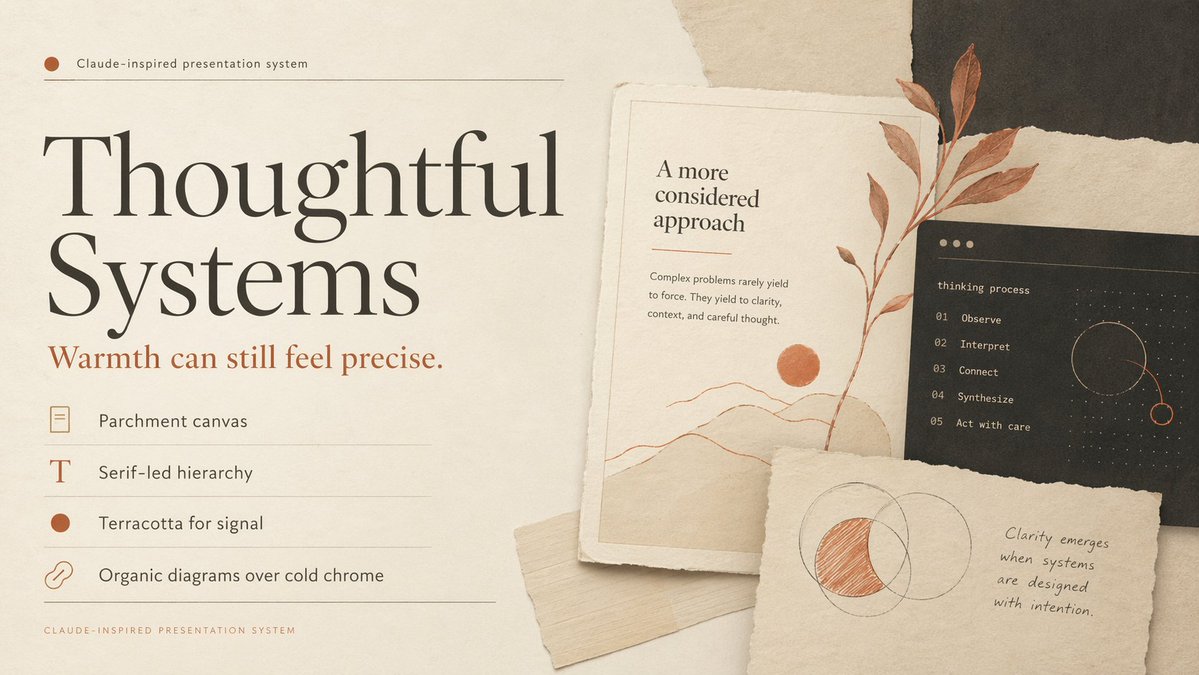
  • Thoughtful Systems Presentation Cover: a warm editorial cover with parchment textures, collage cards, and calm design-system language.
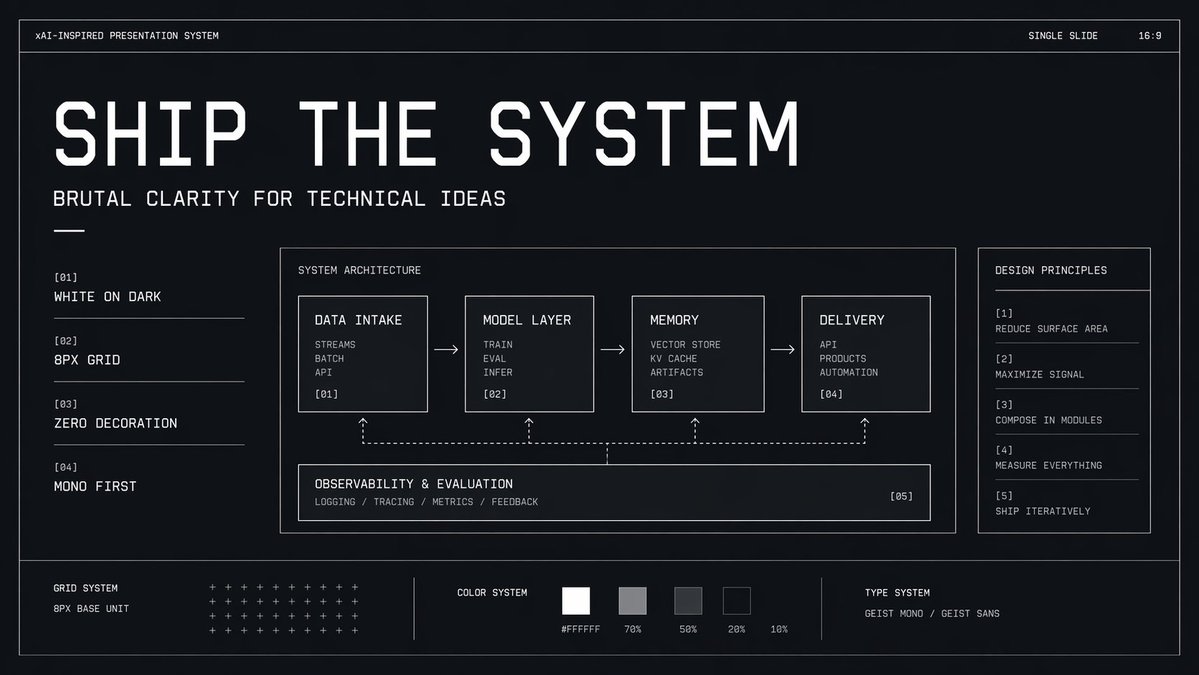
  • Brutalist Technical System Slide: a high-contrast monochrome slide for engineering, AI architecture, and technical principles.
  • Otter Scientist Presentation Slide: a memorable conference-slide visual for playful demos, education, and social posts.

How to use it

  1. Pick the cover style that matches the audience: Apple-style for premium product narratives, editorial for strategy or research, brutalist for technical systems, playful scientific for demos.
  2. Keep the main headline short. GPT Image 2 handles text better than older models, but title slides work best when the headline is concise.
  3. Ask for a widescreen composition with clear negative space if you plan to add speaker name, date, logo, or subtitle later.
  4. Use the generated cover as the style anchor for the rest of the deck: extract palette, typography mood, card shapes, and visual motifs before generating follow-up slides.

Source links used for curation

[1] Russell GPT Image 2 PPT design thread

[2] SlidesPilot GPT Image 2 slides page

[3] HitPaw GPT Image 2 slide prompts guide

[4] PPT-Design-Prompt GitHub repo
More packs

Turn Inspiration into Artistic Posters

From watercolor illustrations and woodcut prints to torn-paper collages, explore a variety of handcrafted AI poster styles. Use GPT Image 2 to transform people, photos, and creative themes into collectible visual art.

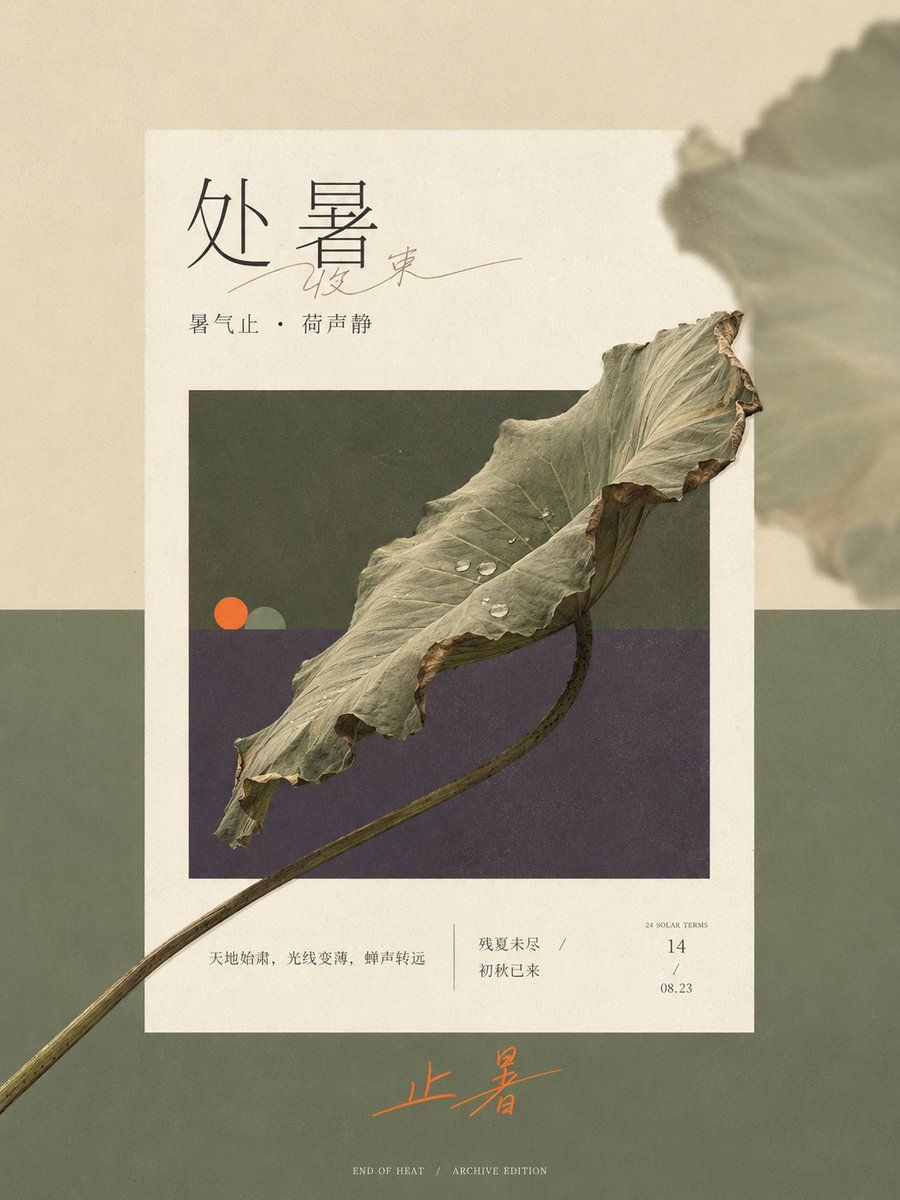
Prompt pack previewVintage Watercolor Illustration PosterTension Line Art Concept PosterGrimm's Fairy Tale Woodcut PosterMinimalist Abstract Geometric Deconstruction PosterHandmade Torn Paper Poster StyleSolar Terms Editorial VisualNarrative Collage Aesthetic Layout

Say goodbye to cookie-cutter templates. This collection of prompts integrates watercolor, printmaking, acrylics, line art, and paper collage into modern editorial design, giving ordinary assets distinct textures, compositions, and visual personality.

Impossible Camera Moves: Extreme Follow Shots

From cliffside rollerblading and urban parkour to dragon dives and futuristic motorcycle chases, these video prompts place the camera where real-world rigs cannot go, creating fast, immersive, high-impact action footage.

Prompt pack previewMountain Cliff Roller Skating ActionNYC Parkour and Web-Swinging ActionFirst-Person POV Dragon Rider CinematicSci-Fi Motorcycle Action SequenceAnime Skateboarding Chase in NYCBrutalist Courtyard Martial Arts ActionCinematic Shaolin Monk Martial Arts ActionWatercolor Sketch Parkour Chase

Break free from equipment, location, and safety limits with continuous tracking shots, first-person perspectives, and high-speed camera moves that create truly impossible action scenes.

Travel Photo Edit Pack

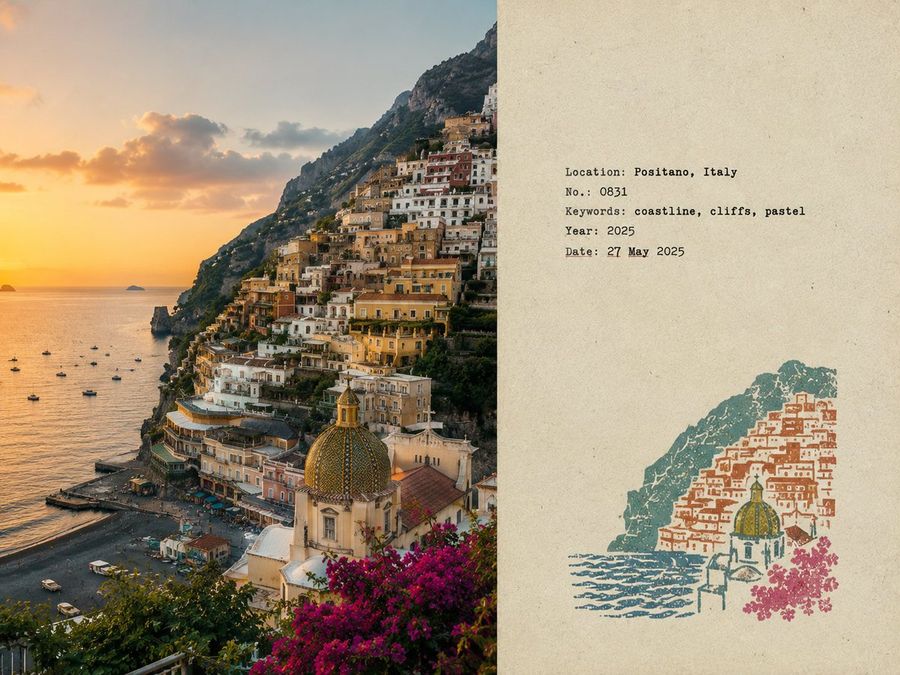
Transform selfies, city snapshots, and vacation photos into cinematic travel portraits, Instagram grids, postcard scenes, scrapbook collages, and destination-style posters.

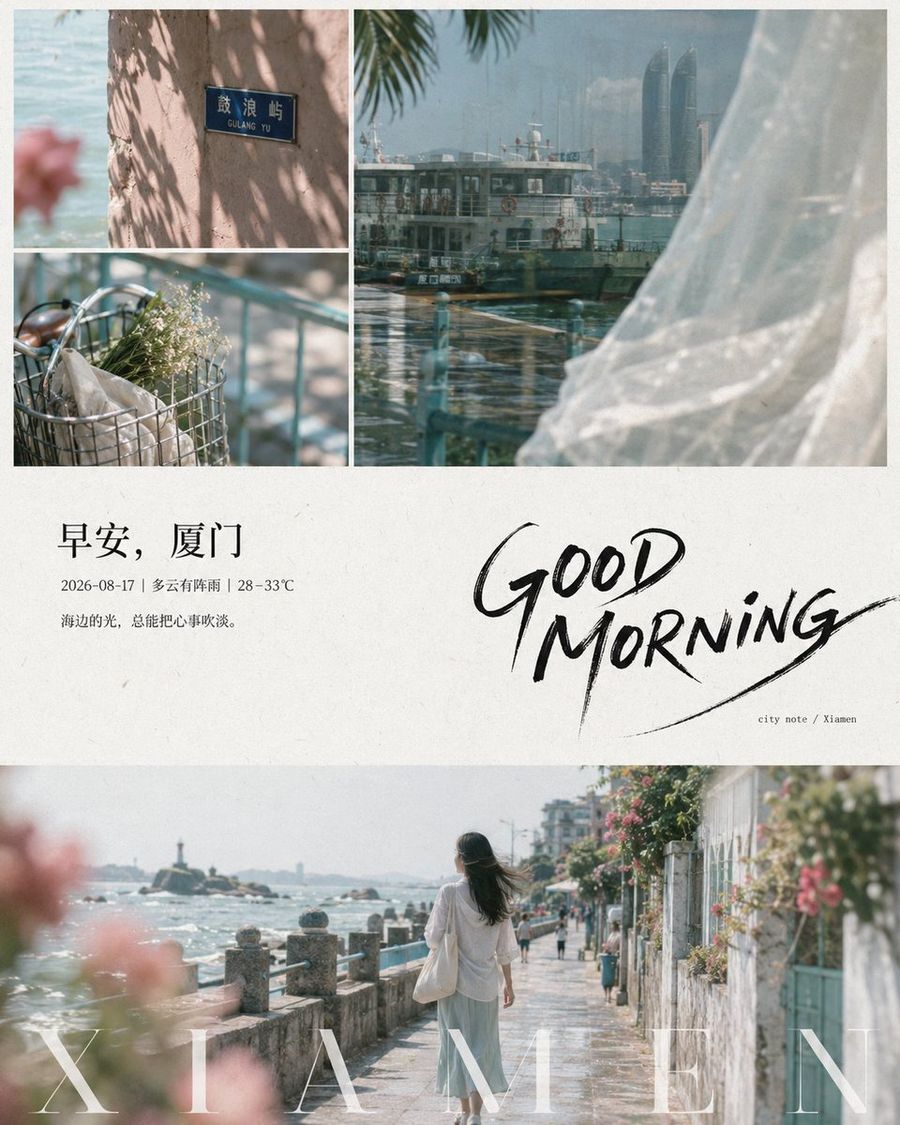
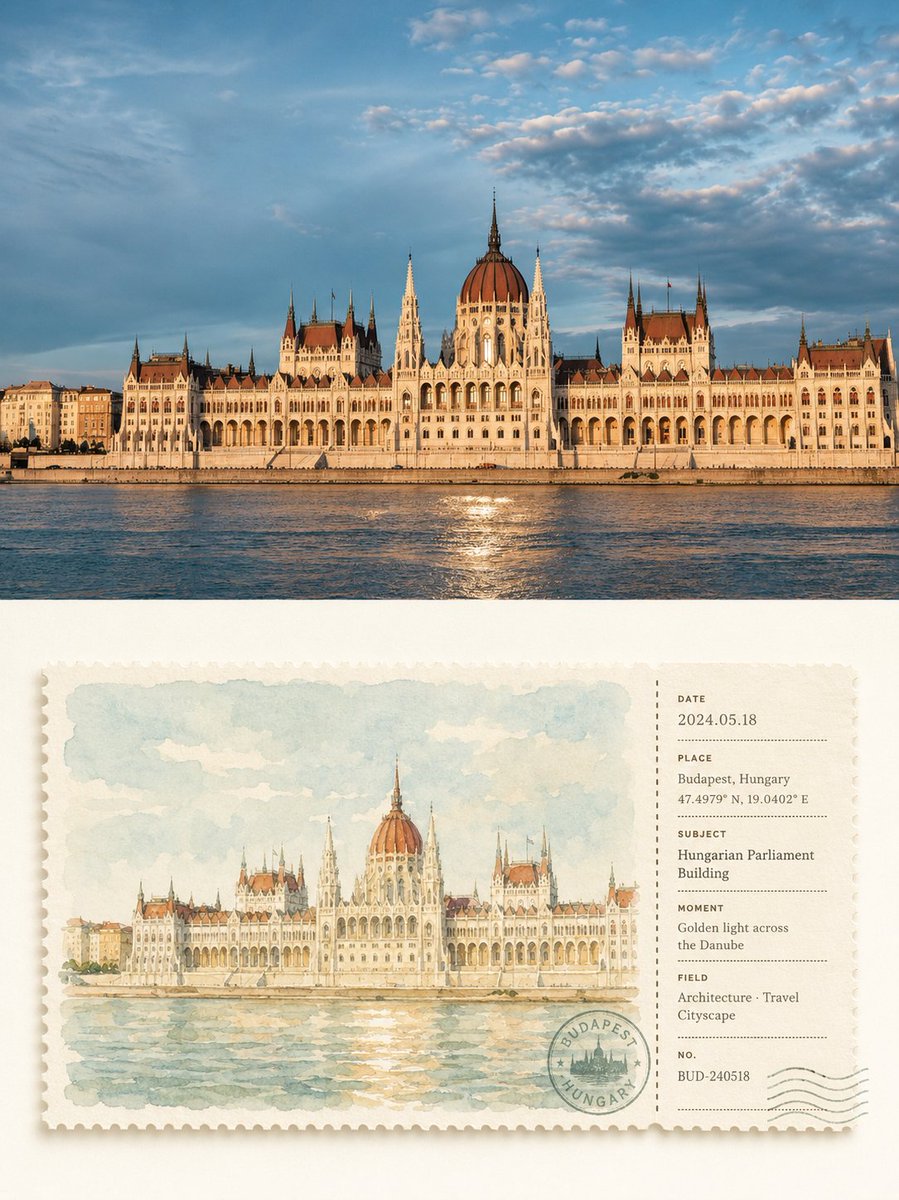
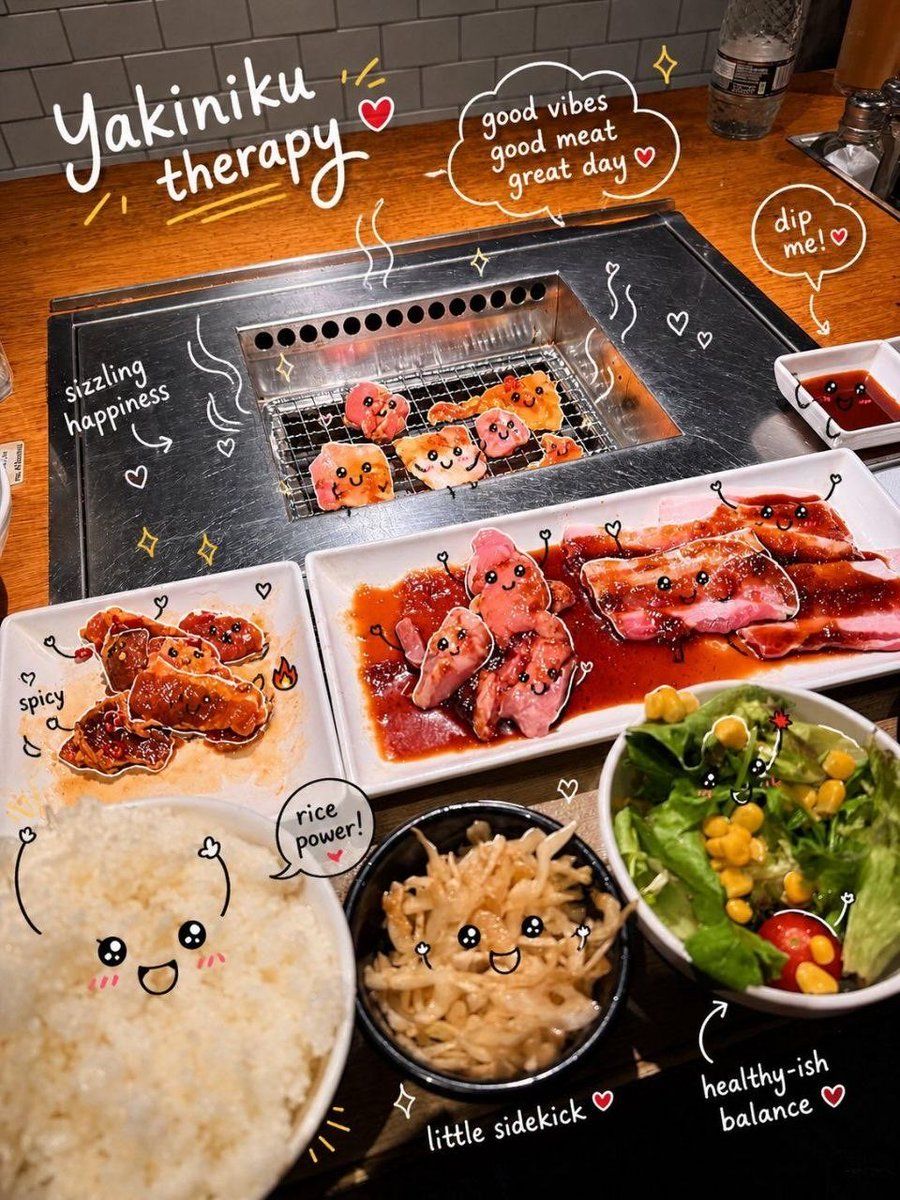
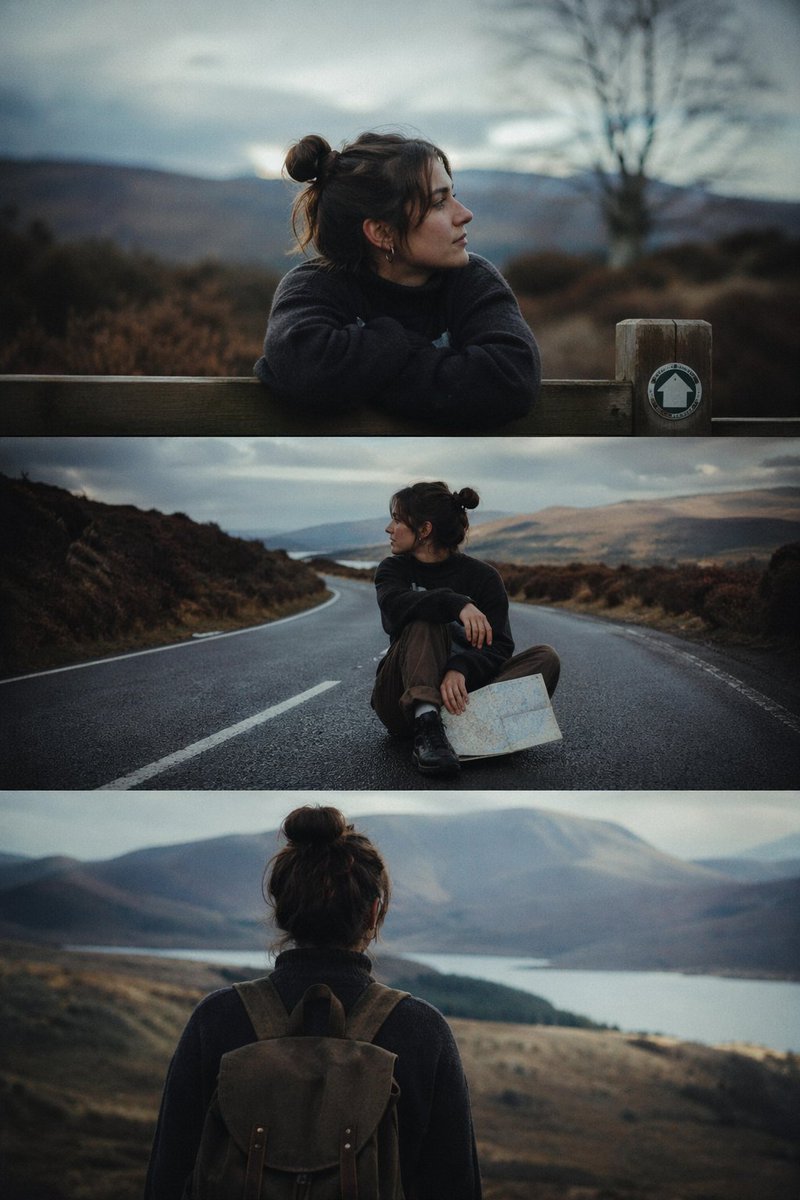
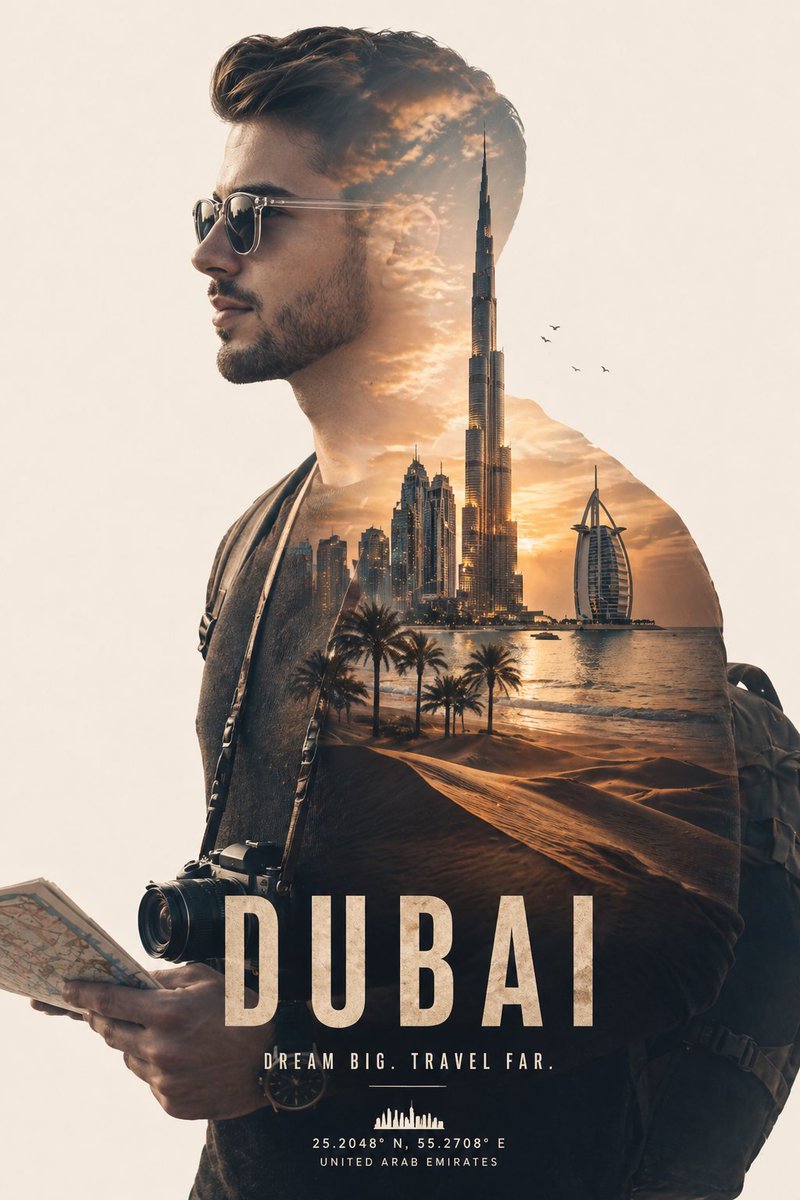
Prompt pack previewInteractive Photo DoodlesCinematic 3-Frame Solo Travel StillsCinematic Double Exposure Traveler

Holiday travel creates a strong photo-editing moment: people return with selfies, city shots, food photos, and landscape images they want to make more polished. X and Google search both show active demand for GPT Image 2 travel prompts, from stylized travel posters to social-ready vacation collages and upload-a-selfie editing workflows.

4 prompts
KK
+1

More Prompt Features

AI Library

AI prompt search

Let AI search through tens of thousands of prompts. Filter by model, time range, keywords, and sort by engagement — views, bookmarks, reposts and more.

Vision Tools

Image to Prompt

Turn any photo into a detailed AI image prompt. The free image to prompt converter analyzes composition, style, and lighting so you can recreate any look in seconds.

Built for creators. Free forever.

YouMind is the AI creative copilot trusted by millions of creators worldwide. Every prompt here is curated to help you create better, faster.