YouMind

YouMind vs Dreamina:Give every visual a stronger starting point

YouMind connects research, notes, and creative work in one workspace. Develop the ideas behind your visuals and keep that context for the next draft. Dreamina brings AI images, video, and talking avatars into a dedicated visual creation platform.

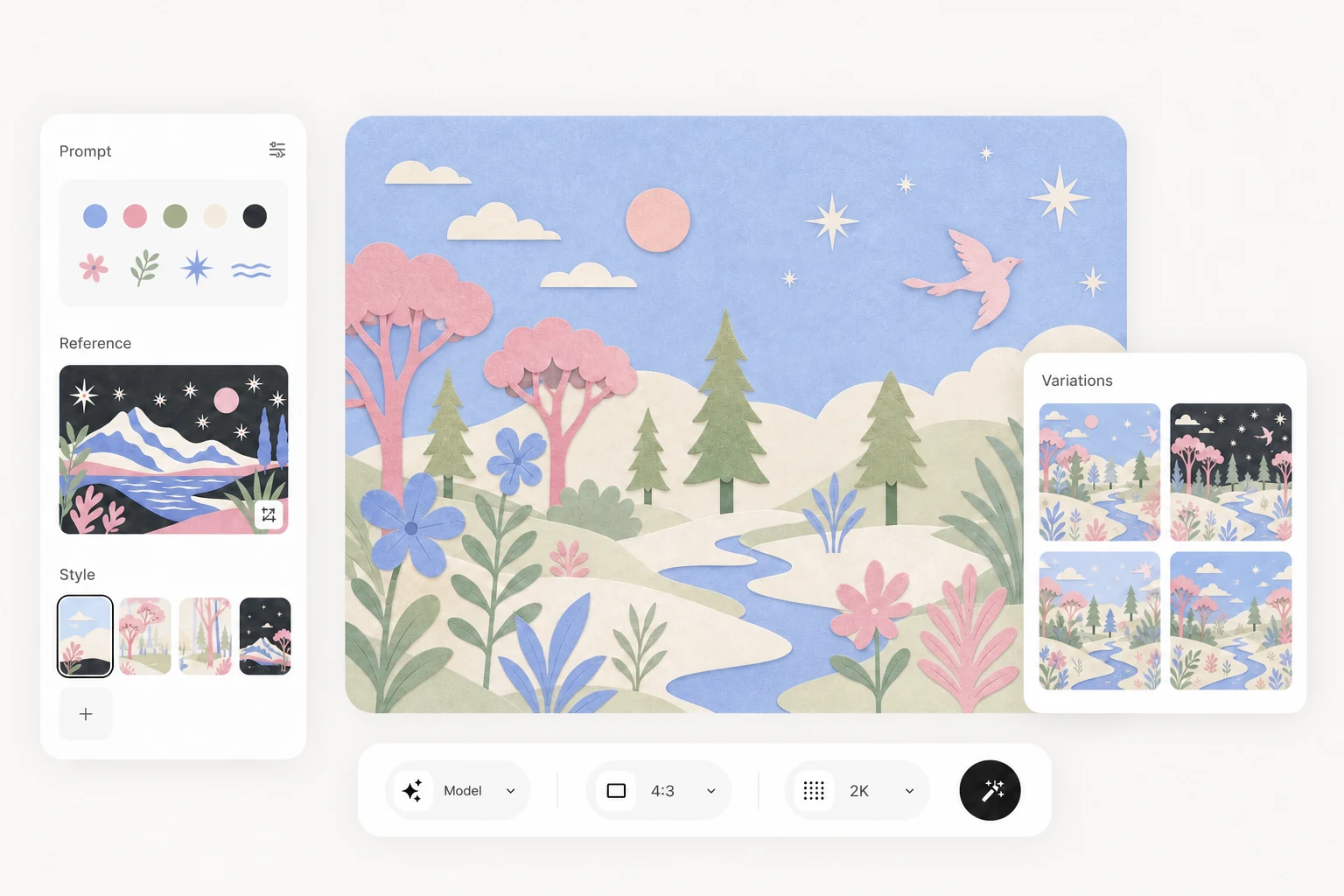
Illustration of a YouMind image workflow with reference images and visual variations

YouMind vs Dreamina

Choose where your creative process begins

Choose YouMind to connect research with creation. Consider Dreamina when your main task is generating and refining visual assets from prompts and references.

What mattersYouMindDreamina
Where you workA workspace for research, writing, and visual creationA platform for AI images, video, and talking avatars
Starting materialArticles, PDFs, YouTube, podcasts, images, and notesPrompts and reference images; video and audio in supported workflows
Creating and editingCreate and refine content alongside your sources and notesGenerate images, edit specific areas, replace backgrounds, expand, and upscale
Beyond imagesUse Board context for images, videos, articles, slides, and webpagesCreate videos, talking avatars, posters, and other visual assets

From references to creative work

Keep the thinking behind your visuals

Collect sources, develop a visual direction, and return to the same project context as the work evolves.

Keep the whole webpage in your Board

Save a webpage with the YouMind browser extension and turn it into a reusable Pick. Return to the source anytime, ask questions about it, or bring its context into your next task.

YouMind browser extension saving a complete webpage and its source context to a Board

Create visuals from a clearer brief

Use your research to describe the subject, style, and message. Generate an image, review the result, and refine your direction alongside the project's notes and other content.
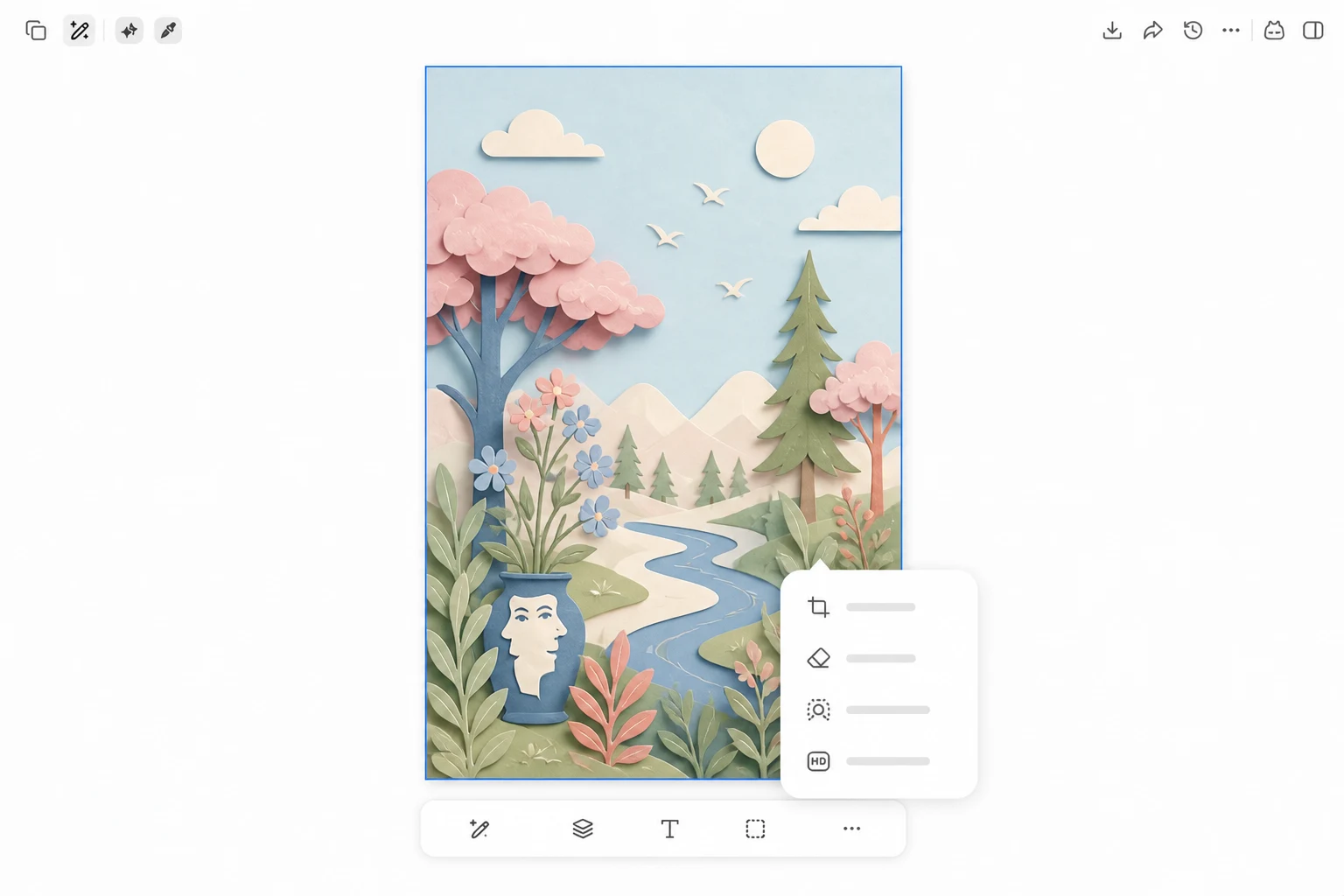
Illustration of image refinement in YouMind

Keep the research for your next draft

Your sources and notes stay in the same Board. Return to that context to develop an article, a webpage, or the next presentation as the project moves forward.

YouMind Board Memory setting above the workspace creation options

Beyond One-off AI

See how YouMind connects what other toolsleave separate

Frequently asked questions

When should I choose YouMind over Dreamina?
Choose YouMind when research, notes, and ongoing content belong together. Choose Dreamina when your main task is generating and refining images, videos, or talking avatars.
Can both tools generate and edit images?
Both support AI image creation and refinement. Dreamina describes targeted edits, background replacement, canvas expansion, and upscaling. YouMind brings image work into the same workspace as your sources and other drafts.
Can Dreamina also create videos and talking avatars?
Yes. Dreamina offers text-to-video, image-to-video, and talking avatars using text or audio. YouMind also supports AI video creation. Compare the available models and controls for the clip you need.
How do they work with research material?
YouMind organizes webpages, PDFs, videos, notes, and reusable excerpts in a Board. Dreamina accepts prompts and visual references; its public product pages emphasize generating and editing visual assets.
Is this comparison about Dreamina or CapCut?
This page compares YouMind with Dreamina at dreamina.capcut.com, focusing on its AI image, video, and avatar tools. It does not evaluate CapCut's broader video editor.
Is Dreamina free to use?
Dreamina offers free access and paid services. Your account shows the available credits, features, and limits. Review the current offer before choosing a plan. Read Dreamina's guidance on plans and credits.

Ready to create something bolder?