
Travel Photo Journal Design
Turn travel photos into a shareable journal
Travel Photo Journal Design
Turn travel photos into a shareable journal
Showcase
Description
Upload a set of travel photos, optionally with text about locations, dates, routes, and more. The Skill automatically identifies places, buildings, streets, food, and activities in the images; selects primary and supporting photos; writes a title and captions; and lays everything out as a vertical travel journal image, along with a cover image. The results are suitable for Xiaohongshu, WeChat Moments, and Instagram. Any location or date that cannot be confirmed is clearly marked as blank—nothing is ever made up.
Recommended by
淡苍
Why we love this skill
Turns scattered travel photos into a sourced, ordered, publishable visual journal. It separates visual facts, user details, and unconfirmed information, confirms the plan first, then creates the graphics—balancing authenticity with design.
Related Skills
View all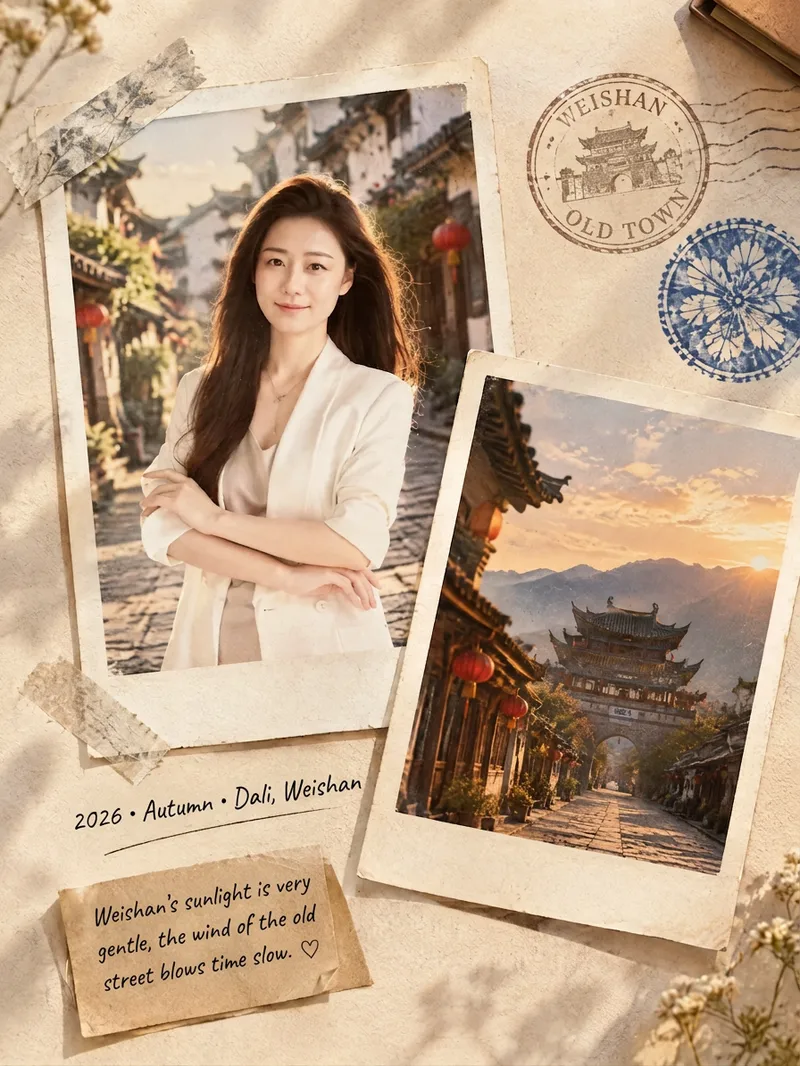 Image
ImageFilm Journal Log
Turn everyday snapshots, restaurant visits, travel records, or personal reflections into nostalgic film journal posters with a story to tell, along with heartfelt copy for Xiaohongshu and Moments. Whether the subject is a portrait, landscape, food, or still life, the design matches a fitting film color palette and lifestyle atmosphere based on the main subject, location, season, and mood. When you provide text only, it can also imagine a corresponding travel or slow-living scene from your description. Each finished piece centers on a 3:4 Polaroid collage, combining the white border of matte photo paper, handwritten dates and locations, washi tape, vintage stamps, sticky notes, and delicate paper textures. The result captures natural light and shadow, authentic grain, and the layered feel of a real-life flat lay—perfect for moments such as a café afternoon, a street market at night, a camping stroll, or a seaside road trip. When you upload a portrait, it will preserve the person’s recognizable facial features, expression, hairstyle, and clothing as much as possible. When you upload a scene photo, it will retain distinctive details such as the architecture, tableware, and original colors. You’ll receive a polished film journal visual poster, a concise design note, and social media copy with a title, body text, and hashtags. Make travel memories, restaurant discoveries, and everyday moments easier to share—and more worth keeping.
 Image
ImageTravel Journal Plog
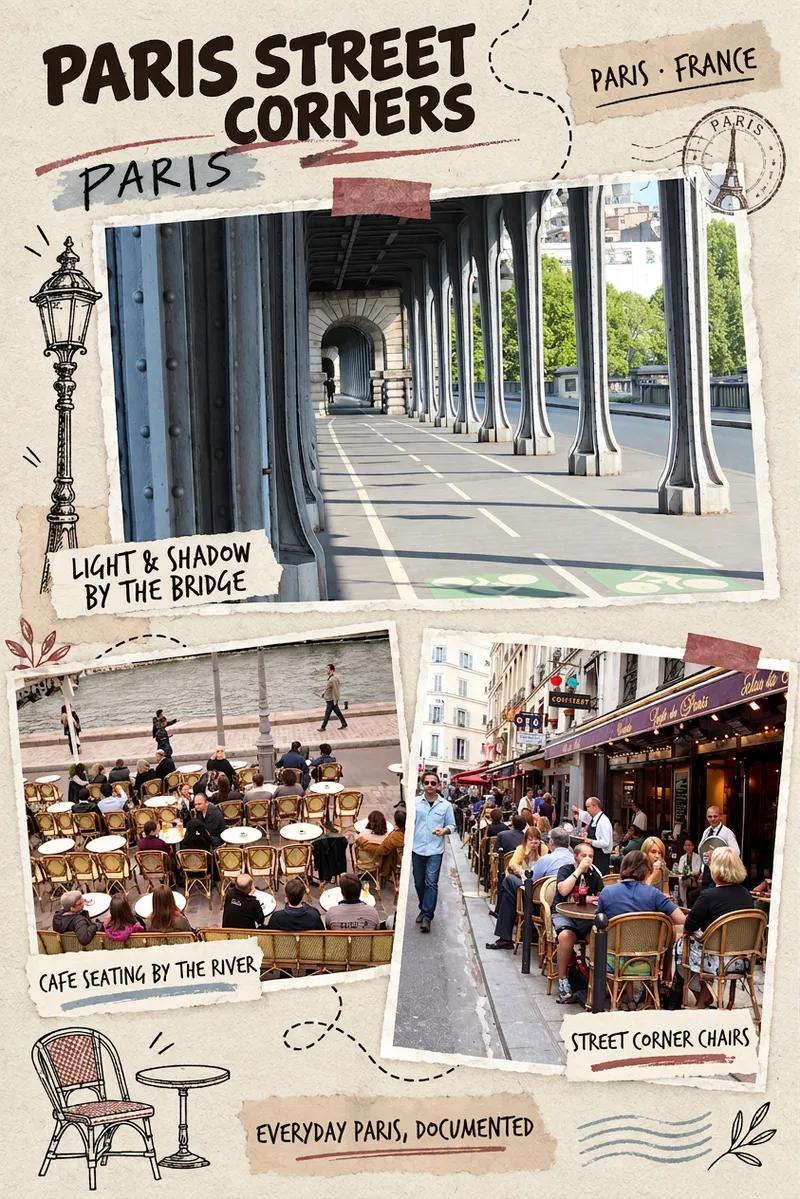
Have a whole album from your National Day trip but don't want to start the layout from scratch? Upload your travel photos and turn street scenes, landscapes, and meals into a travel journal page with the warmth of real paper. This skill first identifies the photo content, selects primary and supporting images, and arranges bold black headings, fine handwritten captions, photo cutouts, translucent tape, and a few doodles. By default, it outputs one vertical Plog in an approximately 2:3 ratio. You can also specify the title, language, and aspect ratio, or ask for all photos to be split across multiple pages. You can get started with photos alone. Uncertain cities and dates are not invented, and short text in the image is based on what can be seen in the photos. It's suitable for National Day travel, weekend city walks, and everyday travel records. Requirements: The runtime environment must be able to read photos and support generating or editing with referenced photos. Generative collages may redraw details and do not guarantee pixel-perfect preservation of the original images or editable layers. The skill does not include a model or usage credits; actual generation is subject to platform capabilities and plan limits. The examples showcase existing style samples from Kyoto, Paris, Istanbul, and Marrakesh.
Watercolor Travel Journal
After you upload a reference image, it automatically identifies elements such as the location, landmarks, viewpoint, lighting, and people. Once confirmed, it uses the original image as a reference and applies the fixed “Romantic Travel Journal · Line-Art Watercolor” template to generate a 3:4 portrait watercolor image, with support for variable-level fine-tuning.
Information
- Version
- v3
- Last updated
- Runtime credits
- Usage-based
- Models
- Auto
