Technical Document to Poster
Turn technical documents into clear, visual AI-ready posters
Technical Document to Poster
Turn technical documents into clear, visual AI-ready posters
Showcase
Description
Transform technical documents into accurate, visually structured posters. Upload an academic paper, engineering document, technical report, manual, SOP, or other technical source. The skill analyzes the source, identifies the core message, prioritizes essential information, selects the best poster strategy, and determines the most suitable canvas based on the content. Before generation, it creates a poster plan for your approval. After approval, it produces three complete, standalone image-generation prompts: Strict Hierarchical, Creative Aesthetic, and Hybrid. Each prompt contains all required text, labels, technical relationships, diagram instructions, and source details, so it can be copied and used independently. You can choose a prompt yourself or let the AI select the most suitable one. Final image generation only happens after prompt approval. The workflow is designed to preserve technical meaning, avoid unsupported claims, reduce clutter, and turn complex information into clear visual communication.
Recommended by
淡苍
Why we love this skill
An editor’s pick for turning dense technical material into purposeful visual communication. It preserves technical fidelity while intelligently prioritizing content, adapting the canvas to the information, and delivering three independently usable poster prompts with distinct levels of creative control.
Best for
Researchers, engineers, educators, and technical communicators turning complex source material into clear visual posters.
How to use this Skill
Provide your input
Provide a technical document or pasted technical text, plus the poster’s purpose, audience, and any must-include or must-avoid details.
Run the Skill
The Skill analyzes the source, proposes a poster plan for approval, then creates three standalone generation prompts. After prompt approval, it generates and checks the poster.
Review your result
Receive three independently usable poster prompts and, after approval, a technically faithful visual poster with clear hierarchy and diagrams where useful.
Related Skills
View all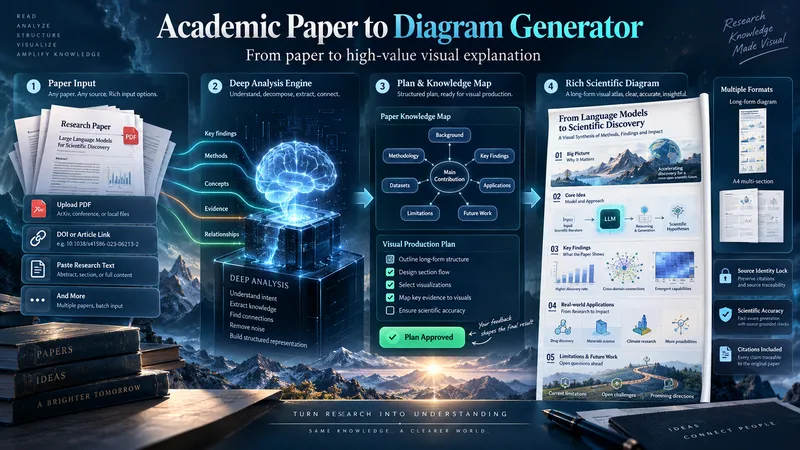 Image
ImageAcademic Paper to Diagram Generator
Transform academic papers into detailed, scientifically faithful visual diagrams. The skill deeply analyzes the paper, identifies its most valuable concepts, mechanisms, methods, findings, and relationships, then builds a visual plan with you before generation. Instead of forcing every paper into a small infographic, it can create long vertical diagrams, wide technical maps, multi-section visual explainers, or A4-ready 2–3 part layouts when needed. The visual style is adapted to the subject, with room for AI-driven creativity, scientific illustration, data integration, annotations, and topic-specific visual storytelling. You can start with a PDF, URL, DOI, pasted text, or a request to find a suitable paper. The diagram language is user-approved, the source identity is locked for accuracy, and the final image is generated only after you review the visual plan and production prompt.
 Image
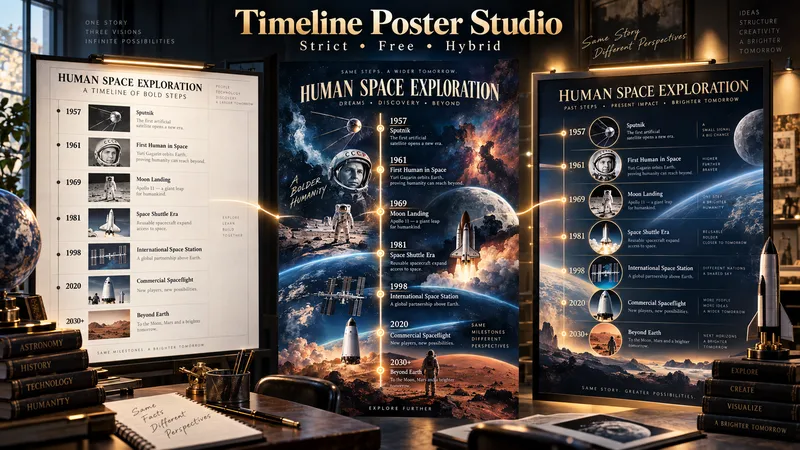
ImageTimeline Poster Studio
Timeline Poster Studio transforms history, biography, technology, science, art, cultural change, product evolution, and other time-based subjects into informative and visually distinctive timeline posters. The skill first defines the topic, scope, audience, and time range, then performs focused research only to the level needed for the poster. It curates the most meaningful events, identifies turning points and natural eras, distinguishes exact, approximate, and duration-based events, and detects parallel storylines or geographic movement when relevant. It then builds an adaptive poster structure instead of forcing every topic into the same template or fixed aspect ratio. Depending on the content, the poster may use vertical, tall vertical, horizontal, or wide layouts. Visuals are selected according to their role: narrative scenes can blend naturally into the composition, while artworks, products, objects, documents, maps, and other reference visuals remain clearly organized and controlled. The design system protects chronology, readability, and factual structure while giving the visual AI creative freedom in color, typography, panel design, framing, decoration, background treatment, and overall art direction. For the same verified content, the skill produces three complete standalone poster prompts: Strict Hierarchical Design — optimized for educational clarity and structured reading. Free / Expressive Design — gives the visual AI greater freedom to create a bold and distinctive poster identity. Hybrid Design — balances clear information design with creative visual character. The prompts are designed to work across different image-generation tools, allowing the user to review, modify, or choose a design direction before generating the final poster.
 Research
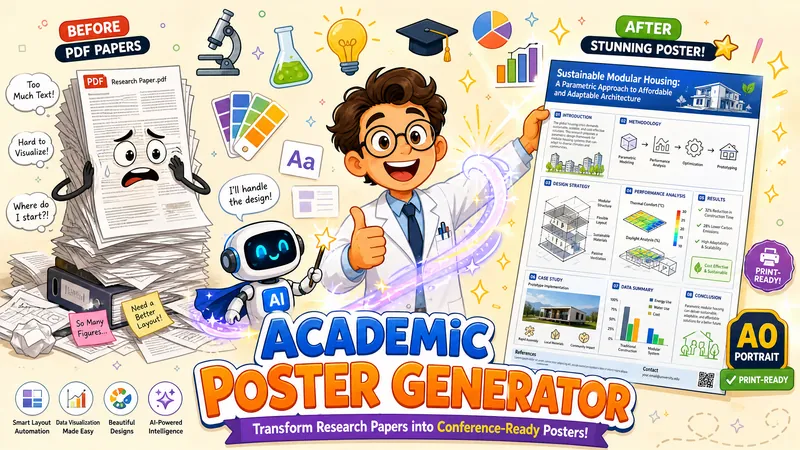
Academic Poster Generator
Transform an academic research paper PDF into a single portrait academic poster image end-to-end. AI adaptively determines visual style, information density, and color scheme, identifies the paper's "distinctive anchors" and presents them prominently, redraws diagrams, preserves original data charts, recreates evidence visuals (UI screenshots/chat screenshots) as high-fidelity mockups when extraction fails, filters out informal publication markers like preprint pagination, and generates a print-ready high-quality poster.
Information
- Version
- v6
- Last updated
- Runtime credits
- Usage-based
- Models
- Auto
- Use cases
- Writing & contentImages & designResearch & analysis
- What you get
- ImagePrompt
