
Steve Jobs Presentation
Turn any topic into a Jobs-style presentation
Steve Jobs Presentation
Turn any topic into a Jobs-style presentation
Showcase
Description
Based on Carmine Gallo's three-act methodology from "The Presentation Secrets of Steve Jobs," transform any topic into a Steve Jobs-style presentation. Adapts to various inputs such as pure topics, detailed outlines, or @referenced materials. First produces a complete presentation outline (story structure + page-by-page visual plan + speaking guide), then generates the final Slides file upon confirmation. Strictly follows: Twitter-style headlines, rule of three, villain-hero narrative, Zen minimalist design, image-first, no bullet points.
Recommended by
nene@YouMind
Why we love this skill
Deeply restores Jobs' presentation methodology, using dramatic three-act structure, Zen minimalist visuals, and the rule of three, to transform mundane topics into highly compelling and impactful keynote-level presentations.
Related Skills
View all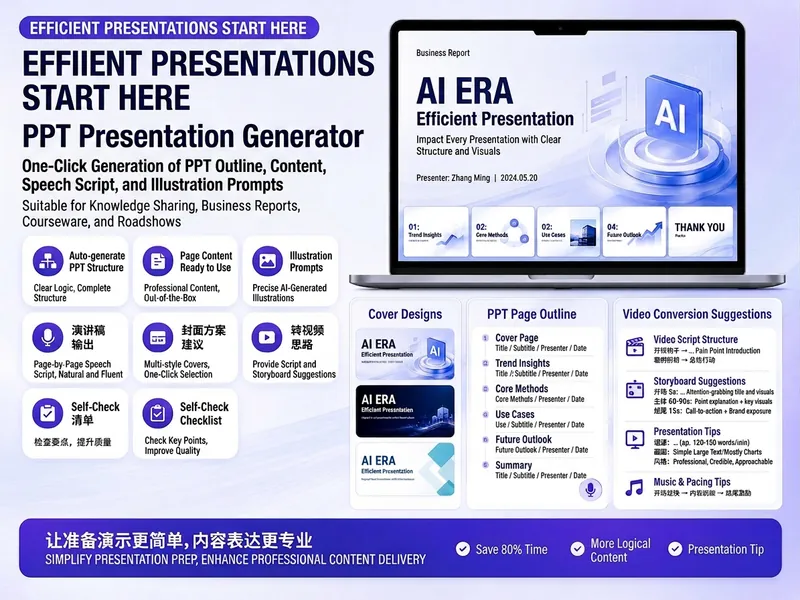
Trending PPT Slides Generator
Easily create engaging PPT Slides for knowledge sharing, business reports, course teaching, product introductions, or roadshows. Simply provide the topic, purpose, audience, duration, number of slides, or style preferences to get a customized PPT content plan. This skill provides a detailed PPT slides plan, including the PPT title, one-sentence theme, audience analysis, slide structure, titles for each slide, body text, and key points for your speech. It also offers specific visual suggestions and image prompts for each slide, even including cover design keywords to help you create a visually cohesive and attractive presentation. If you need to convert your PPT to a short video, this skill can also provide professional video conversion suggestions, covering key elements like rhythm, subtitles, voiceover, camera movements, and cover art to help your content perform well on multiple platforms. Say goodbye to vague outlines; every slide's content is ready to copy and use, ensuring your presentation is both substantive and impressive.

PPT Slides Architect
Especially suited for three scenarios: You have materials but lack a clear narrative thread You've used AI to generate slides directly, but found the results hollow, templated, and lacking visual personality You plan to hand your outline to a designer or professional Slides tool for further refinement Give it your materials or a goal, and it first defines a global style for the entire slide deck — aesthetics, color palette, typography, visual elements — then produces a full outline from cover to closing, with each page structured in four parts: Narrative Goal / Key Content / Visual Scene / Layout Structure. Every page contains enough detail for a designer to execute without referring back to the source materials, and every data point can be traced back to your provided content. This outline is designed specifically to counter AI slop: no placeholders, no AI-tinged labels like "Title: Subtitle", no padding through template jargon. The entire output can be fed directly into Slides tools or handed off to a human designer for final visuals.
 Slides
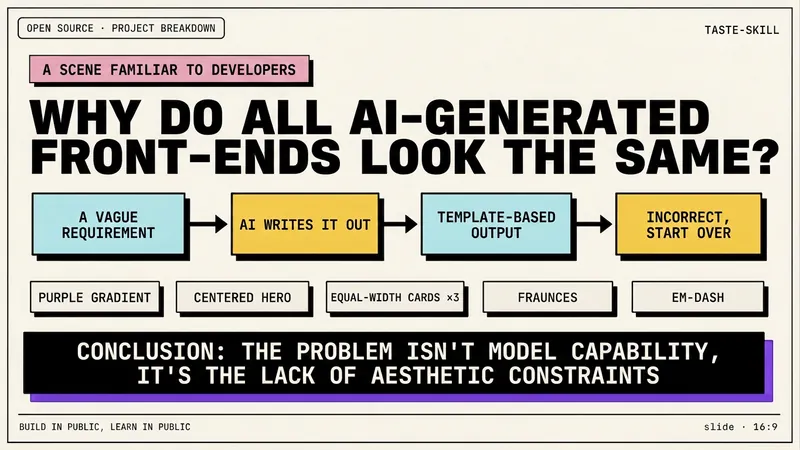
Dev New Brutalism Editorial
Turn your topic content, articles, knowledge points, project retrospectives, course copy, or tool introductions into a set of horizontal Slides with a 'Developer New Brutalism Editorial Style.' The overall style blends New Brutalism design, indie magazine layout, and developer terminal aesthetics: beige background, thick black borders, hard shadows, high-contrast color blocks, oversized titles, monospaced fonts, and web/terminal/card modular layouts, creating a strong sense of technical content expression. This skill first refines the content structure, then determines a core point for each page, automatically generating titles, explanatory sentences, knowledge point modules, conclusions, and appropriate visual components. It is especially suitable for AI tool introductions, Agent practice, open-source project breakdowns, course content organization, methodology summaries, product feature explanations, and technical retrospectives. The final output is a set of 16:9 horizontal Slides with a unified visual appearance, clear readability, ample white space, and distinct style, presenting an advanced expression effect that feels 'like an open-source project author sharing technical knowledge, yet like an indie design magazine telling a story.'
Information
- Version
- v3
- Last updated
- Runtime credits
- Usage-based
- Models
- Deepseek V4 ProGPT Image 2
