
Policy & News Slides Maker
Turn source text into traceable visual Slides
Policy & News Slides Maker
Turn source text into traceable visual Slides
Showcase
Description
Submit a link, PDF, or text containing a policy, news item, or official document, including an official announcement. The system first extracts the complete source accurately, then conducts a structured review based on the original text—organizing key points, applicable audiences, effective dates, key provisions, and impacts. It supports line-by-line comparison with the source and side-by-side comparison of multiple documents. It then plans the cover, agenda, content, and closing pages through a standard workflow and generates a business-professional visual PPT featuring data visualizations, process diagrams, timelines, tiered topology diagrams, and Bento grid cards. Key data and core arguments are prominently presented. The original text remains the sole source of facts throughout to prevent AI fabrication. Each page footer includes a specific source, while the header or footer includes copyright text (default: “萤火虫爱月亮,秦学秦思秦练公众号”; replace as needed).
Best for
For researchers, trainers, and presenters who need verifiable visual materials from policies, news, or official documents.
How to use this Skill
Provide your input
Provide a link, PDF, or text containing a policy, news item, or official document.
Run the Skill
The system extracts and organizes the source text, cites sources, and summarizes key points, terms, dates, and impacts; after confirming the page structure, it generates visual content.
Review your result
Receive a traceable, business-style policy analysis PPT or a single high-density infographic.
Related Skills
View all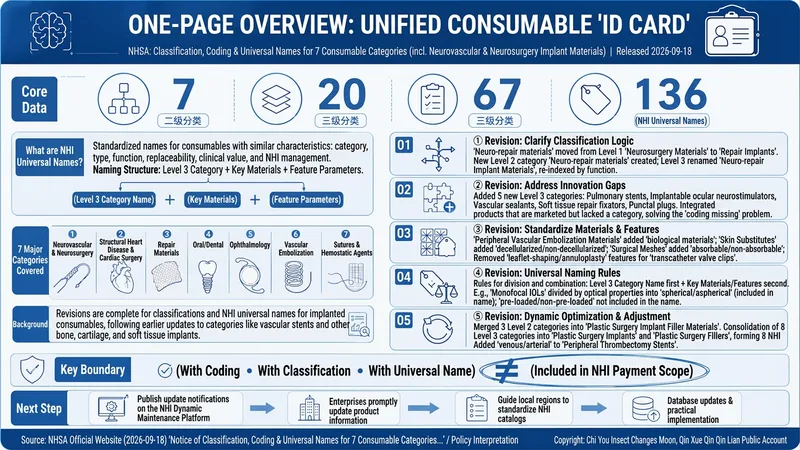
Policy Deep Dive Infographics
A no-fabrication policy deep-reading and infographic skill for journalists and policy researchers. Provide the latest policy text, official documents, or news links. The skill first sorts the materials into three levels: A. policy text, B. official interpretation, and C. media reports. It then builds an evidence table with verbatim, traceable quotes and applies three verification labels: verified, pending confirmation, and not mentioned in the source. Next, it produces a deep read using a fixed five-question framework: What does it require? What changes? What are the red lines? When does it take effect? Who is affected? Finally, it creates a high-density infographic with a visual style consistent with the existing style: Klein blue clipboards and folders, a creamy beige background, orange index tabs, a neo-skeuomorphic look, key information in bold red, and the fixed attribution 「萤火虫爱月亮,秦学秦思秦练公众号」. The core goal is that every number on the graphic can be located in the source text—no additions or calculations, and no treating media interpretation as policy text. After completing the first step, the skill pauses for user confirmation before proceeding to the deep read and infographic creation.
 Webpage
One-Click Courseware to Web
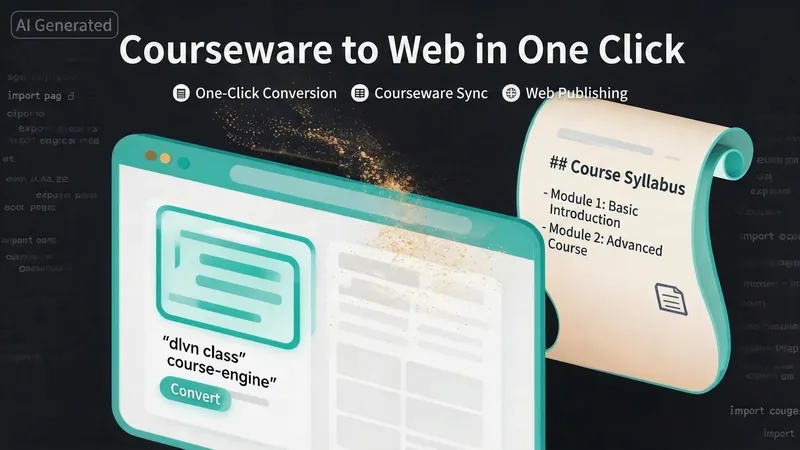
Turn your courseware into a viewable website. Whether you have a Markdown note, a PDF paper, a PPT slides, or a plain text script, or even a public account link, One-Click Courseware to Web can automatically convert it into a clear, beautifully designed online course display webpage. You don't need to write a single line of code—just provide the content. Two display styles: - Course training content → generates a scrolling long page, like flipping through a book. - Paper/report content → generates a PPT-style page-turning website, like browsing slides one by one. Responsive design adapts to mobile and desktop. What you need to do: Just one step: provide your courseware content. Supported formats: .md Markdown files, .pdf PDF documents, .pptx PPT presentations, .txt plain text. You can also paste course content directly in the conversation. Example commands: "Turn these lecture notes into a webpage" "Make this PDF paper into a PPT-style website" "Here is my courseware content, generate an online display page" What you get: A directly accessible online course display website, with the display mode automatically determined. Your content automatically selects the effect: - Course outlines, training handouts, textbooks → scrolling long pages, modules naturally connected, scroll to browse. - Academic papers, research reports → PPT-style slide flipping, each page focuses on one point. - Speeches, meeting reports → PPT-style page-by-page display, supports keyboard/click navigation. If you explicitly request "scrolling" or "PPT", your request is respected. Content extraction capability: For information-dense papers and long texts, the skill automatically performs: - Structure decomposition: splits continuous discourse into independent chapters/slides. - Information condensation: condenses three paragraphs into three key points, each within 20 characters. - Thesis-first: each page gives the conclusion first, then supporting arguments. - Framework visualization: models and classification systems are presented with charts instead of plain text. - Data highlighting: key numbers and metrics are displayed on separate pages prominently. Subsequent modifications: After the website is generated, you can request adjustments at any time: "Update the content of module three" "Change the color scheme to warm tones" "Add a course roadmap" "Change this module to a timeline layout" Modifications only affect the corresponding part; you don't need to regenerate the entire website. What it does not do: This skill currently focuses on course content display and does not include the following LMS (Learning Management System) features: - User login/registration - Learning progress tracking - File download - Online quizzes/practice If you need these features, they are separate extensions.
Red Party-Building Slides
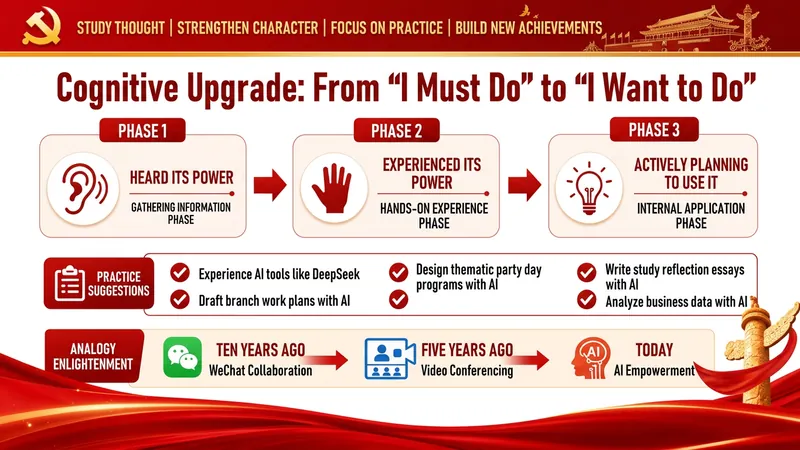
Party Building Style Red Themed Slides Generator A full-process automation engine for turning party building work content into party-government style Slides. Input: Speech manuscripts, work summaries, study notes, or any party building related text. Output: Complete, professionally designed red-themed party building Slides with: ✓ Intelligent layering: automatically identifies key points, difficulties, and highlights → generates 6 standard page types (cover, section, content, prompt, table, end page) ✓ Party government color palette: three-color system of Chinese red, gold, and off-white, with 16+ layout options built in ✓ Real-time image search engine: automatically retrieves and embeds real case images for party building, ideological education, youth league, and red themes ✓ Scenario adaptation: for party building study lectures, ideological education, youth league reports, Young Pioneer work, policy interpretation — one-click switch ✓ Batch generation and auto-assembly: handles large content by automatic slicing, generating page by page, then seamlessly stitching together You copy a speech → select the application scenario → confirm the color scheme → generate the Slides In 15 minutes, deliver Slides with professional quality comparable to enterprise-grade design.
Information
- Version
- v10
- Last updated
- Runtime credits
- Usage-based
- Models
- Auto
- Use cases
- Presentations & reportingResearch & analysisLearning & education
- What you get
- SlidesImage
- Visual styles
- MinimalistCorporateFlat
