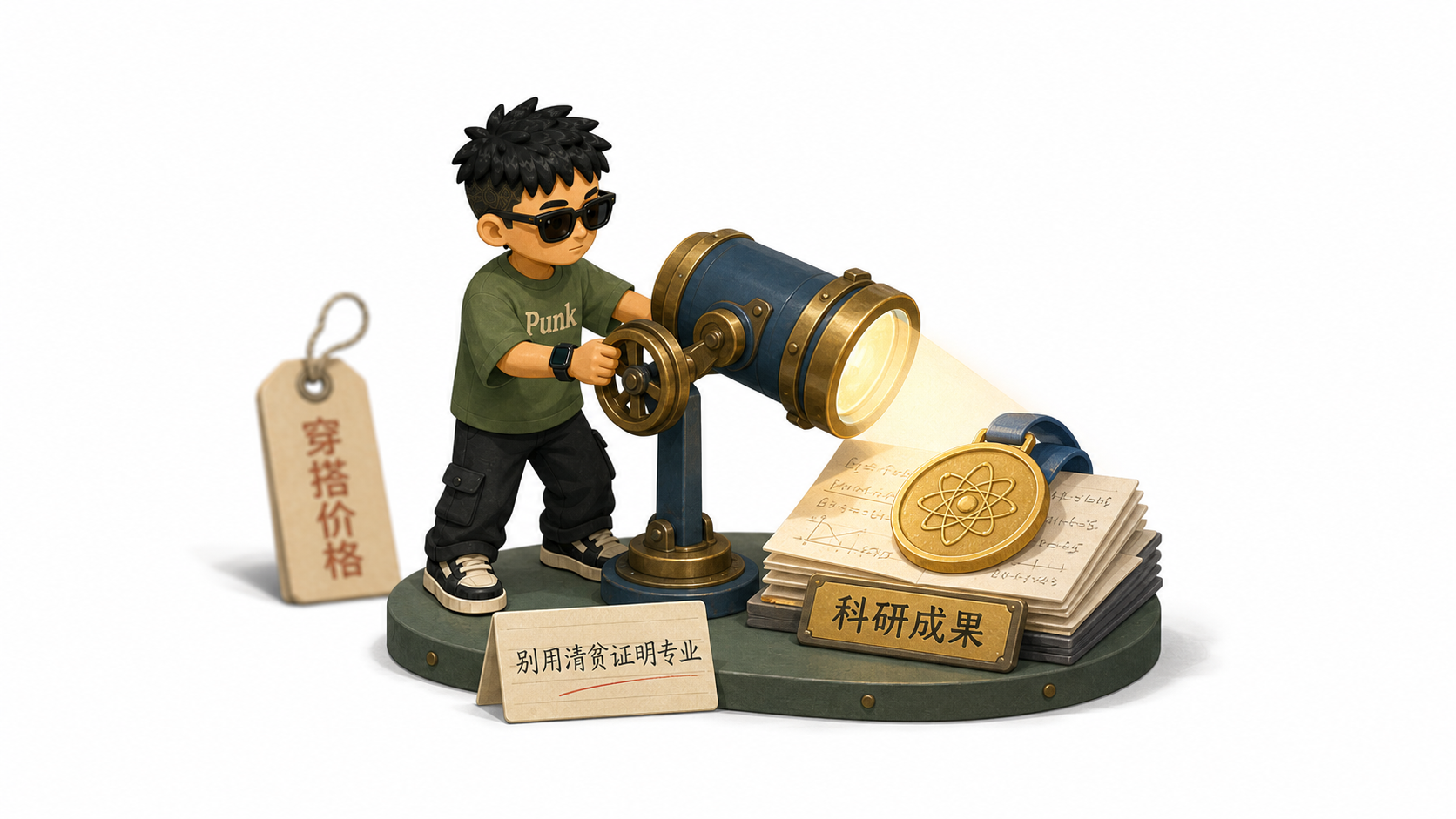
Punk IP Article Illustrations
Create a personal IP for article visuals
Showcase
Description
Punk’s complete personal IP illustration workflow: create, revise, confirm, and save a reusable character from an uploaded photo, or use the built-in Punk character directly. Once the character is confirmed, it reads full articles, Markdown, webpages, posts, or ideas, automatically determines the number of images, and generates retro, colorful, flat 3D diorama-style illustrations for the body of the content. Suitable for creating a personal IP, character concept sheets, switching characters, automatic article illustrations, multiple images for long-form content, process breakdowns, and key-action illustrations.
Recommended by
Shuting@YouMind
Why we love this skill
Turn a personal photo into a reusable, confirmed character, then create cohesive illustrations for an entire article. Character creation, version management, and article illustration form a rigorous loop that preserves consistency without sacrificing content clarity.
Best for
Creators who want to build a personal IP and make sequential illustrations for long-form content or content series.
How to use this Skill
Provide your input
Upload a person’s photo and provide a character name, or choose the built-in Punk character. Then provide an article, Markdown, webpage, post, idea, or file.
Run the Skill
Create or revise a reusable personal IP character, then use the confirmed character to generate a sequence of illustrations for your content.
Review your result
Get a character concept sheet, character reference images, and retro, colorful, flat 3D diorama illustrations suited to the article content.
Related Skills
View all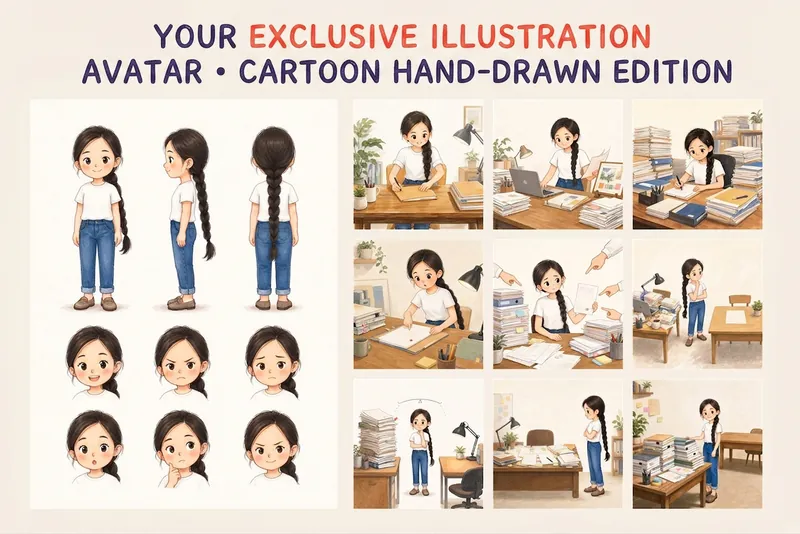 Image
ImageYour Custom Cartoon Avatar
Turn a photo of a person into a custom hand-drawn cartoon character. Choose your favorite from 4 candidates with different poses and expressions, then finalize the design using one of 3 standard reference sets, each featuring three views and 6 commonly used expressions. You can download and save the reference images, or continue using them for article illustrations, Xiaohongshu posts, profile pictures, covers, sticker packs, nine-grid WeChat Moments posts, and custom scenes. Each task is linked to one character; when switching to a different person, we recommend creating a new task to avoid mixing up characters.
 Image
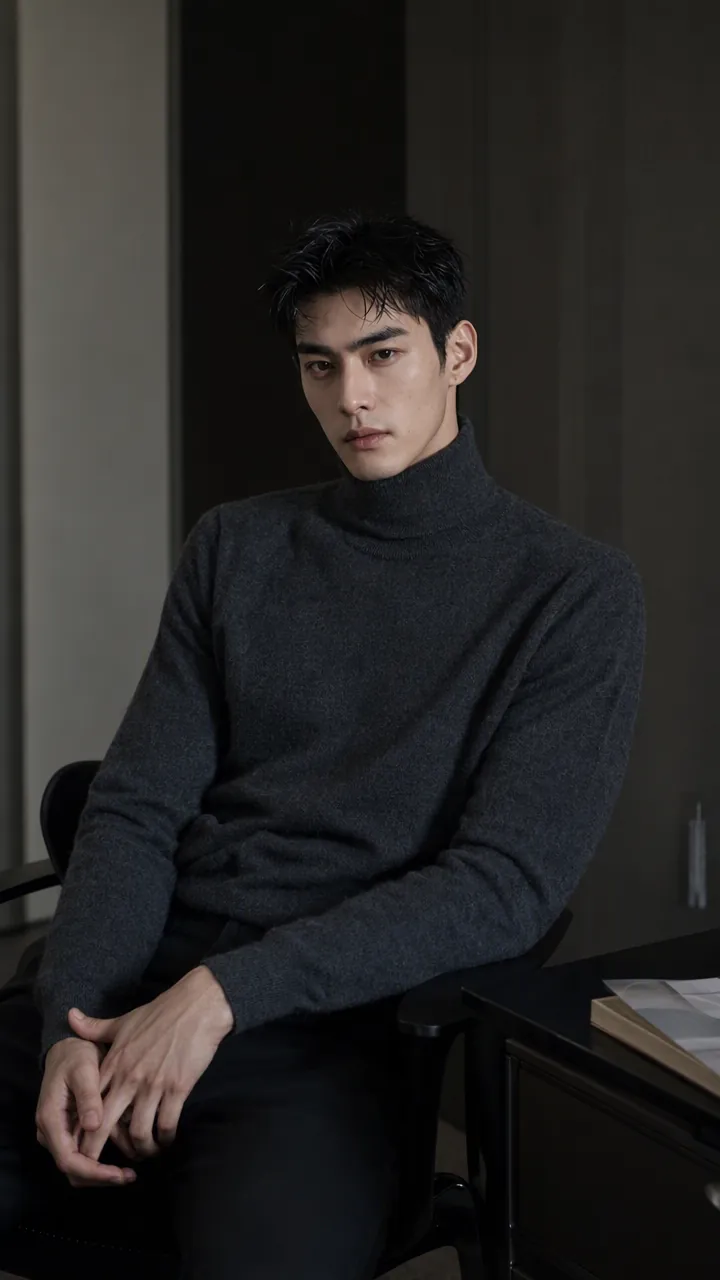
ImagePrecise AI Character Images
Turn the character you envision into ready-to-use prompts and finished images. Start with a seed description or a broad theme, then define key details step by step, including hairstyle, hair accessories, clothing, expression, pose, camera, lighting, and setting. Whether you’re creating a classical Chinese woman, a cyberpunk girl, a Japanese-style character, a realistic portrait, or a custom character concept, you can develop a cohesive visual direction based on the character’s overall mood. Choose Quick Image Generation to let AI complete the character design automatically, or use Fine Control to adjust each element through selections or custom input. Results include structured prompts in both Chinese and English, along with a matching Negative Prompt, making them easy to understand and reuse with leading models such as FLUX, Midjourney, and SDXL. You can also generate the finished character image with AI. After generating an image, continue fine-tuning specific dimensions, such as hairstyle, expression, pose, camera angle, lighting, setting, or art style. Regenerate while keeping the other details unchanged, with each modification clearly identified. Ideal for character design, character concept art, avatar creation, illustration planning, and exploring visual directions.
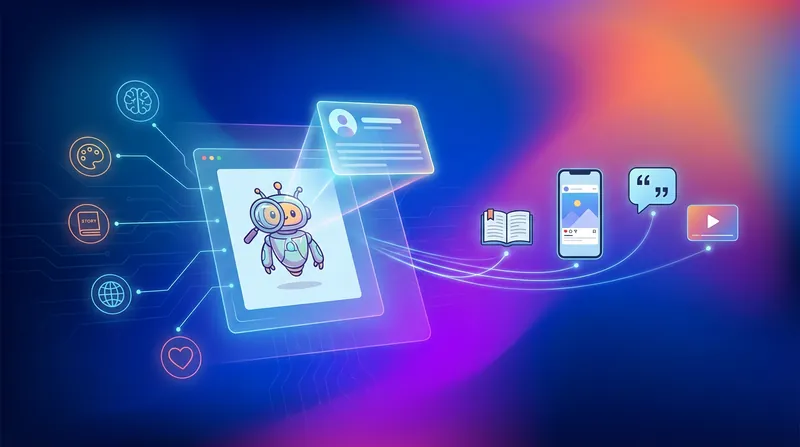
IP Character Content Creation
Users upload an IP character image (no text settings required), and the Skill automatically interprets the character's features, guides the user to select content direction, and generates creative content that matches the character's tone (short stories, social media posts, etc.).
Information
- Version
- v3
- Last updated
- Runtime credits
- Usage-based
- Models
- Auto
- Use cases
- Writing & contentImages & design
- What you get
- Image
- Visual styles
- Retro3DFlat
