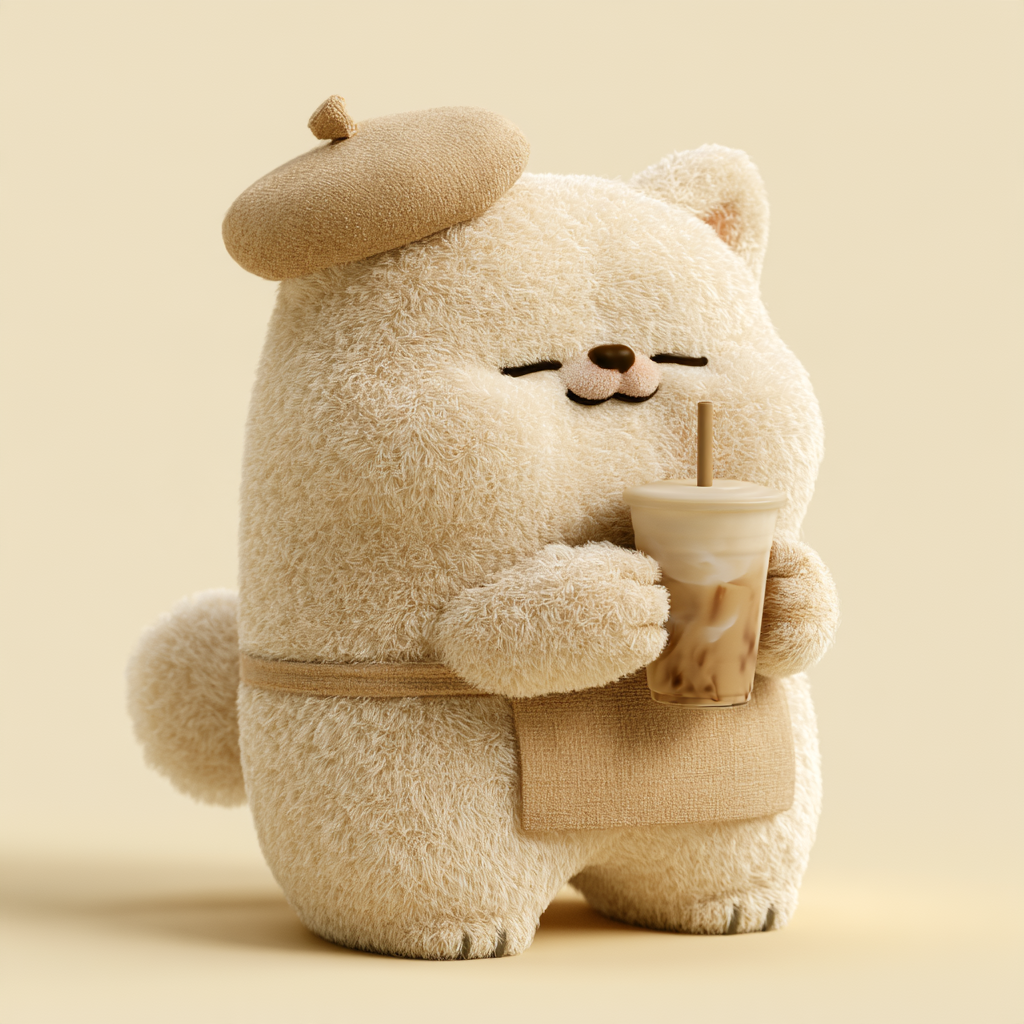
Plush Animal IP Design
Create cohesive plush animal art prompts
Plush Animal IP Design
Create cohesive plush animal art prompts
Showcase
Description
Design your own original animal IP character with a simple description of your idea.
Best for
Creators who want to quickly design original plush animal IP characters, series visuals, or short-video action prompts.
How to use this Skill
Provide your input
Provide the animal type, plush color, clothing or accessories, action, background, and aspect ratio, then choose Basic, Advanced, or Video mode. Video mode also requires a clear first-frame image.
Run the Skill
Organize your creative idea into the character’s appearance, materials, color palette, composition, and action. Generate Chinese prompts for image or video models while preserving your specified text.
Review your result
Get a complete Chinese prompt ready to copy and use for creating original plush animal IP images or short videos with a consistent style.
Related Skills
View all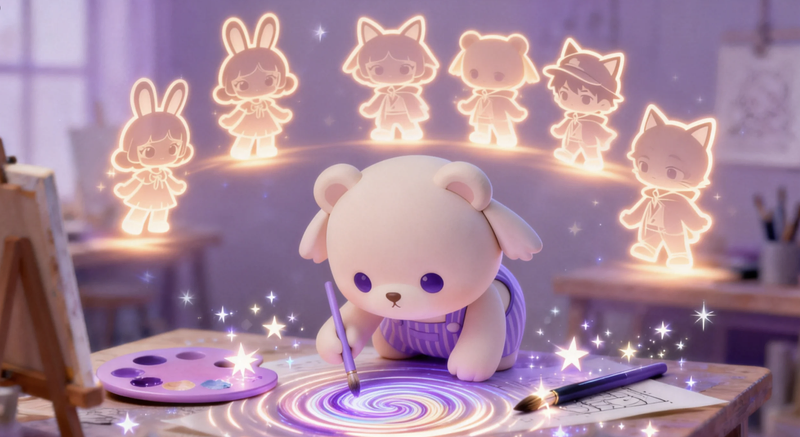
IP Character Creator·One-Line
Enter any keyword or character setting, and automatically generate IP character prompts in styles such as Pop Mart texture, Studio Ghibli style, 2.5D blind box, etc., along with positive and negative prompt words and composition suggestions. Anyone can design their own IP character. Example: User input: A glasses-wearing Shiba Inu, cute and silly, for use as a WeChat avatar. Output: 🎭 IP Character Prompt (Jimei Version) ✅ Positive prompt: A cute and silly Shiba Inu IP, wearing round glasses, Q version with 2-head-tall body, plush toy texture, cream color scheme, soft top light, solid color background, 3D rendering, blind box style, rich in detail. ❌ Negative prompt: ...
 Image
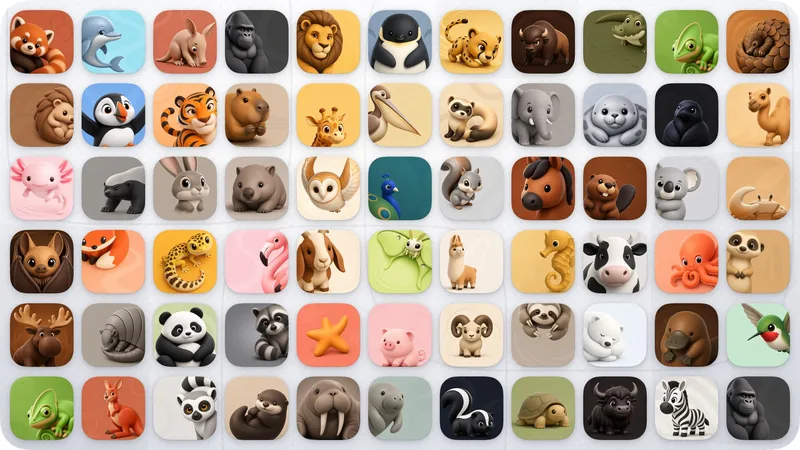
Image3D Vivid Animal Mascot
Turn your product’s core promise into a cute, vivid 3D animal character with real brand recognition. The design respects the animal’s anatomy and natural colors, then naturally integrates the product’s function through a distinctive silhouette, believable pose, or body-based negative space—instead of simply adding a logo, inserting props, or changing the colors arbitrarily. Ideal for productivity, AI, health, education, social, and lifestyle apps that need a brand mascot, animal IP, character icon, or long-term visual asset. You can specify an animal, or provide only the product’s function and brand personality, and I’ll derive suitable species and design directions. Supports iOS, macOS, and both platforms. Once the direction is confirmed, you can generate a complete icon or receive English prompts ready for image generation. Across both platforms, the same animal, signature features, natural color palette, and character personality are maintained.
 Image
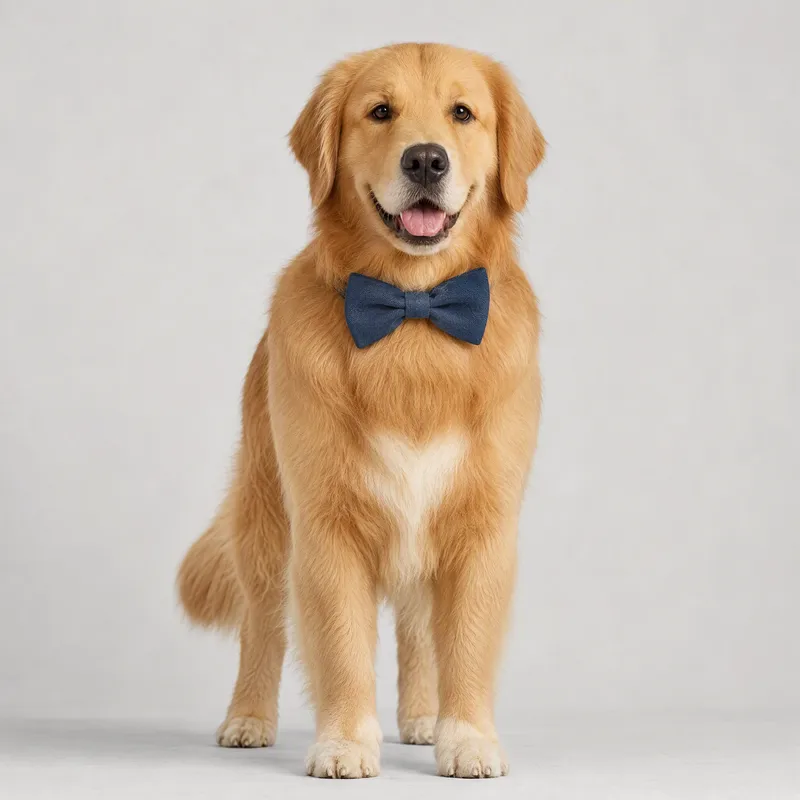
ImageCustom Pet Profile Creator
Based on your personality preferences, lifestyle, species preferences, and aesthetic taste, create a one-of-a-kind pet that truly matches your vibe—and receive a complete pet profile and visual asset set in one go. Use a simple, choice-based guide to define the species, body type, colors, appearance, personality, and naming style. Uploading a photo for vibe reference is optional; you can complete the creation without one. If you already have a PAD file, you can also use it to regenerate or adjust your pet’s appearance. You’ll receive a hand-drawn pet profile card, a realistic character reference image, a complete pet profile document, and a PAD JSON asset package for future creative work. The profile includes the name and nickname, species and breed, age and gender, physical traits, personality tags, likes and dislikes, catchphrases, and a description of the relationship with its owner—while keeping the character consistent across different visual assets. These pet assets are perfect for saving and sharing, and can also serve as the foundation for creating custom stickers, cartoon characters, or owner-and-pet portraits later. Whether you want to “create my pet,” design a pet of your own, or prepare a consistent pet character for a series of content, this is the place to start.
Information
- Version
- v2
- Last updated
- Runtime credits
- Usage-based
- Models
- Auto
- Use cases
- Images & design
- What you get
- Prompt
