
Minimal Grid Diagrams
Create clear diagrams for logic and workflows
Minimal Grid Diagrams
Create clear diagrams for logic and workflows
Showcase
Description
Turn concepts, processes, and system relationships into minimalist diagrams with a light grid background and a black, white, and gray color palette. Automatically choose a layout and check for semantic accuracy.
Related Skills
View all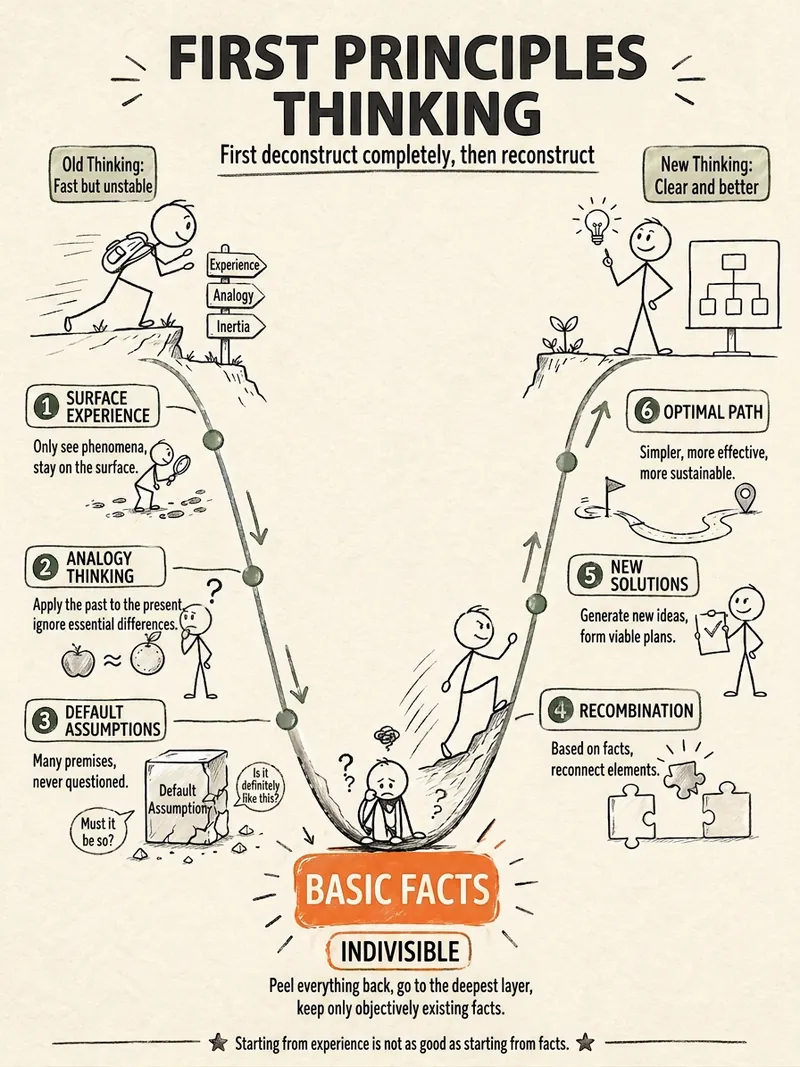 Image
ImageStick Figure Explainer
Turn complex concepts, abstract theories, lengthy processes, notes, business analyses, or growth stories into prompts for vertical knowledge cards, infographics, and hand-drawn explainers optimized for GPT-Image 2. Whether you’re organizing a process, comparing before and after, analyzing causes, categorizing knowledge, or telling a story of growth from a low point to a breakthrough, it distills the key takeaway and matches it with a suitable composition, visual metaphor, and reading flow—making the content easier to understand and remember at a glance. You’ll receive a Chinese card structure guide and visual system recommendations covering composition, hand-drawn style, color philosophy, and typographic character, along with a ready-to-copy English image-generation Prompt. The default canvas is a 3:4 vertical format, suitable for knowledge cards, Xiaohongshu cards, vertical infographics, and posters. Depending on the topic, stick figures, simplified characters, or icons can be used to show states, actions, and emotions, while keeping the number of information modules under control to avoid crowded visuals, text that is too small, or scattered emphasis. It’s ideal for quickly turning reading notes, frameworks, workplace skills, psychology and personal growth topics, business insights, product workflows, and complex concepts into clear, narrative-driven, actionable visual content.

Minimal Hand-Drawn Illustration
Turn articles, summaries, viewpoints, or creative ideas into minimal hand-drawn illustrations. The Skill first confirms the aspect ratio, then distills 3–5 key visual elements, automatically designs the color palette and spatial layout, and uses GPT Image 2 to complete the illustration. It places special emphasis on efficient canvas use and visual hierarchy, avoiding elements that are squeezed into a single line or large areas of empty space. Ideal for blog headers, WeChat Official Account covers, social media graphics, presentations, knowledge diagrams, and conceptual visuals.
Minimal Explainer Diagram
Turn selected text, articles, files, or project information into a clear, compact explainer diagram. It extracts key nodes and relationships to help you organize processes, hierarchies, comparisons, timelines, or connections between different approaches. It’s suited to project presentations, team communication, content summaries, and organizing ideas. You can specify the diagram type, focus, layout direction, or accent color. Or simply provide the material, and it will determine a suitable way to present the content. It supports flowcharts, structure diagrams, comparison diagrams, timelines, and solution relationship diagrams. Before drawing, it lets you confirm the diagram type, layout, and colors to help prevent misunderstandings about the information’s focus. The finished diagram uses a white background, generous whitespace, fine lines, and flat geometric shapes, with a single low-saturation accent color. Short node labels and clear connecting lines show the relationships. It doesn’t crowd the original text or add people and decorative illustrations, so readers can quickly understand the content structure without first reading lengthy explanations.
Information
- Version
- v2
- Last updated
- Runtime credits
- Usage-based
- Models
- Auto
