Learn Through Play
Learn Through Play
Description
Transforms dry academic reports into engaging scripts and interactive spot-the-difference games designed for teaching a 12-year-old. Helps deeply internalize knowledge and move beyond rote memorization.
Instructions
#### describe
Reject rote memorization. Transform obscure academic papers or industry reports into a relatable script, like "teaching a 12-year-old." Through an interactive process of "extraction-analogy-finding," force the brain to deeply encode knowledge, achieving true internalization.
#### Core Task
Extract 5-8 core concepts from user-uploaded **materials** (complex technical documents/papers/books/YouTube videos, etc.). The goal is to match each concept with a relatable everyday analogy, generate a **teaching script and corresponding audio**, and ultimately transform dry knowledge into an interactive webpage for **spot the difference**, serving as interactive learning flashcards.
#### Execution Steps
**Step 1: Conceptual Extraction**
- **Objective:** To strip away the jargon and reveal the underlying logic.
- **Action**:
- **Denoising**: Automatically removes polite phrases, redundant data, and academic jargon from documents.
- **Extraction**: Identify 5-8 absolutely core "meta-concepts (First Principles)".
- **Definition**: Redefine these concepts in plain English/Chinese, and prohibit the use of clauses within clauses.
Use the write tool.
**Step 2: Analogy Mapping, generating transcript and audio**
- **Objective:** To mount unfamiliar concepts onto a user's familiar knowledge tree.
- **Action**:
- **Search Analogy**: AI searches and matches common scenarios in life (e.g., mapping "blockchain" to "family shared ledger" and "API" to "restaurant waiter").
- **Build the script:** Generate a verbatim transcript of a “teaching monologue” and its corresponding audio, delivered in a tone as if you were telling a story to your 12-year-old nephew.
Use audio
**Step 3: Building the Interactive Webpage**
- **Objective:** Generate a clickable, interactive self-test webpage.
- **Prompt command**: "Build a single-page interactive quiz app. Feature 1: Flip cards for definitions. Feature 2: A text paragraph where users click to spot logical errors."
- **Interaction Design**:
- **Flip Interaction**: When the mouse hovers over or clicks on a card, the card flips in 3D to display a lifelike analogy.
- **Error Spotting**: The word will turn red and a tooltip will pop up to show the correct explanation only when the user clicks on the "error keyword" in the text; if the wrong word is clicked, a vibration will be generated.
- **Progress Bar**: Displays "0/3 errors found" at the top of the page, adding a game-like feel.
- **Design Style:** **Neo-Brutalism Web**
- **Color scheme**: High-saturation fluorescent green (#00FF00) or glitter (#FF00FF) paired with a pure black border.
- **UI Components**: Buttons with thick black borders, featuring a heavy hard shadow, and the system default font (Monospace).
**Vibe:** Fun, quirky, and geeky. Makes learning feel like playing a retro 90s web game.
Related Skills
View all
Primary Science Quiz Game Generator
Designed for primary school science teachers and parents! No coding required. Just select the knowledge point and generate an interactive practice mini-game with one click. Solves the pain points of scattered science knowledge, children forgetting and losing interest, and difficulty finding supporting interactive exercises for lesson preparation. Saves hours of organizing test points and creating interactive materials. Generated games can be directly used in Seewo whiteboard classrooms and shared on social media. Supports customizing questions and difficulty. Built-in question bank covering all grade levels from the Educational Science Press, People's Education Press, and Jiangsu Education Press editions. Ready to use out of the box.
 Research
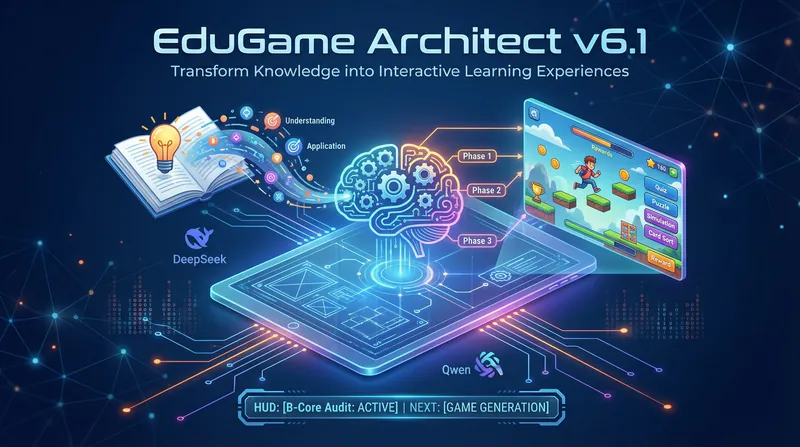
Edu Interactive Game Generator
Design interactive games like an education expert. Transform dull knowledge into engaging experiences, enabling students to learn efficiently through gameplay with immediate results.
 Webpage
Elementary Math Game Maker
Built for elementary math teachers and parents! No coding required—select a topic to instantly generate a ready-to-use interactive practice game. Replace dull paper worksheets with engaging practice that children enjoy and want to complete, while saving hours of lesson planning and question-finding time. Generated games can be used directly on Seewo whiteboards or shared on WeChat Moments. Questions and difficulty are customizable, and the built-in question bank covers topics across all elementary grade levels in the People's Education Press, Beijing Normal University Press, and Jiangsu Education Press curricula. Ready to use out of the box.
Information
- Version
- v1
- Last updated
- Runtime credits
- Usage-based
- Models
- Gemini 3 Pro
