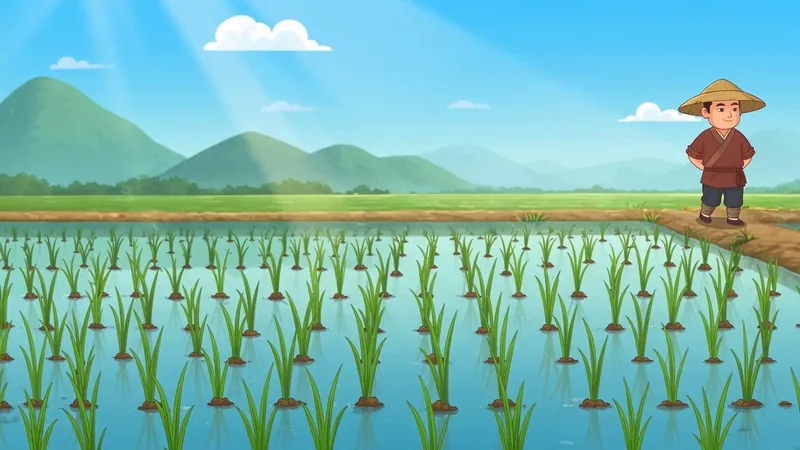
Daily Fruit Animation Workflow
One fruit animation every day, all year.
Description
Recommended by
淡苍
Why we love this skill
A reusable, controlled workflow for daily fruit animations, with version protection, focused iteration, and safeguards against visual drift and quality loss.
A skill for freely creating daily animated videos: enter the script for this episode (preferably generated by the “Daily Fruit Animation Video · Script Generation Skill.” If the user has not purchased or selected it, continue with the built-in “Simple Script” in the main skill). The output includes reference-image prompts and parameters for generating source video; when the user explicitly requests a finished video, it generates one. It strictly follows the worldbuilding in the “Fruit World · Setting Manual” while using credits efficiently. When images actually need to be generated, prioritize the companion “Fruit Micro World” image-generation skill (paid, with the best results). When introducing a new character, suggest the companion “Character Foundry” character-design skill. If the user has not purchased it, provide a simplified image-generation plan using a general-purpose image tool and only the key assets. Prompts for empty-scene video are already included at the end of the script (generated by the script skill or added by the main skill when using a simple script). This skill does not generate duplicate empty-scene prompts; only when requested by the user or needed for an emergency transition does it retrieve the prompt from the end of the script and generate an empty-scene video as needed.
Related Skills
View allSculptural Blue Charcoal Illustration
Generate tactile 16:9 limited-palette editorial illustrations that carry the visual spirit of ancient Greek and Roman figures into contemporary subjects. The Skill always creates the still image first, then asks whether the user wants to animate it into a short, coherent 16:9 video.
Step Into Masterpieces
Upload any world-famous painting and automatically create an immersive, cinematic FPV walkthrough video (≤15 seconds, single shot, no line annotations). The Skill analyzes the artwork’s composition and character placement, plans a camera path faithful to the original, generates a hand-drawn path preview labeled 1/2/3/4 for confirmation, writes the prompt, and produces the video—all without requiring you to mark the path or write a prompt. Videos are generated with Seedance 2.5 by default.
Idiom & Fable Video Maker
Quickly turn an idiom, historical anecdote, or fable into a continuous narrative storyboard script ready for video generation. Whether it’s “Waiting by a Tree Stump for a Rabbit,” “Plugging One’s Ears While Stealing a Bell,” “Sima Guang Smashes the Vat,” or an idiom you enter yourself, the Skill reconstructs the story’s setting, character relationships, key actions, and moral, then organizes them into a clear, tightly paced short-video plot. Two versions are provided by default: 15 seconds and 30 seconds. The 15-second version is ideal for quickly presenting the core plot, while the 30-second version adds environmental setup, character reactions, and climactic actions for a more complete and dramatic story. Each shot clearly specifies the emotion, framing, camera movement, and any necessary narration. Characters are given consistent visual traits to help maintain continuity across shots and work with common video generation models. All narration is written in a voiceover format—off-screen narration or spoken character dialogue—so the video model actually speaks the lines instead of rendering them as on-screen text. The default style is cartoon animation, but you can also request ink wash, paper cut, shadow puppetry, realistic, or other visual styles, or ask for only one duration. The final script is written entirely in Chinese and includes the scene atmosphere, character designs, shot descriptions, and continuity requirements. It is suitable for idiom animations, fable stories, Chinese-style short films, and traditional culture videos for children or general audiences.
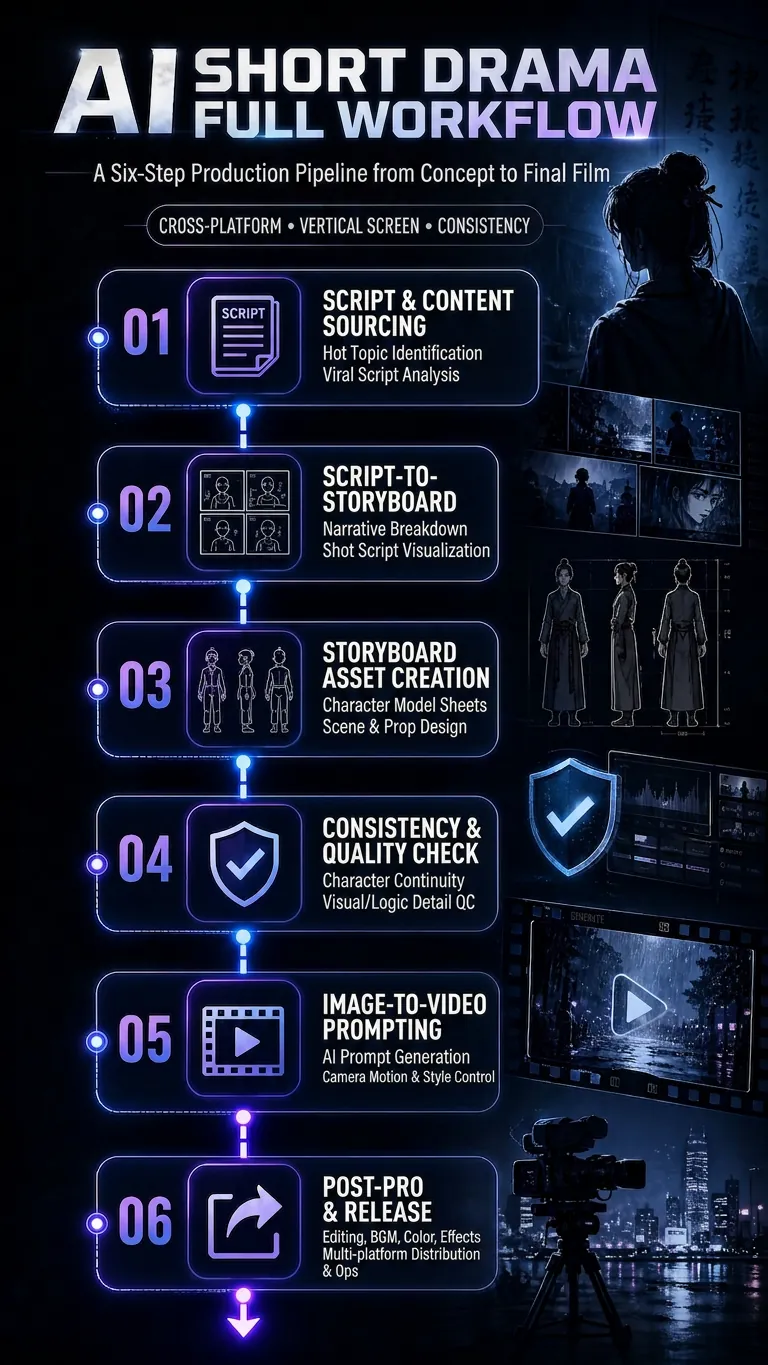
Daily Fruit Animation Workflow
One fruit animation every day, all year.
Description
Recommended by
淡苍
Why we love this skill
A reusable, controlled workflow for daily fruit animations, with version protection, focused iteration, and safeguards against visual drift and quality loss.
A skill for freely creating daily animated videos: enter the script for this episode (preferably generated by the “Daily Fruit Animation Video · Script Generation Skill.” If the user has not purchased or selected it, continue with the built-in “Simple Script” in the main skill). The output includes reference-image prompts and parameters for generating source video; when the user explicitly requests a finished video, it generates one. It strictly follows the worldbuilding in the “Fruit World · Setting Manual” while using credits efficiently. When images actually need to be generated, prioritize the companion “Fruit Micro World” image-generation skill (paid, with the best results). When introducing a new character, suggest the companion “Character Foundry” character-design skill. If the user has not purchased it, provide a simplified image-generation plan using a general-purpose image tool and only the key assets. Prompts for empty-scene video are already included at the end of the script (generated by the script skill or added by the main skill when using a simple script). This skill does not generate duplicate empty-scene prompts; only when requested by the user or needed for an emergency transition does it retrieve the prompt from the end of the script and generate an empty-scene video as needed.
Related Skills
View allSculptural Blue Charcoal Illustration
Generate tactile 16:9 limited-palette editorial illustrations that carry the visual spirit of ancient Greek and Roman figures into contemporary subjects. The Skill always creates the still image first, then asks whether the user wants to animate it into a short, coherent 16:9 video.
Step Into Masterpieces
Upload any world-famous painting and automatically create an immersive, cinematic FPV walkthrough video (≤15 seconds, single shot, no line annotations). The Skill analyzes the artwork’s composition and character placement, plans a camera path faithful to the original, generates a hand-drawn path preview labeled 1/2/3/4 for confirmation, writes the prompt, and produces the video—all without requiring you to mark the path or write a prompt. Videos are generated with Seedance 2.5 by default.
Idiom & Fable Video Maker
Quickly turn an idiom, historical anecdote, or fable into a continuous narrative storyboard script ready for video generation. Whether it’s “Waiting by a Tree Stump for a Rabbit,” “Plugging One’s Ears While Stealing a Bell,” “Sima Guang Smashes the Vat,” or an idiom you enter yourself, the Skill reconstructs the story’s setting, character relationships, key actions, and moral, then organizes them into a clear, tightly paced short-video plot. Two versions are provided by default: 15 seconds and 30 seconds. The 15-second version is ideal for quickly presenting the core plot, while the 30-second version adds environmental setup, character reactions, and climactic actions for a more complete and dramatic story. Each shot clearly specifies the emotion, framing, camera movement, and any necessary narration. Characters are given consistent visual traits to help maintain continuity across shots and work with common video generation models. All narration is written in a voiceover format—off-screen narration or spoken character dialogue—so the video model actually speaks the lines instead of rendering them as on-screen text. The default style is cartoon animation, but you can also request ink wash, paper cut, shadow puppetry, realistic, or other visual styles, or ask for only one duration. The final script is written entirely in Chinese and includes the scene atmosphere, character designs, shot descriptions, and continuity requirements. It is suitable for idiom animations, fable stories, Chinese-style short films, and traditional culture videos for children or general audiences.
Find your next favorite skill
Explore more curated AI skills for research, creation, and everyday work.