One City, One Scroll Flipbook
One City, One Scroll Flipbook
Showcase
Description
Your perfect travel companion. Enter any city or attraction, and it automatically generates an interactive flipbook humanities guide e-book. One skill, unlimited destinations. • Smart sorting: Large scenic areas are automatically split (e.g., 'Hangzhou · West Lake Volume', 'Hangzhou · Lingyin Volume'), small attractions become independent volumes. • In-depth humanities: Auto search + historical verification, not a Wikipedia copy-paste, but a guide with stories. • Optional audio narration: Pair with Cherry voice for listening on the go. Brand: Lydia's Travelogue
Why we love this skill
This 'One City One Scroll' cultural travel Flipbook, from the perspective of an experienced cultural guide, transforms profound historical knowledge into vivid and engaging tours, allowing every traveler to enjoy a deep cultural exploration.
Related Skills
View all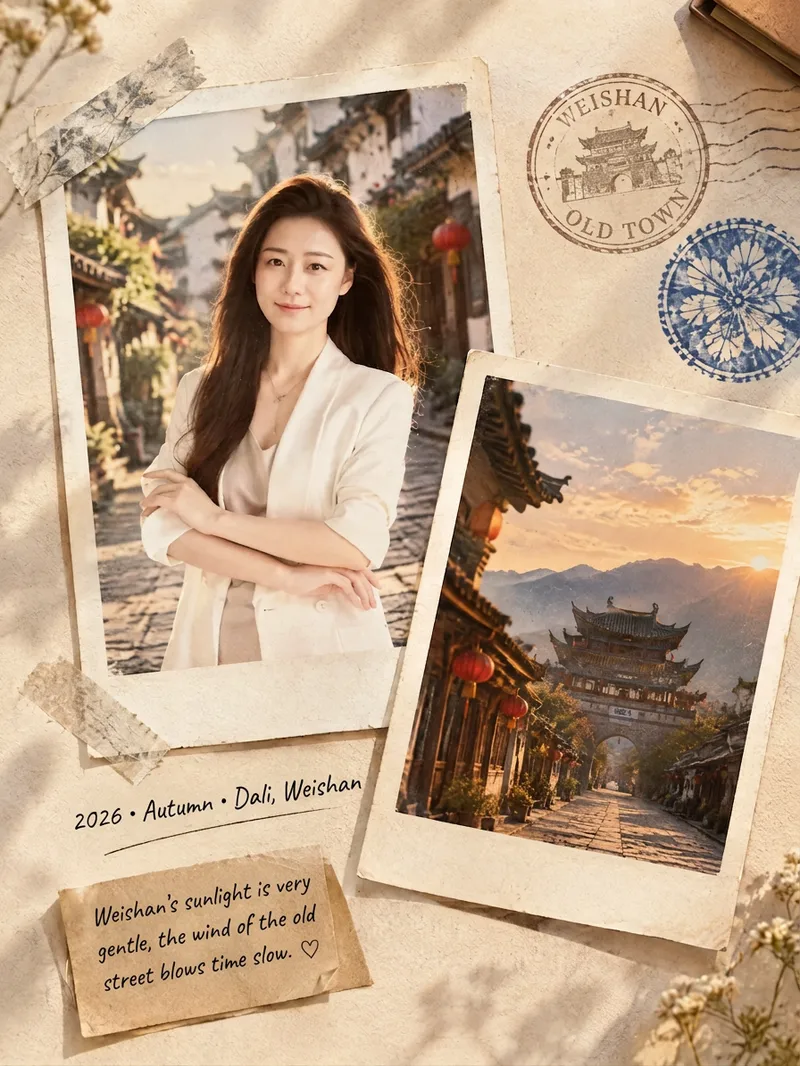 Image
ImageFilm Journal Log
Turn everyday snapshots, restaurant visits, travel records, or personal reflections into nostalgic film journal posters with a story to tell, along with heartfelt copy for Xiaohongshu and Moments. Whether the subject is a portrait, landscape, food, or still life, the design matches a fitting film color palette and lifestyle atmosphere based on the main subject, location, season, and mood. When you provide text only, it can also imagine a corresponding travel or slow-living scene from your description. Each finished piece centers on a 3:4 Polaroid collage, combining the white border of matte photo paper, handwritten dates and locations, washi tape, vintage stamps, sticky notes, and delicate paper textures. The result captures natural light and shadow, authentic grain, and the layered feel of a real-life flat lay—perfect for moments such as a café afternoon, a street market at night, a camping stroll, or a seaside road trip. When you upload a portrait, it will preserve the person’s recognizable facial features, expression, hairstyle, and clothing as much as possible. When you upload a scene photo, it will retain distinctive details such as the architecture, tableware, and original colors. You’ll receive a polished film journal visual poster, a concise design note, and social media copy with a title, body text, and hashtags. Make travel memories, restaurant discoveries, and everyday moments easier to share—and more worth keeping.
 Webpage
互动 3D 绘本网站生成器
给一个主题,即可产出可复用的 3D 绘本资产:① 故事文稿(3~4 场景、400~600 字、拼音注音默认开启);② 风格锁定的生图提示词「风格包」;③ 逐页 16:9 跨页插画(角色一致、可直接绘制中文与拼音);④ 数据驱动的通用 3D 翻页阅读器(纸页卷曲、翻页音效、读完可重新阅读、拼音可开关、顶部控制按钮位于右上角且为纯 SVG 图标、适配 PC/手机/iPad 并优先横屏、支持 URL 指定书籍);⑤ 可选的逐页童声配音(面向小朋友的可爱音色 + 丰富音效 + 统一背景音乐,嵌进阅读器一键逐页朗读;交付后会先询问是否需要)。支持 CDN 托管或完全离线内嵌,并维护故事索引防止连续重复。
 Webpage
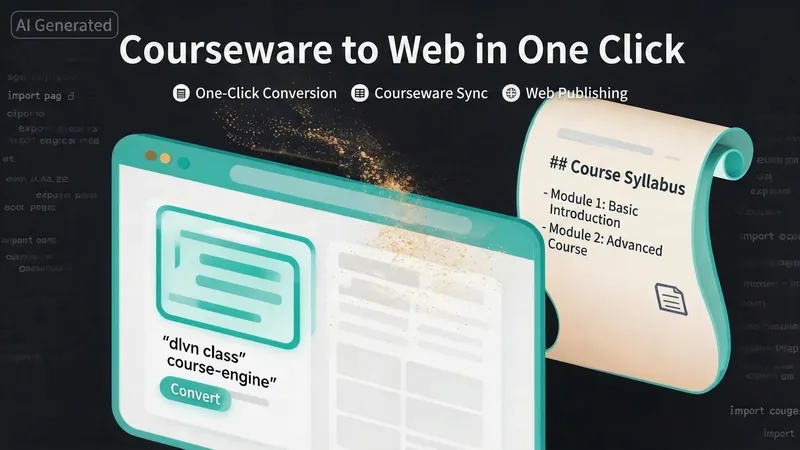
One-Click Courseware to Web
Turn your courseware into a viewable website. Whether you have a Markdown note, a PDF paper, a PPT slides, or a plain text script, or even a public account link, One-Click Courseware to Web can automatically convert it into a clear, beautifully designed online course display webpage. You don't need to write a single line of code—just provide the content. Two display styles: - Course training content → generates a scrolling long page, like flipping through a book. - Paper/report content → generates a PPT-style page-turning website, like browsing slides one by one. Responsive design adapts to mobile and desktop. What you need to do: Just one step: provide your courseware content. Supported formats: .md Markdown files, .pdf PDF documents, .pptx PPT presentations, .txt plain text. You can also paste course content directly in the conversation. Example commands: "Turn these lecture notes into a webpage" "Make this PDF paper into a PPT-style website" "Here is my courseware content, generate an online display page" What you get: A directly accessible online course display website, with the display mode automatically determined. Your content automatically selects the effect: - Course outlines, training handouts, textbooks → scrolling long pages, modules naturally connected, scroll to browse. - Academic papers, research reports → PPT-style slide flipping, each page focuses on one point. - Speeches, meeting reports → PPT-style page-by-page display, supports keyboard/click navigation. If you explicitly request "scrolling" or "PPT", your request is respected. Content extraction capability: For information-dense papers and long texts, the skill automatically performs: - Structure decomposition: splits continuous discourse into independent chapters/slides. - Information condensation: condenses three paragraphs into three key points, each within 20 characters. - Thesis-first: each page gives the conclusion first, then supporting arguments. - Framework visualization: models and classification systems are presented with charts instead of plain text. - Data highlighting: key numbers and metrics are displayed on separate pages prominently. Subsequent modifications: After the website is generated, you can request adjustments at any time: "Update the content of module three" "Change the color scheme to warm tones" "Add a course roadmap" "Change this module to a timeline layout" Modifications only affect the corresponding part; you don't need to regenerate the entire website. What it does not do: This skill currently focuses on course content display and does not include the following LMS (Learning Management System) features: - User login/registration - Learning progress tracking - File download - Online quizzes/practice If you need these features, they are separate extensions.
Information
- Version
- v6
- Last updated
- Runtime credits
- Usage-based
- Models
- Auto
